


 Home
HomeThunderbit - Use & Build AI Apps
Thunderbit: Create AI Tools No Coding


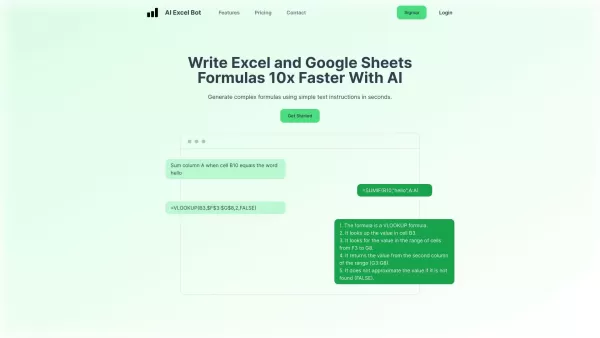
What is AI Excel Bot?AI Excel Bot uses advanced AI algorithms to help you build complex Excel and Google Sheets formulas in seconds. By leveraging natural language processing, it makes writing, editing, and understanding formulas much easier. Whether
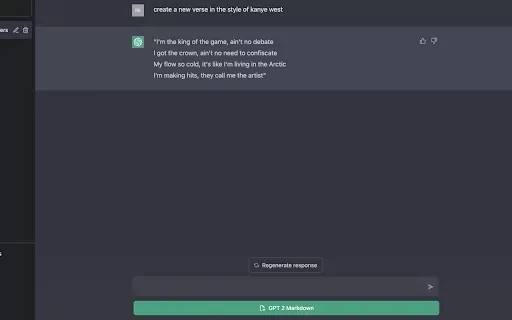
What is GPT2Markdown?GPT2Markdown is a Chrome extension that streamlines the process of exporting your ChatGPT conversations into Markdown format. With a single click, it allows you to download your chat history as a Markdown (.md) file directly to y
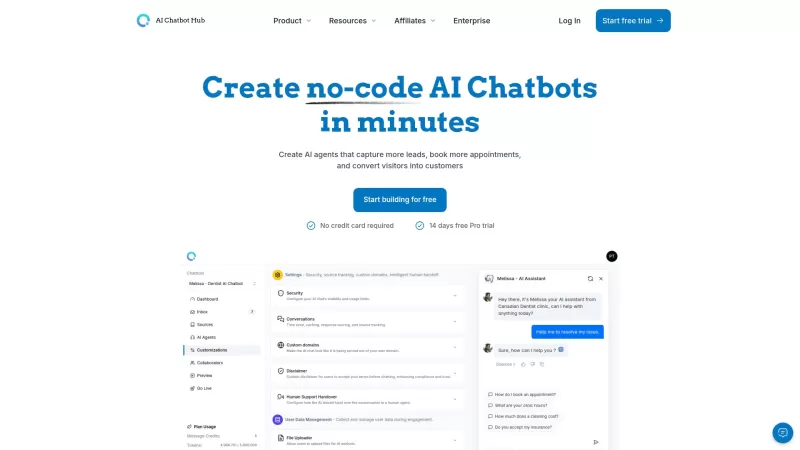
AI Chatbot Hub is your go-to no-code platform for crafting and deploying AI chatbots that streamline customer interactions and boost internal operations. No need to be a coding whiz—just dive in and start creating chatbots that can capture leads, schedule
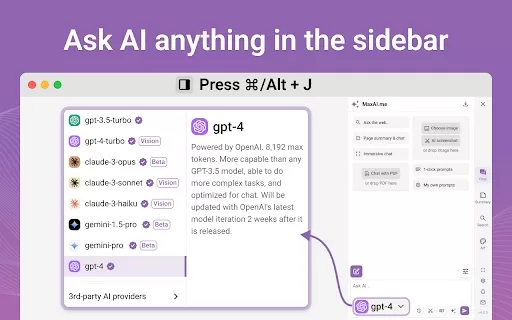
Ever wished for a trusty sidekick to boost your productivity while you surf the web? Well, say hello to the MaxAI AI Chrome extension! This little gem is your go-to for real-time suggestions and a whole suite of AI tools that can transform your online exp
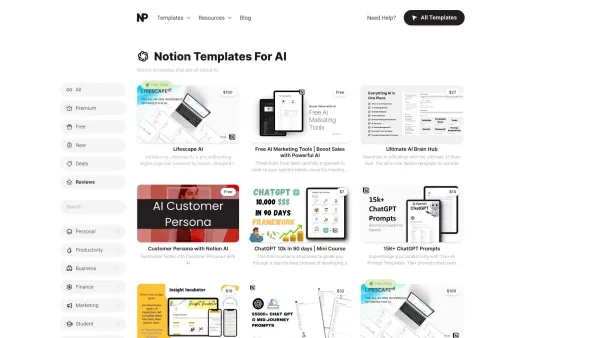
What Are Notion Templates for AI? Notion Templates for AI Integration to Supercharge Productivity Looking to harness the power of AI within your workflow? Notion Templates for AI Integration offers tailored solutions designed to streamline your day-to-day
Thunderbit - Use & Build AI Apps Product Information
What is Thunderbit - Use & Build AI Apps?
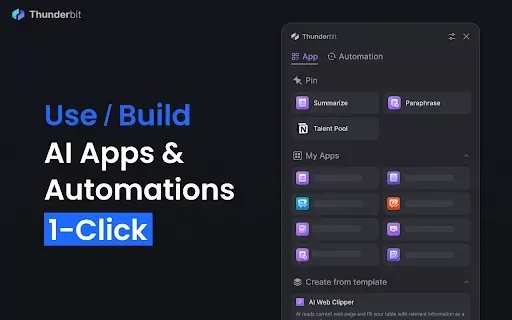
Thunderbit offers an intuitive platform for rapidly creating AI applications and automations. Users can build custom web assistants using ready-made templates to automate tasks like summarizing articles and managing schedules. This no-code solution makes it easy to harness the power of AI, saving time and boosting productivity. Whether you're an individual optimizing daily routines or a business improving operational efficiency, Thunderbit provides adaptable tools for a wide range of needs.
Who will use Thunderbit - Use & Build AI Apps?
- Business professionals
- Individuals looking to automate tasks
- Freelancers
- Project managers
- Small and medium-sized businesses
How to use the Thunderbit - Use & Build AI Apps?
- Step 1: Install the Thunderbit extension from the Chrome Web Store.
- Step 2: Open the extension and create an account or log in.
- Step 3: Select a template or begin with a blank project.
- Step 4: Personalize your AI application to suit your requirements.
- Step 5: Save and deploy your application to start automating.
Platform
- Web
- Chrome
Thunderbit - Use & Build AI Apps's Core Features & Benefits
The Core Features
- AI application builder
- No-code automation
- Customizable templates
- Web assistant for task management
The Benefits
- Boosted productivity
- User-friendly interface
- Flexible customization
- Time-efficient automation
Thunderbit - Use & Build AI Apps's Main Use Cases & Applications
- Automatically summarizing articles
- Managing personal schedules
- Developing custom AI tools for business workflows
- Streamlining customer service requests
FAQs of Thunderbit - Use & Build AI Apps
What is Thunderbit?
Thunderbit is a no-code platform for building AI-powered applications.
How do I start using Thunderbit?
Get started by installing the Chrome extension and setting up your account.
Is coding required to use Thunderbit?
No, Thunderbit is built for users without any coding background.
What kind of applications can I create?
You can build custom AI tools, web assistants, and automate diverse tasks.
Can Thunderbit be used for business automation?
Yes, it is designed to improve business processes through automation.
Are there any templates available?
Yes, Thunderbit provides multiple customizable templates for users.
Is it free to use Thunderbit?
There are both free and premium features; please check the platform for details.
How do I customize my AI application?
Customize your application using the platform's user-friendly interface.
What platforms support Thunderbit?
Thunderbit works on web browsers, with specialized support for Chrome.
Can I collaborate with others on Thunderbit?
Yes, you can share and collaborate on AI applications with your team.
Thunderbit - Use & Build AI Apps Company Information
Website:
https://thunderbit.comCompany Name:
ThunderbitSupport Email:
NAFacebook:
NAX(Twitter):
NAYouTube:
NAInstagram:
NATiktok:
NALinkedIn:
https://www.linkedin.com/company/thunderbit
Thunderbit - Use & Build AI Apps Screenshot

Discover the 2026 best AI assistants for crafting epic xianxia & wuxia tales. XIX.AI's curated list features top-rated, game-changing tools to master cultivation progression and martial arts choreography. Compare free vs paid options with real-world tests. Unlock your creative potential and start writing today!
 10 tools
 xix.ai

Discover the 2026 best AI mobile app coding tools for Flutter & React Native. Our curated, top-rated list features powerful, game-changing solutions that generate cross-platform code from prompts. Compare free vs paid options with real-world tests. Unlock faster development and build better apps. Explore the rankings on XIX.AI now!
10 tools
xix.ai

Discover the 2026 best AI Chrome extension generators on XIX.AI. Our curated list features top-rated, must-try tools that let you create custom browser add-ons with zero coding. Compare free vs paid options, see real-world tests, and unlock your productivity. Explore the latest rankings and find your perfect tool today!
10 tools
xix.ai

Discover the 2026 best AI multilingual TTS tools for authentic native-accent speech in 50+ languages. Explore our top-rated, curated rankings with free vs paid comparisons and real-world tests. Find your perfect voice tool on XIX.AI and unlock global communication today.
10 tools
xix.ai

Discover the 2026 latest top-rated AI meeting automation tools for smarter, faster collaboration. Our curated list features powerful, game-changing solutions to automate notes, summaries, and action items. Compare free vs paid options with real-world tests and weekly updated rankings. Unlock peak team productivity. Explore the best picks now at XIX.AI.
10 tools
xix.ai

Discover the 2026 latest top-rated AI prompts for Infrastructure-as-Code. XIX.AI's curated selection helps you safely deploy Terraform & Docker configurations, automate cloud setups, and boost DevOps productivity. Compare free vs paid options with real-world tests. Explore now and unlock your AI edge.
10 tools
xix.ai


