


 Home
HomeThe New Riverside



Helps TikTok sellers, brands, MCNs, and TAPs discover winning products and find creators.

HelpLook is an AI-powered all-in-one knowledge base tool that helps businesses quickly build knowledge bases, help centers, and...

Your AI Workspace

302.AI is an enterprise-grade AI resource platform with pay-as-you-go pricing, API access to a full range of AI models, and ready-to-use online applications.

剧火AI — AI Screenwriter + Director, a One-Person Short Drama Studio In one sentence, what is it?
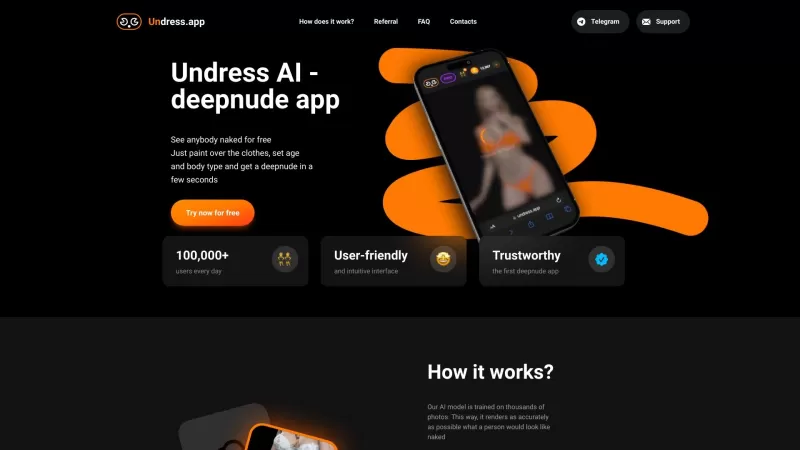
Ever wondered what lies beneath the fabric? Well, Undress AI promises to give you a peek with its deepnude technology. It's like having a digital artist at your fingertips, ready to create those "what if" scenarios without any of the hassle. This tool isn
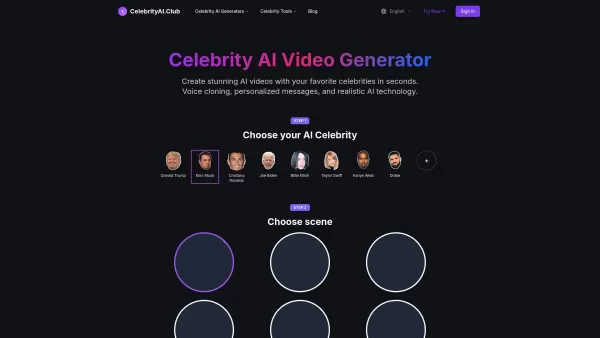
What is Celebrity AI?CelebrityAI revolutionizes digital content creation with its cutting-edge artificial intelligence platform that generates lifelike celebrity videos and voice messages. Using sophisticated technologies including deep neural networ
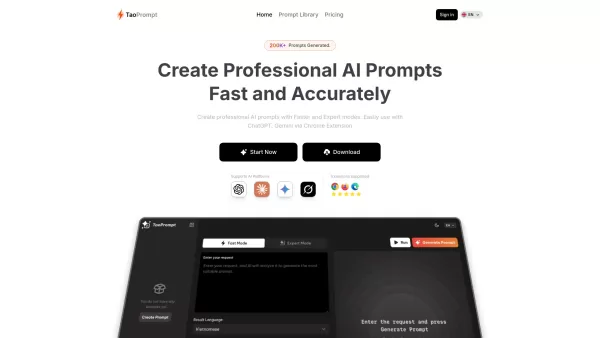
If you're diving into the world of AI and need a tool to streamline your interactions with models like ChatGPT, Claude, and Gemini, let me introduce you to TaoPrompt. This isn't just another AI tool; it's a professional prompt generator that's designed to
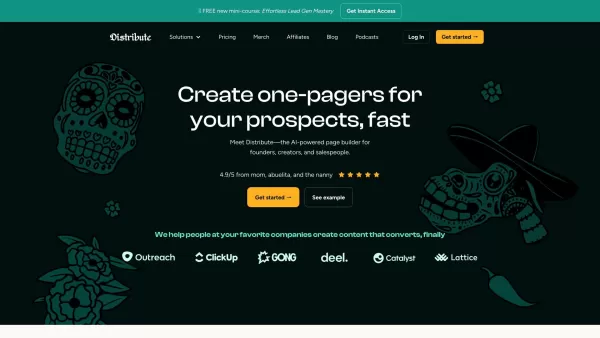
So, what’s this whole Distribute | Death To Whitepapers thing about? Think of it as your secret weapon for creating killer content—fast. In under 10 minutes, you can whip up something truly valuable, whether it’s a sleek one-pager, a micro-website, or eve

Ever wondered what EwolveAI is all about? Well, let me break it down for you. EwolveAI isn't just another AI tool; it's your all-in-one AI solution that's here to revolutionize the way you handle content. Whether you're a writer, a marketer, or just someo
The New Riverside Product Information
What is The New Riverside?
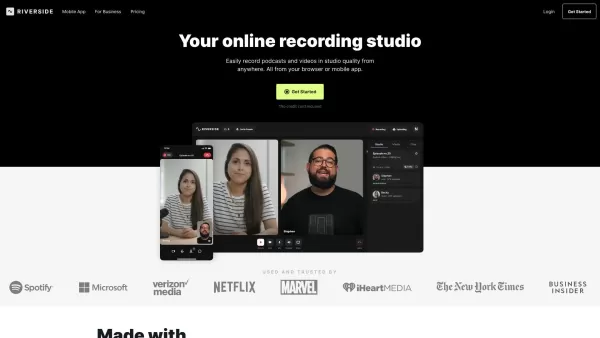
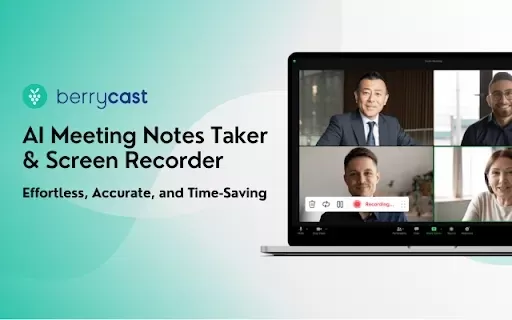
Riverside.fm is a sophisticated online recording studio designed for podcasters, content creators, and media companies to capture remote interviews with studio-grade quality. It enables users to record in 4K video and WAV audio for the highest fidelity output. The platform features local recording for lossless quality, AI-powered editing tools, and real-time media uploads. Built for a professional and seamless experience, Riverside.fm is ideal for creating compelling remote content.
Who uses The New Riverside?
- Podcasters
- Content Creators
- Media Companies
- Enterprises
- Remote Teams
How to use The New Riverside
- Step 1: Sign up on Riverside.fm.
- Step 2: Create a new studio session.
- Step 3: Invite guests via email or a shareable link.
- Step 4: Configure your audio and video settings.
- Step 5: Begin recording the session.
- Step 6: Edit the content using the built-in tools.
- Step 7: Download and share the final output.
Platform
- Web
- iOS
- Android
The New Riverside's Core Features & Benefits
Core Features
- Studio-quality remote recording
- 4K video and WAV audio output
- AI-enhanced editing tools
- Local recording for lossless quality
- Real-time media upload
Benefits
- Professional-grade content
- Effortless remote collaboration
- High-quality audio and video
- Streamlined editing process
- Scalable for teams and enterprises
The New Riverside's Main Use Cases & Applications
- Podcast recording
- Remote video interviews
- Webinars
- Online courses
- Business meetings
The New Riverside's Pros & Cons
Pros
Studio-quality local recording with separate audio and video tracks for each participant.
Supports 4K video recording and downloads of high-quality WAV and MP4 files.
AI-powered editing tools, including AI Voice, VideoDub, automatic silence/filler word removal, caption generation, and Magic Audio for polished sound.
An all-in-one platform for recording, editing, streaming, and publishing.
Automatic transcription and AI-generated show notes to boost content creation and SEO.
Supports live streaming in full HD with branding and omnichat features.
Offers a free plan with no credit card required and easy team collaboration features.
Cons
No publicly available open-source code or GitHub repository.
Limited information on offline capabilities or integration with third-party AI tools.
No visible community or discussion channels like Discord or Telegram.
The New Riverside's Pricing
Has free plan | YES |
|---|---|
Free trial details | |
Pricing model | Freemium |
Is credit card required | No |
Paid from | 15 USD |
Has lifetime plan | No |
Billing frequency | Monthly |
Details of Pricing Plan
Free
0 USD
- 2 hours of multi-track recordings (Separate audio and video tracks)
- Full suite of editing tools
- Up to 720p video quality
- Riverside watermark on all exports
- 44.1 kHz audio quality
- Unlimited single-track recording and editing
- Magic Clips
- Unlimited video call duration
Standard
15 USD
- 5 hours of multi-track recordings (Separate audio and video tracks)
- Full suite of editing tools
- Everything in Free, plus:
- Up to 4K video quality
- No watermark
- 48kHz audio quality
- Smooth Speech & Set Pace
- Image & Text overlays
Pro
24 USD
- 15 hours of multi-track recordings (Separate audio and video tracks)
- Unlimited edits
- Everything in Free, plus:
- Up to 4K video quality
- No watermark
- 48kHz audio quality
- Magic Audio
- AI Transcriptions
- AI-generated Show Notes
- Magic Clips controls
- AI Voice
- Teleprompter
- Image, Text, Music & Video overlays
- Custom virtual backgrounds
- Full Brand Kit
- Live chat support
Live
34 USD
- 15 hours of multi-track recordings (Separate audio and video tracks)
- Unlimited edits
- Live stream in full HD (1080p)
- Everything in Free, plus:
- Up to 4K video quality
- No watermark
- 48kHz audio quality
- Magic Audio
- AI Transcriptions
- AI-generated Show Notes
- Magic Clips controls
- AI Voice
- Teleprompter
- Image, Text, Music & Video overlays
- Full Brand Kit
- Live chat support
- Multistream on unlimited channels
- Omnichat
- Hide/show participants
- Custom RTMP
- Lower thirds
- Accept Live call-ins
Business
Custom USD
- Unlimited multi-track recording (Separate audio and video tracks)
- Production workspaces
- Collaborate with your team
- Advanced editing capabilities
- Unlimited live streaming, plus lobby branding
- Everything in Live, plus:
- Producer mode
- Control guest input/output settings
- Advanced camera controls
- Async Recording
- Teleprompter (For host & guest)
- Presentation recorder
- Custom frame rates
- Extra user roles
- Priority support
- Customized onboarding & Dedicated Customer Success Manager
- SSO (Okta, Azure, more)
- SOC2 type II & ISO27001 certified
Discount:
Up to 21% off on annual plans
For the latest prices, please visit: https://www.riverside.fm/pricing
FAQs of The New Riverside
Does Riverside.fm work on mobile devices?
Yes, Riverside.fm offers mobile apps for both iOS and Android.
What is Riverside.fm used for?
Riverside.fm is used for recording high-quality podcasts and video content remotely.
What quality is Riverside.fm video?
Riverside.fm supports video recording in up to 4K quality.
Is Riverside.fm better than Zoom?
Riverside.fm provides superior recording quality and features specifically designed for podcasting and professional content creation compared to Zoom.
Is Riverside.fm free to use?
Riverside.fm offers a free plan with basic features and paid plans for advanced capabilities.
How do I join a Riverside.fm call?
Click the join link from the host, enter your name in the lobby, and follow the prompts to enter the session.
Where do my Riverside.fm recordings go?
Recordings are saved locally on your device and uploaded to Riverside's cloud storage.
How do I cancel my Riverside.fm subscription?
To cancel, log into your Riverside account, navigate to your subscription settings, and follow the instructions to cancel.
Can I edit my recordings on Riverside.fm?
Yes, Riverside.fm includes AI-enhanced editing tools for modifying your recordings.
How do I contact Riverside.fm support?
You can contact support via live chat or email, available on the Riverside.fm website.
The New Riverside Company Information
Website:
https://riverside.fmCompany Name:
Riverside.fmSupport Email:
Facebook:
https://www.facebook.com/riversidedotfm/X(Twitter):
NAYouTube:
NAInstagram:
NATiktok:
NALinkedIn:
NA
The New Riverside Screenshot
2026 Latest Best Top-Rated AI Prompt Libraries for optimizing all types of ChatGPT workflows. XIX.AI has curated a powerful, game-changing collection that goes through rigorous real-world tests to ensure top performance. You can find detailed free vs paid comparisons and expert rankings to help you choose the must-try tools that boost your productivity and unlock your AI edge. Explore now!
 11 tools
 xix.ai

2026 Latest Best AI Quiz Builder Platforms for Teachers, Tutors, and Cohort-Based Learning Programs! XIX.AI has curated a top-rated list of powerful game-changing tools that go through real-world tests to deliver accurate rankings. These must-try platforms help boost writing efficiency, streamline content creation, and simplify quiz design across all learning scenarios. Explore now to discover your perfect tool for unlocking your AI edge in teaching!
13 tools
xix.ai
2026 Latest Best AI Pull Request Review Tools for GitHub Teams are here on XIX.AI! This top-rated curated list showcases powerful game-changing solutions that streamline refactoring, bug fixing, and security gap detection across all team workflows. Enjoy a free vs paid comparison along with real-world tests and detailed rankings to help you find the perfect tool that boosts productivity significantly. Explore now to unlock your AI edge!
12 tools
xix.ai

2026 Latest Best Top-rated AI Text to Speech Tools for Natural Voiceovers are here on XIX.AI! This curated list features powerful, game-changing options that deliver crystal-clear voices for every use case, backed by real-world tests and weekly updated rankings. Get a free vs paid comparison to find the must-try solution that boosts your productivity instantly. Explore now to Unlock your AI edge!
11 tools
xix.ai

2026 Latest Best Manga AI Background Generators Ranked Top-Rated! This curated collection showcases powerful game-changing tools perfect for creating high-quality chapter backgrounds, book covers, and promotional art. Every option has undergone rigorous real-world tests to ensure reliability. Get a free vs paid comparison along with detailed insights. Explore now to discover your perfect tool and unlock your AI edge in manga creation.
6 tools
xix.ai
2026 Latest Best Top-rated AI Object Removal Editors for portraits travel product shots! XIX.AI curates a powerful game-changing collection regularly updated with weekly rankings. These tools offer real-world tests to help you quickly remove unwanted elements, boost content quality, and save tons of time without compromising results. Must-try for anyone aiming to unlock their AI creation edge. Explore now!
10 tools
xix.ai


