


 Home
HomeThe ChatGPT Chrome Extension - TeamSmart AI
AI Assistants Chrome Extension



Helps TikTok sellers, brands, MCNs, and TAPs discover winning products and find creators.

HelpLook is an AI-powered all-in-one knowledge base tool that helps businesses quickly build knowledge bases, help centers, and...

Your AI Workspace

302.AI is an enterprise-grade AI resource platform with pay-as-you-go pricing, API access to a full range of AI models, and ready-to-use online applications.

剧火AI — AI Screenwriter + Director, a One-Person Short Drama Studio In one sentence, what is it?
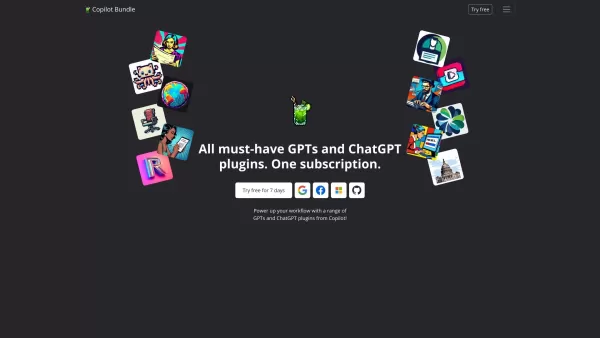
Copilot is an innovative suite of plugins and tools designed to enhance productivity and streamline various tasks within the ChatGPT platform. It's like having a digital assistant that's specialized in boosting your workflow, whether you're summarizing documents, searching the web, or managing job a
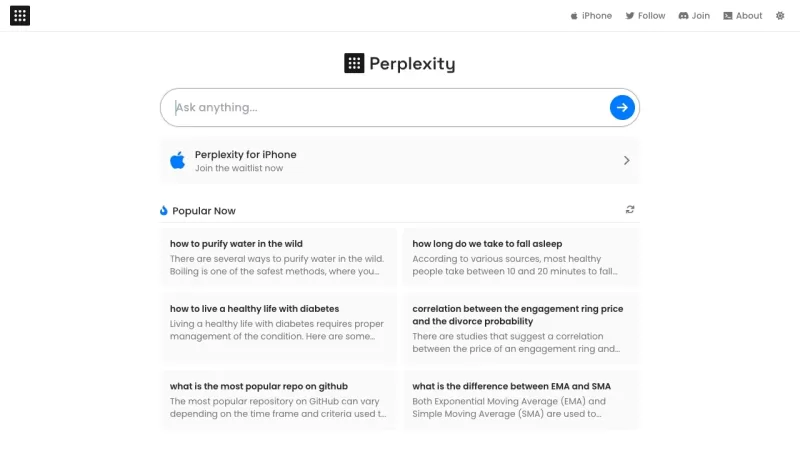
Ever stumbled upon Perplexity AI and wondered what it's all about? Well, let me break it down for you. Perplexity AI isn't just another search engine; it's a smart AI-powered tool that taps into the power of large language models and traditional search en
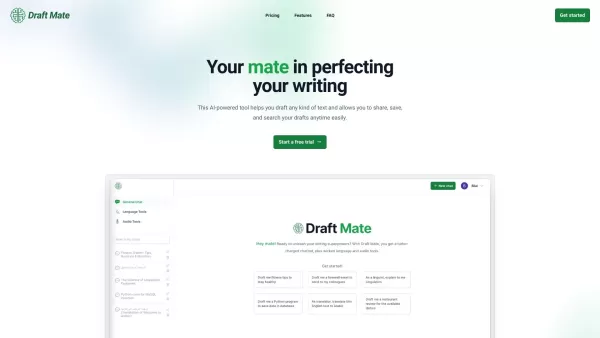
Introducing DraftMate: The Ultimate Writing Companion Picture this: you're sitting at your desk, staring at a blank screen, trying to craft the perfect email, blog post, or even a chapter for your novel. Sounds familiar? Well, DraftMate is here to make yo
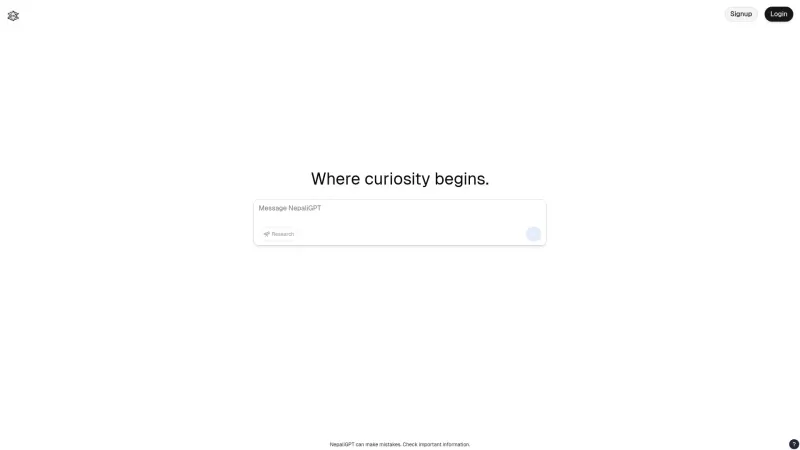
Ever wondered what NepaliGPT is all about? Well, let me break it down for you. NepaliGPT is this cool AI platform that's all about giving you spot-on answers to your questions, but with a twist—it's all in Nepali! It's like having a super-smart friend who speaks your language, blending AI magic with

Ever wondered how to make your internet browsing not just functional, but downright smarter? Let me introduce you to SigmaOS Airis, a tool designed to elevate your online experience to a whole new level. It's not just another browser; it's a smarter way t
The ChatGPT Chrome Extension - TeamSmart AI Product Information
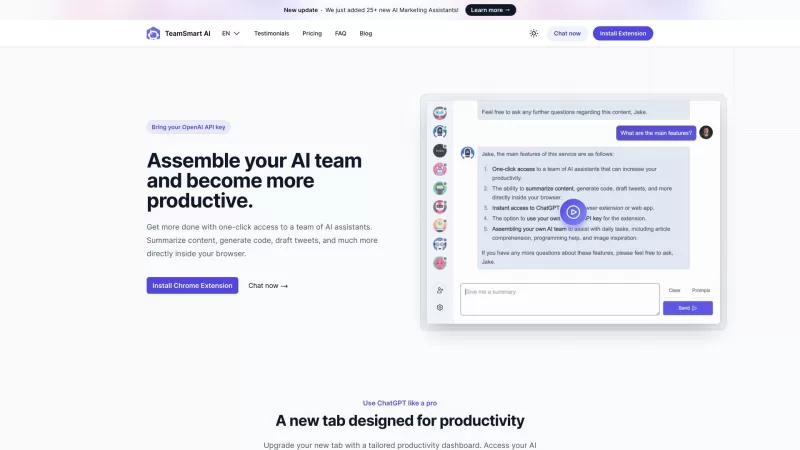
Ever wished you had a team of AI assistants at your fingertips to help you breeze through tasks? Well, the TeamSmart AI Chrome extension is here to make that dream a reality. Imagine having a squad of clever bots ready to summarize content, whip up code, or even draft your next tweet—all with just a click inside your browser. It's like having a mini tech crew on standby, and honestly, it's pretty cool.
Getting started with TeamSmart AI is a snap. Just install the extension from the Chrome Web Store and give the icon a tap to dive in. You'll be greeted with a fun lineup of AI assistants to choose from. Build your dream team, and start chatting with them. Need help with a project? Just ask! They're here to make your digital life smoother.
Core Features of TeamSmart AI
So, what's under the hood of TeamSmart AI? Let's break it down:
- One-click access to a team of AI assistants? Check! It's like having a secret weapon in your browser.
- Want to summarize that long article? No problem. These bots can cut through the noise and give you the gist in no time.
- Stuck on coding? The AI can generate code snippets to get you moving again.
- Feeling creative on Twitter? Let the AI draft your next tweet. It's like having a witty friend on speed dial.
- The chat interface is as easy as texting your buddies, making communication a breeze.
- There's a whole variety of specialized assistants, so you're covered no matter the task.
- User-friendly prompts make it simple to get the most out of your AI team.
- Worried about privacy? All your data stays local, keeping your messages secure.
Use Cases for TeamSmart AI
TeamSmart AI isn't just a one-trick pony. Here's a taste of what you can do with it:
- Summarize articles, reports, or even those endless emails.
- Generate code when you're stuck or need a quick snippet.
- Draft tweets to keep your social media game strong.
- Brainstorm ideas with your AI squad—they're great at thinking outside the box.
- Get help writing drafts for anything from emails to essays.
- Review code with the help of your AI team to catch those pesky bugs.
- Enhance your search by letting the AI dig up the info you need.
- Collaborate on creative writing projects—it's like having a co-author.
- Quick Q&A sessions to get answers fast.
- And honestly, the possibilities are endless. It's like having a Swiss Army knife for your digital needs.
FAQ
- What is TeamSmart AI?
- TeamSmart AI is a Chrome extension that brings a team of AI assistants to your browser for various tasks.
- How do I use TeamSmart AI?
- Install the extension, click the icon to open it, choose your AI assistants, and start chatting with them for help.
- What are the core features of TeamSmart AI?
- It includes one-click access to AI assistants, content summarization, code generation, tweet drafting, a chat interface, specialized assistants, user-friendly prompts, and secure local data storage.
- What are the use cases of TeamSmart AI?
- It's great for content summarization, code generation, drafting tweets, brainstorming, writing drafts, code reviewing, searching, creative writing, Q&A, and much more.
- The company behind TeamSmart AI is called TeamSmart.ai. They're the ones making your digital life easier.
- Curious about the pricing? Check it out here: TeamSmart AI Pricing.
- Want to connect on social media? Find TeamSmart AI on Facebook.
- And don't forget to follow them on Twitter for the latest updates and tips.
The ChatGPT Chrome Extension - TeamSmart AI Screenshot



2026 Latest Best AI Short-Form Video Hook Generators for Reels Shorts and Product Launch Campaigns! XIX.AI curates top-rated powerful game-changing tools that deliver must-try results through real-world tests. This weekly updated page offers free vs paid comparison rankings to help you find the perfect solution for boosting content creativity and productivity. Explore now to Unlock your AI edge!
 11 tools
 xix.ai

2026 Latest Best Top-Rated AI Article Outline Tools for Long Form Writing! This curated collection features powerful, game-changing tools that deliver accurate, structured outlines with real-world tests to boost writing efficiency significantly. XIX.AI is part of this elite selection. Get a free vs paid comparison to help you choose the perfect tool. Explore now and Unlock your AI edge!
9 tools
xix.ai

2026 Latest Best Top-rated AI Roleplay Chat Apps for Language Practice, Interview Prep, and Daily Fluency! XIX.AI curates a powerful game-changing collection that offers free vs paid comparison, real-world tests, and updated rankings weekly. These must-try tools help you boost writing skills, overcome fluency challenges, and improve communication efficiency across all daily scenarios. Explore now to discover your perfect tool for language growth!
10 tools
xix.ai

2026 Latest Best Top-rated AI Stem Separation Tools Curated for Remix Production, Sampling Prep, and Karaoke Masters. These powerful game-changing tools offer real-world tests to deliver precise audio isolation, boosting productivity significantly. XIX.AI provides a weekly updated free vs paid comparison guide to help you find the must-try solution that suits your needs. Explore now to unlock your AI edge.
8 tools
xix.ai

2026 Latest Best AI SQL Copilots Ranked Top-Rated! XIX.AI curates a powerful game-changing collection for weekly updated real-world tests. These must-try tools help you generate accurate revenue dashboards, analyze sales funnels, and track product metrics swiftly, boosting productivity massively. Explore now to Discover your perfect tool for data-driven decision making! 238 characters
9 tools
xix.ai

2026 Latest Best Top-Rated AI Melody Writing Tools for Song Drafts! XIX.AI has curated a highly powerful game-changing collection that goes through rigorous real-world tests to deliver the best writing experience. You can find detailed free vs paid comparisons, accurate rankings, and must-try options designed to help you create stunning song drafts effortlessly and boost your creative productivity significantly. Explore now to discover your perfect tool!
8 tools
xix.ai


