


 Home
HomeTeletyped
Enhanced UI for ChatGPT, Claude: Feature-Rich



Helps TikTok sellers, brands, MCNs, and TAPs discover winning products and find creators.

HelpLook is an AI-powered all-in-one knowledge base tool that helps businesses quickly build knowledge bases, help centers, and...

Your AI Workspace

302.AI is an enterprise-grade AI resource platform with pay-as-you-go pricing, API access to a full range of AI models, and ready-to-use online applications.

剧火AI — AI Screenwriter + Director, a One-Person Short Drama Studio In one sentence, what is it?
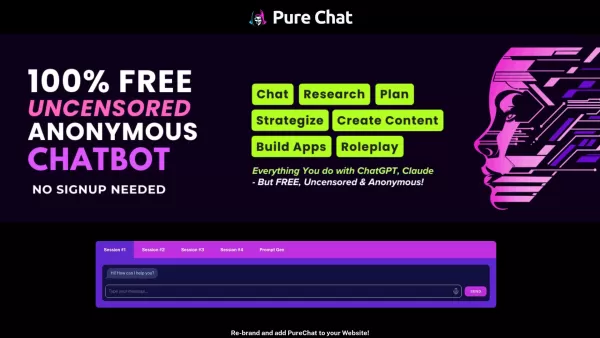
PureChat is a haven for those looking to dive into AI chat without hitting any paywalls or censorship barriers. Powered by the innovative ChatGPT, it offers a platform where your creativity and curiosity can run wild, completely free of charge.How to
Copilot is an innovative suite of plugins and tools designed to enhance productivity and streamline various tasks within the ChatGPT platform. It's like having a digital assistant that's specialized in boosting your workflow, whether you're summarizing documents, searching the web, or managing job a

Ever wished for a trusty sidekick to help you navigate the digital world with ease? Enter Sider, your personal AI companion designed to seamlessly blend into your daily routine. Starting off as a handy Chrome/Edge extension, Sider transforms your browsing
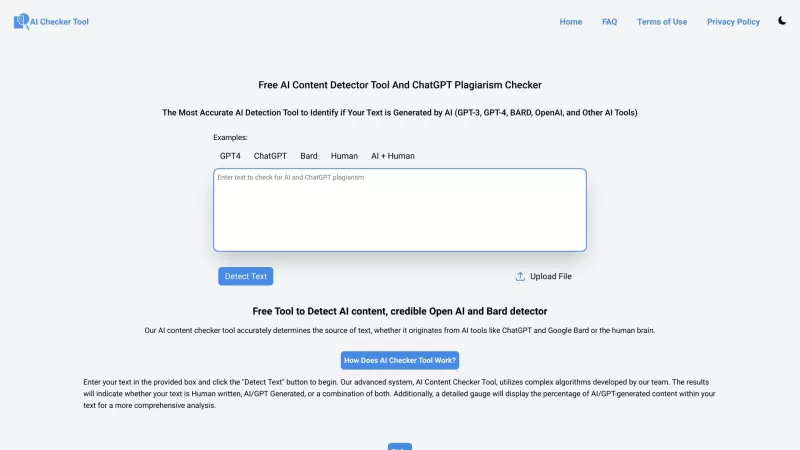
Ever wondered if that essay you just wrote or the latest ChatGPT conversation you had is truly unique? Well, the Free AI Content Detector Tool and ChatGPT Plagiarism Checker is here to put your mind at ease. This handy website uses cutting-edge AI algorit
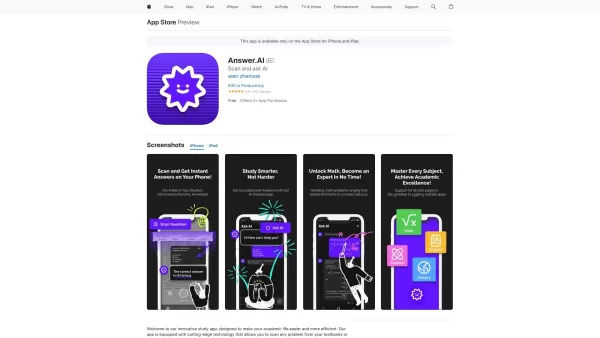
Ever found yourself stuck on a homework problem, staring at your textbook and wishing for a magic solution? Well, meet Answer.ai, your new best friend in the world of homework help. This innovative app, powered by the mighty ChatGPT, is here to transform
Teletyped Product Information
Ever found yourself wishing for a smarter way to interact with AI models like ChatGPT and Claude? Enter Teletyped, your new go-to interface that takes your AI chats to the next level. It's not just another chat window; it's a powerhouse of features designed to make your AI interactions smoother, more organized, and downright more enjoyable.
How to Use Teletyped?
Getting started with Teletyped is a breeze. Just dive into the interface, and you'll find yourself chatting with AI models in no time. Need to find something from a past conversation? No problem. Use the search function to dig up those nuggets of wisdom. Want to keep a chat for later? Just save it. And if you're feeling adventurous, switch between models to see how they respond differently to your queries. It's all about making your AI experience as flexible and useful as possible.
Teletyped's Core Features
Full-text Chat Search
Ever lost track of an important detail from a previous chat? Teletyped's full-text search lets you find exactly what you're looking for in a snap.
Chat Saving
Save those brilliant AI responses or key information for future reference. With Teletyped, you can keep your most valuable chats at your fingertips.
Dynamic Model Switching
Why stick to one AI model when you can switch between them mid-chat? Teletyped lets you mix and match for the perfect AI experience.
Editable Model Responses
Got an AI response that's almost perfect but not quite? Edit it to your heart's content with Teletyped's editable feature.
Customizable Visual Themes
Make Teletyped yours with customizable themes. Whether you're into dark mode or something more vibrant, you can tailor the look to suit your style.
Teletyped's Use Cases
Teletyped isn't just a tool; it's a game-changer for anyone who chats with AI. Here's how you can make the most of it:
- Quickly Search Through Chats: Need to find that piece of advice from last week? Teletyped's search function makes it easy.
- Save Valuable Chat Interactions: Keep those insightful conversations for future reference or to share with others.
- Switch Between AI Models: Experiment with different models to see which one gives you the best answers for your needs.
FAQ from Teletyped
- How can I save my chat conversations on Teletyped?
- Saving chats is straightforward. Just hit the save button during or after your conversation, and your chat will be stored for later use.
- Can I switch AI models during a chat?
- Absolutely! Teletyped allows you to switch models on the fly, so you can get different perspectives in the same conversation.
- What happens to temporary chats?
- Temporary chats are just that—temporary. They'll vanish after a period of inactivity, but if you want to keep them, remember to save them.
Teletyped Login
Teletyped Login Link: https://chat.teletyped.com/auth/signup
Teletyped Sign up
Teletyped Sign up Link: https://chat.teletyped.com/auth/signup
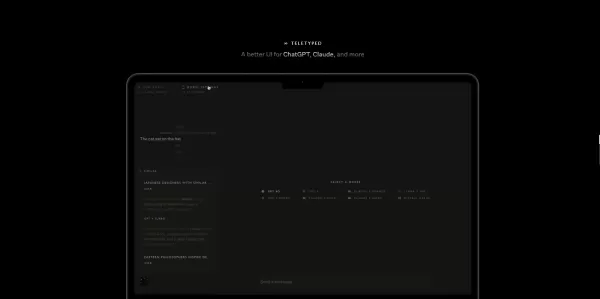
Teletyped Screenshot





2026 Latest Top-rated AI Illustration Tools: Our curated list features the best powerfully designed tools for creating stunning editorial scenes and eye-catching cover art quickly. Each option has gone through rigorous real-world tests, offering a free vs paid comparison to help you find the perfect match for your workflow. Try these must-try solutions today to unlock your AI edge and boost your creative productivity. Explore now at XIX.AI.
 10 tools
 xix.ai

2026 Latest Top-Rated Best AI Tutors for Exam Prep are here on XIX.AI! Our curated list features powerful game-changing tools that offer free vs paid comparison, real-world tests, and weekly updated rankings. They help boost your writing efficiency, simplify complex topic learning, and unlock your academic potential. Explore now to Discover your perfect exam prep tool and Start creating today to Unlock your AI edge!
10 tools
xix.ai

2026 Latest Best Top-Rated AI Budget Planning Tools for Personal Money Management are here on XIX.AI! This curated collection features powerful, game-changing solutions that help you conduct real-world tests, understand spending habits, and create personalized plans to boost productivity. Enjoy a free vs paid comparison along with detailed rankings. Must-try tools designed to simplify money management and unlock your AI edge. Explore now!
11 tools
xix.ai

2026 Latest Best Top-Rated AI Sleep Tracking Assistants curated for ultimate recovery. This fully updated weekly guide features powerful tools that deliver real-world tests, free vs paid comparison, and detailed rankings to help you find the must-try solution that boosts sleep quality and supports better bedtime habits. Explore now at XIX.AI to Unlock your AI edge.
10 tools
xix.ai

2026 Latest Best Top-Rated AI SQL Copilots for Product and Revenue Analytics! XIX.AI has curated a powerful, game-changing collection of must-try tools that undergo real-world tests through weekly updated rankings. These tools help users boost productivity significantly by accelerating data analysis, streamlining complex queries, and generating accurate insights to drive smarter business decisions. Explore now to Discover your perfect tool for unlocking your AI edge!
14 tools
xix.ai

2026 Latest Best Top-Rated AI Homework Helpers That Teach Core Concepts Not Just Answers Powerful Tools for Students Must-Try Curated List Weekly Updated Free vs Paid Comparison Real-World Tests Accurate Rankings to Help You Unlock Your Full Learning Potential Explore now to Discover your perfect tool for smarter studying.
10 tools
xix.ai


Teletyped looks like a game-changer for power users! 🚀 Finally, an interface that actually enhances the ChatGPT/Claude experience instead of just being another wrapper. The feature set seems robust, though I'm slightly worried about the learning curve. Can't wait to test if it really boosts productivity or just adds clutter. Fingers crossed it's worth the switch! 🤞✨
와, 텔레타입드 정말 써보고 싶어요! 기존 AI 채팅 인터페이스에 비해 훨씬 편리할 것 같네요. 특히 여러 AI 모델과 동시에 상호작용할 수 있다는 점이 매력적이에요. 사용해본 분들 후기 좀 알려주세요~ 🤔


