


 Home
HomeTaskade - Chrome Extension
Collaborative Task Management Tools & Features



Helps TikTok sellers, brands, MCNs, and TAPs discover winning products and find creators.

HelpLook is an AI-powered all-in-one knowledge base tool that helps businesses quickly build knowledge bases, help centers, and...

Your AI Workspace

302.AI is an enterprise-grade AI resource platform with pay-as-you-go pricing, API access to a full range of AI models, and ready-to-use online applications.

剧火AI — AI Screenwriter + Director, a One-Person Short Drama Studio In one sentence, what is it?
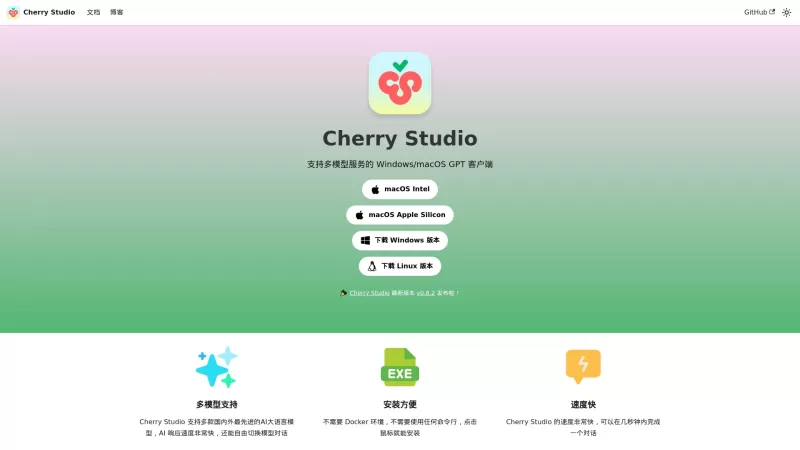
Ever stumbled upon Cherry Studio AI and wondered what it's all about? Well, let me break it down for you. Cherry Studio AI isn't just another run-of-the-mill AI tool; it's a powerhouse desktop client that lets you dive into advanced AI interactions across

Discover Plume AI: Your Ultimate Academic Writing AssistantAre you tired of struggling with your academic writing? Well, say hello to Plume AI, the innovative AI assistant that's here to revolutionize the way you write! Designed with students in mind, Plume AI harnesses the power of cutting-edge art
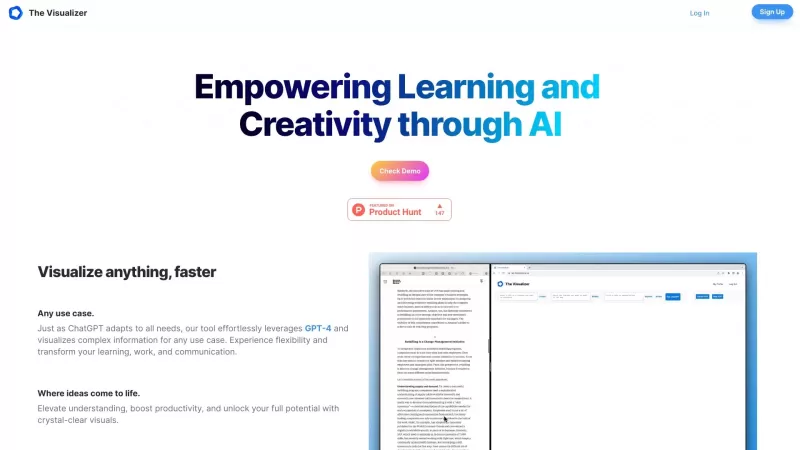
Ever wondered how to turn your jumbled thoughts and complex queries into something you can actually grasp? Enter The Visualizer, your new best friend in the world of learning and creativity. This nifty tool takes your written queries, URLs, and even PDFs,

Ever wished for a trusty sidekick to help you navigate the digital world with ease? Enter Sider, your personal AI companion designed to seamlessly blend into your daily routine. Starting off as a handy Chrome/Edge extension, Sider transforms your browsing
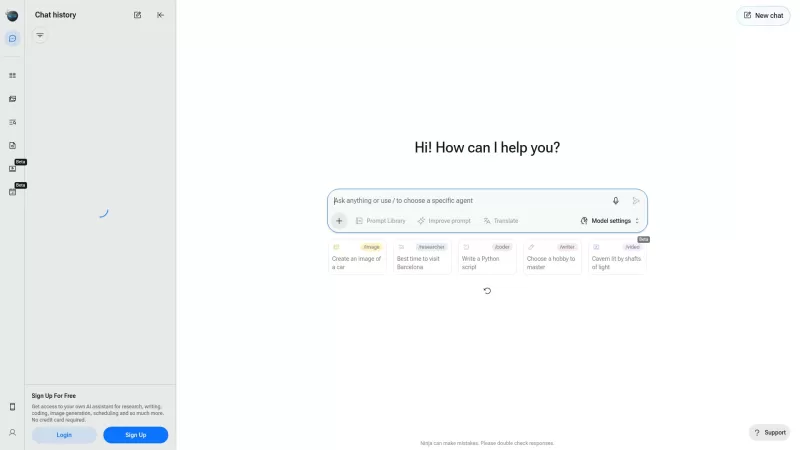
Ever wondered what Ninja AI is all about? Well, let me tell you, it's like having a Swiss Army knife for your digital needs! Ninja AI isn't just another AI tool; it's a powerhouse that brings together over 24 top-notch Large Language Models (LLMs) to help
Taskade - Chrome Extension Product Information
What is the Taskade AI Chrome Extension?
Taskade is a collaborative platform for managing tasks and staying organized, empowering teams and individuals to plan, organize, and monitor their work. It integrates task lists, notes, mind maps, and video conferencing into a single, unified workspace. Taskade is designed to optimize workflows, boost efficiency, and improve teamwork. It's commonly used for project management, meeting agendas, taking notes, and other collaborative activities.
How to use the Taskade AI Chrome Extension
Start by creating a Taskade account, then set up a workspace and invite your team members. From there, you can create projects, add tasks, assign them to people, set deadlines, and monitor progress. Switch between different viewing options—such as list, board, or mind map—to visualize your workflow. You can also use the built-in video conferencing for live collaboration.
Core Features of the Taskade AI Chrome Extension
Task management with assignees, due dates, and progress tracking
Real-time collaboration with your team
Multiple viewing options: list, board, mind map, and calendar
Built-in video conferencing
Note-taking and document sharing
Custom templates for different workflows
Use Cases for the Taskade AI Chrome Extension
Project management: Plan, monitor, and manage projects from beginning to end.
Meeting agendas and notes: Prepare meeting agendas, take notes, and share them with participants.
Brainstorming and mind mapping: Generate and organize ideas visually using mind maps.
Team collaboration: Collaborate in real time on tasks, documents, and projects.
Taskade FAQ
Is Taskade free to use?
Can I work with my team in real time?
What viewing modes does Taskade support?
Taskade - Chrome Extension Screenshot


2026 Latest Best AI Meeting Follow-Up Tools for Cross-Functional Teams, Owners, and Deadline Tracking. XIX.AI has curated a top-rated list of powerful game-changing tools that streamline follow-ups, automate task assignment, and track deadlines accurately through real-world tests. Get a free vs paid comparison to find the must-try solution that boosts your productivity and saves hours each week. Explore now to unlock your AI edge.
 13 tools
 xix.ai


