


 Home
HomeSpatial Message - for WhatsApp
Spatial Message: Seamless Messaging



Helps TikTok sellers, brands, MCNs, and TAPs discover winning products and find creators.

HelpLook is an AI-powered all-in-one knowledge base tool that helps businesses quickly build knowledge bases, help centers, and...

Your AI Workspace

302.AI is an enterprise-grade AI resource platform with pay-as-you-go pricing, API access to a full range of AI models, and ready-to-use online applications.

剧火AI — AI Screenwriter + Director, a One-Person Short Drama Studio In one sentence, what is it?
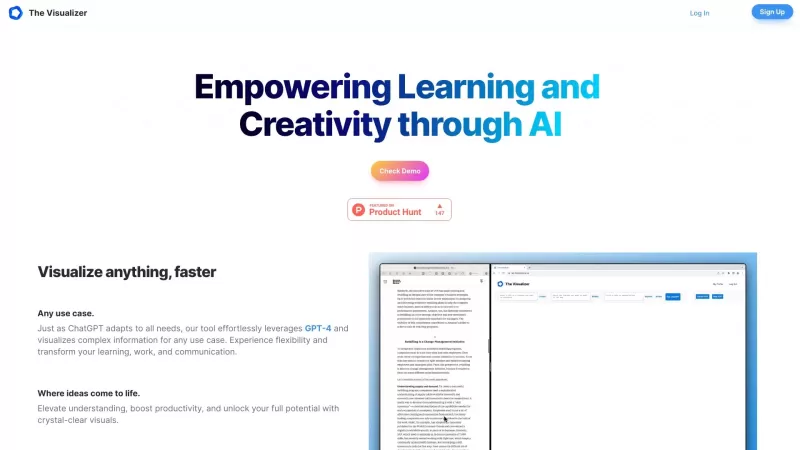
Ever wondered how to turn your jumbled thoughts and complex queries into something you can actually grasp? Enter The Visualizer, your new best friend in the world of learning and creativity. This nifty tool takes your written queries, URLs, and even PDFs,
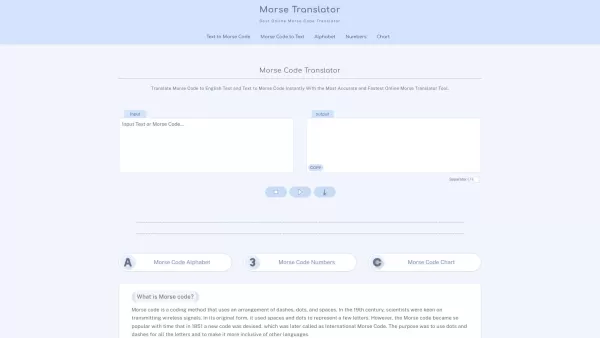
Morse code, that fascinating system of communication, uses a clever combination of dashes, dots, and spaces to represent letters, numbers, and symbols. It's been a staple in telegraphy, allowing messages to zip across wires with a rhythmic tap, tap, tap.

Ever find yourself staring at a blank screen, trying to craft the perfect email or nail that final paper? Enter Linguix, your new best friend in the world of writing. This free writing assistant isn't just another tool; it's like having a personal ed
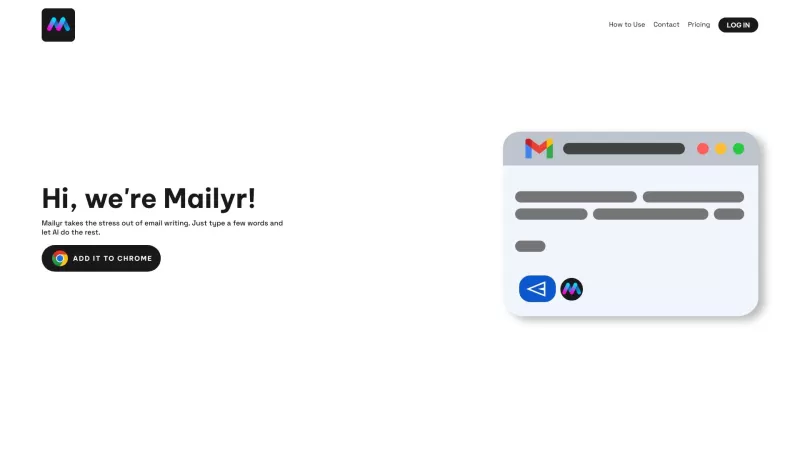
Discover Mailyr: Your AI-Powered Email AssistantEver found yourself staring at a blank email, wondering how to start? Well, Mailyr's got your back! This nifty tool harnesses the power of AI to help you craft emails with barely any effort on your part.How to Get Started with Mailyr?Getting started wi
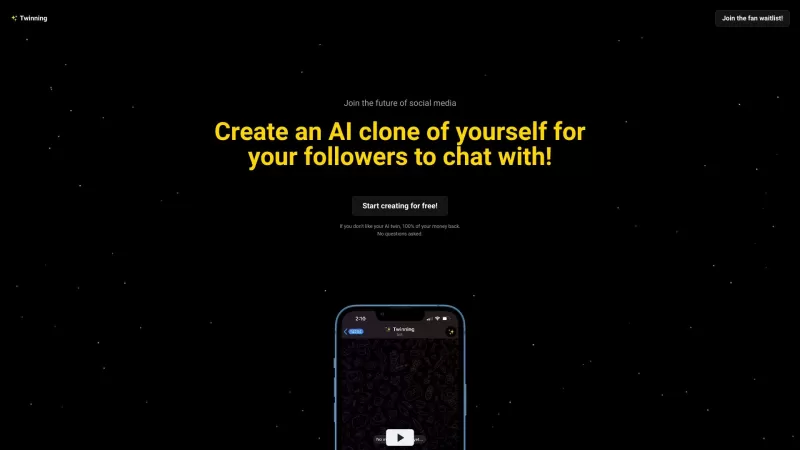
Ever wondered what it would be like to have a digital clone of yourself, chatting away with your fans while you kick back and relax? Well, Twinning is here to turn that dream into reality! It's a nifty platform designed for influencers who want to create
Spatial Message - for WhatsApp Product Information
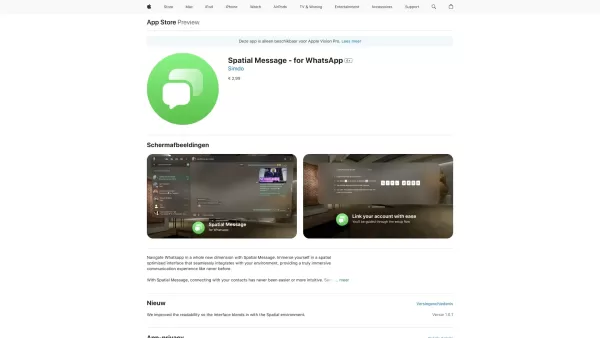
Ever wondered what it would be like to send a message without lifting a finger? Well, with Spatial Message - for WhatsApp, you can dive into that reality, especially if you're rocking an Apple Vision Pro. This app isn't just another addition to your tech collection; it's a game-changer for how you interact with WhatsApp.
How to Use Spatial Message - for WhatsApp?
Imagine this: you're lounging on your couch, and you want to catch up with a friend. With Spatial Message, you can navigate through your chats, groups, and contacts without even touching your device. It's like magic, but better because it's real! Just use your eyes and gestures to scroll, select, and send. It's as simple as that.
Spatial Message - for WhatsApp's Core Features
Spatial Interface for Immersive Messaging
Dive into a world where your messages float around you, creating an immersive experience that feels like you're stepping into the future of communication.
Touch-Free Messaging for Convenience and Safety
Whether you're cooking dinner or your hands are just full, Spatial Message lets you stay connected without needing to fumble with your phone. It's not just convenient; it's downright safe.
Intuitive Navigation for Enhanced User Experience
The app is designed to feel like second nature. You won't need a manual; your instincts will guide you through the spatial environment effortlessly.
Seamless Integration with WhatsApp
Spatial Message doesn't just sit alongside WhatsApp; it becomes a part of it, ensuring that your messaging experience is as smooth and uninterrupted as ever.
Enhanced Privacy with Advanced Encryption Features
In today's world, privacy is king. Spatial Message ups the ante with encryption that keeps your conversations secure, even in a spatial environment.
Spatial Message - for WhatsApp's Use Cases
Whether you're keeping in touch with friends across the globe, sharing the latest family photos, or collaborating with colleagues, Spatial Message makes it all possible without ever needing to pick up your phone. It's perfect for those moments when you want to stay connected but keep your hands free.
FAQ from Spatial Message - for WhatsApp
- What devices does Spatial Message support?
- Spatial Message is designed specifically for the Apple Vision Pro, bringing a new dimension to your WhatsApp experience.
So, if you're ready to take your messaging to a whole new level, give Spatial Message - for WhatsApp a try. It's not just about sending messages; it's about redefining how we connect in a spatial world.
Spatial Message - for WhatsApp Screenshot


2026 Latest Best Top-rated AI Task Routing Tools for Support Workflows! XIX.AI has curated a highly powerful game-changing collection of must-try solutions, all undergoing rigorous real-world tests and updated weekly. These tools streamline workflows, boost productivity, and help teams deliver faster, more efficient support. Explore now to discover your perfect tool and unlock your AI edge!
 17 tools
 xix.ai
2026 Latest Best Top-Rated AI Citation and Paper Summary Tools Curated by XIX.AI. Get powerful game-changing solutions for quick content creation, improved writing efficiency, and boosting productivity. We offer a free vs paid comparison along with real-world tests and weekly updated rankings to help you find the must-try tool that fits your needs perfectly. Explore now to Unlock your AI edge.
10 tools
xix.ai

2026 Latest Best Top-Rated AI Productivity Tools for Daily Work! XIX.AI has curated a powerful, game-changing selection based on rigorous weekly updated rankings and real-world tests. You’ll find must-try options that boost writing efficiency, streamline content creation, and help you overcome daily work challenges. Get a free vs paid comparison to find the perfect fit for your needs. Explore now to unlock your AI edge!
9 tools
xix.ai

2026 Latest Best Top-Rated AI Systematic Review Tools for Research Screening are here on XIX.AI! This curated collection includes powerful, game-changing solutions that go through rigorous real-world tests to deliver accurate results. We also offer a free vs paid comparison along with weekly updated rankings to help you find the must-try option that boosts your research efficiency significantly. Explore now to unlock your AI edge in academic work!
11 tools
xix.ai

2026 Latest Best AI Moodboard Tools for Brand and Art Direction! XIX.AI has curated a top-rated list of powerful, game-changing tools that help creators boost productivity significantly. You’ll find detailed weekly updated rankings, free vs paid comparison, and real-world tests to help you choose the perfect option. Must-try features include instant idea generation, seamless collaboration, and optimized workflows for all your design projects. Explore now to unlock your AI edge!
9 tools
xix.ai

2026 Latest Best Top-rated AI Systematic Review Tools for Screening Abstracts, Datasets, and Citation Networks are curated by XIX.AI through rigorous real-world tests. These powerful game-changing tools offer a free vs paid comparison to help researchers boost productivity significantly. Explore now to discover your perfect tool for accelerating scientific research.
9 tools
xix.ai


Just tried Spatial Message for WhatsApp on my Vision Pro and wow, it's wild! Sending texts by just looking at them feels like magic or a superpower 😂. Honestly took me a minute to get used to not tapping, but now it's so fluid. Kinda makes me wonder what's next—thought-controlled payments? A bit worried about accidental sends though, hope the gaze detection is super precise! Overall, super cool for lazy texting sessions.


