


 Home
HomeSigma AI Browser
Sigma AI Browser: AI Tools, Privacy, Speed



Ever wondered about diving into the world of 3D animations without getting tangled in code? Well, that's where Free 3D Animation comes in—a gem of a platform that lets you unleash your creativity without any coding skills. It's completely free to use, and
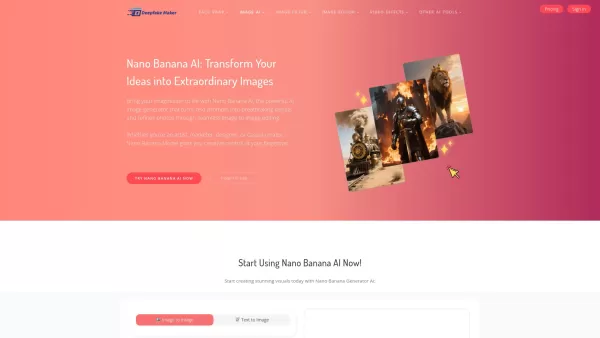
What is Deepfake Maker Nano Banana AI? Nano Banana AI is an advanced artificial intelligence platform that generates stunning images from text descriptions and facilitates seamless image-to-image transformations. This cutting-edge AI model revolution
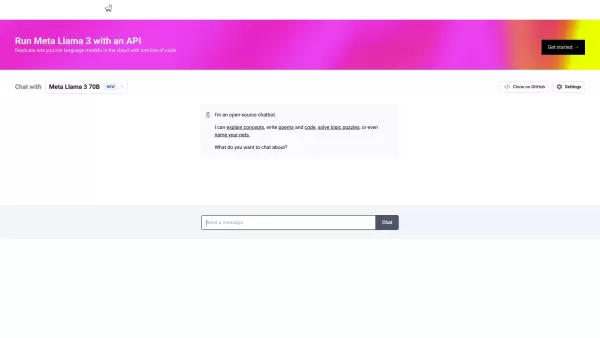
Introducing Chat With Llama: The Free AI Chat Platform Powered by Meta’s Llama3 Ever wanted to chat with an AI superbrain? Well, meet Chat With Llama—a free online platform where you can interact with Meta’s advanced Llama3 language model. Whether you’re
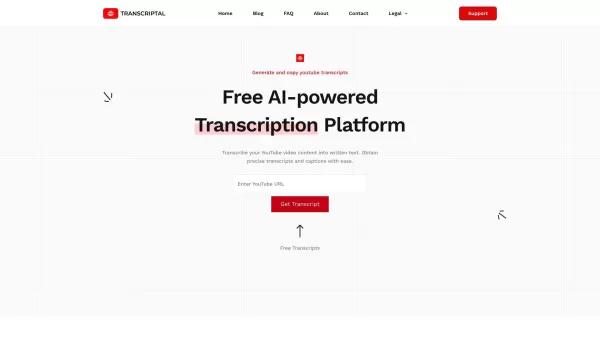
Ever wondered how to transform your favorite YouTube videos into readable text? Look no further than Transcriptal, a nifty, AI-driven platform designed to do just that. What's more, it's completely free and requires no signups—talk about convenience! How
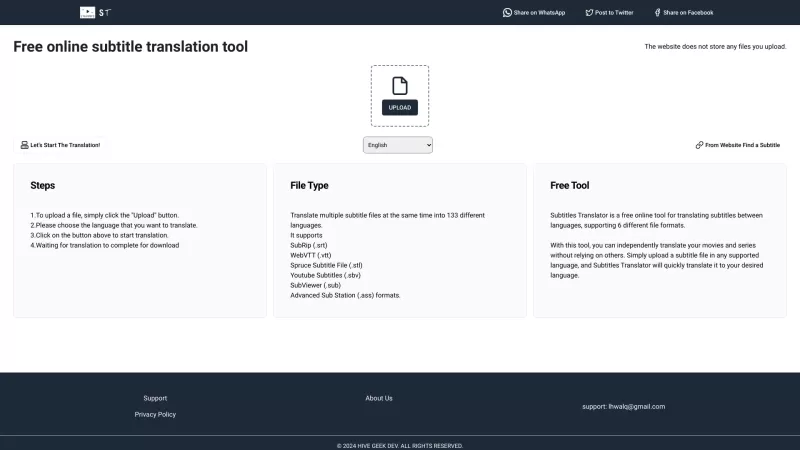
Ever stumbled upon a fantastic movie or show, only to be let down by the language barrier? That's where Subtitle Translator comes in—a nifty, free online tool designed to bridge the gap between languages by translating subtitles. It's not just about translating; this tool supports a variety of file
Sigma AI Browser Product Information
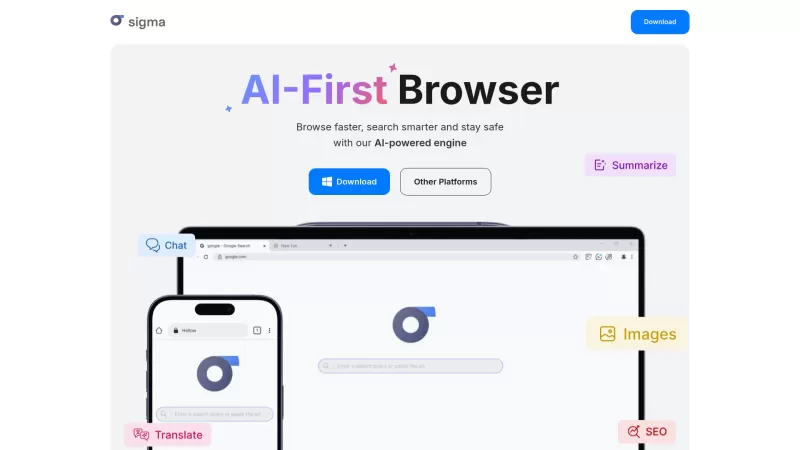
If you're on the hunt for a browser that's not just another tab in your digital life, let me introduce you to the Sigma AI Browser. It's like your regular browser, but with a twist—it's powered by AI, and not just any AI, but SigmaGPT. This isn't just about surfing the web; it's about interacting with it in a whole new way. Imagine having a chat with your browser, asking it questions, or even having it whip up some content for you. That's what SigmaGPT brings to the table, making your browsing experience something out of the future.
How to Get Started with Sigma AI Browser?
So, you wanna dive into the world of Sigma AI Browser? Here's how you can get started:
Download the Browser: Head over to sigmabrowser.com/download and grab yourself a copy. It's as easy as clicking a button.
Activate SigmaGPT: Once you've got the browser up and running, look for the AI chat icon in the toolbar. Give it a click, and you're in business.
Start Exploring: Now, you can start chatting away, asking questions, or even getting SigmaGPT to generate content or summarize stuff for you. And the best part? It's all free!
Need some help or got questions? The folks at Sigma AI Browser are just an email away. For support, customer service, or even refund queries, you can find all the contact details on their contact us page. And if you're curious about the brains behind the operation, check out the about us page for more on the Sigma AI Browser Company. No addresses or company names here, but you'll find all that and more on their site.
Want to log in or sign up? Just click on the login or sign up links on their website, and you'll be set to go. It's that simple!
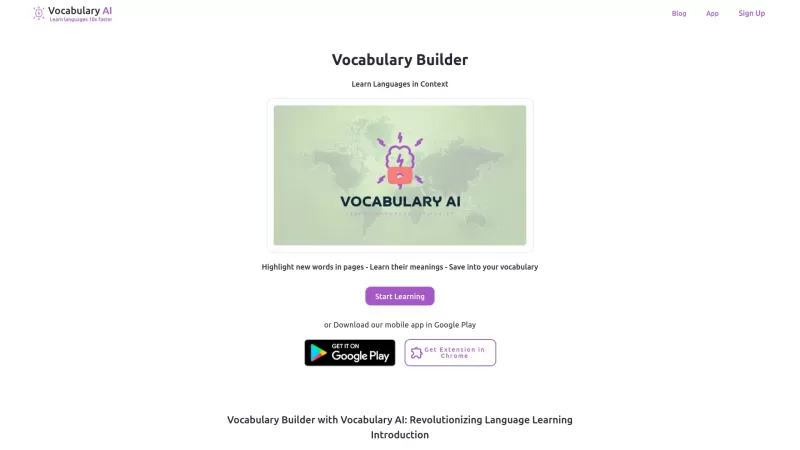
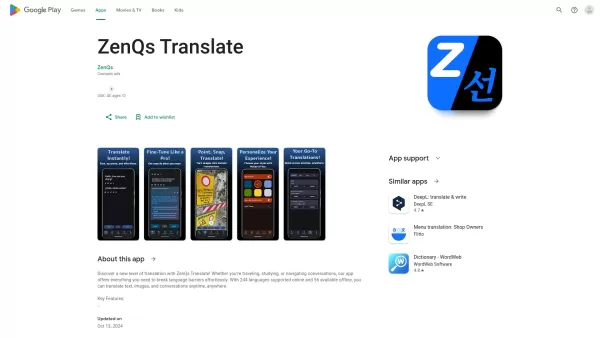
Sigma AI Browser Screenshot



Discover the 2026 latest top-rated AI tools for automated unit testing. Our curated selection features powerful, game-changing solutions to generate Jest, PyTest & JUnit test cases instantly. Compare free vs paid options with real-world tests and weekly updated rankings on XIX.AI. Unlock your AI edge and boost development productivity today.
 10 tools
 xix.ai

Discover the 2026 best AI data visualization tools at XIX.AI. Our curated, top-rated selection helps you auto-generate powerful, interactive BI dashboards from raw files instantly. Compare free vs paid options with real-world tests and weekly updated rankings. Unlock your data's potential today.
10 tools
xix.ai

Discover the 2026 best AI branding kits for social media. XIX.AI's curated list features top-rated, game-changing tools to maintain perfectly consistent brand visuals across all channels. Compare free vs paid options with real-world tests. Unlock your brand's visual edge today.
10 tools
xix.ai

Discover the 2026 latest top-rated AI companion tools for immersive roleplay and connection. XIX.AI's curated guide features powerful, game-changing apps with weekly updated rankings, free vs. paid comparisons, and real-world tests. Find your perfect match and unlock meaningful digital companionship today.
10 tools
xix.ai

Discover the 2026 best AI assistants for crafting epic xianxia & wuxia tales. XIX.AI's curated list features top-rated, game-changing tools to master cultivation progression and martial arts choreography. Compare free vs paid options with real-world tests. Unlock your creative potential and start writing today!
10 tools
xix.ai

Discover the 2026 best AI mobile app coding tools for Flutter & React Native. Our curated, top-rated list features powerful, game-changing solutions that generate cross-platform code from prompts. Compare free vs paid options with real-world tests. Unlock faster development and build better apps. Explore the rankings on XIX.AI now!
10 tools
xix.ai


Loving Sigma AI Browser so far! 🚀 SigmaGPT makes browsing feel like chatting with a super-smart buddy. Summarizing articles is a breeze, and the privacy features are top-notch. Only gripe? Wish it had more third-party extensions. Still, it’s a game-changer for multitasking!
シグマAIブラウザ、めっちゃ便利!ブラウジングしながらAIと会話できるのは新鮮で楽しい。ただ、時々質問に答えすぎちゃうのがちょっとだけ気になるけど、全体的に面白い体験でした。試してみる価値ありです!
Sigma AI Browser is cool, but sometimes the AI suggestions feel a bit off. It's like having a smart assistant that occasionally misunderstands you. Still, it's pretty handy for quick searches and the interface is slick. Maybe they can tweak the AI a bit more?
시그마 AI 브라우저 정말 좋아요! 웹 서핑하면서 AI와 상호작용하는 게 신선하고 재미있어요. 다만 질문에 너무 많이 답변하는 경향이 있어서 좀 아쉬워요. 그래도 전체적으로 흥미로운 경험이었어요. 꼭 사용해 보세요!
सिग्मा AI ब्राउज़र बहुत अच्छा है! वेब ब्राउज़ करते समय AI के साथ बातचीत करना नया और मजेदार है। कभी-कभी सिग्माGPT मेरे प्रश्नों पर ज्यादा सोचता है, लेकिन ओवरऑल, यह ट्राई करने लायक है!


