


 Home
HomeResume Photo AI



Helps TikTok sellers, brands, MCNs, and TAPs discover winning products and find creators.

HelpLook is an AI-powered all-in-one knowledge base tool that helps businesses quickly build knowledge bases, help centers, and...

Your AI Workspace

302.AI is an enterprise-grade AI resource platform with pay-as-you-go pricing, API access to a full range of AI models, and ready-to-use online applications.

剧火AI — AI Screenwriter + Director, a One-Person Short Drama Studio In one sentence, what is it?
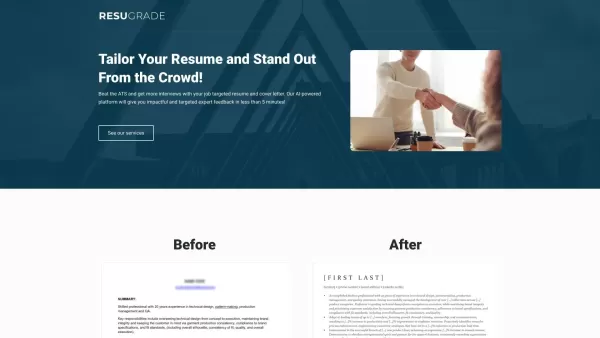
What is ResuGrade?ResuGrade is an automated resume grading tool that helps job seekers enhance their resumes. It provides a detailed analysis covering grammar, formatting, and keyword optimization customized for specific job descriptions. The goal is
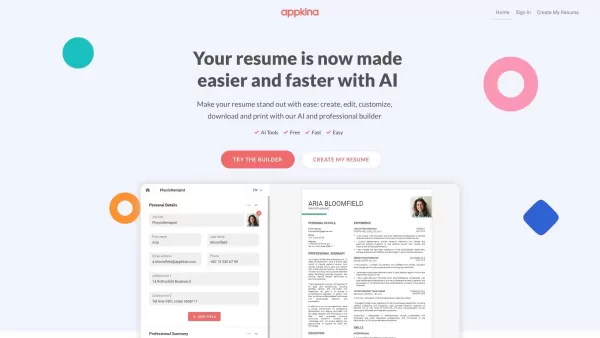
What is Appkina.com?Appkina is an innovative AI-powered web platform that provides a simple and effective solution for crafting personalized online resumes. It allows users to create professional resumes using customizable templates and intuitive too
What is vmock.com?VMock is an AI-powered platform that helps users prepare for their careers and job applications. It uses advanced algorithms, data science, and machine learning to give instant, personalized feedback on resumes, LinkedIn profiles, a
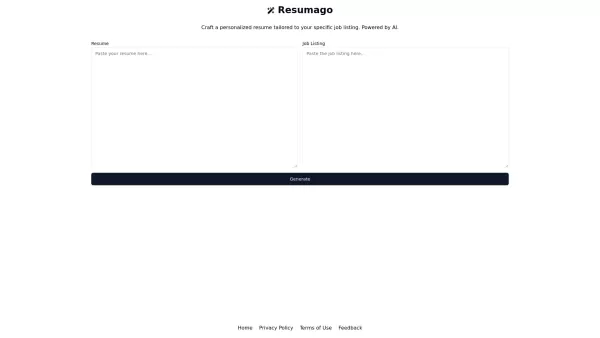
Ever wondered how to make your resume stand out in a sea of applicants? Enter Resumago, your new best friend in the job hunt. This AI-powered platform doesn't just tweak your resume; it transforms it into a tailored masterpiece designed to catch the eye o
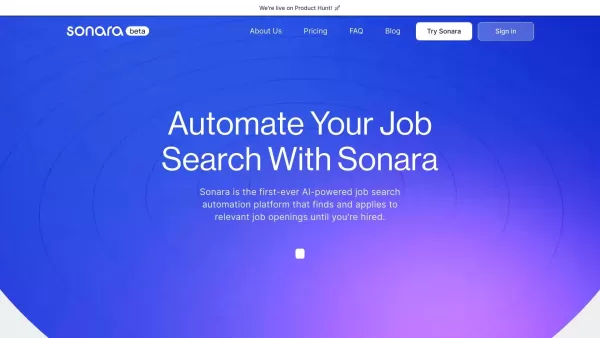
What is Sonara?Sonara is an innovative AI-driven platform that automates the job search and application process. By analyzing your resume and LinkedIn profile, it identifies and applies to the most suitable job openings for you. With flexible and bud
Resume Photo AI Product Information
What is Resume Photo AI?
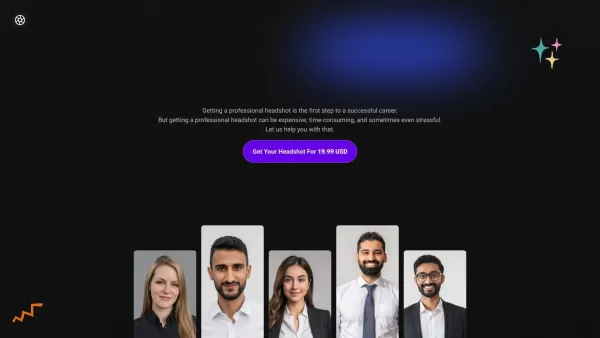
ResumePhoto.AI leverages advanced artificial intelligence to create professional headshots swiftly and effortlessly. Ideal for polishing your LinkedIn profile, resume, or any professional platform, this tool simplifies the process. Just upload a photo, and the AI will transform it into a high-quality, professional result. It's perfect for job seekers, business professionals, and anyone aiming to improve their online image.
Who will use Resume Photo AI?
- Job Seekers
- Business Professionals
- Freelancers
- Content Creators
- Students
How to use the Resume Photo AI?
- Step 1: Go to https://www.resumephoto.ai.
- Step 2: Upload your photo.
- Step 3: Let the AI process your image.
- Step 4: Review and download your enhanced professional headshot.
Platform
- Web
Resume Photo AI's Core Features & Benefits
The Core Features
- AI-powered photo enhancement
- Instant processing
- High-quality professional headshots
The Benefits
- Quick and easy to use
- Boosts your professional appearance
- Works for multiple platforms like LinkedIn and resumes
Resume Photo AI's Main Use Cases & Applications
- Creating a LinkedIn profile picture
- Updating resume photos
- Professional social media profiles
- Corporate websites
Resume Photo AI's Pros & Cons
The Pros
AI-driven image enhancement specifically designed for resumes
Offers distinct products like AI YouTube Thumbnails and ResumePhoto.ai
Transparent and clear pricing structure
The Cons
Limited detailed information on product features and usage
No visible open-source code or community engagement
No links to additional platforms like app stores or communication channels
Resume Photo AI's Pricing
Has free plan | No |
|---|---|
Free trial details | |
Pricing model | Paid |
Is credit card required | No |
Paid from | 10 USD |
Has lifetime plan | No |
Billing frequency | One-time |
Details of Pricing Plan
AI YouTube Thumbnails
10 USD
ResumePhoto.ai
19.99 USD
For the latest prices, please visit: https://store.resumephoto.ai?aff=O0D1K
FAQs of Resume Photo AI
How long does it take to process the photo?
Processing is typically instant, with results delivered in seconds.
Is there a mobile app available?
The service is currently web-only. A mobile app may be introduced later.
What types of photos work best?
For best results, use clear, high-resolution photos with good lighting.
How many photos can I upload?
You can upload multiple photos one at a time to generate different headshots.
Do I need to create an account to use the service?
No account is required to use the service.
Can I use the headshots for commercial purposes?
Yes, the generated headshots are suitable for both personal and commercial use.
Is my uploaded photo stored on the server?
To protect your privacy, photos are processed and then deleted from the server.
What file formats are supported for uploads?
Supported formats are JPEG and PNG.
Can I adjust the headshot once it's generated?
Currently, no post-generation adjustments are available.
Are there any costs involved?
Please refer to the website for current pricing and subscription information.
Resume Photo AI Company Information
- Resume Photo AI
- https://www.resumephoto.ai/
Resume Photo AI Screenshot

2026 Latest Best Top-rated AI Conversation Trainer Tools for Interview Practice are here on XIX.AI! This curated collection features powerful, game-changing tools that go through rigorous real-world tests to deliver accurate feedback. You’ll find a free vs paid comparison and detailed rankings to help you choose the must-try option that boosts your confidence and skills. Explore now to Discover your perfect tool for interview success!
 12 tools
 xix.ai

2026 Latest Best Top-rated AI Style Transfer Tools for Creative Experiments! XIX.AI has curated a powerful, game-changing collection of must-try tools that deliver exceptional results through real-world tests and rigorous rankings. These top solutions help creatives boost productivity significantly by accelerating content creation and unlocking endless creative possibilities. Explore now to discover your perfect tool and start creating today!
9 tools
xix.ai

2026 Latest Best Top-Rated AI Dialogue Bubble Tools for Visual Storytelling are here on XIX.AI! This curated collection features powerful, game-changing tools that help creators boost productivity and overcome creative bottlenecks. Get a free vs paid comparison, see real-world tests, and check the latest rankings to find the must-try solutions perfect for crafting engaging visual narratives. Explore now to discover your ideal tool!
10 tools
xix.ai

2026 Latest Top-Rated Best AI Meeting Summary Tools for Clear Decision Tracking and Effortless Follow-Ups. This curated list showcases powerful, game-changing solutions that boost productivity dramatically by automating meeting notes, identifying key action items, and streamlining team coordination across all projects. Get a free vs paid comparison along with real-world tests and weekly updated rankings to help you find the perfect tool. Explore now to unlock your AI edge!
9 tools
xix.ai

2026 Latest Best Top-rated AI Data Cleaning Tools for quick fixing of missing values and duplicates. This curated list showcases powerful, game-changing solutions that boost productivity significantly. Each option has undergone rigorous real-world tests to ensure reliability. Get a free vs paid comparison and discover the must-try tool that fits your needs best. Explore now at XIX.AI to Unlock your AI edge.
11 tools
xix.ai

2026 Latest Best Top-Rated AI Creative Ideation Tools for Artists are curated by XIX.AI to help creators break through visual blocks and boost creativity instantly. These powerful game-changing tools offer real-world tests, detailed free vs paid comparison, and weekly updated rankings. Discover your perfect tool to accelerate content creation and unlock your AI edge today. Explore now!
14 tools
xix.ai


