


 Home
HomeRelayer
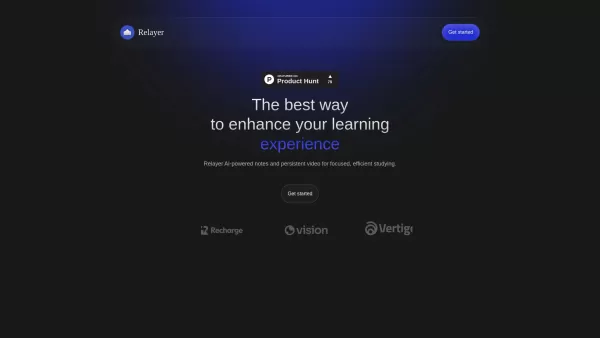
AI-Powered Education Tool with Note-Taking & Video Player



Helps TikTok sellers, brands, MCNs, and TAPs discover winning products and find creators.

HelpLook is an AI-powered all-in-one knowledge base tool that helps businesses quickly build knowledge bases, help centers, and...

Your AI Workspace

302.AI is an enterprise-grade AI resource platform with pay-as-you-go pricing, API access to a full range of AI models, and ready-to-use online applications.

剧火AI — AI Screenwriter + Director, a One-Person Short Drama Studio In one sentence, what is it?
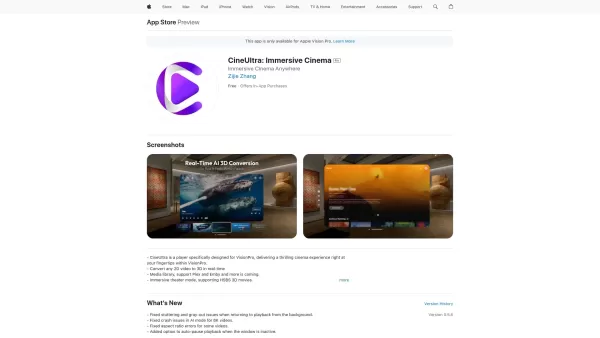
CineUltra isn't just another video player; it's a game-changer for your Apple VisionPro. Imagine slipping into your headset and watching your favorite 2D movies pop into 3D, all thanks to some clever AI wizardry. That's what CineUltra brings to the table—
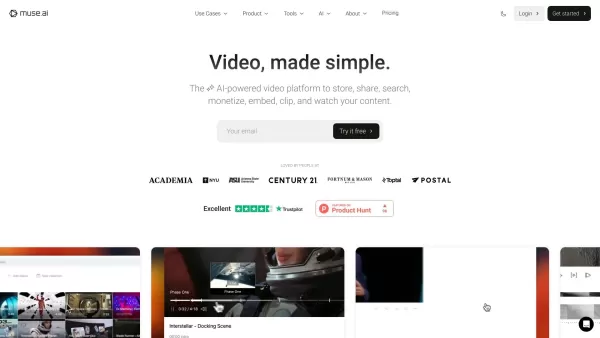
What Is Video Assistant by muse.ai?Muse AI is a next-generation video hosting platform designed for ad-free hosting, a powerful embeddable video player, and advanced AI-driven video search. The platform simplifies video management and discovery, maki
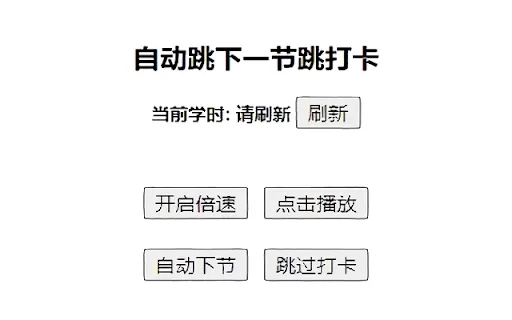
Ever found yourself bogged down by the endless stream of online courses? Well, the Automatic Video Player for Online Courses AI Chrome extension might just be the game-changer you need. This nifty little plugin is designed to take the hassle out of naviga
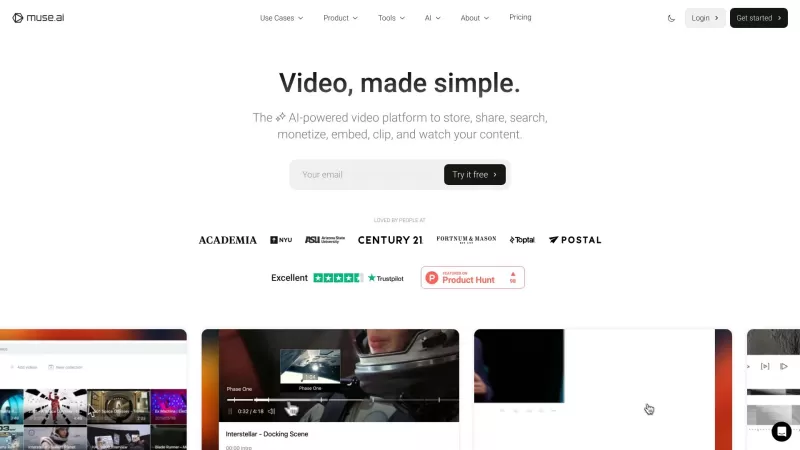
Ever wondered what muse.ai is all about? Well, let me tell you, it's like having a personal assistant dedicated to your video content. It's not just any platform; it's your go-to for diving into videos, finding those golden moments, and even auto-generati
Relayer Product Information
What is Relayer?
Let me tell you about Relayer—it’s basically your ultimate study buddy rolled into one slick SaaS tool. Whether you’re a student juggling lectures or an educator trying to streamline the learning process, Relayer has got your back. Imagine this: you’re watching a video lesson, and instead of scrambling to jot down every word, Relayer does the heavy lifting for you. Its AI-powered note-taking feature picks out the highlights while its always-on-top video player keeps the content front and center, no matter where else you’re working. No more frantic pausing mid-video to scribble something down—you’re free to focus on what truly matters: learning efficiently.
And here’s the kicker—Relayer doesn’t stop at helping individuals. It fosters collaboration among peers, turning group study sessions into seamless, organized workflows. It’s like having a personal assistant and a team leader all wrapped into one.
How to Use Relayer?
Using Relayer is super easy. First things first, head over to their website and create an account. Once you’re set up, you’re good to go. Pop in a video lesson, let the always-on-top player keep it visible, and watch as the AI takes care of the rest. It’s that simple. No complicated tutorials needed.
Relayer’s Core Features
AI-Powered Note-Taking
This is the star of the show. Relayer’s AI watches what you’re watching and automatically extracts the most important bits, saving you time and effort. Think of it as your very own digital secretary who knows exactly what to highlight.
Always-On-Top Video Player
No more switching tabs or resizing windows. Relayer’s video player stays put, ensuring your content is always visible, even when multitasking. It’s like having a floating classroom window that never leaves your sight.
Intuitive Collaboration
Study groups just got a lot less chaotic. Relayer lets you share notes and collaborate effortlessly, keeping everyone on the same page—literally.
Relayer’s Use Cases
Effortless Note-Taking from Video Lessons
Forget about furiously typing during a lecture. Let Relayer handle the note-taking while you absorb the material.
Seamless Collaboration with Peers
Group projects become a breeze. Share notes, divide tasks, and stay coordinated—all within Relayer.
Organized Notes for Efficient Studying
Your notes are automatically categorized and structured, making revision a cakewalk. Say goodbye to piles of disorganized scribbles.
FAQ from Relayer
- Can Relayer be used for collaborative studying?
- Absolutely! Relayer makes it easy to share notes and work together in real-time.
- Is there a limit to the number of devices Relayer can be accessed from?
- Nope, you can log in from as many devices as you want—just remember to log out when you’re done to keep your data secure.
Relayer Support & Contact
Need help? Relayer’s got you covered. Reach out to their support team via [\[email protected\]](/cdn-cgi/l/email-protection#6a020f0606052a180f060b130f184419050c1e1d0b180f).Relayer Company
Relayer is based in Jamshedpur, India. Drop them a line if you ever find yourself in the area—they’d probably love to meet you!Relayer Screenshot


2026 Latest Best AI Flashcard Generators: Discover top-rated tools that instantly transform long lecture videos into structured Anki decks. Our curated, weekly-updated comparison of free vs paid options highlights powerful, game-changing solutions for efficient study and knowledge retention. Find your perfect match with XIX.AI's real-world tested rankings. Unlock your learning edge today.
 10 tools
 xix.ai


Relayerは本当に助かる!講義の内容を自動的に要点にまとめてくれるから、復習がすごく楽になった✨ あの長々とした動画も一瞬で理解できるように整理してくれる。ただ、まだ全部の科目対応してるわけじゃなくて、専門的な内容だとちょっと不安なところもあるかな。でも全体的に使いやすくて、学生の強い味方だと思う👍


