


 Home
HomePandas AI



Helps TikTok sellers, brands, MCNs, and TAPs discover winning products and find creators.

HelpLook is an AI-powered all-in-one knowledge base tool that helps businesses quickly build knowledge bases, help centers, and...

Your AI Workspace

302.AI is an enterprise-grade AI resource platform with pay-as-you-go pricing, API access to a full range of AI models, and ready-to-use online applications.

剧火AI — AI Screenwriter + Director, a One-Person Short Drama Studio In one sentence, what is it?
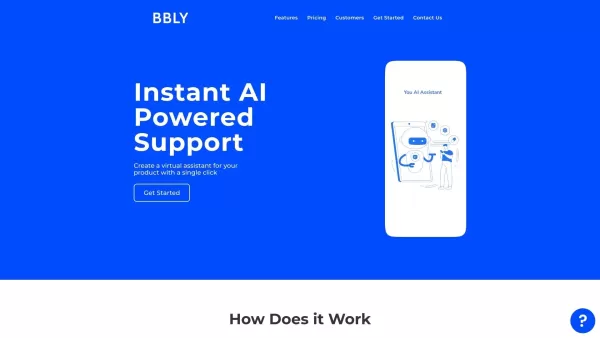
What is Bubbly?BubblyAI is a comprehensive platform that transforms data analysis for businesses. By leveraging advanced AI algorithms, it automates extracting actionable insights from complex datasets, empowering users to make confident, data-driven
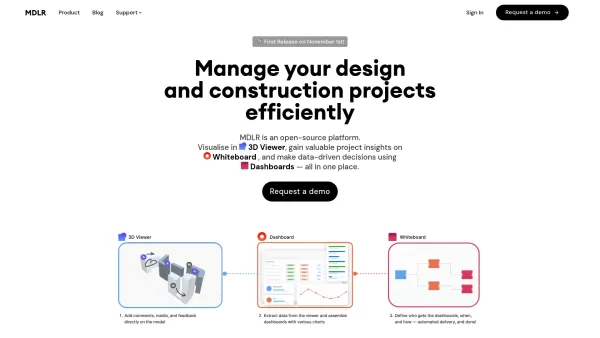
Ever wondered how to make your project management in the AEC industry not just easier, but downright exciting? Let me introduce you to MDLR, an AI-driven platform that's changing the game for architects, engineers, and construction professionals. It's lik
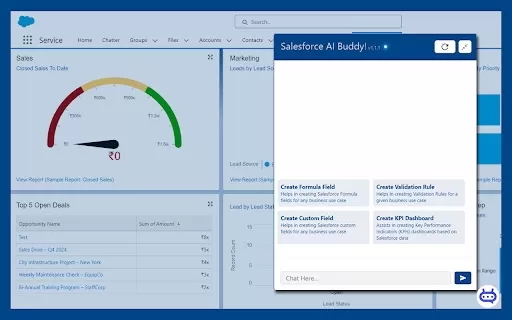
Ever wished you had a trusty sidekick to tackle those pesky Salesforce tasks? Enter Salesforce AI Buddy, the Chrome extension that's like having a tech-savvy friend by your side. This nifty tool is a game-changer for anyone diving into the world of Salesf

What is Ajelix AI Excel Tools?Ajelix provides intelligent, AI-powered tools designed to automate processes within Excel and Google Sheets, simplifying data analytics, visualization, and business intelligence for professionals and teams. Empower your
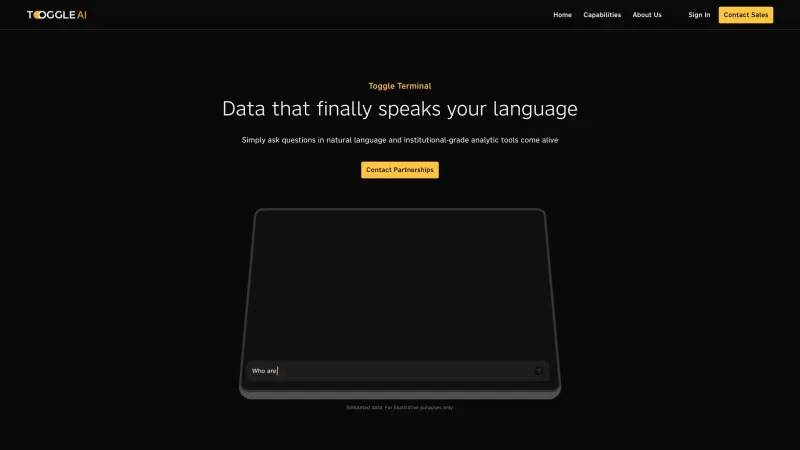
Toggle AI, or Toggle Terminal, is a game-changer in the world of data analytics. It's like having a conversation with your data, where you can ask questions in plain English and get insightful answers without needing to be a coding wizard or a spreadsheet
Pandas AI Product Information
What is Pandas AI?
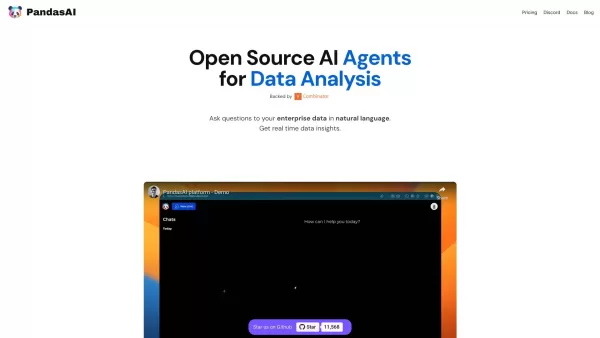
PandasAI is a Python library that merges generative AI with the familiar pandas dataframe. It transforms your dataframes into interactive, conversational partners, allowing you to ask questions in plain English and get clear answers. This makes exploring, cleaning, summarizing, and visualizing your data faster and more intuitive.
Who will use Pandas AI?
- Data Scientists
- Data Analysts
- AI Enthusiasts
- Business Analysts
- Researchers
- Software Developers
How to use the Pandas AI?
- Step 1: Install PandasAI via pip
- Step 2: Import the library into your Python script
- Step 3: Load your data into a pandas DataFrame
- Step 4: Ask your DataFrame questions using natural language
- Step 5: Get conversational answers and create visualizations on demand
Platform
- Web
- macOS
- Windows
- Linux
Pandas AI's Core Features & Benefits
The Core Features
- Conversational DataFrames
- Natural Language Querying
- Automated Data Visualization
- Data Cleaning Assistance
- Feature Generation
The Benefits
- Simplifies Complex Data Analysis
- Boosts Productivity and Speed
- Makes Data Accessible to Non-Coders
- Creates Advanced Visualizations Easily
- Streamlines Data Manipulation Tasks
Pandas AI's Main Use Cases & Applications
- Querying Datasets in Plain Language
- Automatically Generating Charts and Graphs
- Managing and Analyzing Multiple DataFrames
- Creating Quick Data Summaries
- Powering Business Intelligence Reports
Pandas AI's Pros & Cons
The Pros
Drastically simplifies data tasks through natural language interaction
Seamlessly integrates with the widely-used pandas ecosystem
Democratizes data exploration for users of all technical skill levels
The Cons
Information on advanced model customization is limited
Open-source licensing details are not prominently featured
Specific pricing tiers are not clearly outlined on the main site
Pandas AI's Pricing
Has free plan | YES |
|---|---|
Free trial details | A free tier is available with no credit card required |
Pricing model | Freemium |
Is credit card required | No |
Paid from | |
Has lifetime plan | No |
Billing frequency |
For the latest pricing, please visit: https://pandas-ai.com
FAQs of Pandas AI
Is PandasAI open-source?
Yes, PandasAI is an open-source project.
What is PandasAI?
PandasAI is a Python library that uses generative AI to let you converse with your pandas DataFrames.
How does PandasAI work?
It interprets your questions in plain language and automatically executes the corresponding pandas code.
What platforms does PandasAI support?
It is compatible with web, Windows, macOS, and Linux environments.
Who can benefit from using PandasAI?
Data Scientists, Data Analysts, AI Enthusiasts, Business Analysts, Researchers, and Developers.
What are the benefits of using PandasAI?
It streamlines analysis, boosts productivity, improves data access, and enables sophisticated visualizations.
What are some use cases of PandasAI?
Natural language data queries, automated chart generation, multi-DataFrame management, summarization, and business analytics.
What are the main features of PandasAI?
Interactive DataFrames, natural language processing, visualization tools, data cleaning aids, and automated feature creation.
Are there alternatives to PandasAI?
Yes, alternatives include Dplyr, Databricks, Anaconda, Mode, and Polars.
How can I get started with PandasAI?
Install via pip, import the library, load your DataFrame, and begin asking questions in natural language.
Pandas AI Company Information
Website:
https://pandas-ai.comCompany Name:
PandasAISupport Email:
Facebook:
NAX(Twitter):
https://twitter.com/ai_pandasYouTube:
NAInstagram:
NATiktok:
NALinkedIn:
https://www.linkedin.com/company/pandasai
Pandas AI Screenshot


2026 Latest Best AI Agenda Builders page features a curated list of top-rated tools that make planning weekly team syncs effortless. These powerful solutions help you create organized, efficient agendas in just minutes, saving valuable time and boosting productivity. XIX.AI ensures all entries go through rigorous real-world tests before inclusion. Get a free vs paid comparison and discover the must-try options that deliver game-changing results. Explore now to find your perfect tool for smoother workflows!
 15 tools
 xix.ai

2026 Latest Best Top-Rated AI Business Plan Tools for Startups! XIX.AI curates a powerful, game-changing collection of must-try tools that go through real-world tests and rigorous weekly updated rankings. These top solutions help startups draft flawless plans, boost productivity, and unlock their full AI edge. Explore now to discover your perfect tool!
9 tools
xix.ai

2026 Latest Best Top-rated AI Persona Builder Tools for Audience Research are here on XIX.AI! This curated list features powerful, game-changing tools that help you conduct real-world tests and create accurate audience profiles through detailed free vs paid comparison. You’ll discover the must-try options that boost writing efficiency and unlock your AI edge in marketing strategies. Explore now to find your perfect tool!
9 tools
xix.ai
2026 Latest Best Top-rated AI Demo Video Tools for SaaS Product Marketing, carefully curated by XIX.AI. These powerful game-changing solutions help marketers create high-quality video content fast, boost writing efficiency, and streamline marketing workflows. Enjoy a free vs paid comparison along with real-world tests and updated rankings weekly. Explore now to Discover your perfect tool for boosting SaaS sales!
9 tools
xix.ai
2026 Latest Best Top-rated AI Prompt Testing Tools for Better Output Quality! XIX.AI has curated a powerful, game-changing collection of highly efficient tools that undergo rigorous real-world tests to ensure consistent top-tier results. You’ll find detailed free vs paid comparison insights, comprehensive rankings, and expert guidance to help you identify the must-try solutions that boost your workflow significantly. Explore now to unlock your AI edge!
11 tools
xix.ai

2026 Latest Best Top-rated AI Customer Insight Tools for Product Positioning! XIX.AI has curated a powerful, game-changing collection that goes through real-world tests and weekly updated rankings. It helps you uncover customer needs quickly to boost writing efficiency, create optimal SEO content, and craft perfect social media messages without wasting time. Explore now to Discover your perfect tool and Unlock your AI edge.
10 tools
xix.ai


