


 Home
HomeOne-Click SEO Links
SEO Link Submission Tool: Manual & AI Mode


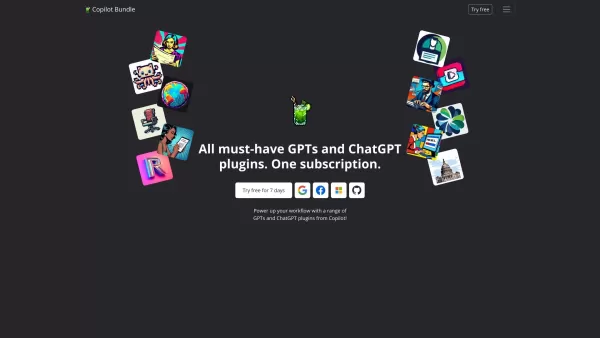
Copilot is an innovative suite of plugins and tools designed to enhance productivity and streamline various tasks within the ChatGPT platform. It's like having a digital assistant that's specialized in boosting your workflow, whether you're summarizing documents, searching the web, or managing job a
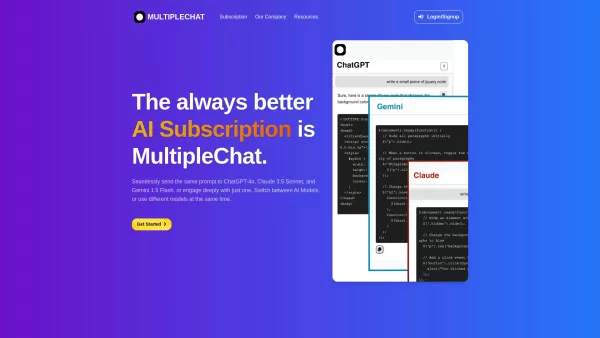
Ever found yourself juggling different AI models to get the perfect response? Enter MultipleChat, a game-changer in the world of AI interaction. This platform lets you chat with big names like ChatGPT, Claude, and Gemini all at once, right from one s
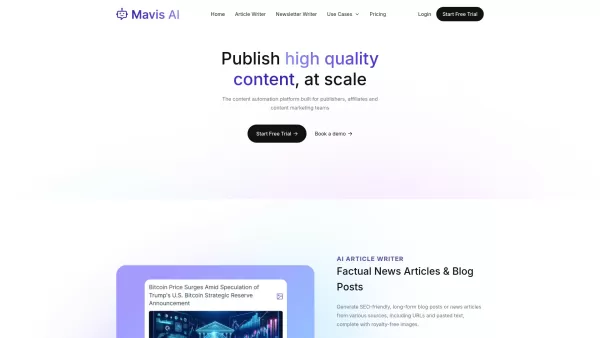
Mavis AI is a game-changer for anyone in the content creation game—think publishers, affiliates, and marketing gurus. It's an AI-powered platform that churns out SEO-friendly articles, blogs, and newsletters like nobody's business. If you're looking to bo
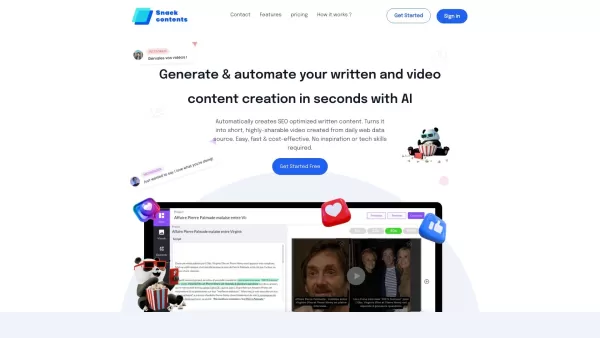
Ever heard of SnackContent? It's a game-changer for anyone looking to whip up content without breaking a sweat. This AI-powered platform takes the hassle out of content creation, letting you produce SEO-optimized articles and transform them into bite-size
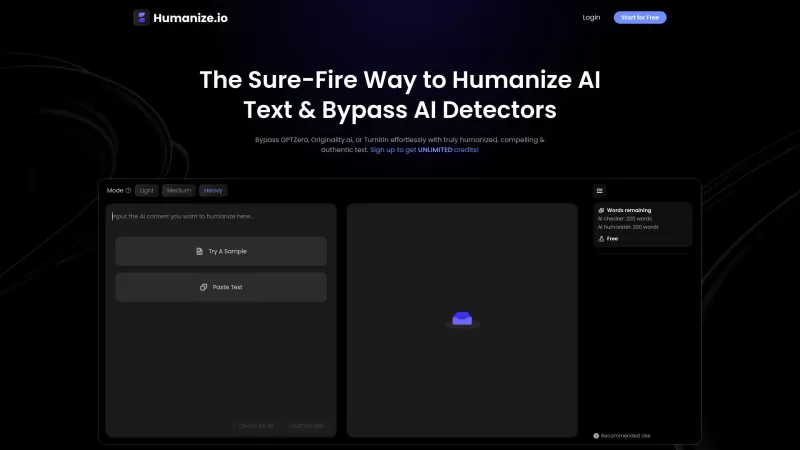
Ever found yourself staring at an AI-generated text, wishing it had a bit more... soul? That's where Humanize.io comes in—a nifty AI tool that takes that robotic text and turns it into something that feels like it was penned by a human. It's not just about making the text sound natural; it's about s
One-Click SEO Links Product Information
What is One-Click SEO Links?
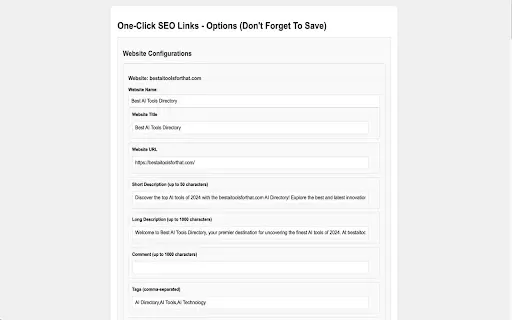
One-Click SEO Links is a Chrome extension crafted for web developers and SEO specialists. Featuring both Manual and AI modes, it delivers a flexible solution for completing forms on navigation websites, enabling rapid and efficient SEO link submissions. Manual Mode empowers users to build and handle website-specific configurations, whereas AI Mode employs cutting-edge artificial intelligence to automate the form completion workflow. This tool simplifies backlink promotion tasks, supporting more potent SEO strategies and streamlined operations.
Who will use One-Click SEO Links?
- Web developers
- SEO specialists
- Digital marketers
How to use One-Click SEO Links
- Step 1: Install the One-Click SEO Links extension from the Chrome Web Store.
- Step 2: Click the extension icon to open the options page.
- Step 3: Configure your settings and enter website details for Manual Mode, or select an AI model and provide your API key for AI Mode.
- Step 4: Choose your preferred mode (Manual or AI) by clicking the appropriate button.
- Step 5: In Manual Mode, pick your website configuration and manually complete form fields.
- Step 6: In AI Mode, select your AI setup, choose the submission type, and click 'Autofill Form' to start AI-driven automation.
Platform
- Web
- Chrome
One-Click SEO Links Core Features & Benefits
Core Features
- Manual and AI modes
- Customizable configurations
- AI-powered automation
- Local data storage for Manual Mode
- Multiple submissions support
Benefits
- Increased efficiency and time savings
- Enhanced productivity
- Flexible customization options
- Secure data management
- Streamlined SEO link promotion
One-Click SEO Links Main Use Cases & Applications
- Automating SEO link submissions
- Managing multiple website configurations
- Reducing manual SEO workload
One-Click SEO Links FAQs
Can One-Click SEO Links be used for multiple websites?
Yes, you can configure and handle multiple website profiles for efficient form completion.
Is my data secure with One-Click SEO Links?
In Manual Mode, all data is stored locally within the extension, with no network requests made.
Is an internet connection required for AI Mode?
Yes, AI Mode needs an internet connection to authenticate and use third-party AI services.
How do I switch between Manual and AI modes?
Switch between modes by selecting the corresponding button on the options page.
Can I customize form fields for individual websites?
Yes, Manual Mode lets you create and manage custom configurations per website.
Which AI models are supported in AI Mode?
Supported AI models include Gemini, DeepSeek, GPT-4, and GPT-3.5, plus any model compatible with the OpenAI API.
Is there a limit on submission numbers?
No, AI Mode supports multiple submissions per session, improving workflow management.
What languages does One-Click SEO Links support?
One-Click SEO Links currently supports English.
How do I update extension settings?
Click the extension icon to access the options page, where you can modify all settings and configurations.
Where can I find the privacy policy?
The privacy policy is available in the developer documentation linked from the Chrome Web Store page.
One-Click SEO Links Company Information
- SEO Backlink Hub
- https://seobacklinkhub.org
One-Click SEO Links Screenshot


Discover the 2026 best AI generators for Shonen manga at XIX.AI. Our top-rated, curated list features powerful tools for creating high-octane action sequences and dynamic energy effects. Compare free vs paid options with real-world tests. Unlock your creative potential and start crafting epic manga today!
 15 tools
 xix.ai

2026 Latest Best AI Expense Trackers: Top-rated tools to scan receipts & categorize corporate spend automatically. Discover powerful, game-changing solutions for effortless expense management, accurate financial tracking, and streamlined compliance. Our curated, weekly-updated comparison of free vs paid options helps you find the perfect fit. Unlock your AI edge with XIX.AI's expert picks.
10 tools
xix.ai

Discover the 2026 latest top-rated AI recruiting tools on XIX.AI. Our curated list features powerful, game-changing solutions for screening resumes and automating candidate interview scheduling. Compare free vs paid options with real-world tests and weekly updated rankings. Find your perfect hiring assistant and streamline your recruitment today!
10 tools
xix.ai

Discover the 2026 best AI personal wellness and focus coaches on XIX.AI. Our curated rankings feature top-rated, game-changing tools to manage burnout and boost mental energy. Compare free vs paid options with real-world insights. Unlock your path to peak productivity and well-being today.
10 tools
xix.ai
Discover the 2026 latest top-rated AI romantic chatbots for building genuine, long-term connections. Our curated list features powerful, consistent personalities, free vs paid comparisons, and real-world tests. Find your perfect companion and start building today at XIX.AI.
10 tools
xix.ai

Discover the 2026 best AI data science mentors to master SQL, Pandas & ML workflows. Explore our top-rated, curated selection at XIX.AI for powerful, game-changing guidance. Compare free vs paid options with real-world insights. Unlock your data science mastery today.
10 tools
xix.ai


