


 Home
HomeNoty.ai



Helps TikTok sellers, brands, MCNs, and TAPs discover winning products and find creators.

HelpLook is an AI-powered all-in-one knowledge base tool that helps businesses quickly build knowledge bases, help centers, and...

Your AI Workspace

302.AI is an enterprise-grade AI resource platform with pay-as-you-go pricing, API access to a full range of AI models, and ready-to-use online applications.

剧火AI — AI Screenwriter + Director, a One-Person Short Drama Studio In one sentence, what is it?

What is Sakura AI?Sakura AI harnesses cutting-edge artificial intelligence to provide a conversational interface that helps with a wide range of tasks, from managing schedules to answering questions. It uses advanced voice recognition and understandi
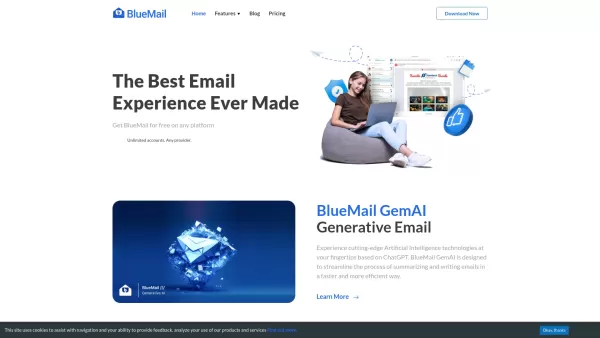
BlueMail isn't just another email app; it's a powerhouse designed to make your life easier across various platforms. Whether you're juggling IMAP, Exchange, or POP3 accounts, BlueMail brings them all together into a seamless, unified inbox. It's like havi
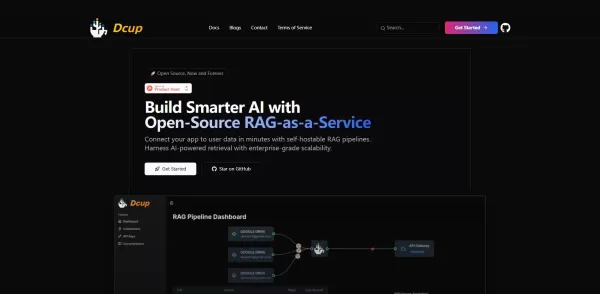
What is Dcup?Dcup is an advanced AI assistant built to streamline and optimize your daily workflows. It provides a suite of capabilities such as task automation, smart scheduling, and efficient data management. By leveraging cutting-edge AI technolog

What is QuickBox AI?QuickBox AI offers a handy browser extension that integrates a suite of AI tools directly into your browser. Pressing cmd+k (or ctrl+k) brings up a compact overlay on your current tab, enabling instant access to AI utilities. You
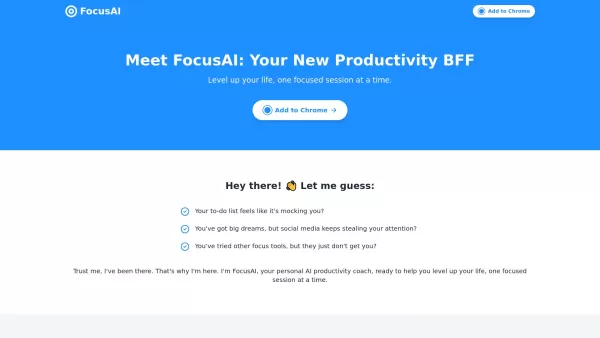
Imagine having a personal AI coach by your side, one that's laser-focused on boosting your productivity and keeping your attention where it matters most. That's Focus AI for you—a smart, tailored solution designed to enhance your focus through person
Noty.ai Product Information
What is Noty.ai?
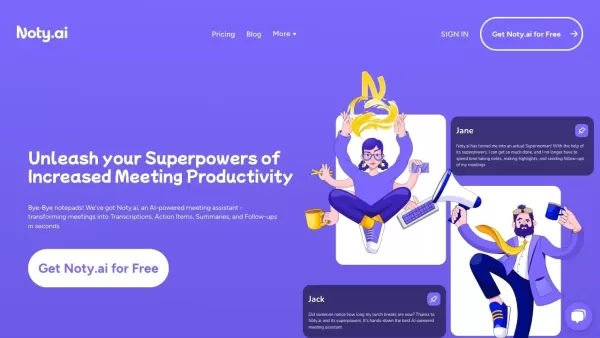
Noty.ai is a comprehensive AI-powered productivity tool designed to boost workplace efficiency. It excels at generating, tracking, and automating work-related tasks from various communication platforms such as Google Meet, Zoom, and Microsoft Teams. Noty.ai helps create detailed meeting notes, summaries, and automated follow-ups, turning everyday conversations into fully actionable outcomes. Users can reclaim an extra two hours each day, optimizing their workflow and productivity. The tool minimizes manual documentation, enabling professionals to focus on what truly matters.
Who will use Noty.ai?
- Knowledge Workers
- Project Managers
- Product Managers
- Teams in Education
- Business Professionals
How to use the Noty.ai?
- Step 1: Sign up for a Noty.ai account.
- Step 2: Integrate Noty.ai with your preferred communication platforms, such as Google Meet, Zoom, or Microsoft Teams.
- Step 3: Start or join a meeting on your chosen platform.
- Step 4: Let Noty.ai record the meeting and generate actionable items, notes, and summaries.
- Step 5: Review and edit the notes as needed.
- Step 6: Use the generated to-dos and follow-ups to manage your tasks more effectively.
Platform
- Web
- Chrome
Noty.ai's Core Features & Benefits
The Core Features
- AI-generated meeting notes
- Actionable to-do lists
- Automated follow-ups
- Integration with popular communication platforms
- Real-time transcription
The Benefits
- Save time on manual documentation
- Increase productivity
- Seamless integration with existing tools
- Enhanced team collaboration
- Better task management
Noty.ai's Main Use Cases & Applications
- Project Management
- Product Management
- Educational Collaboration
- Business Meetings
- Team Productivity Enhancement
Noty.ai's Pros & Cons
The Pros
Automated real-time transcription and meeting summaries improve meeting efficiency.
AI-generated to-do lists help effortlessly prioritize and organize tasks.
Reduces post-meeting administrative workload by handling 95% of follow-up tasks.
Enables collaboration through edit, comment, and chat features on transcripts.
Integrates seamlessly with popular workspace tools to enhance workflow.
User-friendly with a free trial period, no credit card required.
The Cons
No information on open-source availability is provided.
No mobile app links were found, limiting accessibility on certain platforms.
Pricing tiers or costs are not clearly listed upfront on the main page.
Noty.ai's Pricing
Has free plan | Yes |
|---|---|
Free trial details | 7-day free trial, no credit card required |
Pricing model | Free Trial, Pay-as-you-go |
Is credit card required | No |
Paid from | 1 USD |
Has lifetime plan | No |
Billing frequency | Monthly, Hourly for pay-as-you-go |
Details of Pricing Plan
Pro
10 USD
- 100 hours per month
- 3 AI credits per meeting
- Kanban board
- Unlimited storage and access to meetings
- Export to Docs, PDF, txt
- Global search across all meeting data
- Custom summaries
- Priority customer support
Pay-as-you-go
1 USD
- All features included in Pro
- No commitment required
- Volume-based pricing, starting with 5 hours
For the latest prices, please visit: https://noty.ai/pricing
FAQs of Noty.ai
What is Noty.ai?
Noty.ai is a Workplace AI assistant designed to boost productivity through actionable meeting notes and automated task management.
How does Noty.ai integrate with platforms?
Noty.ai integrates with popular communication platforms such as Google Meet, Zoom, and Microsoft Teams to deliver seamless AI-driven meeting documentation.
Is there a free plan available?
Yes, Noty.ai offers a free plan with basic features, plus a paid plan with advanced functionalities.
Can I use Noty.ai for educational purposes?
Noty.ai is well-suited for educational institutions, improving collaboration with AI-powered to-do lists, meeting summaries, and automated follow-ups.
How secure is my data with Noty.ai?
Noty.ai prioritizes data security, employing advanced encryption methods to protect your information.
Can Noty.ai handle multiple languages?
Currently, Noty.ai primarily supports English but plans to expand language support in future updates.
Does Noty.ai offer real-time transcription?
Yes, Noty.ai provides real-time meeting transcription to help you capture and act on important moments instantly.
What types of meetings can Noty.ai record?
Noty.ai can record meetings held on platforms like Google Meet, Zoom, and Microsoft Teams.
How can I get started with Noty.ai?
Sign up on Noty.ai's website, integrate it with your preferred communication platform, and start enhancing your productivity.
What makes Noty.ai different from other AI meeting assistants?
Noty.ai stands out by offering a comprehensive suite of tools for creating actionable notes, task automation, and seamless multi-platform integration, making it a versatile workplace assistant.
Noty.ai Company Information
Website:
https://noty.aiCompany Name:
Noty.aiSupport Email:
N/AFacebook:
N/AX (Twitter):
N/AYouTube:
N/AInstagram:
N/ATikTok:
N/ALinkedIn:
N/A
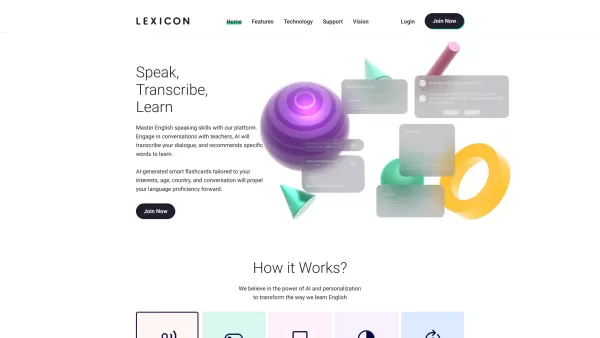
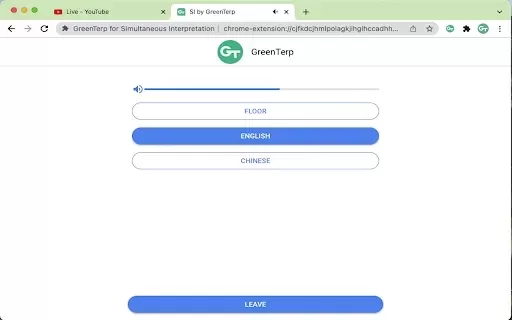
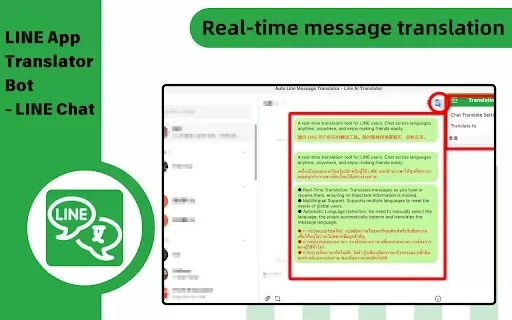
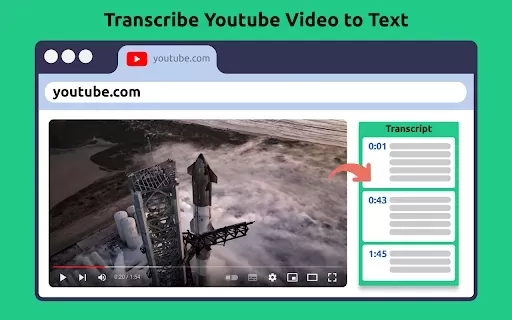
Noty.ai Screenshot

2026 Latest Best Top-rated AI Persona Builder Tools for Audience Research are here on XIX.AI! This curated list features powerful, game-changing tools that help you conduct real-world tests and create accurate audience profiles through detailed free vs paid comparison. You’ll discover the must-try options that boost writing efficiency and unlock your AI edge in marketing strategies. Explore now to find your perfect tool!
 9 tools
 xix.ai
2026 Latest Best Top-rated AI Demo Video Tools for SaaS Product Marketing, carefully curated by XIX.AI. These powerful game-changing solutions help marketers create high-quality video content fast, boost writing efficiency, and streamline marketing workflows. Enjoy a free vs paid comparison along with real-world tests and updated rankings weekly. Explore now to Discover your perfect tool for boosting SaaS sales!
9 tools
xix.ai

2026 Latest Best Top-rated AI Prompt Testing Tools for Better Output Quality! XIX.AI has curated a powerful, game-changing collection of highly efficient tools that undergo rigorous real-world tests to ensure consistent top-tier results. You’ll find detailed free vs paid comparison insights, comprehensive rankings, and expert guidance to help you identify the must-try solutions that boost your workflow significantly. Explore now to unlock your AI edge!
11 tools
xix.ai

2026 Latest Best Top-rated AI Customer Insight Tools for Product Positioning! XIX.AI has curated a powerful, game-changing collection that goes through real-world tests and weekly updated rankings. It helps you uncover customer needs quickly to boost writing efficiency, create optimal SEO content, and craft perfect social media messages without wasting time. Explore now to Discover your perfect tool and Unlock your AI edge.
10 tools
xix.ai
2026 Latest Best Zoom AI note takers ranked by performance and usability. XIX.AI has curated a top-rated list of powerful tools that help you take accurate notes during client calls, streamline internal team syncs, and keep track of key decisions effortlessly. Get a free vs paid comparison along with real-world tests to find the must-try solution that boosts your productivity significantly. Explore now!
12 tools
xix.ai

2026 Latest Best Top-rated AI Spreadsheet Analysis Tools are here on XIX.AI! This curated list features powerful, game-changing solutions that allow you to ask questions directly in spreadsheets and get accurate charts instantly, boosting your productivity significantly. We conduct real-world tests and provide a free vs paid comparison along with weekly updated rankings to help you find the perfect tool for streamlining data tasks. Explore now to Unlock your AI edge!
19 tools
xix.ai


