


 Home
HomeNexto AI: Transform Emails & Calls into Tasks
"Nexto AI: Convert Emails & Calls into Tasks Efficiently" (49 chars)


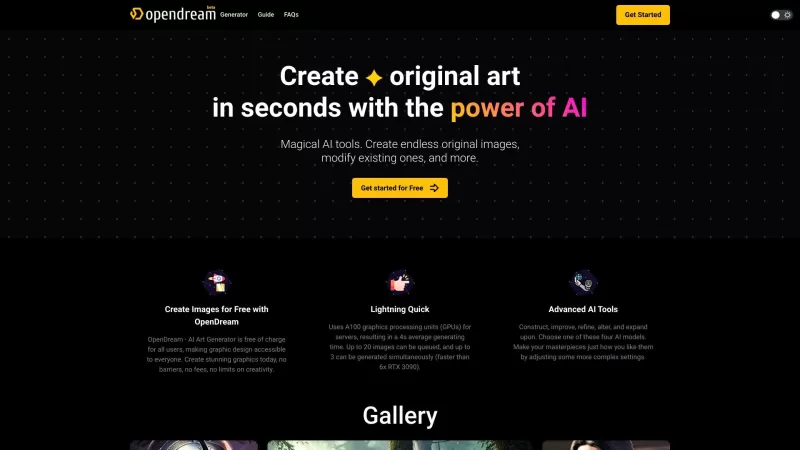
Ever wondered what OpenDream is all about? Well, let me fill you in! OpenDream isn't just another tool; it's an online AI art generator that's here to turn your creative dreams into reality. Imagine being able to whip up stunning AI-generated artwork in m
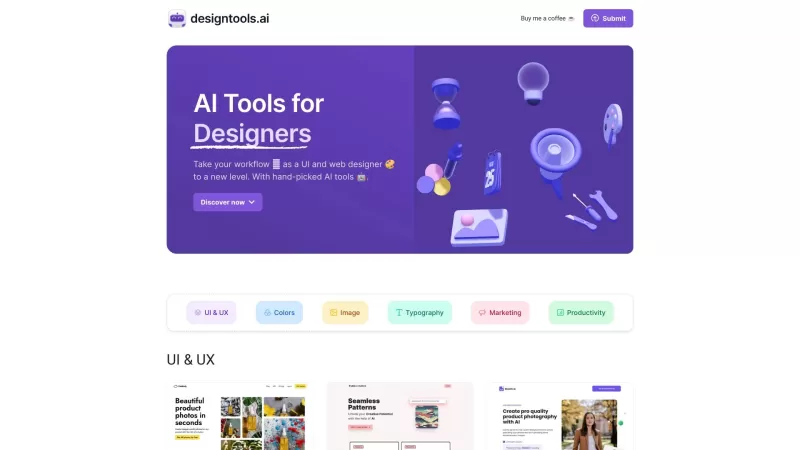
Ever felt like you're juggling too many design tools and still not getting the results you want? Well, let me introduce you to AI Tools for Designers—a gem of a website that's like a personal assistant for UI and web designers. It's all about making your

Ever wondered how businesses can harness the power of AI to communicate and analyze data in a way that feels uniquely tailored to their needs? Enter ZBrain, a dynamic AI platform designed to do just that. Imagine having your very own personalized ChatGPT
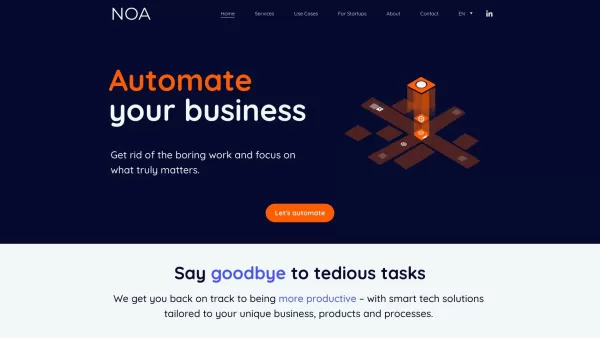
What is NOA?NOA Tech provides innovative technology solutions to enhance your business productivity. Utilizing advanced AI tools and custom automation, we identify operational bottlenecks, implement automation strategies, and empower your team to con
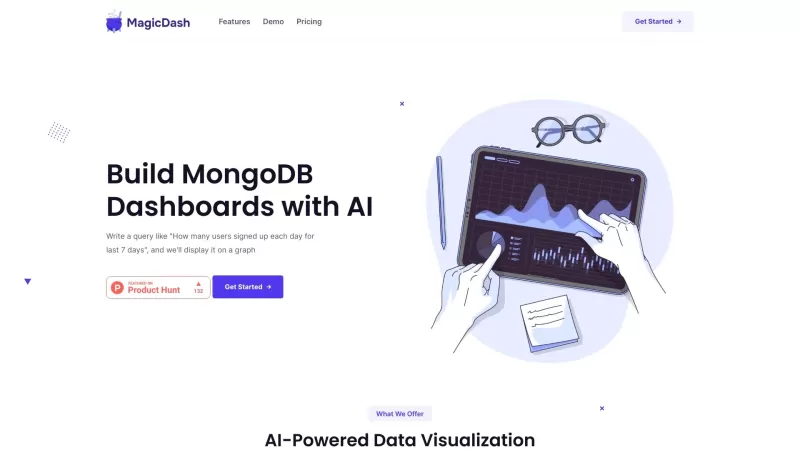
Ever wondered how to make MongoDB analytics as easy as pie? Enter MagicDash, the platform that's here to revolutionize the way you handle your data. It's not just another tool; it's like having a smart assistant dedicated to making your data visualization
Nexto AI: Transform Emails & Calls into Tasks Product Information
What is Nexto AI: Transform Emails & Calls into Tasks?
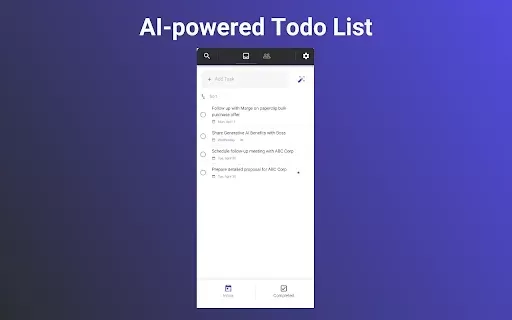
Nexto leverages cutting-edge AI technology to scan your email conversations and call records. It identifies critical action points and seamlessly converts them into manageable tasks within your task list. Designed for both personal and professional use, Nexto helps users effectively prioritize and handle their responsibilities. Perfect for overwhelmed professionals aiming to optimize their workflow and prevent task oversight.
Who can benefit from Nexto AI: Transform Emails & Calls into Tasks?
- Working professionals
- Project coordinators
- Sales representatives
- Academic learners
- Business founders
How to get started with Nexto AI: Transform Emails & Calls into Tasks?
- Step1: Download the Nexto extension from Chrome Web Store.
- Step2: Link your email account with Nexto.
- Step3: View emails via Nexto's dashboard.
- Step4: Choose an email conversation or call recording.
- Step5: Adjust auto-generated task suggestions as needed.
- Step6: Assign deadlines and import tasks to your planner.
- Step7: Keep tasks synchronized across all devices.
Platform
- Web browser
- Chrome extension
Nexto AI: Transform Emails & Calls into Tasks's Core Features & Benefits
The Core Features
- Automatic task extraction from emails
- Call recording interpretation
- Smart deadline recommendations
- Seamless task list integration
The Benefits
- Boosts work output
- Minimizes forgotten duties
- Simplifies task organization
- Optimizes daily processes
Nexto AI: Transform Emails & Calls into Tasks's Main Use Cases & Applications
- Tracking sales prospect follow-ups
- Systematizing personal email tasks
- Monitoring project timelines
- Addressing client service requests
FAQs of Nexto AI: Transform Emails & Calls into Tasks
What is Nexto?
Nexto is an intelligent productivity assistant that turns email conversations and call logs into structured tasks.
How does Nexto work?
The system examines email and call content to pinpoint tasks and proposes appropriate deadlines.
Can I use Nexto on mobile?
Currently, Nexto operates as a Chrome extension without a standalone mobile application.
Is my data safe with Nexto?
Nexto implements robust encryption protocols to protect your information.
Can I integrate Nexto with other productivity tools?
Nexto supports connections with multiple task management platforms for efficient workflow.
Is there a free trial for Nexto?
Prospective users can evaluate Nexto's capabilities through a complimentary trial period.
What types of emails can Nexto process?
The tool accommodates any email platform and extracts tasks from all email discussions.
Do I need technical skills to use Nexto?
Nexto features intuitive design, eliminating any technical prerequisites.
How do I contact support?
Assistance is available through the support email provided on Nexto's official site.
Can Nexto handle multiple email accounts?
The platform supports simultaneous management of several email accounts.
Nexto AI: Transform Emails & Calls into Tasks Company Information
Nexto AI: Transform Emails & Calls into Tasks Screenshot

Discover the 2026 best AI personal wellness and focus coaches on XIX.AI. Our curated rankings feature top-rated, game-changing tools to manage burnout and boost mental energy. Compare free vs paid options with real-world insights. Unlock your path to peak productivity and well-being today.
 10 tools
 xix.ai
Discover the 2026 latest top-rated AI romantic chatbots for building genuine, long-term connections. Our curated list features powerful, consistent personalities, free vs paid comparisons, and real-world tests. Find your perfect companion and start building today at XIX.AI.
10 tools
xix.ai

Discover the 2026 best AI data science mentors to master SQL, Pandas & ML workflows. Explore our top-rated, curated selection at XIX.AI for powerful, game-changing guidance. Compare free vs paid options with real-world insights. Unlock your data science mastery today.
10 tools
xix.ai

Discover the 2026 best AI flirting and conversation trainers on XIX.AI. Our curated, top-rated selection helps you build social charisma and confidence in real-time. Explore must-try, game-changing tools with free vs paid comparisons and weekly updated rankings. Unlock your social edge today.
10 tools
xix.ai

Discover the 2026 latest top-rated AI tools for automated unit testing. Our curated selection features powerful, game-changing solutions to generate Jest, PyTest & JUnit test cases instantly. Compare free vs paid options with real-world tests and weekly updated rankings on XIX.AI. Unlock your AI edge and boost development productivity today.
10 tools
xix.ai

Discover the 2026 best AI data visualization tools at XIX.AI. Our curated, top-rated selection helps you auto-generate powerful, interactive BI dashboards from raw files instantly. Compare free vs paid options with real-world tests and weekly updated rankings. Unlock your data's potential today.
10 tools
xix.ai


