


 Home
HomeNavi - Subtitles & Translation
Real-Time Conversation Translation Tool



Helps TikTok sellers, brands, MCNs, and TAPs discover winning products and find creators.

HelpLook is an AI-powered all-in-one knowledge base tool that helps businesses quickly build knowledge bases, help centers, and...

Your AI Workspace

302.AI is an enterprise-grade AI resource platform with pay-as-you-go pricing, API access to a full range of AI models, and ready-to-use online applications.

剧火AI — AI Screenwriter + Director, a One-Person Short Drama Studio In one sentence, what is it?
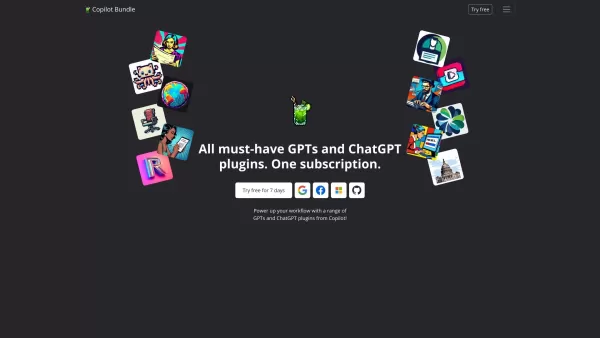
Copilot is an innovative suite of plugins and tools designed to enhance productivity and streamline various tasks within the ChatGPT platform. It's like having a digital assistant that's specialized in boosting your workflow, whether you're summarizing documents, searching the web, or managing job a
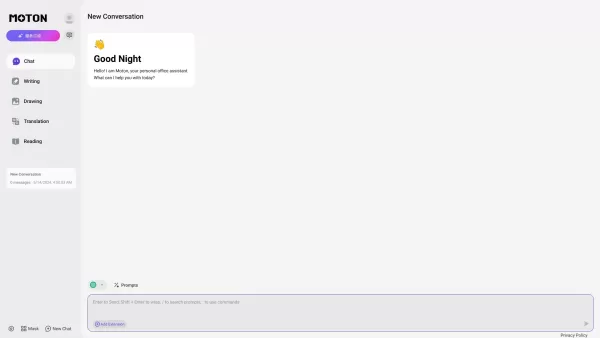
Ever wondered what happens when two of the most advanced language models meet under one roof? That’s where Moton AI comes into play. For a single subscription fee, you get access to both Claude and GPT-4. Think of it as having two of the smartest brains w

UniScribe is more than just a tool—it's a game-changer for anyone dealing with audio and video content. It's the go-to platform for transforming your spoken words into written text, and it does so with incredible efficiency. Whether you're working with audio files or videos, or even just a YouTube U
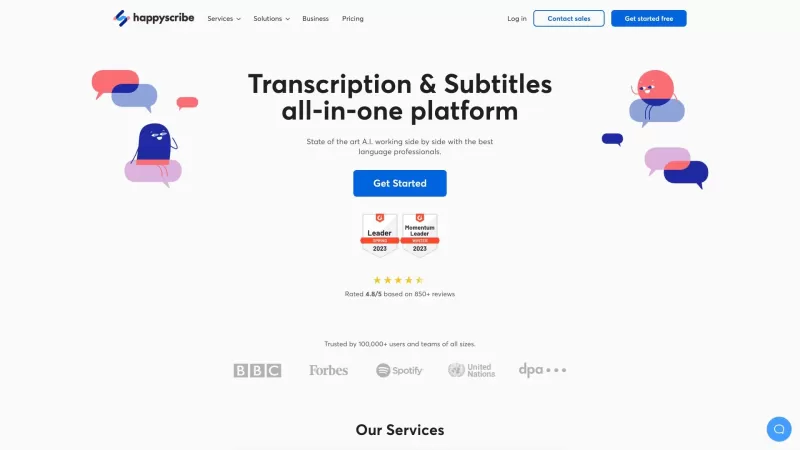
Discover the magic of Happy Scribe, your go-to service for turning audio into text with stunning accuracy across multiple languages and formats. Whether you're dealing with podcasts, interviews, or video content, Happy Scribe has got you covered with both automatic and human transcription options.Ho
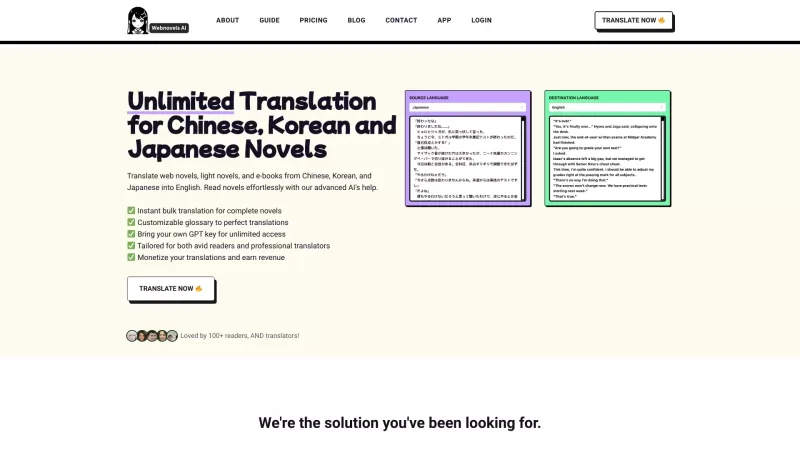
Ever stumbled upon a fascinating web novel, light novel, or e-book from China, Korea, or Japan but found yourself stuck because of the language barrier? That's where Webnovels AI comes in, acting as your personal translator to bring these stories to life in English. With its nifty glossary support,
Navi - Subtitles & Translation Product Information
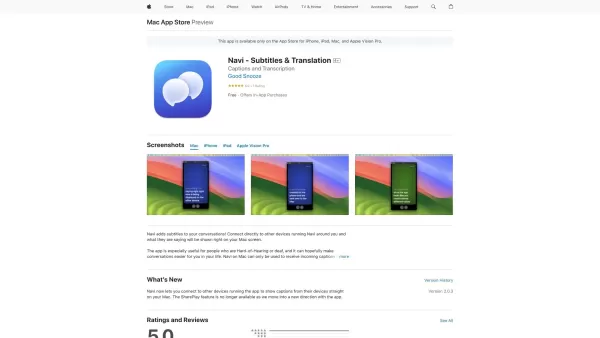
Ever found yourself in a situation where you wished you could understand what people around you were saying, especially if you're hard-of-hearing or deaf? Well, Navi - Subtitles & Translation might just be the game-changer you need. This nifty app brings real-time captions and translations right to your Mac screen, turning the world into a more accessible place.
How to Use Navi - Subtitles & Translation?
Using Navi is as easy as pie. Just fire up the app on your Mac, and it will connect to other devices running Navi nearby. Before you know it, what people are saying around you will appear as subtitles on your screen. It's like having your own personal translator at all times, which is a total lifesaver for those who are hard-of-hearing or deaf.
FAQ from Navi - Subtitles & Translation
- What devices does Navi support?
- Navi is designed to work seamlessly with a variety of devices, ensuring you can stay connected and informed no matter what you're using.
- Can I use Navi on Mac?
- Absolutely! Navi is fully compatible with Mac, making it a breeze to use on your favorite Apple device.
- How can I provide feedback?
- We love hearing from our users! You can easily provide feedback through the app or by reaching out to our support team. Your insights help us improve Navi for everyone.
- Can I cancel my subscription?
- Yes, you can cancel your subscription at any time. Just head over to your account settings in the app, and follow the prompts to manage your subscription.
- Where can I view the Terms of Use and Privacy policy?
- You can find our Terms of Use and Privacy policy within the app or on our official website. We're all about transparency and keeping you informed.
So, whether you're at a conference, in a bustling café, or just hanging out with friends, Navi - Subtitles & Translation can help you stay in the loop. Give it a try and see how it transforms your daily interactions!
Navi - Subtitles & Translation Screenshot

2026 Latest Best AI Translators: Top-rated picks for real-time translation and seamless multilingual communication. Discover powerful, game-changing tools for accurate, context-aware language conversion. Compare free vs paid options with weekly updated rankings and real-world tests. Unlock global communication with XIX.AI's curated selection. Find your perfect translator now.
 10 tools
 xix.ai
2026 Latest Top AI Translator Apps: Discover best-rated tools for business communication, seamless localization, and global team collaboration. Our curated, weekly-updated comparison highlights powerful, game-changing solutions tested for real-world accuracy and efficiency. Find your perfect match with free vs paid insights from XIX.AI. Unlock fluent global success today.
10 tools
xix.ai


