


 Home
Home


Helps TikTok sellers, brands, MCNs, and TAPs discover winning products and find creators.

HelpLook is an AI-powered all-in-one knowledge base tool that helps businesses quickly build knowledge bases, help centers, and...

Your AI Workspace

302.AI is an enterprise-grade AI resource platform with pay-as-you-go pricing, API access to a full range of AI models, and ready-to-use online applications.

剧火AI — AI Screenwriter + Director, a One-Person Short Drama Studio In one sentence, what is it?
MotionIt.ai Product Information
Ever found yourself staring blankly at a screen, trying to whip up a slick presentation or a compelling pitch deck? Enter MotionIt.ai, your new best friend in the world of slide creation. This isn't just another tool; it's a game-changer, using the magic of artificial intelligence to craft stunning slides and videos tailored to your needs. Whether you're prepping for a startup pitch, a conference, or an educational session, MotionIt.ai streamlines the process, making it a breeze to produce content that looks like you've hired a professional designer.
How to Use MotionIt.ai?
So, you're ready to dive in and see what MotionIt.ai can do for you? Here's how to get started:
Enter Keywords or Upload a Document: Start by giving MotionIt.ai some direction. Either type in keywords that capture your topic's essence or upload a document. This is where the AI begins to work its magic.
Choose a Theme: You've got a vision, right? Pick a theme that vibes with your presentation's style and tone. This sets the stage for the AI's design magic.
Generate Slides: Hit that button, and watch as MotionIt.ai's advanced AI takes over. It'll design and format slides based on the content you provided. It's like having a designer on speed dial.
Customize and Refine: Got some personal touches to add? Now's your chance. Customize the slides to your heart's content and refine them until they're just right.
Export or Download: Once you're happy with your masterpiece, it's time to share it with the world. Export your slides to Google Slides or download them as a PowerPoint (PPTX) or PDF file. Flexibility at its finest.
MotionIt.ai's Core Features
AI-Driven Slide Design
Forget about spending hours tweaking layouts and fonts. MotionIt.ai's AI does the heavy lifting, designing and formatting slides so you can focus on what really matters—your content.
Automatic Image Selection
Ever struggled to find the perfect image? MotionIt.ai's smart system picks out visually stunning images that complement your slides, saving you from endless scrolling through stock photo sites.
Document-to-Slide Transformation
Got a report or a proposal that needs to be presented? Just upload your document, and voila! MotionIt.ai transforms it into a professional slide deck in a snap.
MotionIt.ai's Use Cases
From startup pitches to educational sessions, MotionIt.ai is versatile enough to handle a variety of presentation needs:
- Startup pitch decks: Impress investors with a sleek, professional deck.
- Conference presentations: Stand out with visually engaging slides.
- Educational presentations: Make learning more interactive and fun.
- Business proposal presentations: Win over clients with a compelling visual narrative.
- Sales pitch presentations: Seal the deal with a presentation that sells itself.
Need help or have questions? The MotionIt.ai team is just an email away. Reach out to them at [email protected] for customer service, refunds, or any other inquiries.
MotionIt.ai is brought to you by Motionit, a company dedicated to simplifying the way we create and present content. Want to get started? Log in at MotionIt.ai Login and join the community on Twitter at MotionIt.ai Twitter.
MotionIt.ai Screenshot

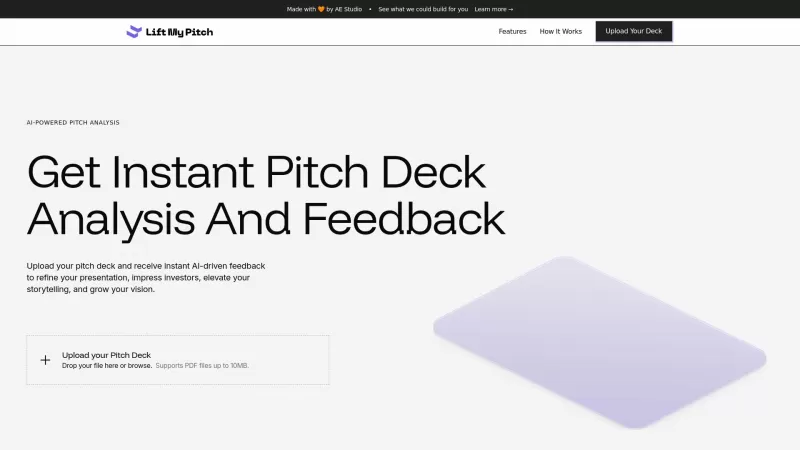
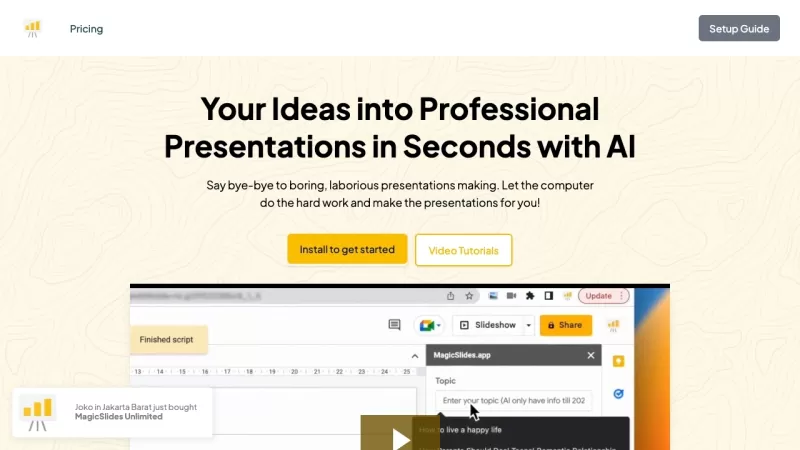

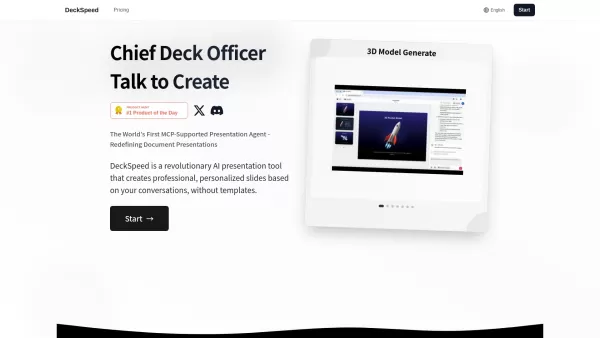

Discover the 2026 best AI whiteboard animation software on XIX.AI. Our curated, top-rated picks automate hand-drawn doodle videos to boost engagement and simplify complex topics for education. Explore free vs paid comparisons, real-world tests, and weekly updated rankings. Find your perfect tool to create captivating educational content today.
 10 tools
 xix.ai


