


 Home
HomeMotion Cut – Video Service Provider
Video Animation Services for SaaS AI Web3 Startups



Helps TikTok sellers, brands, MCNs, and TAPs discover winning products and find creators.

HelpLook is an AI-powered all-in-one knowledge base tool that helps businesses quickly build knowledge bases, help centers, and...

Your AI Workspace

302.AI is an enterprise-grade AI resource platform with pay-as-you-go pricing, API access to a full range of AI models, and ready-to-use online applications.

剧火AI — AI Screenwriter + Director, a One-Person Short Drama Studio In one sentence, what is it?

What is Celebrity AI?CelebrityAI revolutionizes digital content creation with its cutting-edge artificial intelligence platform that generates lifelike celebrity videos and voice messages. Using sophisticated technologies including deep neural networ

If you're diving into the world of AI and need a tool to streamline your interactions with models like ChatGPT, Claude, and Gemini, let me introduce you to TaoPrompt. This isn't just another AI tool; it's a professional prompt generator that's designed to
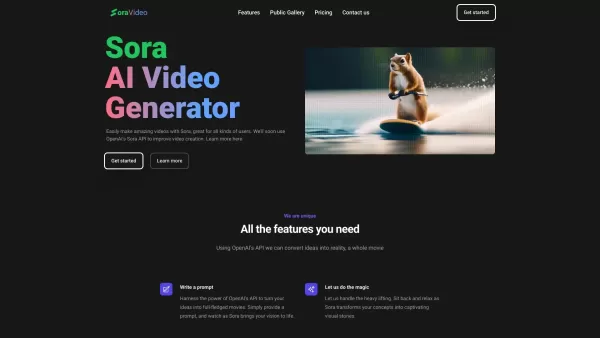
Ever wondered what Sora Video AI is all about? It's like having a magic wand for video creation! This tool, powered by OpenAI's official Sora technology, transforms your text into stunning videos with just a few clicks. Whether you're a creator, marketer,

Ever found yourself staring at a blank screen, struggling to come up with that perfect headline that'll make your content pop? Enter Great Headlines, a game-changer in the world of content marketing and copywriting. This isn't just another tool; it's a powerhouse that blends marketing savvy with the
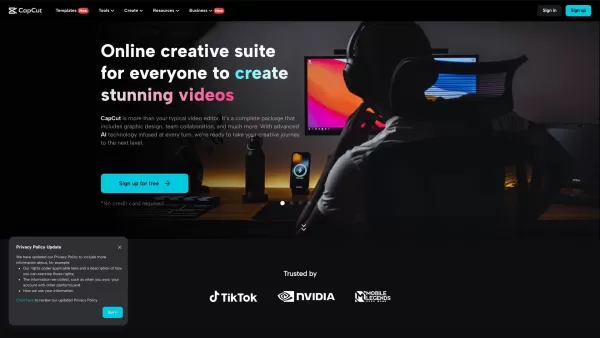
Ever stumbled upon CapCut and wondered what it's all about? Well, let me tell you, CapCut isn't just another app—it's a powerhouse of creativity fueled by AI. Whether you're on your browser, rocking a Windows or Mac, or using your Android or iOS device, C
Motion Cut – Video Service Provider Product Information
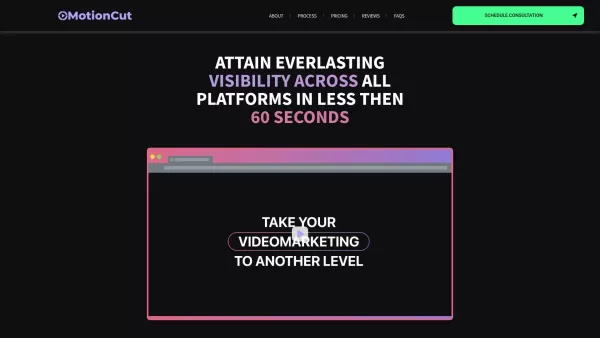
Ever wondered how SaaS, AI, and Web3 startups get those slick, eye-catching videos that pop up all over your social media feed? Well, let me introduce you to Motion Cut, a game-changer in the world of video production for tech startups. These folks specialize in crafting short, highly engaging videos that are perfect for any social media platform. But that's not all—they also offer top-notch 3D Product Animation services to bring your product demos and visualizations to life. Now, isn't that something?
How to Get Started with Motion Cut
Ready to dive in and see what Motion Cut can do for you? Here's how you can get started:
- Schedule a Consultation: Kick things off by setting up a chat to discuss your video needs. It's like having a coffee with a friend, but way more productive.
- Collaborate on Creative Direction: Work hand-in-hand with the Motion Cut team to nail down the perfect creative path for your videos. Think of it as brainstorming with the pros.
- Review and Approve: Take a look at the custom scripts and storyboards they whip up for you. It's your chance to tweak things until they're just right.
- Sit Back and Relax: Once everything's set, let Motion Cut work their magic. You can kick back while they bring your vision to life.
- Request Changes: If something's not quite right, no worries. Request any changes you need to make sure the videos are spot on.
- Distribute and Grow: Finally, take those awesome videos and share them across social media and paid ad channels. Watch as your user base starts to grow!
Motion Cut's Core Features
What makes Motion Cut stand out from the crowd? Let's break it down:
- Short and Engaging Videos: Designed to grab attention on any social media platform, these videos are the perfect way to get your message across.
- Educational Video Demos: Show off your software or platform's functionality in a way that's easy for users to understand and appreciate.
- In-House Video Editing Team: With custom consultation and Slack support, you're in good hands from start to finish.
- Multiple Formats: Whether it's for Instagram, YouTube, or LinkedIn, Motion Cut ensures your videos are optimized for every platform.
- 3D Product Animation: Give your audience an interactive experience with stunning 3D demos and visualizations.
Use Cases for Motion Cut
So, how can Motion Cut help your startup? Here are a few ways:
- Expanding Your User Base: Use those captivating videos to reach new audiences and grow your community.
- Converting Warm Leads: Turn your engaged followers into active users with compelling video content.
- Educating Users: Break down the benefits of your software or platform in a way that's easy to digest and understand.
- Showcasing Product Value: Highlight what makes your product special and why prospective clients should care.
- Increasing Conversions: Drive more sales and sign-ups with powerful video marketing strategies.
- Launching with Impact: Create launch ads that not only grab attention but also boost your revenue.
FAQ from Motion Cut
- What is Motion Cut?
- Motion Cut is a video service provider specializing in creating short, engaging videos for tech startups.
- Can I Make Changes to the Videos?
- Absolutely! You can request changes to ensure the videos meet your expectations.
- How Do the Video Editors Work?
- Our in-house team collaborates closely with you, offering custom consultation and support via Slack to create the perfect video.
- Does Motion Cut Provide a Guarantee?
- Yes, we stand behind our work and offer guarantees to ensure your satisfaction.
- How Long Does It Take?
- The timeline varies, but we work efficiently to deliver your videos in a timely manner.
For any further questions or support, feel free to reach out to Motion Cut via email at [email protected]. You can also find more contact options on their contact us page.
Want to learn more about Motion Cut? Check out their about us page. And if you're curious about pricing, head over to their pricing page.
Stay connected with Motion Cut on social media:
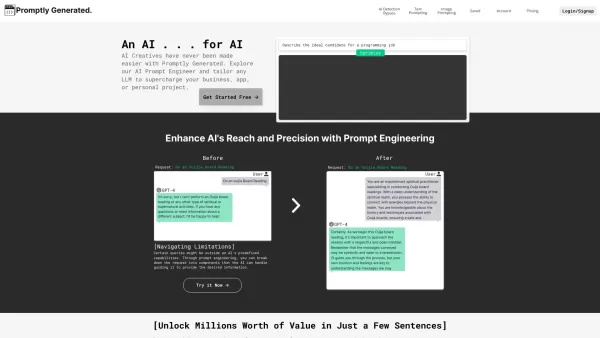
Motion Cut – Video Service Provider Screenshot


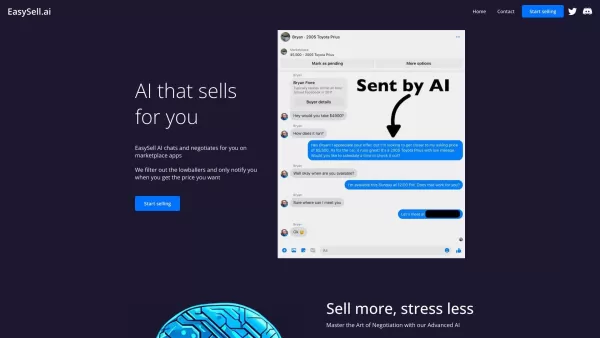
Discover the 2026 best AI fable video tools at XIX.AI. Our curated, top-rated selection transforms mythical tales into magical cinematic animations. Compare free vs paid options with real-world tests. Unlock your creative storytelling power today!
 10 tools
 xix.ai

2026 Latest Best AI Anime Video Generators: Discover top-rated tools to instantly transform static manga into dynamic action sequences. Our curated list compares free vs paid options, featuring weekly updated rankings based on real-world tests. Find powerful, game-changing AI for creating stunning animated scenes. Unlock your creative edge with XIX.AI's expert picks.
10 tools
xix.ai

2026 Latest curated selection of the best AI tools to instantly animate images into compelling videos. Explore top-rated, game-changing solutions for effortless video creation — perfect for marketers, creators, and businesses. Get weekly updated rankings & real-world tests at XIX.AI. Unlock your visual storytelling edge today!
9 tools
xix.ai

2026 Latest: Discover our top-rated AI talking face and lip sync video makers. XIX.AI's curated selection features the most powerful, game-changing tools for creating realistic avatar videos, perfect for content creators and marketers. Compare free vs paid options with weekly updated rankings. Unlock your AI video edge today
10 tools
xix.ai
Discover the 2026 best and top-rated AI video synthesis tools. XIX.AI's expert-curated guide helps you create stunning videos from images effortlessly. Compare free vs paid options with real-world tests and weekly updated rankings. Find your perfect game-changing tool for powerful visual storytelling. Explore now and start creating!
10 tools
xix.ai
2026 Latest: Explore our top-rated AI Image-to-Video tools on XIX.AI. Discover powerful, game-changing solutions to effortlessly transform static images into dynamic videos. Our curated rankings, based on real-world tests and weekly updated comparisons, help you find your perfect match. Unlock your creative potential today
10 tools
xix.ai


Just tried Motion Cut for our SaaS launch promo. The AI editing suggestions saved me hours of tweaking render settings. Kinda spooky how it knew exactly which clips would vibe together. Still feels like there's a creative human behind it though! 😄
Motion Cutはまさにビデオ制作の革命だね!AIを活用した動画編集は、スタートアップのSNSプロモーションにぴったり。でもWeb3動画が増えすぎて情報過多になるかも?🤔 それでもこのサービスのクオリティには脱帽!


