


 Home
HomeMorgen
Morgen: Multi-Device Calendar and Task Management



Helps TikTok sellers, brands, MCNs, and TAPs discover winning products and find creators.

HelpLook is an AI-powered all-in-one knowledge base tool that helps businesses quickly build knowledge bases, help centers, and...

Your AI Workspace

302.AI is an enterprise-grade AI resource platform with pay-as-you-go pricing, API access to a full range of AI models, and ready-to-use online applications.

剧火AI — AI Screenwriter + Director, a One-Person Short Drama Studio In one sentence, what is it?
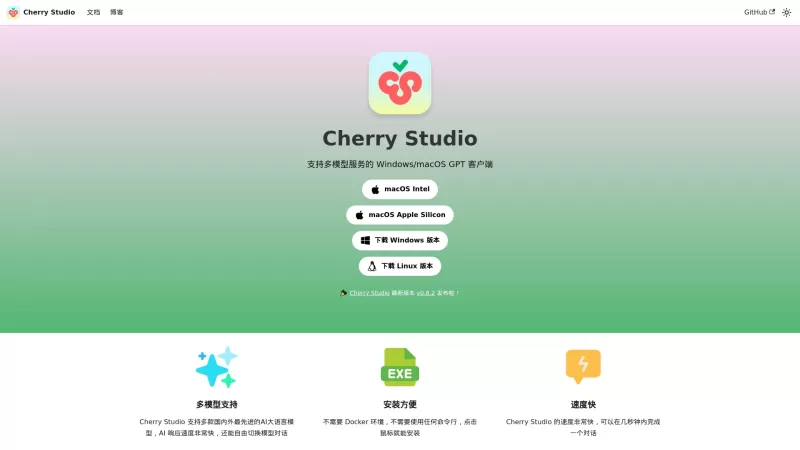
Ever stumbled upon Cherry Studio AI and wondered what it's all about? Well, let me break it down for you. Cherry Studio AI isn't just another run-of-the-mill AI tool; it's a powerhouse desktop client that lets you dive into advanced AI interactions across

Discover Plume AI: Your Ultimate Academic Writing AssistantAre you tired of struggling with your academic writing? Well, say hello to Plume AI, the innovative AI assistant that's here to revolutionize the way you write! Designed with students in mind, Plume AI harnesses the power of cutting-edge art
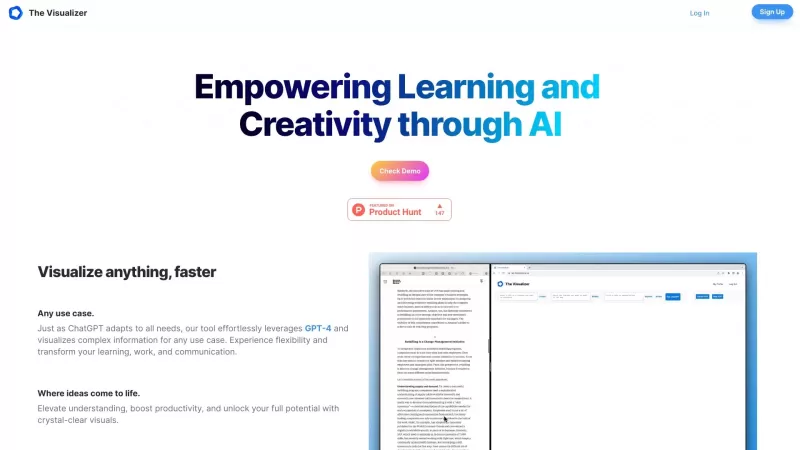
Ever wondered how to turn your jumbled thoughts and complex queries into something you can actually grasp? Enter The Visualizer, your new best friend in the world of learning and creativity. This nifty tool takes your written queries, URLs, and even PDFs,

Ever wished for a trusty sidekick to help you navigate the digital world with ease? Enter Sider, your personal AI companion designed to seamlessly blend into your daily routine. Starting off as a handy Chrome/Edge extension, Sider transforms your browsing
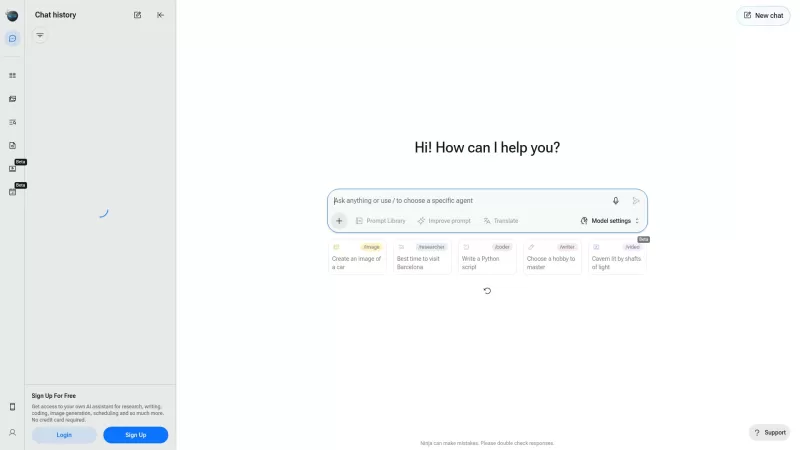
Ever wondered what Ninja AI is all about? Well, let me tell you, it's like having a Swiss Army knife for your digital needs! Ninja AI isn't just another AI tool; it's a powerhouse that brings together over 24 top-notch Large Language Models (LLMs) to help
Morgen Product Information
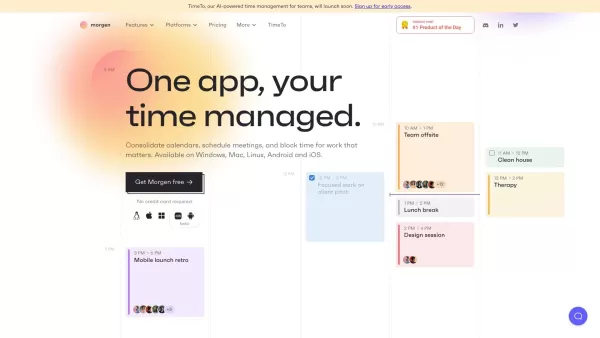
Ever feel like you're juggling a dozen calendars and to-do lists, trying to keep your life in order? Enter Morgen, your all-in-one solution for managing calendars, scheduling, and tasks. It's like having a personal assistant who's always on top of your game, syncing with your existing apps and available across Windows, Mac, Linux, Android, and iOS. With Morgen, you can wave goodbye to the chaos and hello to seamless organization.
How to Dive into Morgen
Getting started with Morgen is a breeze, and here's how you can do it:
- Head over to their website and sign up. It's quick and painless, I promise.
- Grab the Morgen app for your device of choice. They've got you covered, whether you're team Android, iOS, or prefer the desktop life on Windows, Mac, or Linux.
- Link up Morgen with your current calendars and to-do lists. It's like introducing your new best friend to your old ones.
- Watch as Morgen pulls everything together, syncing and organizing your life into one tidy package.
- Start scheduling like a pro. Whether it's meetings, time blocks for your big projects, or just managing your daily tasks, Morgen's got your back.
- Customize how you want your schedule to look and share your availability with ease. No more back-and-forth emails!
- Plug in your favorite productivity tools. Morgen plays well with others, enhancing your time management game.
- Stay on top of your game from any device. Morgen's multi-platform support means you're always in control, no matter where you are.
Morgen's Powerhouse Features
Unified Calendar
Imagine all your calendars in one spot, neatly organized and easy to navigate. That's what Morgen's unified calendar does for you.
Scheduling Wizardry
From setting up meetings to blocking out time for deep work, Morgen makes scheduling feel like magic.
Task Manager Extraordinaire
Whether you're integrating existing to-do lists or creating new ones, Morgen lets you manage tasks right within your calendar.
Developer APIs (alpha)
For the tech-savvy, Morgen's developer APIs let you customize and extend its functionality. It's like having a Swiss Army knife for your productivity.
Everywhere You Are
With support for Windows, Mac, Linux, Android, and iOS, Morgen is wherever you need it to be.
CalDav Integration
Morgen plays nicely with CalDav calendars, ensuring you don't miss a beat.
Multi-Platform Mastery
Switch between devices seamlessly. Morgen keeps you organized, whether you're on your phone, tablet, or computer.
Who Can Benefit from Morgen?
Morgen isn't just for one type of user. Here's who can make the most of it:
- Individuals juggling multiple calendars and to-do lists, looking for a single solution.
- Professionals who need to keep their schedules tight and their tasks on track.
- Teams and businesses aiming to boost productivity with a unified time management tool.
- Busy bees who want to manage their availability and dodge scheduling conflicts like a pro.
- Anyone who loves integrating multiple productivity apps for a supercharged time management experience.
- People who need access to their schedules and tasks across various devices.
FAQ from Morgen
- What platforms is Morgen available on?
- Morgen is available on Windows, Mac, Linux, Android, and iOS.
- Can I integrate my existing calendars and to-do apps with Morgen?
- Absolutely! Morgen integrates seamlessly with your existing calendars and to-do apps.
- Does Morgen have a mobile app?
- Yes, Morgen offers mobile apps for both Android and iOS.
Want to dive deeper into the Morgen community? Check out their Discord. For more on Discord, click here.
Need to get in touch with Morgen's support team? Visit their contact us page for all the details on support, customer service, and refunds.
Curious about the company behind Morgen? It's Morgen AG.
Ready to sign up? Head over to Morgen's sign-up page.
Wondering about the cost? Check out Morgen's pricing.
Connect with Morgen on LinkedIn or follow them on Twitter for the latest updates.
Morgen Screenshot
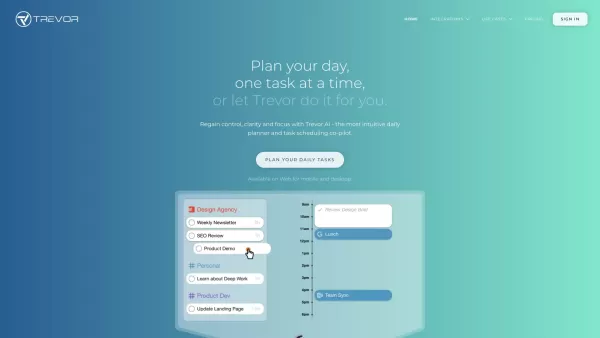
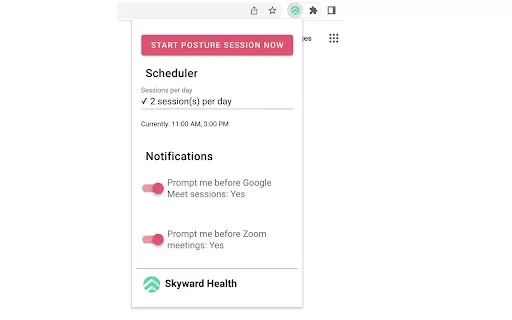
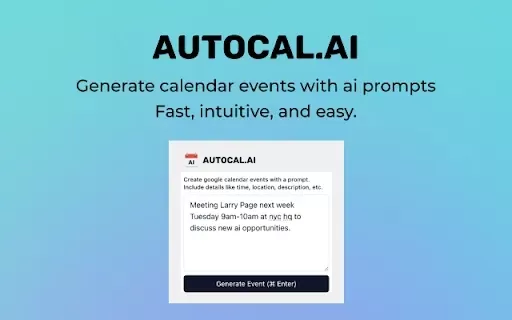

2026 Latest Best Top-rated AI Action Item Tools for Project Follow Up! XIX.AI has curated a powerful, game-changing collection of must-try tools that deliver accurate task tracking, real-time updates, and streamlined workflow management. Every entry undergoes rigorous weekly updated real-world tests to ensure top performance across all use cases. Get a free vs paid comparison to find the perfect fit for boosting your productivity. Explore now to Unlock your AI edge!
 10 tools
 xix.ai
Discover the 2026 latest top-rated AI tools for multi-agent prompting. Our curated list features powerful solutions for designing complex task orchestration and automated loops. Compare free vs paid options with real-world tests and weekly updated rankings. Unlock your AI edge today at XIX.AI.
10 tools
xix.ai


