


 Home
HomeMobile Answer Generator
GPT and Google MLKit Test Question Generator



Helps TikTok sellers, brands, MCNs, and TAPs discover winning products and find creators.

HelpLook is an AI-powered all-in-one knowledge base tool that helps businesses quickly build knowledge bases, help centers, and...

Your AI Workspace

302.AI is an enterprise-grade AI resource platform with pay-as-you-go pricing, API access to a full range of AI models, and ready-to-use online applications.

剧火AI — AI Screenwriter + Director, a One-Person Short Drama Studio In one sentence, what is it?
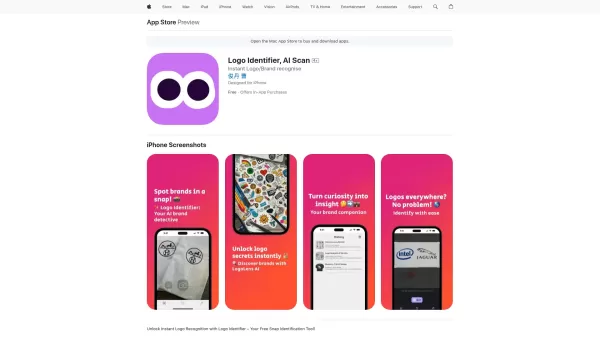
Ever wondered what that cool logo you spotted on your shopping spree or while flipping through a magazine actually represents? Enter Logo Identifier, the nifty AI-powered app that's like having a brand-savvy friend in your pocket. With just a snap of your
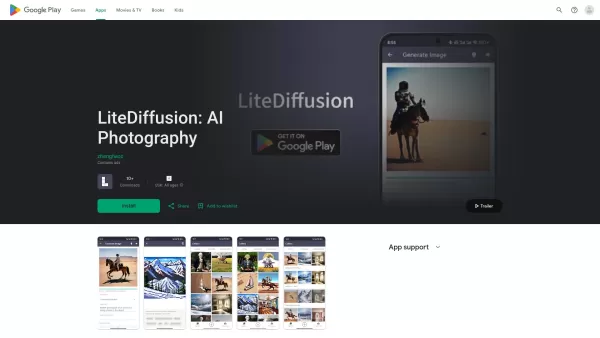
Ever wanted to whip up some stunning AI-generated images right from your phone? Well, LiteDiffusion is here to make that dream a reality. This nifty app lets you harness the power of Stable Diffusion, a top-notch AI image generation model, directly o
Ever stumbled upon CapCut and wondered what it's all about? Well, let me tell you, CapCut isn't just another app—it's a powerhouse of creativity fueled by AI. Whether you're on your browser, rocking a Windows or Mac, or using your Android or iOS device, C
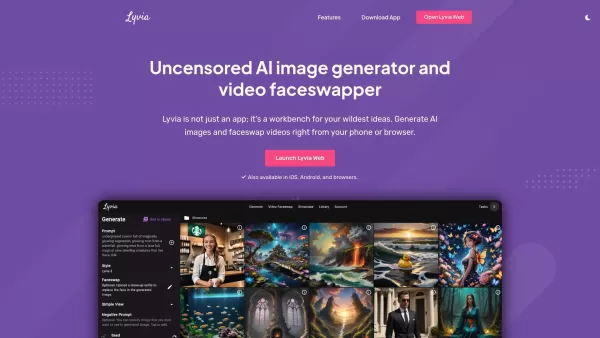
What is Lyvia AI?Lyvia is a powerful platform featuring an uncensored AI image generator and versatile face swap tools for both photos and videos. Accessible on your mobile, tablet, or computer, it’s designed to evolve with you through regular update
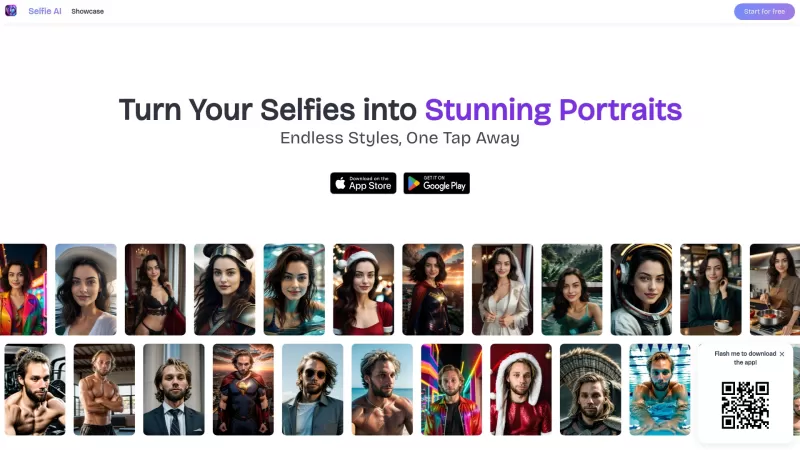
Ever wondered how to turn your everyday selfies into something extraordinary? Enter Selfie AI, the app that's revolutionizing the way we look at our selfies. This nifty tool uses cutting-edge AI technology to transform your ordinary selfies into stunning,
Mobile Answer Generator Product Information
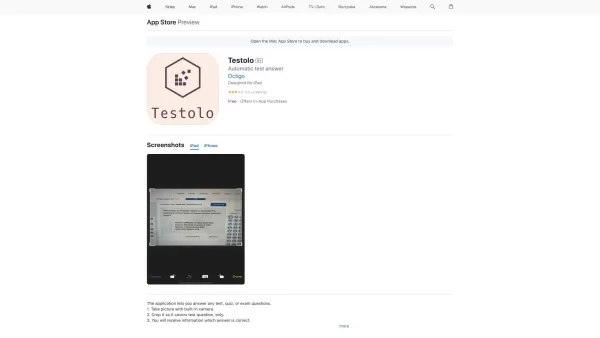
Ever found yourself staring blankly at a test question, wishing you had a magic wand to conjure up the right answer? Well, the Mobile Answer Generator app might just be the next best thing. This nifty iPhone app uses the power of GPT and Google MLKit to whip up answers to your test questions in a snap. It's like having a smart friend who's always ready to help, even at the last minute.
How to Use Mobile Answer Generator?
Ready to give it a go? Here's how you can get started with the Mobile Answer Generator:
- Head over to the App Store and download the Mobile Answer Generator. Install it on your iPhone, and you're halfway there.
- Launch the app and give it the permissions it needs. It's just like any other app; it wants to be your friend.
- Now, snap a photo of your test question or upload an image if you've got one handy. The app loves visuals.
- Sit back and relax while the app does its magic, processing the question and crafting an answer.
- Once the answer pops up, take a peek. Feel free to tweak it, add your own flair, or just nod in approval if it's spot on.
- Finally, save the answer for later or share it with your study buddies. The choice is yours.
Core Features of Mobile Answer Generator
What makes this app tick? Here are its standout features:
- Automatic Answer Generation: Powered by GPT and Google MLKit, it's like having a mini-genius at your fingertips.
- Image Recognition: Just snap a pic of your test question, and the app will do the rest.
- Editing and Customization: Not satisfied with the answer? No problem. Edit it to fit your style.
- Save and Share: Keep your answers or spread the knowledge. It's up to you.
Use Cases for Mobile Answer Generator
This app isn't just for show. Here's who can benefit from it:
- Students: Cramming for exams? This app's got your back.
- Professionals: Studying for certifications can be tough, but this app makes it easier.
- Test Takers: Need quick, accurate answers? Look no further.
FAQ from Mobile Answer Generator
- How accurate are the answers generated by the app?
- The app strives for high accuracy, but it's always a good idea to double-check the answers, especially for critical exams.
- Can the app recognize handwritten test questions?
- Absolutely! The app's image recognition tech is designed to handle both printed and handwritten text.
- Is there a limit to the number of questions I can generate answers for?
- There's no strict limit, but for the best performance, it's wise to use it judiciously.
- Can I save and share the generated answers?
- Yes, you can save your answers within the app and share them however you like.
Mobile Answer Generator Screenshot
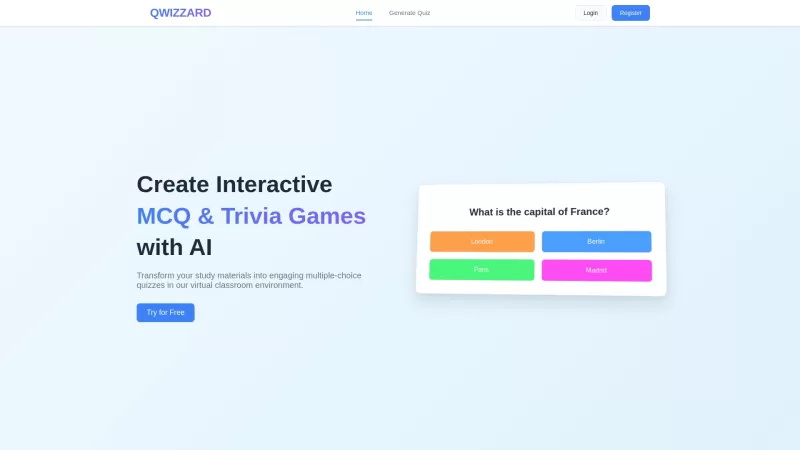
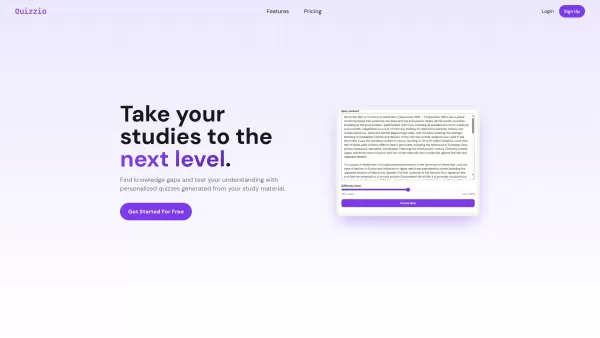
2026 Latest Best Top-rated AI Quiz Builders for Course Creators and Tutors! XIX.AI has curated a powerful, game-changing collection of must-try tools that go through real-world tests for unmatched accuracy. You’ll find detailed free vs paid comparison insights, updated weekly rankings, and practical tips to boost content creation efficiency and deliver engaging learning experiences. Explore now to Discover your perfect tool and Unlock your AI edge!
 9 tools
 xix.ai
2026 Latest Best AI Quiz Builder Platforms for Teachers, Tutors, and Cohort-Based Learning Programs! XIX.AI has curated a top-rated list of powerful game-changing tools that go through real-world tests to deliver accurate rankings. These must-try platforms help boost writing efficiency, streamline content creation, and simplify quiz design across all learning scenarios. Explore now to discover your perfect tool for unlocking your AI edge in teaching!
13 tools
xix.ai


