


 Home
HomeMink
AI Browser Extension Enhances Productivity



Helps TikTok sellers, brands, MCNs, and TAPs discover winning products and find creators.

HelpLook is an AI-powered all-in-one knowledge base tool that helps businesses quickly build knowledge bases, help centers, and...

Your AI Workspace

302.AI is an enterprise-grade AI resource platform with pay-as-you-go pricing, API access to a full range of AI models, and ready-to-use online applications.

剧火AI — AI Screenwriter + Director, a One-Person Short Drama Studio In one sentence, what is it?
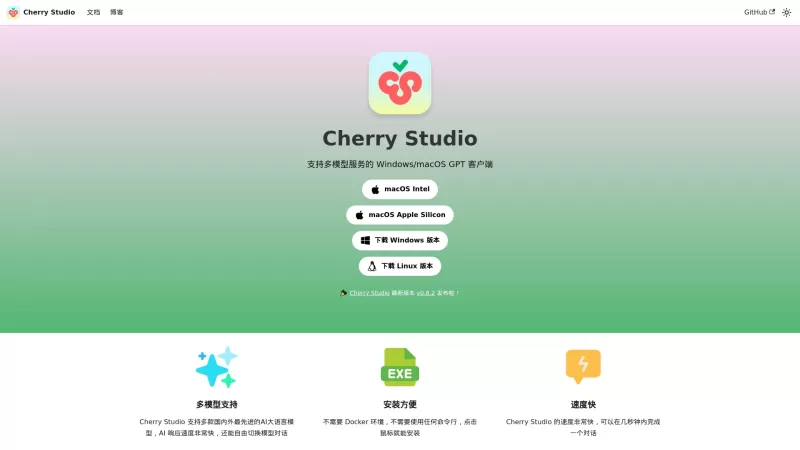
Ever stumbled upon Cherry Studio AI and wondered what it's all about? Well, let me break it down for you. Cherry Studio AI isn't just another run-of-the-mill AI tool; it's a powerhouse desktop client that lets you dive into advanced AI interactions across
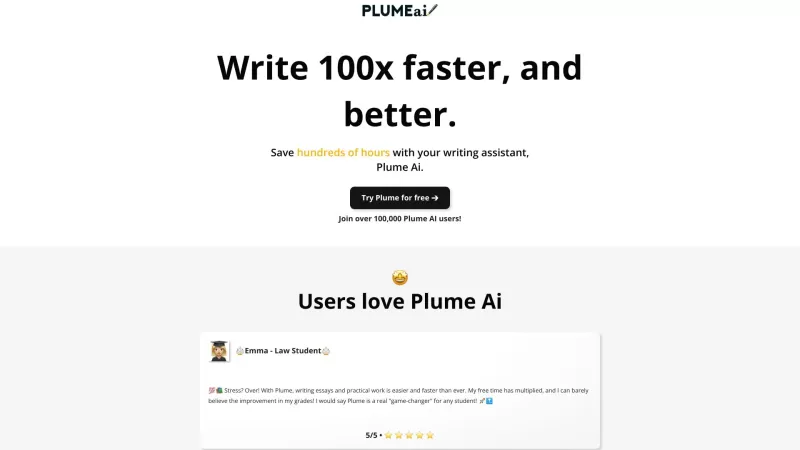
Discover Plume AI: Your Ultimate Academic Writing AssistantAre you tired of struggling with your academic writing? Well, say hello to Plume AI, the innovative AI assistant that's here to revolutionize the way you write! Designed with students in mind, Plume AI harnesses the power of cutting-edge art

Ever wondered how to turn your jumbled thoughts and complex queries into something you can actually grasp? Enter The Visualizer, your new best friend in the world of learning and creativity. This nifty tool takes your written queries, URLs, and even PDFs,

Ever wished for a trusty sidekick to help you navigate the digital world with ease? Enter Sider, your personal AI companion designed to seamlessly blend into your daily routine. Starting off as a handy Chrome/Edge extension, Sider transforms your browsing
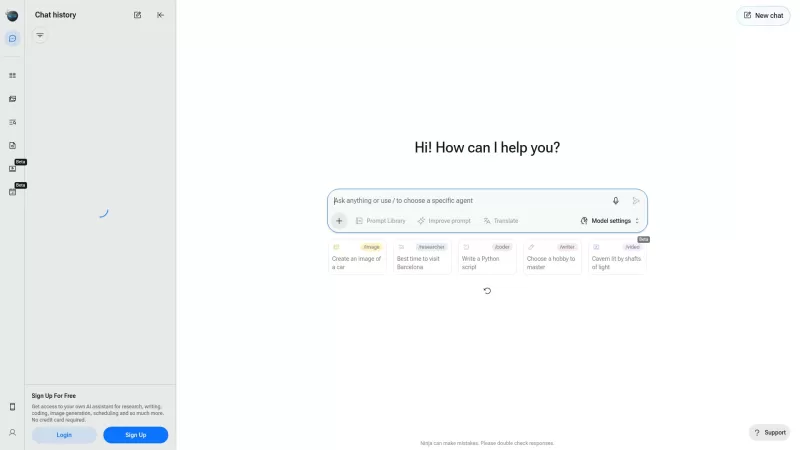
Ever wondered what Ninja AI is all about? Well, let me tell you, it's like having a Swiss Army knife for your digital needs! Ninja AI isn't just another AI tool; it's a powerhouse that brings together over 24 top-notch Large Language Models (LLMs) to help
Mink Product Information
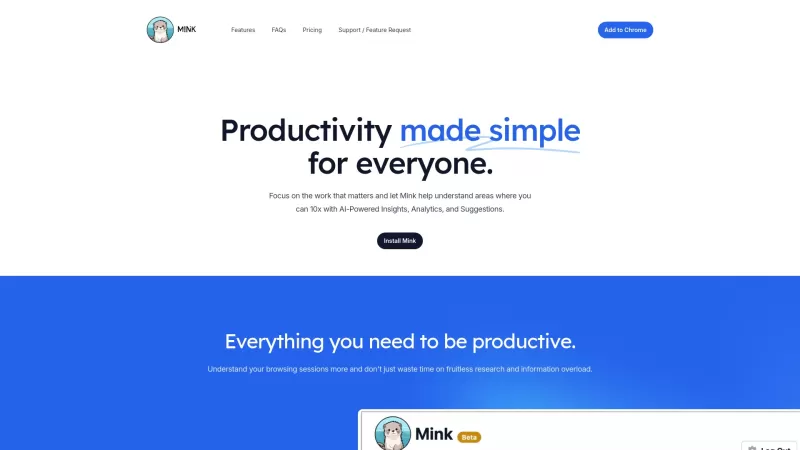
Mink is more than just your average browser extension; it's like having a personal productivity coach right there in your browser, using the power of AI to give you insights into your browsing habits. It's all about helping you make the most out of your time online.
How to Use Mink?
Getting started with Mink is a breeze. Just install the Mink browser extension, and let it work its magic. It'll start tracking your browsing patterns, offering you insights and suggestions to boost your productivity. It's like having a silent partner that's always looking out for ways to help you be more efficient.
Mink's Core Features
Insights
Mink dives deep into your browsing data to provide you with meaningful insights. It's like having a data analyst on your team, pointing out trends and patterns you might not have noticed.
Analytics
With Mink's analytics, you get to see the bigger picture of your online activity. It's fascinating to see how much time you spend on different sites and what that means for your productivity.
Suggestions
Based on the data it collects, Mink gives you tailored suggestions to improve your browsing habits. It's like getting personalized advice on how to make your online time more effective.
Daily Digests
Every day, Mink sends you a digest of your browsing activity. It's a great way to reflect on your day and see where you can make improvements. It's like a daily report card for your internet use.
Mink's Use Cases
Track and Improve Browsing Efficiency
With Mink, you can keep an eye on how efficiently you're using your time online. It's like having a coach helping you streamline your digital life.
Receive Daily Email Digests of Browsing Activity
Mink's daily digests are a game-changer. They give you a quick overview of your day's online activity, making it easy to spot areas for improvement. It's like getting a daily dose of self-awareness.
FAQ from Mink
- Does Mink handle email digests?
- Yes, Mink sends you daily email digests summarizing your browsing activity.
- What happens to my data?
- Mink takes your privacy seriously. Your data is used to generate insights and is stored securely.
- Can Mink help me take control of my life?
- Absolutely! By understanding your online habits, Mink helps you make better use of your time, which can lead to more control over your life.
- How does Mink generate insights?
- Mink uses AI algorithms to analyze your browsing data, providing you with personalized insights.
- How much data does Mink store?
- Mink stores only the necessary data to provide insights and improve your browsing experience, with a focus on privacy.
- Mink Company
Mink Company name: Mink.
- Mink Pricing
Mink Pricing Link: [https://usemink.com/?utm_source=toolify#pricing](https://usemink.com/?utm_source=toolify#pricing)
Mink Screenshot
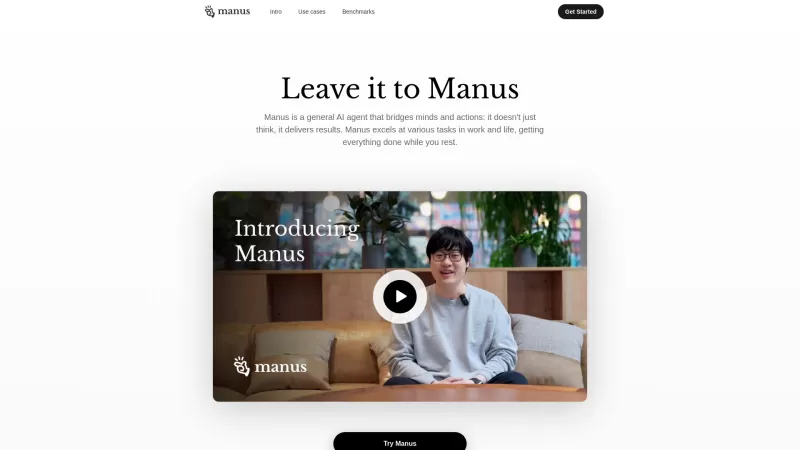
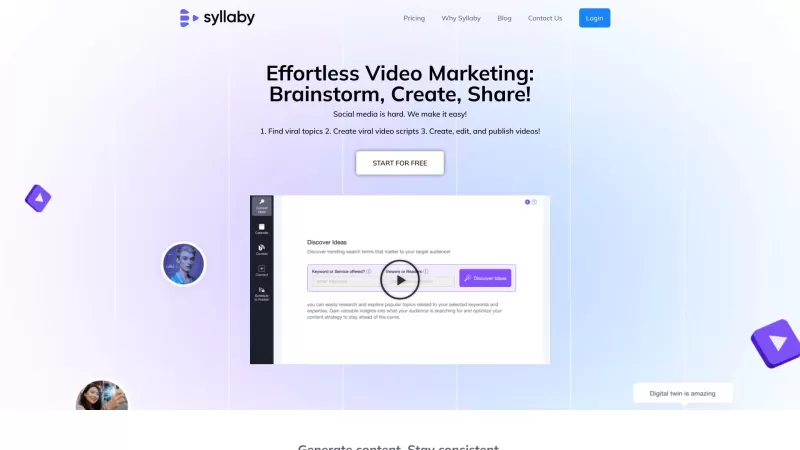

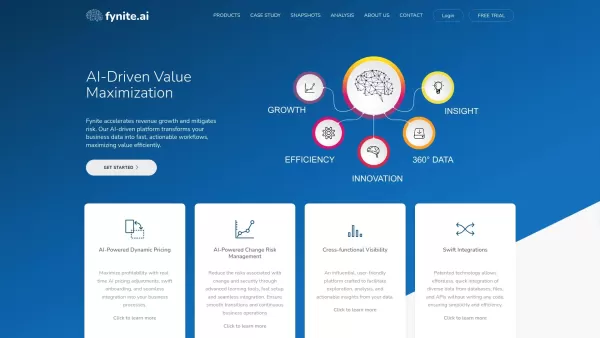

Discover the 2026 best AI Chrome extension generators on XIX.AI. Our curated list features top-rated, must-try tools that let you create custom browser add-ons with zero coding. Compare free vs paid options, see real-world tests, and unlock your productivity. Explore the latest rankings and find your perfect tool today!
 10 tools
 xix.ai


