


 Home
HomeMarkup: Document Annotation



Helps TikTok sellers, brands, MCNs, and TAPs discover winning products and find creators.

HelpLook is an AI-powered all-in-one knowledge base tool that helps businesses quickly build knowledge bases, help centers, and...

Your AI Workspace

302.AI is an enterprise-grade AI resource platform with pay-as-you-go pricing, API access to a full range of AI models, and ready-to-use online applications.

剧火AI — AI Screenwriter + Director, a One-Person Short Drama Studio In one sentence, what is it?
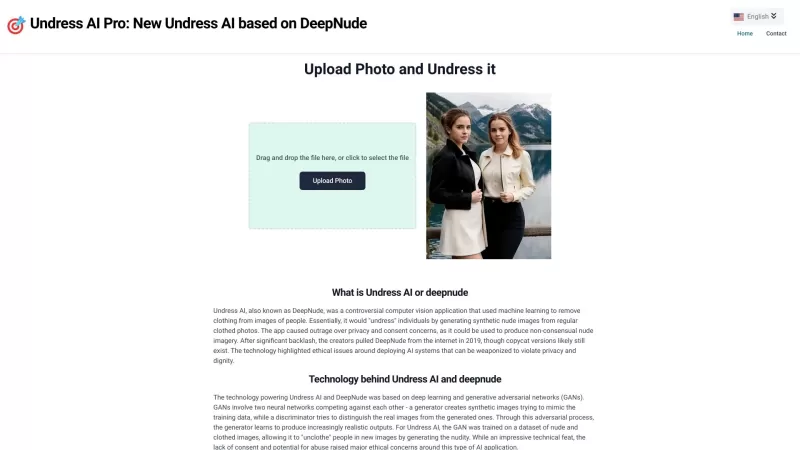
Undress AI Pro, often referred to as DeepNude, is a highly controversial tool that has stirred up quite the debate. It uses sophisticated machine learning algorithms to digitally remove clothing from images of people. It's a wild concept, isn't it? But le
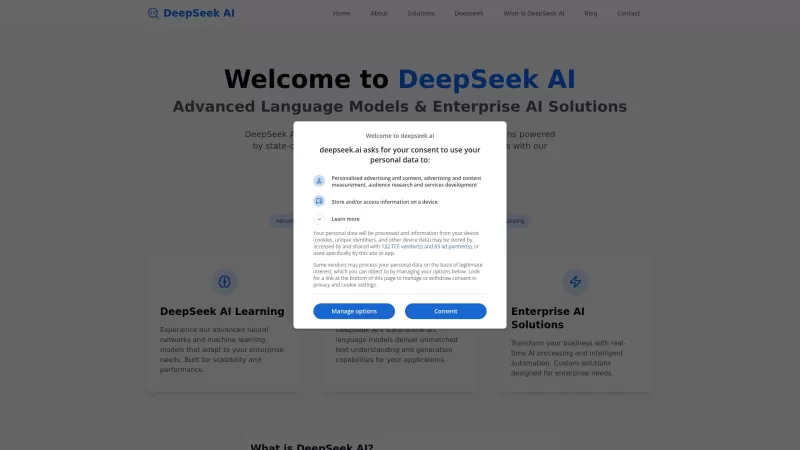
Ever wondered what makes DeepSeek AI stand out in the crowded world of AI tech? Well, let me tell you, DeepSeek AI isn't just another player in the game; it's the leading provider of advanced AI language models and enterprise solutions. What sets them apa
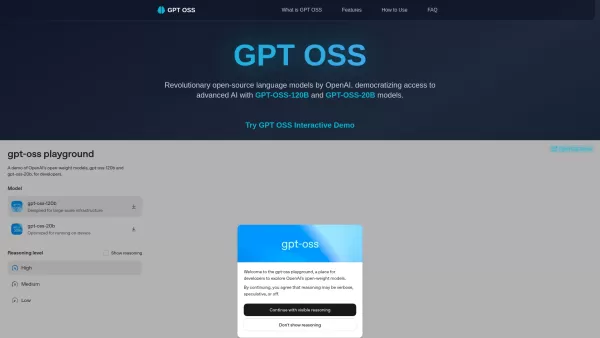
What is GPT OSS? GPT OSS marks a transformative step in making advanced AI widely available, introduced by OpenAI on August 5, 2025. This open-source family includes two robust models, GPT-OSS-120B and GPT-OSS-20B, engineered for complex reasoning an

Ever wondered what it would be like to create a digital version of yourself or someone else? That's where Meshcapade Me comes into play—a cutting-edge platform that lets you craft incredibly lifelike 3D digital humans. Whether you've got a few photos, som
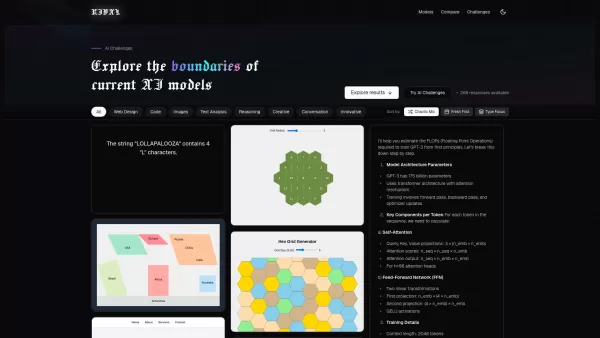
Ever wondered how different AI models stack up against each other? Enter RIVAL, a sleek web application designed to let you dive deep into the world of AI comparisons. It's like having a front-row seat to a showdown between the likes of GPT-4o, Claude 3.7, and Grok-3, where you can see them tackle t
Markup: Document Annotation Product Information
What Is Markup? Understanding Document Annotation
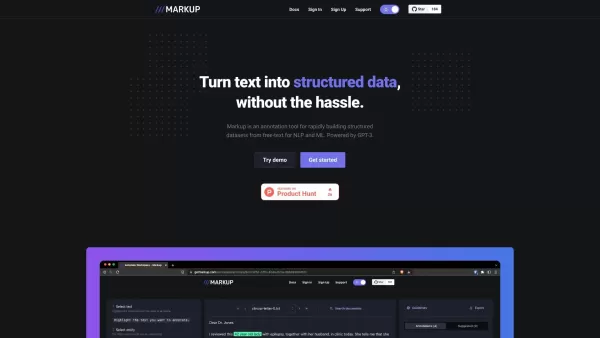
Markup is an online annotation tool that converts unstructured documents into structured formats. Powered by GPT-4, it streamlines the creation of structured datasets from free text, enabling tasks like named-entity recognition for NLP and ML projects. It supports multiple file types, including PDFs, images, and web pages, offering flexible document annotation. Designed to save time and boost accuracy in data preparation, Markup is an essential tool for data scientists, researchers, and developers.
Who Uses Markup? The Target Audience for Document Annotation
- Data scientists
- Researchers
- Developers
- Machine Learning engineers
- NLP specialists
How to Use Markup: Document Annotation Step by Step
- Step 1: Visit the Markup website.
- Step 2: Sign in or create an account.
- Step 3: Upload your document (PDF, image, or web page).
- Step 4: Use the annotation tools to mark desired information.
- Step 5: Save and export the structured data.
Platform
- Web
Markup: Document Annotation Core Features and Benefits
Core Features
- Document annotation
- Support for multiple file types (PDF, image, web)
- GPT-4 integration
- Named-entity recognition
Benefits
- Fast data structuring
- Improved accuracy
- Saves time in data preparation
- Versatile annotation capabilities
Markup: Document Annotation Main Use Cases and Applications
- Named-entity recognition
- Document analysis
- Data labeling for ML models
- Collaborative digital content annotation
Markup: Document Annotation Pros and Cons
Pros
Powered by GPT-4, it provides advanced AI assistance to streamline the annotation process.
Enables rapid and collaborative annotation of unstructured text data.
Offers an intuitive interface suitable for both individual users and teams.
Helps build high-quality datasets for NLP and machine learning projects.
Cons
No publicly available information regarding open-source availability.
Detailed pricing information is not readily available outside the main website.
No mobile app or third-party platform integrations have been found.
Information about specific limitations or weaknesses is limited.
Frequently Asked Questions about Markup: Document Annotation
What is Markup?
Markup is an online annotation tool that converts unstructured documents into structured formats for NLP and ML applications.
How do I use Markup?
Visit the Markup website, sign in, upload your document, annotate it, and then save or export the structured data.
What file types are supported?
Markup supports PDF, images, and web pages.
Is there a free trial available?
Yes, you can try a demo available on the Markup website.
Do I need technical skills to use Markup?
No, Markup is designed to be user-friendly for both technical and non-technical users.
On which platforms is Markup available?
Markup is available as a web-based tool.
Is the data exported in a standard format?
Yes, annotated data can be exported in standard structured data formats.
Does Markup support collaborative annotation?
Yes, multiple users can collaboratively annotate and work on the same document.
What tasks can Markup be used for?
Markup can be used for named-entity recognition, document analysis, data labeling for machine learning models, and more.
Is there customer support available?
Yes, you can reach customer support through the support page on the website.
Company Information for Markup: Document Annotation
Website:
https://www.getmarkup.comCompany Name:
MarkupSupport Email:
NAFacebook:
NAX(Twitter):
NAYouTube:
NAInstagram:
NATiktok:
NALinkedIn:
NA
Markup: Document Annotation Screenshot

2026 Latest Top-rated AI Illustration Tools: Our curated list features the best powerfully designed tools for creating stunning editorial scenes and eye-catching cover art quickly. Each option has gone through rigorous real-world tests, offering a free vs paid comparison to help you find the perfect match for your workflow. Try these must-try solutions today to unlock your AI edge and boost your creative productivity. Explore now at XIX.AI.
 10 tools
 xix.ai

2026 Latest Top-Rated Best AI Tutors for Exam Prep are here on XIX.AI! Our curated list features powerful game-changing tools that offer free vs paid comparison, real-world tests, and weekly updated rankings. They help boost your writing efficiency, simplify complex topic learning, and unlock your academic potential. Explore now to Discover your perfect exam prep tool and Start creating today to Unlock your AI edge!
10 tools
xix.ai

2026 Latest Best Top-Rated AI Budget Planning Tools for Personal Money Management are here on XIX.AI! This curated collection features powerful, game-changing solutions that help you conduct real-world tests, understand spending habits, and create personalized plans to boost productivity. Enjoy a free vs paid comparison along with detailed rankings. Must-try tools designed to simplify money management and unlock your AI edge. Explore now!
11 tools
xix.ai

2026 Latest Best Top-Rated AI Sleep Tracking Assistants curated for ultimate recovery. This fully updated weekly guide features powerful tools that deliver real-world tests, free vs paid comparison, and detailed rankings to help you find the must-try solution that boosts sleep quality and supports better bedtime habits. Explore now at XIX.AI to Unlock your AI edge.
10 tools
xix.ai

2026 Latest Best Top-Rated AI SQL Copilots for Product and Revenue Analytics! XIX.AI has curated a powerful, game-changing collection of must-try tools that undergo real-world tests through weekly updated rankings. These tools help users boost productivity significantly by accelerating data analysis, streamlining complex queries, and generating accurate insights to drive smarter business decisions. Explore now to Discover your perfect tool for unlocking your AI edge!
14 tools
xix.ai

2026 Latest Best Top-Rated AI Homework Helpers That Teach Core Concepts Not Just Answers Powerful Tools for Students Must-Try Curated List Weekly Updated Free vs Paid Comparison Real-World Tests Accurate Rankings to Help You Unlock Your Full Learning Potential Explore now to Discover your perfect tool for smarter studying.
10 tools
xix.ai


