


 Home
HomeMAIVE: Music AI Video Exporter



Helps TikTok sellers, brands, MCNs, and TAPs discover winning products and find creators.

HelpLook is an AI-powered all-in-one knowledge base tool that helps businesses quickly build knowledge bases, help centers, and...

Your AI Workspace

302.AI is an enterprise-grade AI resource platform with pay-as-you-go pricing, API access to a full range of AI models, and ready-to-use online applications.

剧火AI — AI Screenwriter + Director, a One-Person Short Drama Studio In one sentence, what is it?
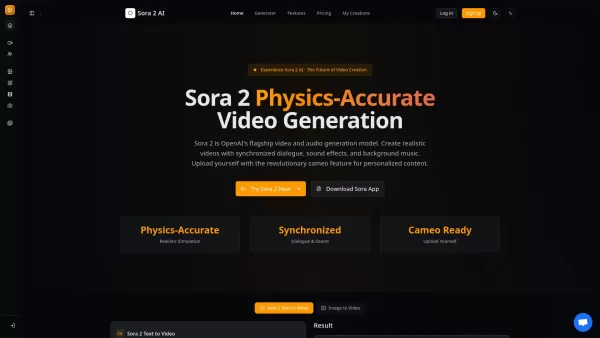
What is Sora 2? Sora 2 is OpenAI's premier AI model for generating video and audio, marking a milestone for video creation comparable to the impact of GPT-3.5. It stands as the most sophisticated AI video generation platform available, featuring prec
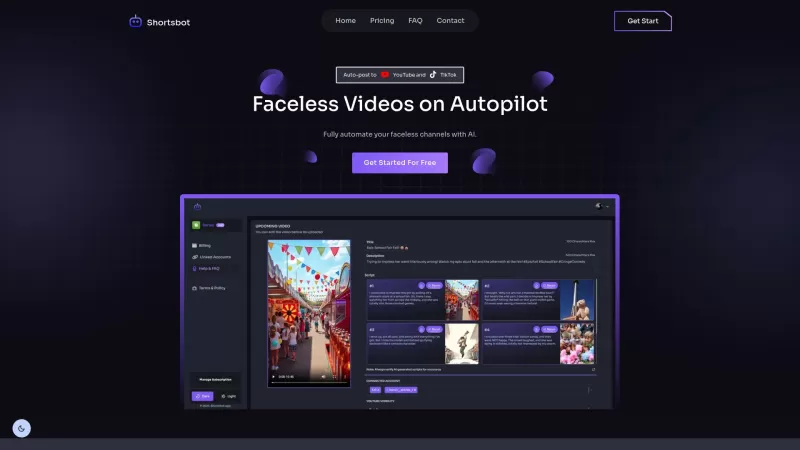
Ever wondered how to keep your TikTok and YouTube channels buzzing with content without lifting a finger? Enter Shortsbot, your new best friend in the world of faceless video creation. This nifty platform takes the hassle out of managing your channels by automating the entire process—from video crea
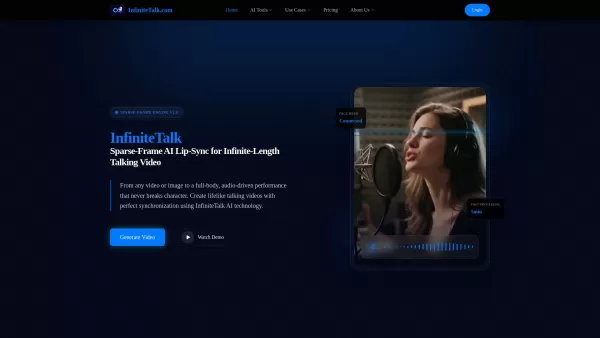
What is InfiniteTalk? InfiniteTalk is a cutting-edge AI Lip-Sync Talking Video Generator that produces realistic talking videos with flawless lip synchronization. It uses Sparse-Frame AI technology to turn any image or video into audio-driven perform
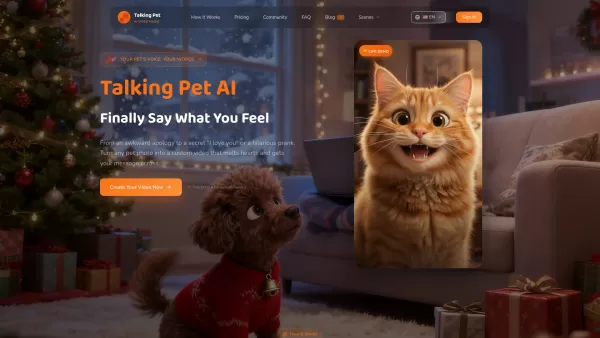
What is My Talking Pet? • AI-Powered Lip Sync: Advanced AI generates natural mouth movements that perfectly match your custom script • Pixar-Style Transformation: Optional artistic rendering gives your pet that charming animated movie appearance • 10
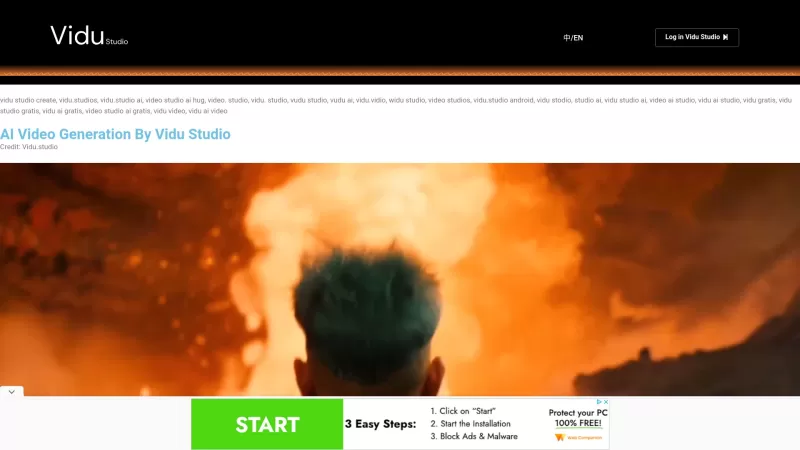
Ever wondered how to turn your written words into stunning videos without breaking a sweat? Enter Vidu Studio, your go-to AI video generation platform that effortlessly converts text prompts into high-quality videos. It's like having a personal video edit
MAIVE: Music AI Video Exporter Product Information
What Is MAIVE: Music AI Video Exporter?
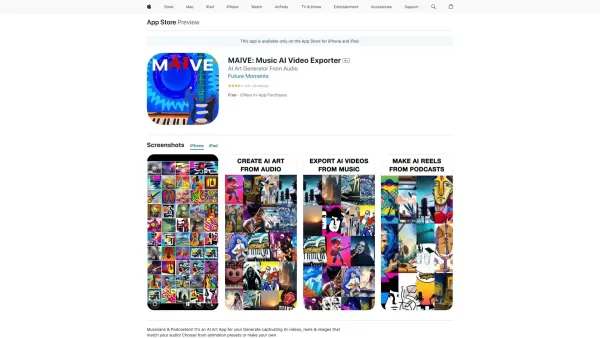
MAIVE is a groundbreaking AI-powered application built specifically for musicians and podcasters. It enables users to import their audio files and transform them into visually stunning, attention-grabbing videos, reels, and images created by artificial intelligence. With a wide range of animation presets and customization options, you can produce content that perfectly matches the mood and style of your audio. Whether you need full-length music videos, short social media reels, or striking images, MAIVE harnesses the latest AI technology to elevate your creative projects with ease.
Who Will Use MAIVE: Music AI Video Exporter?
- Musicians
- Podcasters
- Content Creators
- Social Media Influencers
- Videographers
How to Use MAIVE: Music AI Video Exporter
- Step 1: Download and install MAIVE from the App Store.
- Step 2: Open the app and sign in or create an account.
- Step 3: Choose a style and import your audio file.
- Step 4: Select animation presets or customize your video.
- Step 5: Generate the AI video or image.
- Step 6: Review and make any necessary adjustments.
- Step 7: Export and share your AI-generated content.
Platform
- iOS
MAIVE: Music AI Video Exporter's Core Features & Benefits
The Core Features
- AI video creation
- Audio import
- Animation presets
- Customization options
- Reels and image generation
- Content export
The Benefits
- Enhances creative projects
- Saves time
- Produces high-quality visuals
- Easy to use
- Boosts engagement
MAIVE: Music AI Video Exporter's Main Use Cases & Applications
- Creating music videos
- Generating podcast visuals
- Making social media reels
- Producing promotional content
- Enhancing video presentations
FAQs of MAIVE: Music AI Video Exporter
What Is MAIVE?
MAIVE is an AI-powered app designed for musicians and podcasters to create AI-generated videos, reels, and images using their audio files.
How Do I Use MAIVE?
Download the app from the App Store, import your audio file, select animation presets or customize your video, and generate your content.
Is MAIVE Available for Android?
Currently, MAIVE is available only for iOS.
Can I Customize My AI-Generated Videos?
Yes, MAIVE offers customization options along with a variety of animation presets.
What Kind of Audio Files Can I Import?
You can import various audio file formats, including MP3 and WAV.
Are the Generated Videos Animated Images?
No, MAIVE generates real AI videos, not just animated images.
Can I Use MAIVE for Free?
MAIVE may offer a free version with limited features, but full access likely requires a subscription or one-time purchase.
How Long Can the AI-Generated Videos Be?
MAIVE allows you to generate AI videos of any length.
Where Can I Share My Videos?
You can export and share your videos on various platforms, including social media and video-sharing sites.
Is Technical Support Available?
Yes, technical support is available through the company's support email.
MAIVE: Music AI Video Exporter Company Information
Website:
https://apps.apple.com/app/ai-music-video-generator-maive/id1660559385Company Name:
Future MomentsSupport Email:
Not AvailableFacebook:
Not AvailableX (Twitter):
Not AvailableYouTube:
Not AvailableInstagram:
https://www.instagram.com/MAIVEapp/TikTok:
Not AvailableLinkedIn:
Not Available
MAIVE: Music AI Video Exporter Screenshot


2026 Latest Top-Rated Best Multilingual AI Voice Generators for Large-Scale Audio Localization. This curated list features powerful, game-changing tools that deliver high-quality localized audio fast. Each option has undergone rigorous real-world tests to ensure reliability. Get a free vs paid comparison and discover the perfect fit for your projects. Explore now at XIX.AI to unlock your AI edge.
 18 tools
 xix.ai

2026 Latest Best Top-rated AI Outline Generators for Long-Form SEO Articles, Briefs, and Pillar Pages. XIX.AI curates a powerful game-changing collection that undergoes weekly updated real-world tests to deliver must-try tools perfect for boosting writing efficiency, streamlining content creation, and unlocking your AI edge. Explore now to discover your perfect tool for top SEO results.
11 tools
xix.ai
2026 Latest Best Top-Rated AI Voice-to-Minutes Assistants Guide! XIX.AI has curated a highly powerful, game-changing collection of tools designed to transform every team conversation into flawless, organized notes instantly. Our weekly updated rankings cover free vs paid options, along with real-world tests showing their effectiveness for boosting productivity across all work scenarios. Must-try for anyone looking to unlock their AI edge. Explore now!
9 tools
xix.ai
2026 Latest Best Top-Rated AI Lip-Sync Generators for Dialogue Scenes are here on XIX.AI! This curated collection features powerful, game-changing tools that deliver flawless synchronized lip movements for any script, boosting your video editing efficiency significantly. Enjoy a free vs paid comparison along with real-world tests and weekly updated rankings to help you find the must-try perfect fit. Explore now to unlock your AI edge!
8 tools
xix.ai
2026 Latest Best Top-Rated AI Prompt Optimizers Curated for Maximum Output Quality! XIX.AI delivers powerful game-changing solutions that help you refine instructions effortlessly, boost writing efficiency, and unlock higher-quality results every time. Get a free vs paid comparison along with real-world tests and weekly updated rankings. Explore now to Discover your perfect tool and Unlock your AI edge!
16 tools
xix.ai
2026 Latest Best Runway AI Motion Tools Top-rated curated powerful game-changing options for creating ad storyboards character scenes and visual prototypes through real-world tests Weekly updated free vs paid comparison rankings Help you boost productivity significantly Explore now
9 tools
xix.ai


