


 Home
HomeLazybird
Automated Voiceover Generation for Content Creators



Helps TikTok sellers, brands, MCNs, and TAPs discover winning products and find creators.

HelpLook is an AI-powered all-in-one knowledge base tool that helps businesses quickly build knowledge bases, help centers, and...

Your AI Workspace

302.AI is an enterprise-grade AI resource platform with pay-as-you-go pricing, API access to a full range of AI models, and ready-to-use online applications.

剧火AI — AI Screenwriter + Director, a One-Person Short Drama Studio In one sentence, what is it?
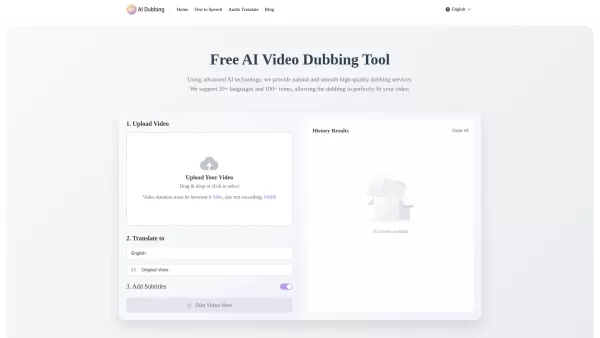
What is AI Dubbing?AI Dubbing is a free online tool that translates videos into various languages, generates speech from text scripts, and delivers precise lip synchronization through advanced AI. It provides natural and fluid high-quality voiceovers
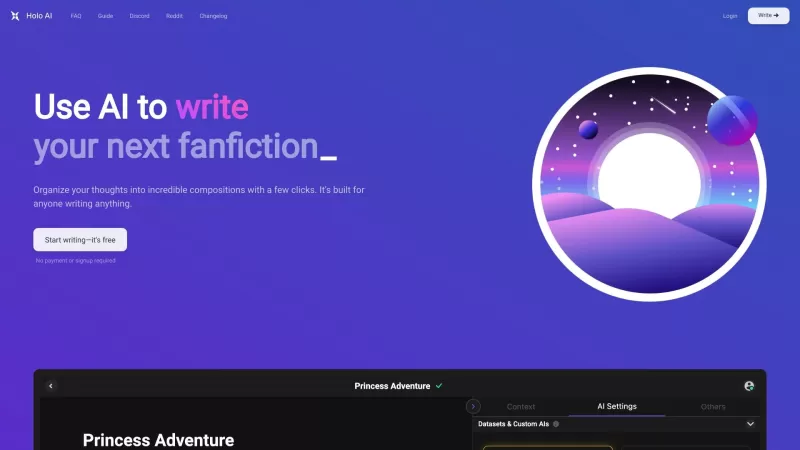
Ever wondered what Holo AI is all about? Well, let me break it down for you. Holo AI is this fantastic AI-powered platform that's all about letting your creativity soar. It's like having a personal assistant that helps you craft novels, whip up short stor
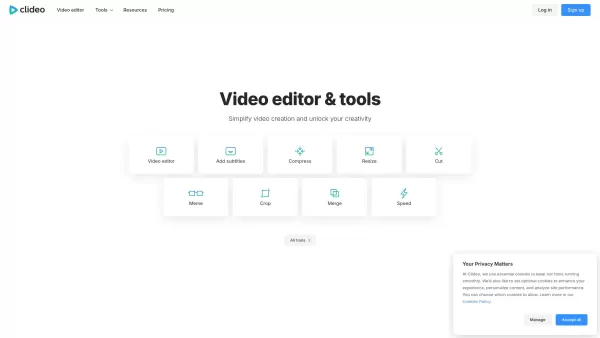
What is Clideo?Clideo is a versatile online editing suite that makes professional-grade video and image editing accessible to everyone. With an intuitive interface and robust features, it empowers users to create polished content without requiring te
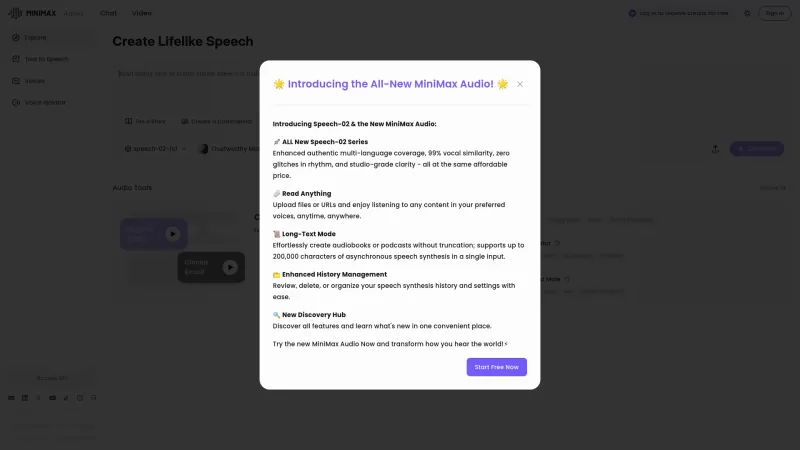
If you're into the world of audio technology, you've got to check out MiniMax Audio. This gem offers ultra-realistic AI voice synthesis that'll blow your mind. Imagine converting your text or URLs into natural-sounding speech in over 30 languages. It's pe
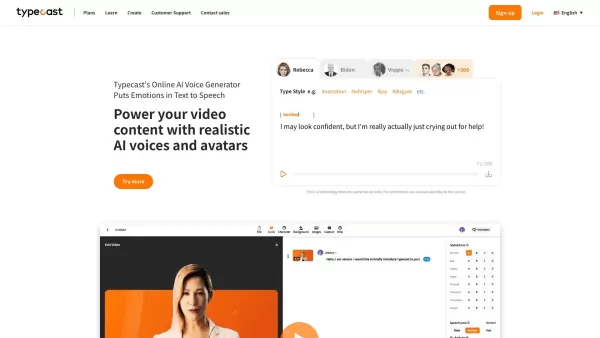
What is Typecast AI?Typecast is an AI-powered platform that converts text into realistic speech and creates virtual avatars. Leveraging advanced generative models and emotional speech synthesis, it allows creators to generate expressive, lifelike voi
Lazybird Product Information
What is Lazybird?
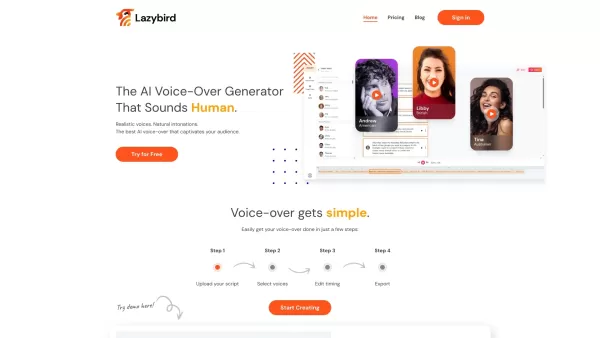
Lazybird is an advanced platform crafted to produce professional, automated voiceovers for various content types like videos, podcasts, audiobooks, and learning resources. Featuring a vast library of languages and character voices, users can select from more than 100 distinct voice styles and pair them with background music to elevate their projects. It's perfect for creators seeking studio-quality audio without the complexity and expense of hiring voice talent, offering a streamlined process that saves both time and money.
Who will use Lazybird?
- Content Creators
- Podcasters
- Educators
- Video Producers
- Audiobook Publishers
How to use the Lazybird?
- Step 1: Go to Lazybird.app and create your account.
- Step 2: Pick the kind of voiceover content you want to create.
- Step 3: Choose a language and voice style from the extensive library.
- Step 4: Personalize your voiceover with background music and effects.
- Step 5: Generate and download your high-fidelity voiceover file.
Platform
- Web
Lazybird's Core Features & Benefits
The Core Features
- Automated voiceover generation
- Support for 100+ languages
- Diverse character voices
- Background music integration
- Intuitive, user-friendly interface
The Benefits
- High-quality audio output
- Cost-efficient solution
- Significant time savings
- Customizable voice settings
- Versatile for numerous content formats
Lazybird's Main Use Cases & Applications
- Producing professional video narrations
- Creating podcast episodes
- Generating audiobook recordings
- Narrating educational and training materials
Lazybird's Pros & Cons
The Pros
Generates remarkably realistic, human-sounding AI voiceovers
Offers over 200 voices and 100+ languages with varied accents and tones
No subscription required; operates on a flexible pay-per-use model
Simple to use, producing voiceovers quickly in just a few clicks
Provides detailed control over pitch, pronunciation, and speech pauses
Adaptable for a broad spectrum of content and creator needs
The Cons
No open-source code or public GitHub repository is available
Limited details on advanced customization or API integration options
No dedicated mobile apps, browser extensions, or official community channels listed
Lazybird's Pricing
Has free plan | YES |
|---|---|
Free trial details | |
Pricing model | Freemium |
Is credit card required | No |
Paid from | 0 USD |
Has lifetime plan | No |
Billing frequency | Monthly |
For the most current pricing, visit: https://lazybird.app
FAQs of Lazybird
Can I use Lazybird for free?
Yes, Lazybird provides a free plan with basic features. More advanced capabilities are accessible through paid subscriptions.
What file formats are supported for download?
Voiceovers can be downloaded in standard audio formats like MP3 and WAV.
How many voices are available?
Lazybird features a library of over 100 unique voices spanning numerous languages and styles.
Is there a limit to the length of the voiceover I can create?
The maximum voiceover length depends on your chosen subscription tier.
Can I integrate Lazybird with my existing video editing software?
Yes, the downloadable audio files are compatible with most common video editing applications.
Do I need any special equipment to use Lazybird?
No special hardware is required—just an internet connection and a modern web browser.
Can I preview the voices before generating the final audio?
Yes, you can listen to voice samples and fine-tune settings before creating the final output.
Is there a customer support service available?
Yes, email-based customer support is provided.
Are there any usage limitations on the free plan?
The free plan includes restricted features and usage limits; full functionality is unlocked with paid plans.
Can I add custom background music?
Yes, you have the option to upload and use your own background music in voiceover projects.
Lazybird Company Information
Website:
https://www.lazybird.appCompany Name:
LazybirdSupport Email:
NAFacebook:
NAX(Twitter):
NAYouTube:
NAInstagram:
NATiktok:
NALinkedIn:
NA
Lazybird Screenshot
2026 Latest Best Top-rated AI YouTube Voiceover Generators for Tutorials, Shorts, and Faceless Channels are here on XIX.AI. Our curated list includes powerful game-changing tools that deliver professional-quality voiceovers quickly, helping creators boost productivity and save time. Enjoy a free vs paid comparison along with real-world tests and weekly updated rankings. Discover your perfect tool to unlock your AI edge today. Explore now!
 16 tools
 xix.ai


