


 Home
Home
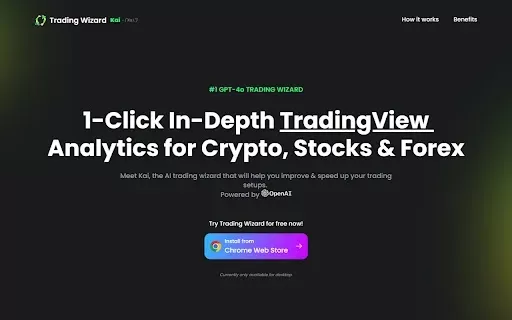
Kai: 1-Click In-Depth TradingView Analytics for Crypto, Stocks & Forex.
Kai AI: Advanced Trading Analysis



Helps TikTok sellers, brands, MCNs, and TAPs discover winning products and find creators.

HelpLook is an AI-powered all-in-one knowledge base tool that helps businesses quickly build knowledge bases, help centers, and...

Your AI Workspace

302.AI is an enterprise-grade AI resource platform with pay-as-you-go pricing, API access to a full range of AI models, and ready-to-use online applications.

剧火AI — AI Screenwriter + Director, a One-Person Short Drama Studio In one sentence, what is it?
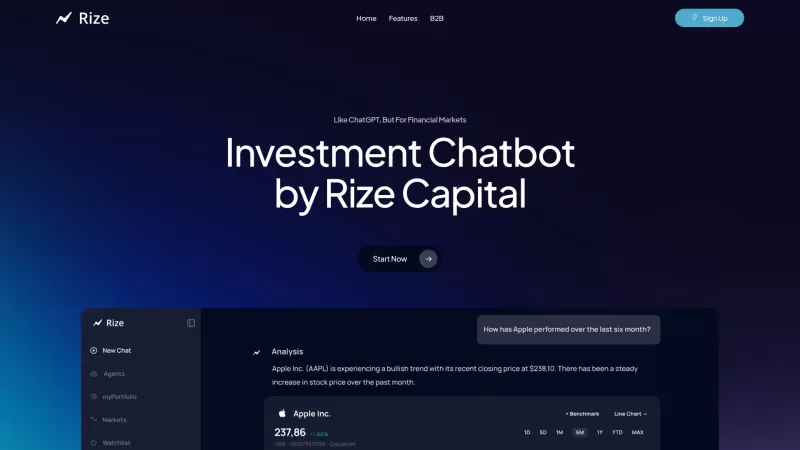
Ever wondered what Rize Capital is all about? Let me break it down for you. Rize Capital isn't your run-of-the-mill investment tool; it's an AI-powered chatbot designed to give you the scoop on stocks, ETFs, cryptocurrencies, and more. It's like having a
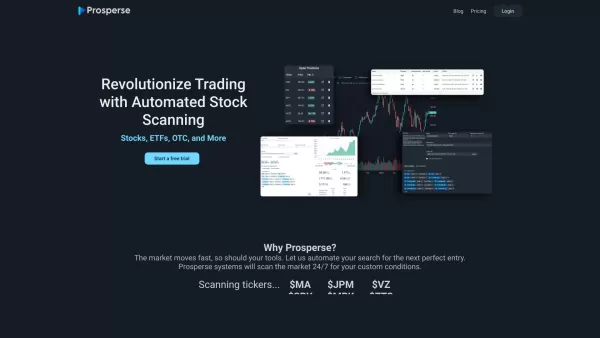
What is Prosperse - Automated Stock Scanner?Prosperse delivers a powerful toolkit for automated stock screening, real-time chart visualization, and strategic backtesting. Powered by advanced AI, it scans markets around the clock according to your cus
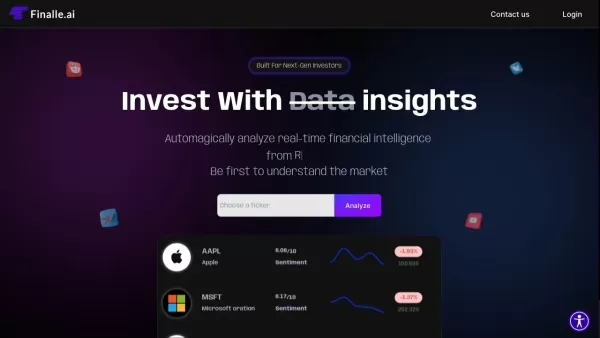
What is Finalle?Finalle.ai is a next-generation financial intelligence platform built for modern investors. It leverages advanced New-Media data and Generative AI to deliver a complete, real-time view of the markets by gathering and interpreting vast
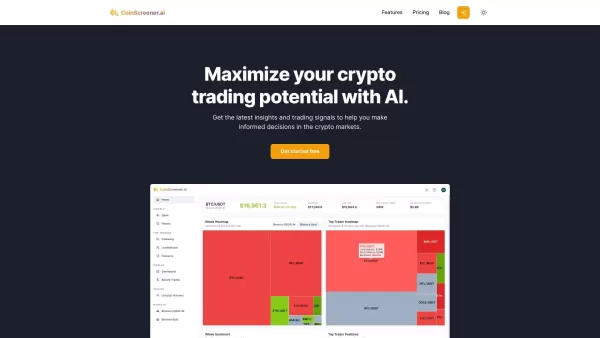
What is CoinScreener?CoinScreener is an AI-driven cryptocurrency trading platform that empowers traders with real-time market data, actionable trading signals, and sophisticated technical analysis. It leverages AI algorithms and big data to deliver p
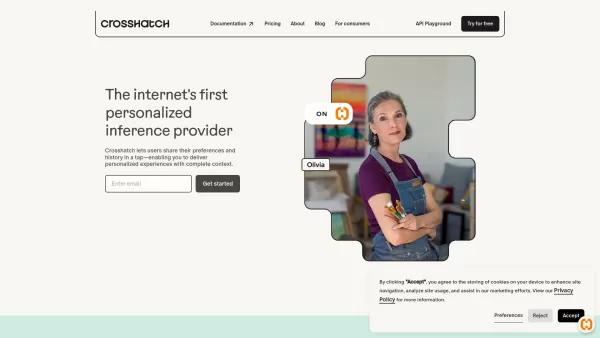
Ever wondered how apps can feel so tailored to your needs? That's where Crosshatch comes into play. It's like a magic wand for developers, providing APIs and SDKs that let them weave hyper-personalized experiences into their apps. By harnessing real-time, user-permissioned data, Crosshatch helps cre
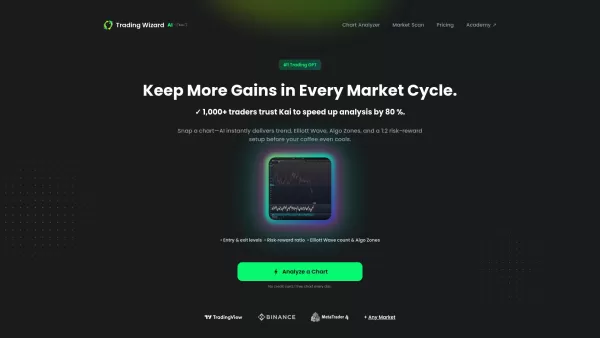
Kai: 1-Click In-Depth TradingView Analytics for Crypto, Stocks & Forex. Product Information
What is Kai? Your One-Click In-Depth TradingView Analytics for Crypto, Stocks & Forex
Kai is a sophisticated trading analytics tool that integrates directly with TradingView. It uses artificial intelligence to deliver fast, precise trading insights. Whether you trade cryptocurrencies, stocks, or forex, Kai simplifies your analysis with real-time data and personalized recommendations. Leverage this tool to refine your trading strategies, manage risk more effectively, and stay ahead of the market. Powered by OpenAI’s GPT-4 technology, it significantly elevates your trading experience.
Who is Kai For? One-Click In-Depth TradingView Analytics for Crypto, Stocks & Forex
- Active Traders
- Investors
- Market Analysts
- Financial Advisors
How to Use Kai: One-Click In-Depth TradingView Analytics for Crypto, Stocks & Forex
- Step 1: Install the Kai extension from the Chrome Web Store.
- Step 2: Pin the extension to your Chrome toolbar for quick access.
- Step 3: Log into your TradingView account.
- Step 4: Open any chart on TradingView.
- Step 5: Click the Kai extension icon to generate real-time insights.
Platform
- Web
- Chrome
Kai: Your One-Click In-Depth TradingView Analytics for Crypto, Stocks & Forex Core Features & Benefits
Core Features
- AI-Powered Analysis
- Real-Time Market Insights
- Customizable Dashboard
- Actionable Trading Recommendations
Key Benefits
- Make Smarter Trading Decisions
- Save Time on Market Analysis
- Gain a Deeper Understanding of Market Trends
- Access Advanced Risk Management Tools
Primary Use Cases & Applications
- Day Trading
- Swing Trading
- Long-Term Investing
- Comprehensive Market Research
Frequently Asked Questions About Kai: One-Click In-Depth TradingView Analytics for Crypto, Stocks & Forex
What is Kai?
Kai is an AI-driven analytics tool designed specifically for TradingView.
How does Kai improve trading?
It provides real-time market analysis and customized trade recommendations.
Can I use Kai for stock trading?
Yes, Kai supports crypto, stocks, and forex markets.
Is Kai free to use?
It offers a free version with basic features; advanced features may require a premium subscription.
Do I need a TradingView account to use Kai?
Yes, a TradingView account is required to access Kai’s features.
Can I customize Kai's interface?
Yes, the dashboard is fully customizable to match your preferences.
Is my data secure with Kai?
Absolutely. Kai follows rigorous data protection and privacy protocols.
What kind of analysis does Kai offer?
It provides technical analysis, trend analysis, and actionable trading signals.
What technology powers Kai?
Kai runs on OpenAI’s advanced GPT-4 model.
Where can I download Kai?
You can get Kai directly from the Chrome Web Store.
Kai: One-Click In-Depth TradingView Analytics for Crypto, Stocks & Forex Company Details
Kai: 1-Click In-Depth TradingView Analytics for Crypto, Stocks & Forex. Screenshot
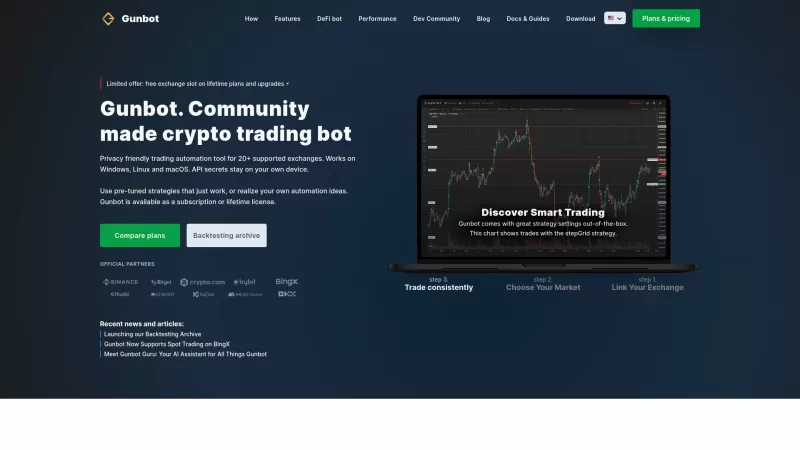
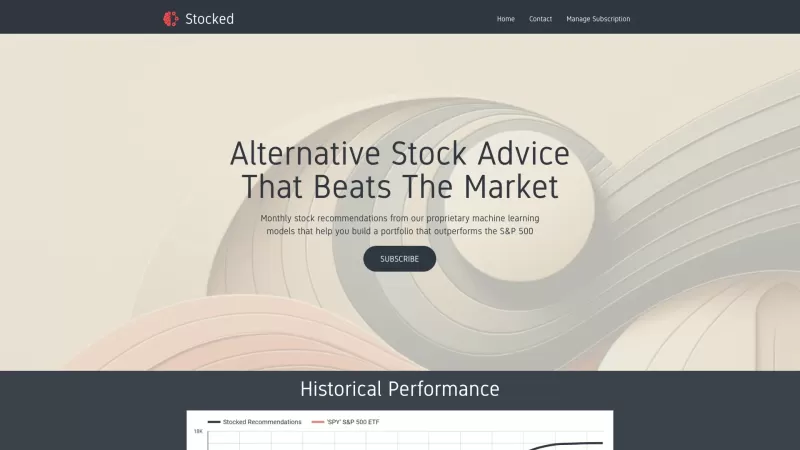
2026 Latest: Discover the best AI tools for algorithmic trading and strategy backtesting. Our curated list compares top-rated, powerful platforms through real-world tests, highlighting their value for market analysis, automated strategy optimization, and risk simulation. Find your perfect, game-changing solution to enhance trading precision and efficiency. Explore the rankings on XIX.AI.
 10 tools
 xix.ai
2026 Latest: Discover the top-rated AI tools for stock trading prediction and automation. Our curated list compares free vs paid options, featuring powerful, game-changing solutions tested for real-world performance. Find the best tools for market analysis, automated trading strategies, and data-driven insights to enhance your investment edge. Explore the rankings and unlock your AI advantage with XIX.AI.
10 tools
xix.ai
Discover the 2026 latest top-rated AI tools for algorithmic crypto trading. Our curated, weekly updated rankings compare free vs paid options based on real-world tests. Find powerful, game-changing solutions to optimize your strategy and unlock your AI edge. Explore now at XIX.AI.
10 tools
xix.ai

Discover the 2026 top-rated AI tools for predictive analytics in crypto markets at XIX.AI. Expert-curated rankings, free vs paid comparisons, and real-world tests guide you to powerful, game-changing solutions for smarter market forecasting. Unlock your AI edge today.
10 tools
xix.ai


