


 Home
Home{价格页网站内容} - Chrome Extension
Multi-AI Prompt Submission Extension



Helps TikTok sellers, brands, MCNs, and TAPs discover winning products and find creators.

HelpLook is an AI-powered all-in-one knowledge base tool that helps businesses quickly build knowledge bases, help centers, and...

Your AI Workspace

302.AI is an enterprise-grade AI resource platform with pay-as-you-go pricing, API access to a full range of AI models, and ready-to-use online applications.

剧火AI — AI Screenwriter + Director, a One-Person Short Drama Studio In one sentence, what is it?
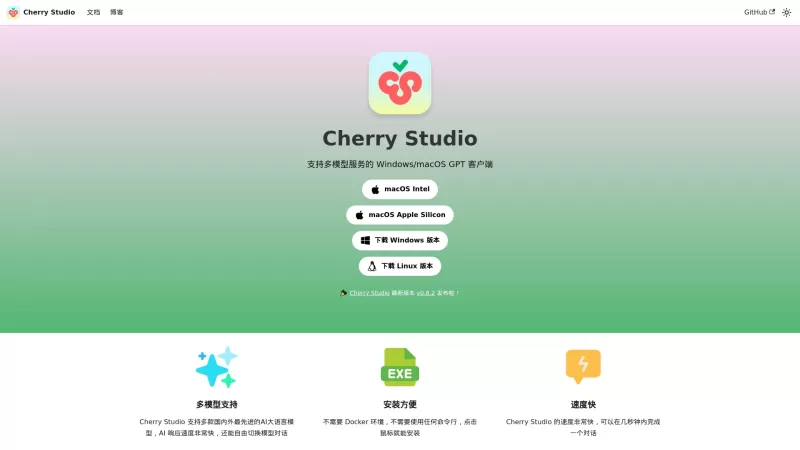
Ever stumbled upon Cherry Studio AI and wondered what it's all about? Well, let me break it down for you. Cherry Studio AI isn't just another run-of-the-mill AI tool; it's a powerhouse desktop client that lets you dive into advanced AI interactions across
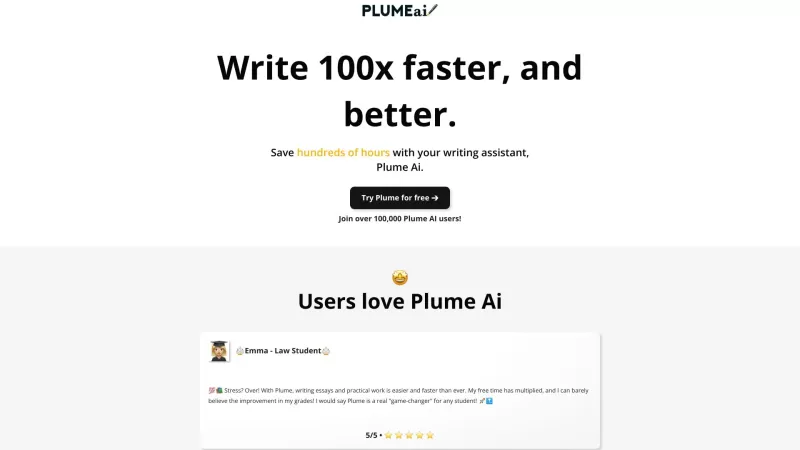
Discover Plume AI: Your Ultimate Academic Writing AssistantAre you tired of struggling with your academic writing? Well, say hello to Plume AI, the innovative AI assistant that's here to revolutionize the way you write! Designed with students in mind, Plume AI harnesses the power of cutting-edge art
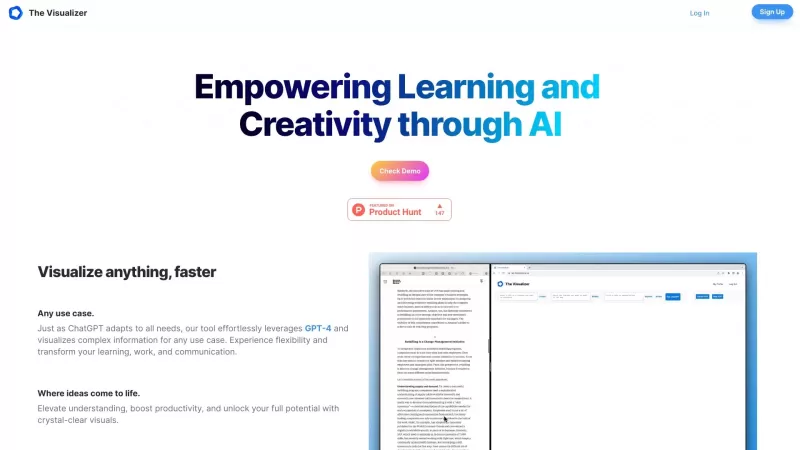
Ever wondered how to turn your jumbled thoughts and complex queries into something you can actually grasp? Enter The Visualizer, your new best friend in the world of learning and creativity. This nifty tool takes your written queries, URLs, and even PDFs,

Ever wished for a trusty sidekick to help you navigate the digital world with ease? Enter Sider, your personal AI companion designed to seamlessly blend into your daily routine. Starting off as a handy Chrome/Edge extension, Sider transforms your browsing
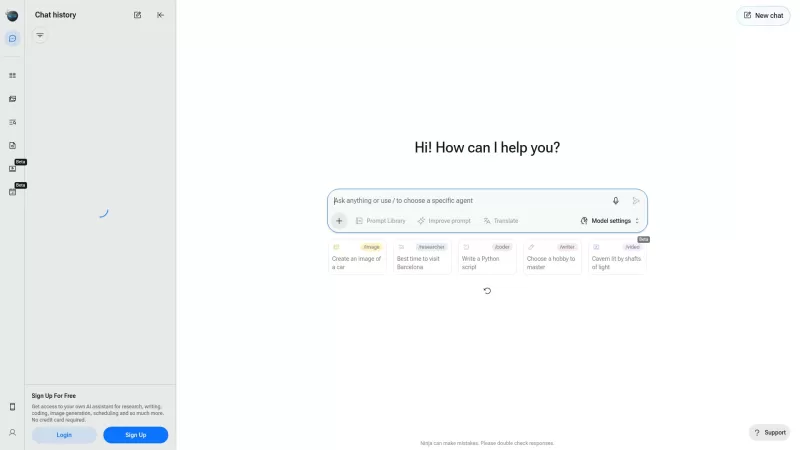
Ever wondered what Ninja AI is all about? Well, let me tell you, it's like having a Swiss Army knife for your digital needs! Ninja AI isn't just another AI tool; it's a powerhouse that brings together over 24 top-notch Large Language Models (LLMs) to help
{价格页网站内容} - Chrome Extension Product Information
What is {价格页网站内容} AI Chrome Extension?
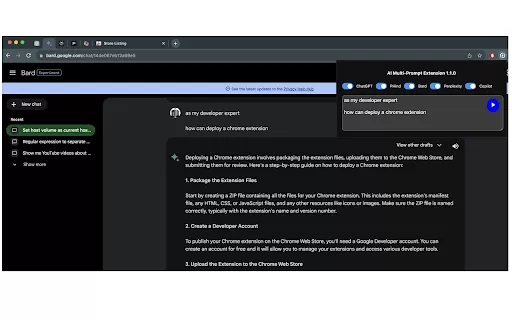
This extension sends a single prompt to multiple AI chat interfaces that are already open in your browser tabs. It works with ChatGPT, Bard, Copilot, and others. It saves your last submitted prompt, copies it to your clipboard, lets you choose which AIs to include, and automatically opens pinned tabs for each selected AI chat if they aren't already open.
How to use {价格页网站内容} AI Chrome Extension?
1. Open the extension popup. 2. Enter your prompt. 3. Select the AI chats you want to send the prompt to and click 'Submit'.
{价格页网站内容} AI Chrome Extension's Core Features
Submit prompts to multiple AI chats at once
Prompt history and clipboard copy
Customizable AI chat selection
Automatic tab opening for chosen AI chats
{价格页网站内容} AI Chrome Extension's Use Cases
Compare responses from different AI models using the same prompt
Test prompts quickly across multiple AI platforms
Streamline your AI interaction workflow
FAQ from {价格页网站内容}
Which AI chat platforms are supported?
Does the extension remember my last submitted prompt?
Can I choose which AI chats to submit the prompt to?
{价格页网站内容} - Chrome Extension Screenshot



2026 Latest Best Prompt Versioning Tools for Team Collaboration! XIX.AI curates a top-rated list of powerful, game-changing tools that streamline workflows and boost productivity. These must-try solutions feature weekly updated rankings, real-world tests, and free vs paid comparison details to help teams choose the perfect fit. Explore now to Unlock your AI edge in collaborative tasks!
 11 tools
 xix.ai

2026 Latest Best Prompt Version Control Tools for Top-Rated Multi-Model AI Teams, Curated by XIX.AI. This weekly updated guide features powerful game-changing solutions that help teams manage different AI models efficiently, conduct real-world tests, and compare free vs paid options to boost writing productivity and unlock your AI edge. Explore now to discover your perfect tool! 238 characters
10 tools
xix.ai
2026 Latest Best AI Peer Review Simulators: Discover top-rated tools to anticipate critical reviewer comments, strengthen your manuscript, and significantly improve journal acceptance rates. Our curated, weekly-updated comparison of free vs paid options, based on real-world tests, helps you refine your research for higher impact. Unlock your AI edge with XIX.AI's expert rankings.
10 tools
xix.ai


