


 Home
Homeinspeq ai Chrome Extension - Chrome Extension
AI Output Accuracy & Inspection Tool



Helps TikTok sellers, brands, MCNs, and TAPs discover winning products and find creators.

HelpLook is an AI-powered all-in-one knowledge base tool that helps businesses quickly build knowledge bases, help centers, and...

Your AI Workspace

302.AI is an enterprise-grade AI resource platform with pay-as-you-go pricing, API access to a full range of AI models, and ready-to-use online applications.

剧火AI — AI Screenwriter + Director, a One-Person Short Drama Studio In one sentence, what is it?
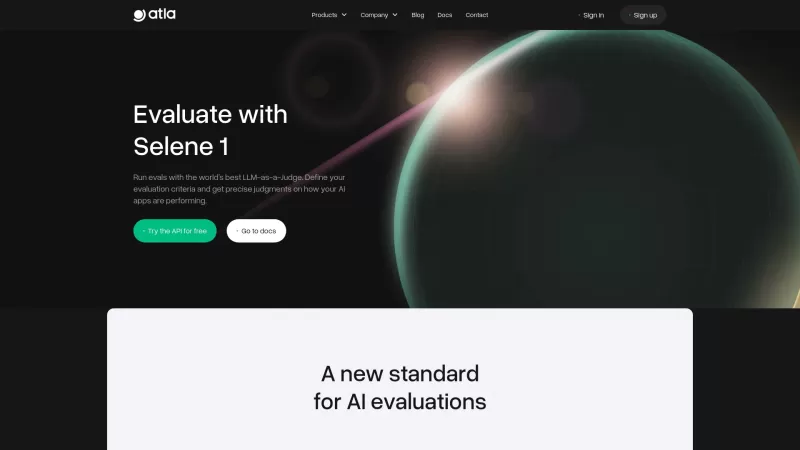
Ever wondered how to make your AI applications not just good, but great? Enter Selene API, your go-to tool for evaluating generative AI. It's like having a super-smart judge that helps you spot and fix those pesky AI mistakes on a grand scale. With Selene API, you can build more reliable GenAI appli
What is Vivgrid?Vivgrid is an AI agent infrastructure platform designed for developers and startups to build, deploy, and manage AI agents. It provides essential tools for observability, evaluation, and safety, offering a clear path from prototyping
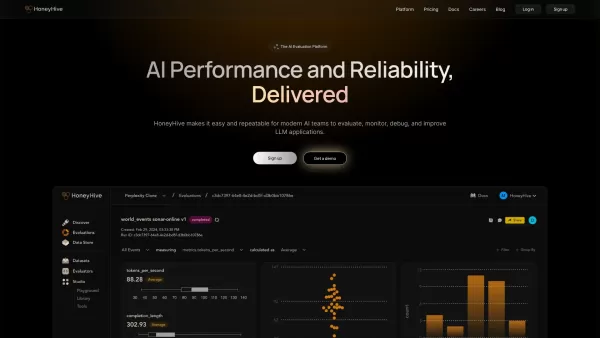
HoneyHive is your go-to platform for teams working on Generative AI projects. It's all about giving you the tools to evaluate and keep an eye on your AI applications as they evolve. Think of it as a trusty sidekick that helps you navigate the complex worl
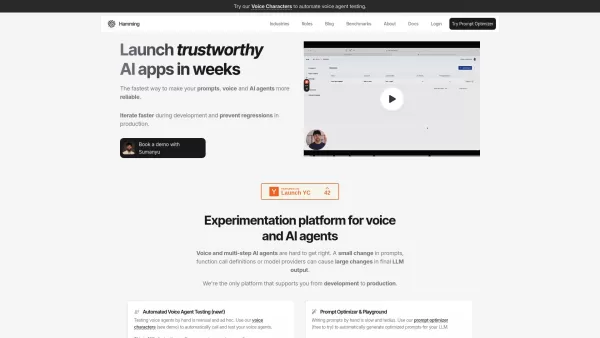
Ever wondered how to streamline the testing of your voice agents and AI applications? Let me introduce you to Hamming, a game-changer in the world of automated testing. This nifty platform from Forward Inc. not only speeds up your evaluations but also gives you a crystal-clear view of your AI's perf
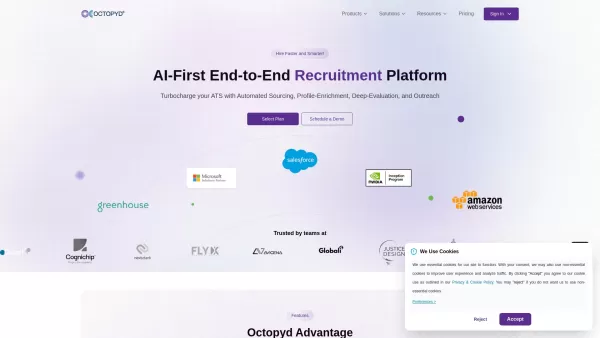
What is Octopyd?Octopyd is an intelligent hiring platform that transforms how companies find and evaluate talent. Using advanced AI technology, it automates the entire recruitment lifecycle from sourcing to selection while integrating smoothly with e
inspeq ai Chrome Extension - Chrome Extension Product Information
What is the inspeq AI Chrome Extension?
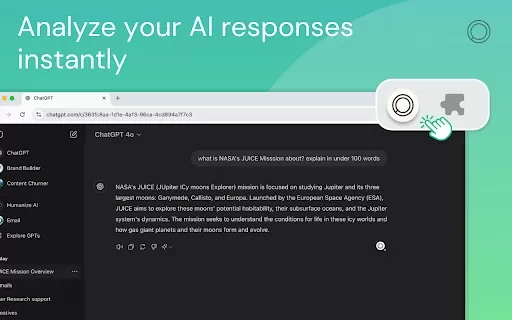
The inspeq AI Chrome extension transforms how you interact with apps powered by Large Language Models (LLMs). Built on a proprietary, research-backed framework, it provides essential metrics to evaluate the accuracy and reliability of AI-generated content in real time. With its insightful scoring system, the extension helps you make better-informed decisions when using customer service chatbots, virtual assistants, or any other AI-driven conversational tools.
How to Use the inspeq AI Chrome Extension
1. Install the extension from your browser's store. 2. You can then activate it on supported platforms, including: - OpenAI Chat - https://chat.openai.com - Perplexity AI - https://www.perplexity.ai - Bing Chat - https://www.bing.com/chat
Core Features of the inspeq AI Chrome Extension
Real-Time Accuracy and Robustness Metrics for AI Output
A Proprietary Framework for Analyzing LLM Interactions
Insightful Scoring for Informed Decision-Making
inspeq AI Chrome Extension Use Cases
Checking the Accuracy of Customer Service Chatbots
Assessing the Reliability of Virtual Assistants
Analyzing Output from AI Conversational Agents
FAQ for the inspeq AI Chrome Extension
Which platforms and applications does the inspeq AI Chrome extension work with?
Where can I find support for the inspeq AI Chrome extension?
inspeq ai Chrome Extension - Chrome Extension Screenshot



2026 Latest Best Top-rated AI Style Transfer Tools for Creative Experiments! XIX.AI has curated a powerful, game-changing collection of must-try tools that deliver exceptional results through real-world tests and rigorous rankings. These top solutions help creatives boost productivity significantly by accelerating content creation and unlocking endless creative possibilities. Explore now to discover your perfect tool and start creating today!
 9 tools
 xix.ai

2026 Latest Best Top-Rated AI Dialogue Bubble Tools for Visual Storytelling are here on XIX.AI! This curated collection features powerful, game-changing tools that help creators boost productivity and overcome creative bottlenecks. Get a free vs paid comparison, see real-world tests, and check the latest rankings to find the must-try solutions perfect for crafting engaging visual narratives. Explore now to discover your ideal tool!
10 tools
xix.ai

2026 Latest Top-Rated Best AI Meeting Summary Tools for Clear Decision Tracking and Effortless Follow-Ups. This curated list showcases powerful, game-changing solutions that boost productivity dramatically by automating meeting notes, identifying key action items, and streamlining team coordination across all projects. Get a free vs paid comparison along with real-world tests and weekly updated rankings to help you find the perfect tool. Explore now to unlock your AI edge!
9 tools
xix.ai

2026 Latest Best Top-rated AI Data Cleaning Tools for quick fixing of missing values and duplicates. This curated list showcases powerful, game-changing solutions that boost productivity significantly. Each option has undergone rigorous real-world tests to ensure reliability. Get a free vs paid comparison and discover the must-try tool that fits your needs best. Explore now at XIX.AI to Unlock your AI edge.
11 tools
xix.ai

2026 Latest Best Top-Rated AI Creative Ideation Tools for Artists are curated by XIX.AI to help creators break through visual blocks and boost creativity instantly. These powerful game-changing tools offer real-world tests, detailed free vs paid comparison, and weekly updated rankings. Discover your perfect tool to accelerate content creation and unlock your AI edge today. Explore now!
14 tools
xix.ai

2026 Latest Best AI Beat Makers for TikTok Background Tracks, Reels Audio, and Creator Promo Music! XIX.AI has curated a top-rated list of powerful game-changing tools that go through real-world tests to deliver flawless music for every content need. You’ll find detailed free vs paid comparison data, weekly updated rankings, and must-try options to help you boost creativity and productivity. Explore now to discover your perfect tool!
11 tools
xix.ai


