


 Home
HomeHTML editing translator
AI Page Translator: Multilingual HTML Editor



Helps TikTok sellers, brands, MCNs, and TAPs discover winning products and find creators.

HelpLook is an AI-powered all-in-one knowledge base tool that helps businesses quickly build knowledge bases, help centers, and...

Your AI Workspace

302.AI is an enterprise-grade AI resource platform with pay-as-you-go pricing, API access to a full range of AI models, and ready-to-use online applications.

剧火AI — AI Screenwriter + Director, a One-Person Short Drama Studio In one sentence, what is it?
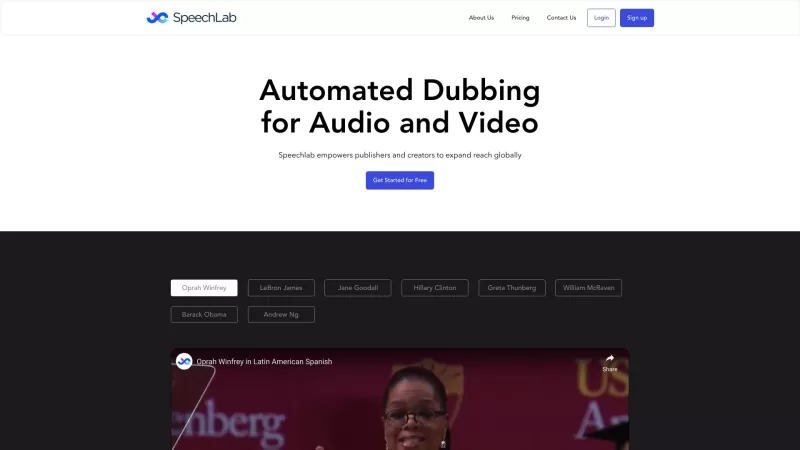
Ever wished you could take your content beyond your local audience and truly go global? That's where SpeechLab comes in—a cutting-edge AI-based speech technology platform designed to break down language barriers for publishers and creators. With SpeechLab, you can dub, voice-over, or even synthesize
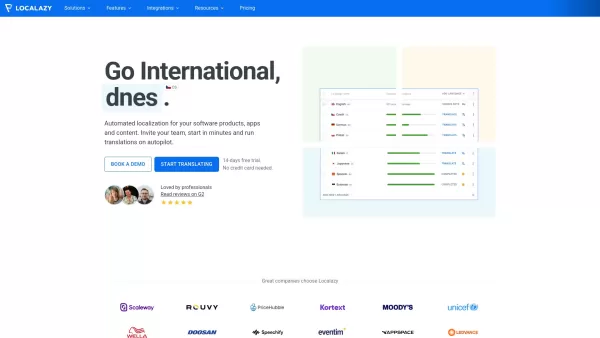
Ever found yourself scratching your head over how to make your app speak multiple languages? Enter Localazy, a game-changer in the world of software localization. It's not just another tool; it's your trusty sidekick that automates the entire translation

Ever wondered how to make your videos speak in different languages or give them a whole new personality? Enter sync.so, a game-changer in the world of AI video lipsync. This nifty tool lets you sync your videos to any audio or text, making it a breeze to
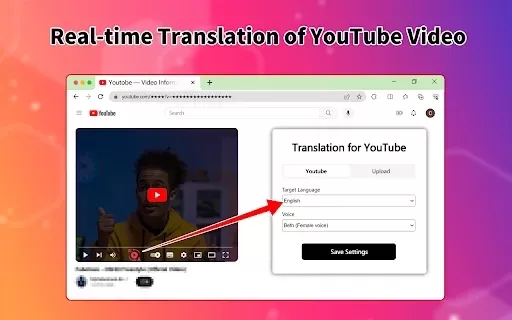
What is the Video Translator Online Extension?Video Translator is a versatile tool tailored for content creators, educators, and businesses. It leverages cutting-edge AI to translate video audio and subtitles into more than 100 languages, empowering
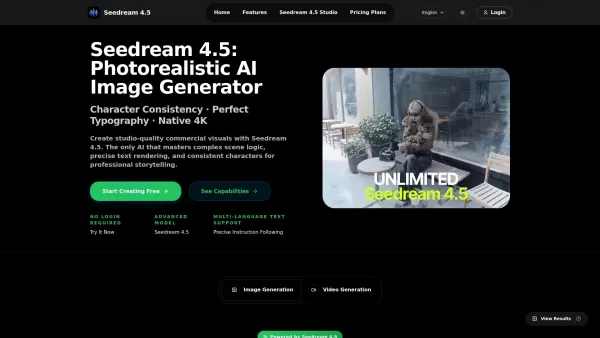
What is Seedream 4.5 AI? Seedream 4.5 is a professional-grade, photorealistic AI image generator and design tool built for creative professionals. It tackles major challenges in AI art, such as accurate text generation, maintaining consistent charact
HTML editing translator Product Information
What is the HTML Editing Translator?
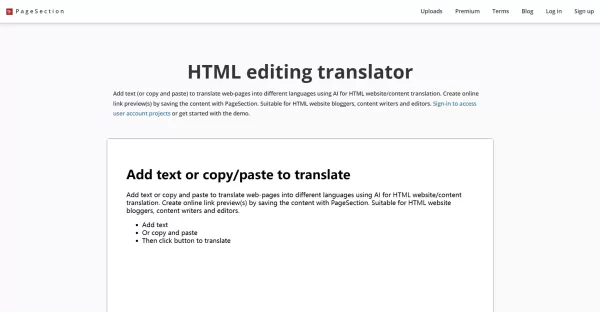
The AI Page Translator from PageSection enables users to upload HTML projects or edit webpages directly online, converting web content into numerous languages while maintaining the original layout and formatting. With support for over 30 languages, it streamlines multilingual content management for bloggers, writers, and editors. The platform leverages AI and machine learning to improve grammar and syntax, ensuring translations are both faster and more precise. Users get a shareable link for their translated projects and can also utilize content templates for quick creation.
Who is the HTML Editing Translator for?
- Bloggers with HTML websites
- Content writers
- Editors
- Managers of multilingual websites
- Web developers requiring translation tools
How to Use the HTML Editing Translator
- Step 1: Compile your HTML webpage files, including index.html, into a single ZIP archive.
- Step 2: Upload the ZIP file via your PageSection account to start a project.
- Step 3: Apply the AI Translator to convert your content into your desired languages.
- Step 4: Refine and adjust the translated content using the WYSIWYG editor.
- Step 5: Save your work and share the generated web URL for preview or publication.
Platform
- Web
HTML Editing Translator Core Features & Benefits
Core Features
- Upload HTML project files and create multilingual versions
- AI-driven translation supporting 30+ languages
- Full WYSIWYG editor for content customization
- Online project management and link sharing
- Preserves original webpage formatting and layout
Benefits
- Faster, more accurate translations with AI and ML enhancements
- Supports various file types and multiple languages
- Simplifies online content updates and editing
- Enhances accessibility for a global audience
- Reduces manual translation work and minimizes errors
HTML Editing Translator Main Use Cases & Applications
- Translating personal or business websites into multiple languages
- Building multilingual blogs for international readers
- Editing and managing content for worldwide audiences
- Quickly prototyping translated web content
- Sharing translated webpages with clients or stakeholders
HTML Editing Translator Pros & Cons
Pros
User-friendly online interface and editing tools
AI-enhanced translation accuracy
Broad language support
Free demo for testing
Maintains original HTML formatting
Cons
Requires uploading zipped HTML projects
Limited platform availability (web only)
No dedicated mobile or desktop application
Not open source
Relies on internet connection
HTML Editing Translator Pricing
Has free plan | YES |
|---|---|
Free trial details | |
Pricing model | Freemium |
Is credit card required | No |
Paid from | 20 USD |
Has lifetime plan | No |
Billing frequency | Monthly |
Details of Pricing Plan
Starter
0 USD
- 1 Basic Account
- Temporary Preview Links
- 1GB Upload Storage Space
- Live Demo HTML Editor Access
- Basic Email Support & Feedback
- Limited to Two Uploads and Save Options
- Unlimited Downloads & Project Exports
- Ideal for New Users and Testing
Premium
20 USD
- 1 Premium Account
- Unlimited Preview Links
- 100GB Upload Storage Space
- Full HTML Editor Access
- Priority Email Support & Feedback
- Unlimited Uploads and Saved Projects
- Unlimited Downloads & Project Exports
- Designed for Creative Teams and Professionals
Discount:
Student plan available at $10/month
For the latest prices, please visit: https://www.pagesection.com/pricing
HTML Editing Translator FAQs
Who can I contact for support?
For any inquiries or feedback, email [email protected].
Can I use the AI Page Translator for free?
A free demo is offered, but full functionality may require login or a paid subscription.
Which languages are supported for translation?
Over 30 languages are available, such as Arabic, Chinese, French, German, Japanese, Russian, Spanish, and others.
Do I need to upload entire website files?
Upload your webpage files in a ZIP archive that includes index.html at the root.
Can I edit the translation after it's generated?
Yes, the WYSIWYG editor enables complete customization of the translated text.
Is there support for mobile or desktop applications?
Presently, the service is web-only with no dedicated apps.
Does the tool preserve the original formatting of webpages?
Yes, it is designed to keep the website’s original layout and formatting intact during translation.
Is the software open source?
No, the AI Page Translator is proprietary software.
How do I share the translated webpage?
After uploading, you will receive a web URL link to share for preview or publishing.
Can this translator handle multiple file types?
While it mainly supports HTML projects, you can copy content from Word, PDF, and other documents for translation.
HTML Editing Translator Company Information
- PageSection
- https://www.pagesection.com
- https://twitter.com/PageSection
- https://www.youtube.com/channel/UCg-GM4Eb4q3vEyEJ7YqhcJg
HTML editing translator Screenshot

2026 Latest Top-rated AI Illustration Tools: Our curated list features the best powerfully designed tools for creating stunning editorial scenes and eye-catching cover art quickly. Each option has gone through rigorous real-world tests, offering a free vs paid comparison to help you find the perfect match for your workflow. Try these must-try solutions today to unlock your AI edge and boost your creative productivity. Explore now at XIX.AI.
 10 tools
 xix.ai

2026 Latest Top-Rated Best AI Tutors for Exam Prep are here on XIX.AI! Our curated list features powerful game-changing tools that offer free vs paid comparison, real-world tests, and weekly updated rankings. They help boost your writing efficiency, simplify complex topic learning, and unlock your academic potential. Explore now to Discover your perfect exam prep tool and Start creating today to Unlock your AI edge!
10 tools
xix.ai

2026 Latest Best Top-Rated AI Budget Planning Tools for Personal Money Management are here on XIX.AI! This curated collection features powerful, game-changing solutions that help you conduct real-world tests, understand spending habits, and create personalized plans to boost productivity. Enjoy a free vs paid comparison along with detailed rankings. Must-try tools designed to simplify money management and unlock your AI edge. Explore now!
11 tools
xix.ai

2026 Latest Best Top-Rated AI Sleep Tracking Assistants curated for ultimate recovery. This fully updated weekly guide features powerful tools that deliver real-world tests, free vs paid comparison, and detailed rankings to help you find the must-try solution that boosts sleep quality and supports better bedtime habits. Explore now at XIX.AI to Unlock your AI edge.
10 tools
xix.ai

2026 Latest Best Top-Rated AI SQL Copilots for Product and Revenue Analytics! XIX.AI has curated a powerful, game-changing collection of must-try tools that undergo real-world tests through weekly updated rankings. These tools help users boost productivity significantly by accelerating data analysis, streamlining complex queries, and generating accurate insights to drive smarter business decisions. Explore now to Discover your perfect tool for unlocking your AI edge!
14 tools
xix.ai

2026 Latest Best Top-Rated AI Homework Helpers That Teach Core Concepts Not Just Answers Powerful Tools for Students Must-Try Curated List Weekly Updated Free vs Paid Comparison Real-World Tests Accurate Rankings to Help You Unlock Your Full Learning Potential Explore now to Discover your perfect tool for smarter studying.
10 tools
xix.ai


Just tried this for my portfolio site and it's a game-changer! The layout stayed perfectly intact while translating to Spanish. Saves me hours of manual work. The UI is a bit clunky though, hope they improve that in future updates. Overall, solid tool for multilingual projects! 🌐


