


 Home
HomeHireQuotient AI Detector
AI Resume Detector for Authentic Hiring | HireQuotient


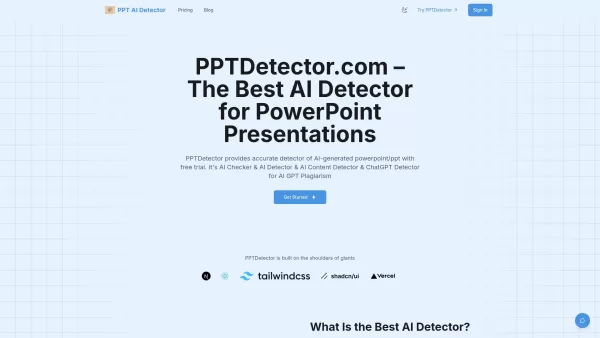
What is AI Detector for PPT? PPTDetector.com is a precise AI detection tool designed to identify AI-generated content in PowerPoint (PPT/PPTX) files. It accurately detects content from AI models like
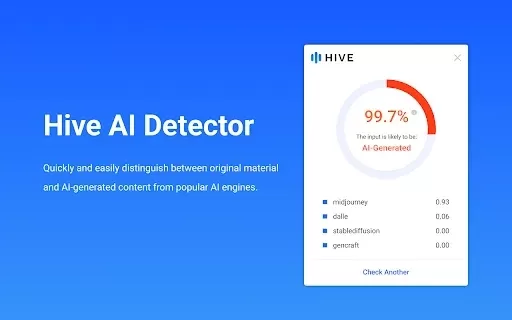
What is Hive AI Detector?Hive AI Detector uses advanced machine learning to analyze various types of media and determine whether they were generated or altered by artificial intelligence. This tool is ideal for journalists, educators, marketers, and
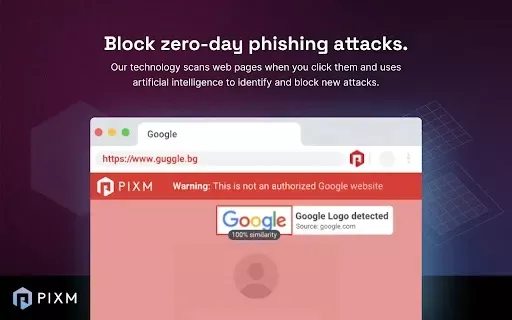
What is PIXM Phishing Protection?PIXM Phishing Protection is a browser extension that leverages artificial intelligence to offer real-time defense against phishing attacks. It inspects the visual elements of websites to immediately detect hazardous o
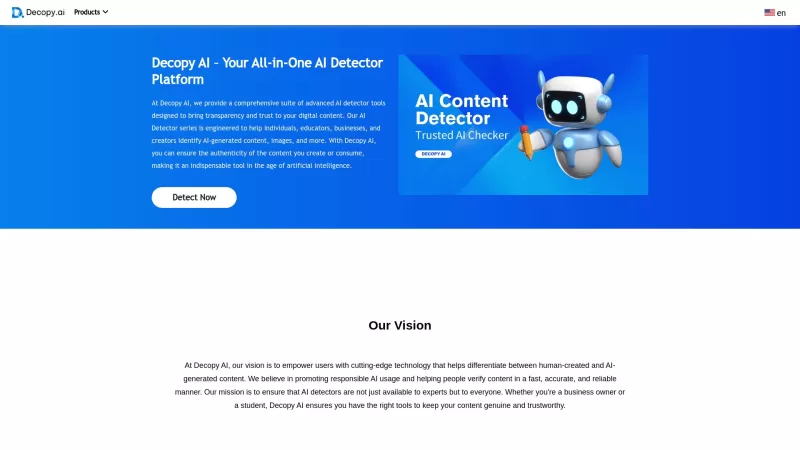
Ever wondered if that slick piece of writing you stumbled upon was crafted by a human or churned out by an AI? Enter Decopy AI, your go-to tool for sniffing out AI-generated content. With an impressive accuracy rate of up to 99%, Decopy AI can spot text f
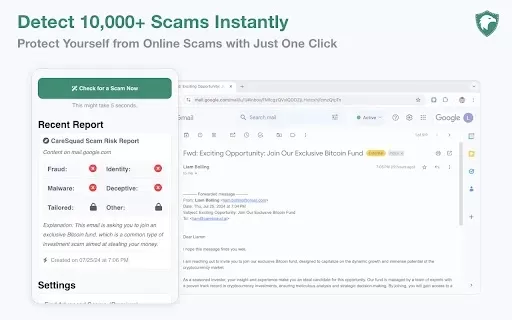
What is CareSquad AI?CareSquad AI Free Scam Detector is an AI-powered tool designed to help users identify and steer clear of online scams. By leveraging cutting-edge artificial intelligence, it scans web pages, emails, and links for potential threat
HireQuotient AI Detector Product Information
What is the HireQuotient AI Detector?
The HireQuotient AI Detector is a powerful Chrome extension that enables recruiters and hiring managers to spot AI-generated text within resumes. It verifies the authenticity of candidate information, streamlining the hiring process, supporting data-driven decisions, and elevating the quality of new hires. This user-friendly tool integrates smoothly into existing recruitment workflows, offering a reliable solution for today's talent acquisition challenges.
Who uses the HireQuotient AI Detector?
- Recruiters
- Hiring Managers
- HR Professionals
- Talent Acquisition Teams
How to use the HireQuotient AI Detector
- Step 1: Install the HireQuotient AI Detector from the Chrome Web Store.
- Step 2: Open a resume file in your browser.
- Step 3: Click the HireQuotient AI Detector icon in your Chrome toolbar.
- Step 4: The extension will scan the resume and flag AI-generated content.
- Step 5: Examine the highlighted areas to inform your hiring choices.
Platform
- Chrome
HireQuotient AI Detector: Core Features & Benefits
Core Features
- AI-generated content detection
- Real-time analysis
- Easy recruitment workflow integration
Key Benefits
- Identify AI-created text
- Guarantee resume authenticity
- Make informed hiring decisions
Primary Use Cases & Applications
- Resume screening
- Authenticity verification
- Improving hiring quality
HireQuotient AI Detector FAQs
What is the HireQuotient AI Detector?
The HireQuotient AI Detector is a Chrome extension that detects AI-generated content in resumes.
How does the AI Detector work?
It analyzes resumes in real time, highlighting sections likely produced by AI.
Who benefits from using the AI Detector?
Recruiters, hiring managers, HR professionals, and talent acquisition teams all find it valuable.
Is HireQuotient AI Detector free?
Yes, a basic version is free. Advanced features may need a subscription.
Does it work on all resumes?
It works on most resume formats opened in the Chrome browser.
Can it integrate with my recruitment software?
Yes, it's built for seamless integration with standard recruitment workflows.
How do I install it?
Get it from the Chrome Web Store and click 'Add to Chrome'.
What platforms are supported?
It is currently compatible with the Chrome browser.
Will it slow down my browser?
No, it's optimized for efficiency and won't impact browser speed.
How accurate is the detection?
It employs advanced algorithms to deliver highly accurate identification of AI content.
Company Information
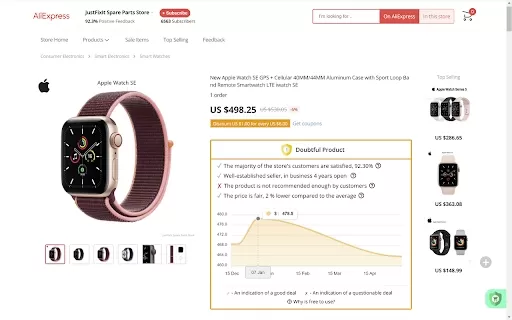
HireQuotient AI Detector Screenshot

Discover the 2026 best AI data science mentors to master SQL, Pandas & ML workflows. Explore our top-rated, curated selection at XIX.AI for powerful, game-changing guidance. Compare free vs paid options with real-world insights. Unlock your data science mastery today.
 10 tools
 xix.ai

Discover the 2026 best AI flirting and conversation trainers on XIX.AI. Our curated, top-rated selection helps you build social charisma and confidence in real-time. Explore must-try, game-changing tools with free vs paid comparisons and weekly updated rankings. Unlock your social edge today.
10 tools
xix.ai

Discover the 2026 latest top-rated AI tools for automated unit testing. Our curated selection features powerful, game-changing solutions to generate Jest, PyTest & JUnit test cases instantly. Compare free vs paid options with real-world tests and weekly updated rankings on XIX.AI. Unlock your AI edge and boost development productivity today.
10 tools
xix.ai

Discover the 2026 best AI data visualization tools at XIX.AI. Our curated, top-rated selection helps you auto-generate powerful, interactive BI dashboards from raw files instantly. Compare free vs paid options with real-world tests and weekly updated rankings. Unlock your data's potential today.
10 tools
xix.ai

Discover the 2026 best AI branding kits for social media. XIX.AI's curated list features top-rated, game-changing tools to maintain perfectly consistent brand visuals across all channels. Compare free vs paid options with real-world tests. Unlock your brand's visual edge today.
10 tools
xix.ai

Discover the 2026 latest top-rated AI companion tools for immersive roleplay and connection. XIX.AI's curated guide features powerful, game-changing apps with weekly updated rankings, free vs. paid comparisons, and real-world tests. Find your perfect match and unlock meaningful digital companionship today.
10 tools
xix.ai


