


 Home
HomeFree AI Humanizer
AI Text to Human-Like Writing



Helps TikTok sellers, brands, MCNs, and TAPs discover winning products and find creators.

HelpLook is an AI-powered all-in-one knowledge base tool that helps businesses quickly build knowledge bases, help centers, and...

Your AI Workspace

302.AI is an enterprise-grade AI resource platform with pay-as-you-go pricing, API access to a full range of AI models, and ready-to-use online applications.

剧火AI — AI Screenwriter + Director, a One-Person Short Drama Studio In one sentence, what is it?
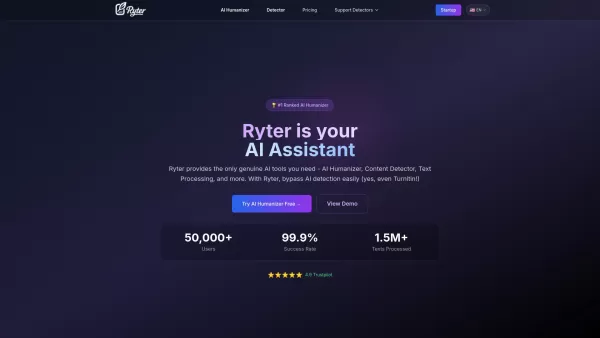
What is Ryter Pro? Ryter Pro is an AI Humanizer tool that transforms AI-generated text from platforms like ChatGPT and GPT-4 into natural, human-like content. This makes it undetectable by major AI detectors including Turnitin, GPTZero, Originality.a
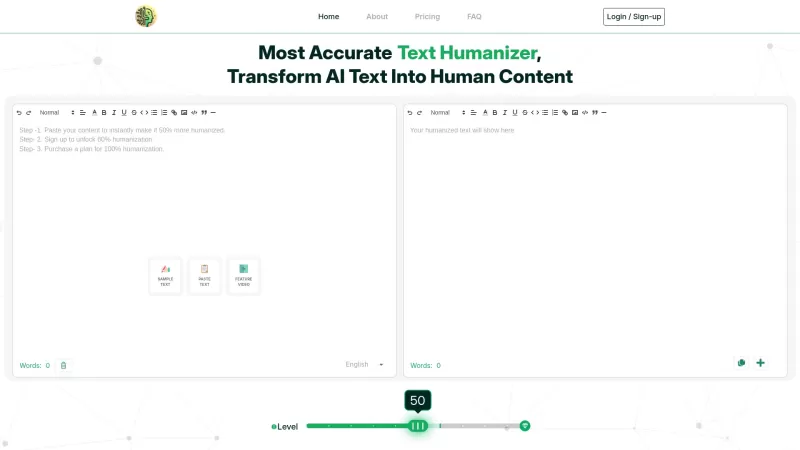
Ever wondered how to make AI-generated text sound like it was penned by a human? That's where AI2Humanize comes into play. This nifty tool takes the robotic edge off AI content, making it not only more engaging but also boosting its search engine rankings. It's like giving your AI text a human touch
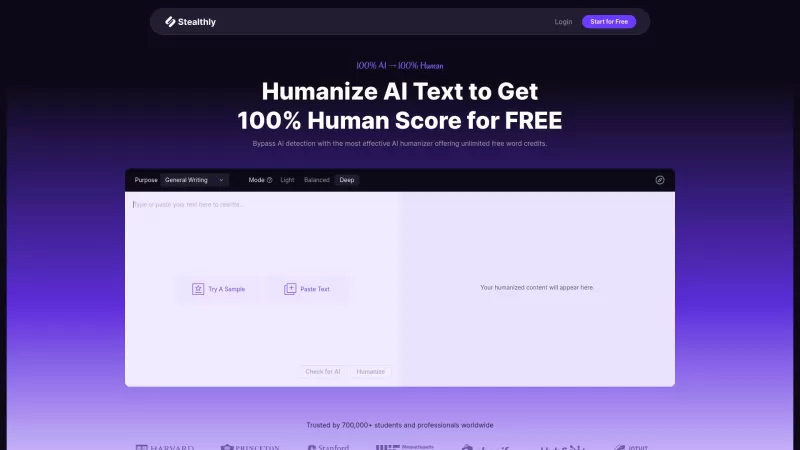
Ever found yourself staring at a piece of AI-generated text and thinking, "This is great, but it's just too... robotic?" Well, that's where Stealthly AI Humanizer comes in. It's like the cool friend who takes your AI text and gives it that human touch, making it undetectable by AI detectors while ke
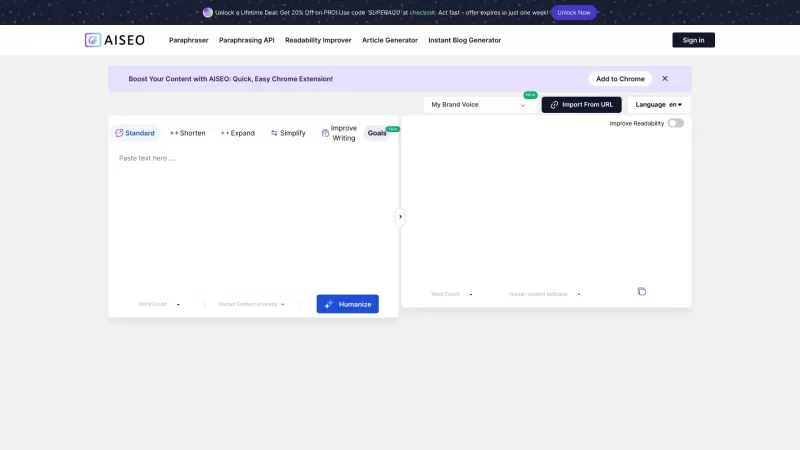
AISEO is a tool designed to enhance AI-generated text by adding a human touch, making the content more authentic and of higher quality.To use AISEO, you simply need to input the AI-generated text into the AISEO Bypass AI Tool, which will then transform it
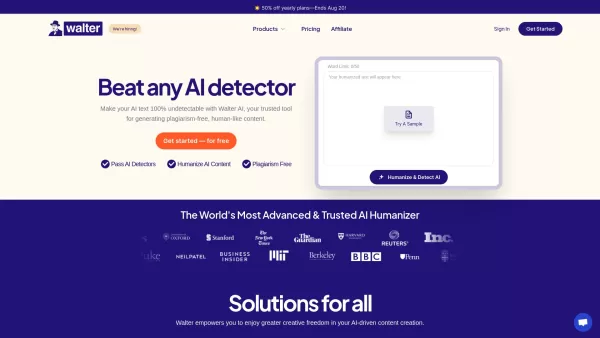
Ever stumbled upon a piece of writing that you suspected was crafted by a machine rather than a human? If you're looking to make AI-generated text feel more like it flowed from a human mind, let me introduce you to Walter AI. This nifty tool is designed t
Free AI Humanizer Product Information
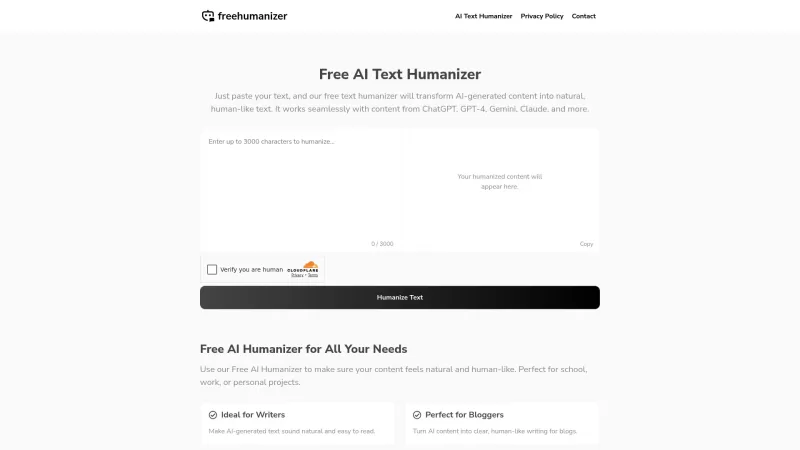
Ever stumbled upon AI-generated text that feels a bit too robotic for your taste? That's where the Free AI Humanizer comes into play. This nifty tool takes those stiff, machine-crafted sentences and breathes life into them, making them sound like they were penned by a human. And the best part? You don't need to sign up or shell out any cash to use it. Whether you're a student, a professional, or just someone looking to add a personal touch to your writing, this tool is your go-to for transforming AI text into something more relatable and engaging.
Using the Free AI Humanizer is as easy as pie. Just head over to their website, paste your AI-generated text into the designated box, and watch the magic happen. The tool will quickly rework your text to sound more natural and human-like. Once you're happy with the results, you can copy and paste it wherever you need it. It's that simple!
Core Features of Free AI Humanizer
- No Login Required: Jump right in without any pesky sign-ups.
- Unlimited Use: Transform as much text as you need, whenever you need it.
- Fast and Simple: Get humanized text in a snap, no fuss, no muss.
- Works for Any Text: From essays to emails, this tool can handle it all.
Use Cases for Free AI Humanizer
- For Writers: Enhance the readability of AI-generated content to captivate your audience.
- For Students: Quickly turn out smooth, well-written essays without the hassle.
- For Bloggers: Transform AI drafts into engaging, human-like posts that keep readers coming back.
- For Teachers: Improve the clarity and comprehension of educational materials.
- For Businesses: Humanize your communications and projects to connect better with clients and customers.
FAQ from Free AI Humanizer
- What is Free AI Humanizer?
- It's a tool that converts AI-generated text into natural, human-like writing.
- Is it free?
- Yes, it's completely free to use.
- Do I need an account?
- No account is required to use the Free AI Humanizer.
- What types of text can I use it for?
- You can use it for any type of text, from academic papers to business communications.
- Can I use it for creative writing?
- Absolutely, it's great for adding a human touch to creative pieces.
For any support or inquiries, you can reach out to Free AI Humanizer via their contact page at https://freehumanizer.com/?page_id=52. The company behind this tool is freeaidetect.com, and you can learn more about them on their about us page.
No login or sign-up links are required to use the Free AI Humanizer, making it even more user-friendly and accessible.
Free AI Humanizer Screenshot

2026 Latest Best Top-rated AI Style Transfer Platforms ranked by expert assessments. This curated collection offers powerful game-changing tools that help users reimagine photos with stunning distinct visual looks, boosting creativity and productivity effortlessly. XIX.AI stands out as a trusted source for weekly updated free vs paid comparison insights along with real-world tests. Explore now to Discover your perfect tool and Unlock your AI edge.
 10 tools
 xix.ai
2026 Latest Best AI platforms for tracking competitors on Shopify to stay ahead in pricing, merchandising, and promotions. XIX.AI curates top-rated, powerful tools that offer real-world tests and free vs paid comparison through weekly updated rankings. Must-try solutions help boost productivity and unlock your AI edge. Explore now!
10 tools
xix.ai
2026 Latest Top-rated AI Fitness Coaches for Home Workouts are here on XIX.AI! Our curated list features powerful, game-changing tools that create adaptive workout plans tailored to your goals, helping you boost productivity and break through fitness plateaus. Get a free vs paid comparison along with real-world tests and updated rankings weekly. Explore now to Discover your perfect tool and Start creating today to Unlock your AI edge!
10 tools
xix.ai
2026 Latest Best Top-rated AI Comment Moderation Tools for TikTok Shops and High-Volume Brand Communities are curated here by XIX.AI. Our weekly updated rankings feature powerful, game-changing solutions that deliver real-world tests results to help you boost content quality, enhance writing efficiency, and streamline community management effortlessly. Free vs paid comparison insights are also available. Explore now to Discover your perfect tool for unlocking your AI edge!
9 tools
xix.ai
2026 Latest Best CapCut AI Video Editors for Reels Shorts Ads and Social Commerce Launches! This curated list features top-rated powerful game-changing tools that deliver impressive results through real-world tests. You’ll find a free vs paid comparison along with detailed rankings to help you choose the perfect fit. XIX.AI offers expert insights to help you unlock your AI edge in content creation. Explore now to discover your ideal tool and boost your productivity today!
14 tools
xix.ai
2026 Latest Best Top-rated AI Study Discovery Tools are here on XIX.AI! This curated list includes powerful game-changing resources for quick access to journals, datasets, and industry trends. Get a free vs paid comparison along with real-world tests and updated rankings weekly. Must-try options help boost your research efficiency and unlock your AI edge. Explore now to discover your perfect tool!
10 tools
xix.ai


