


 Home
HomeEmailCanvas Ai
AI Email Generator Drag-and-Drop



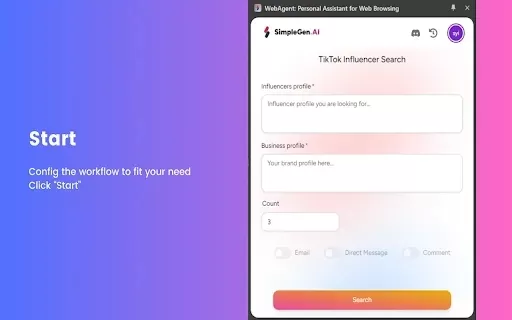
Helps TikTok sellers, brands, MCNs, and TAPs discover winning products and find creators.

HelpLook is an AI-powered all-in-one knowledge base tool that helps businesses quickly build knowledge bases, help centers, and...

Your AI Workspace

302.AI is an enterprise-grade AI resource platform with pay-as-you-go pricing, API access to a full range of AI models, and ready-to-use online applications.

剧火AI — AI Screenwriter + Director, a One-Person Short Drama Studio In one sentence, what is it?
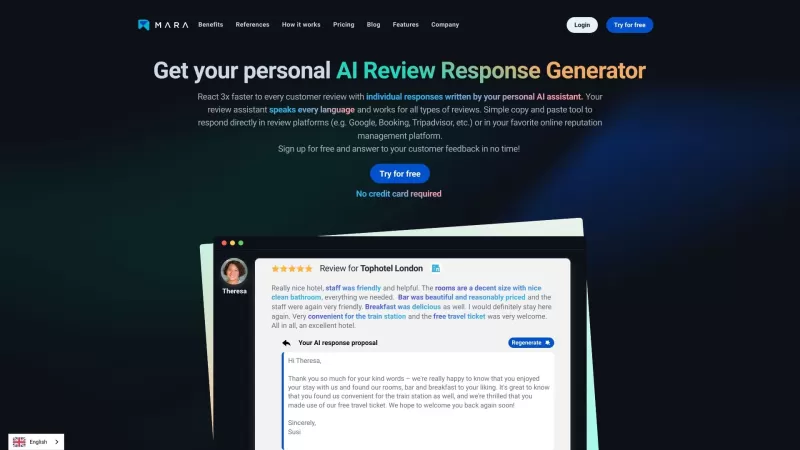
Ever found yourself staring blankly at customer reviews, wondering how to respond in a way that feels genuine and personal? That's where the AI Review Response Generator comes in—a nifty tool designed to take the hassle out of crafting those responses. Cr
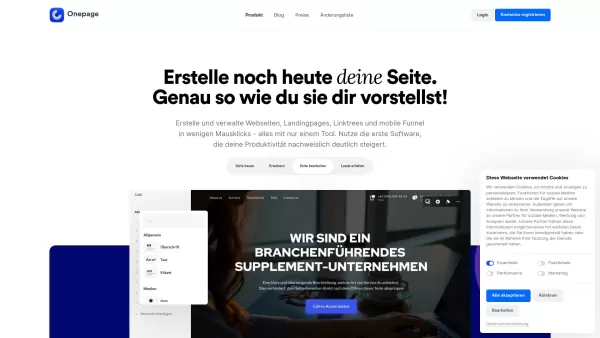
Ever wondered about a tool that could simplify your website creation and management without requiring you to be a tech wizard? Enter Onepage, a versatile page-building software that's here to make your life easier. It's not just about building websites; O
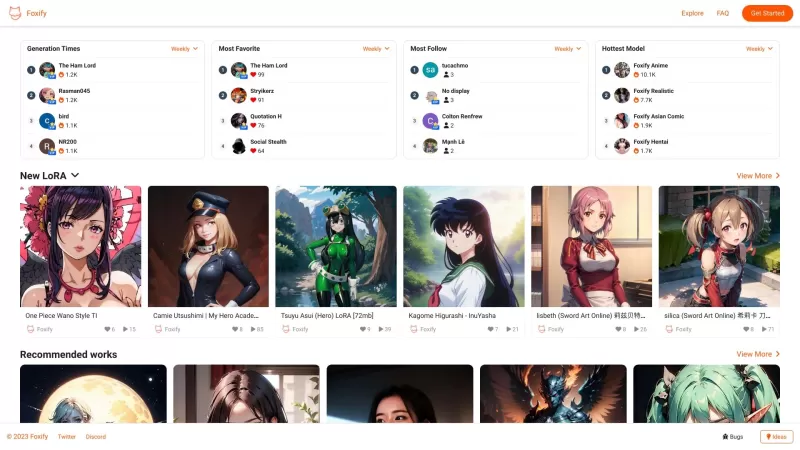
Ever stumbled upon Foxify and wondered what it's all about? Well, let me tell you, Foxify is your go-to online AI image creator, and the best part? It's absolutely free! Whether you're a budding artist or just looking to spice up your social media posts,
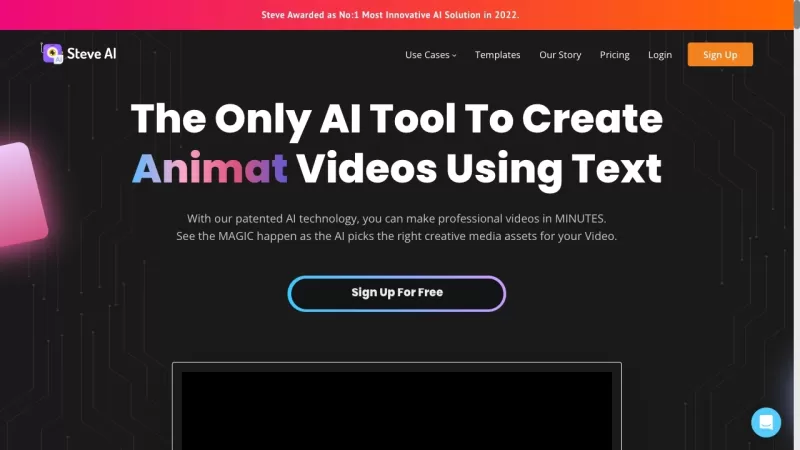
Ever wondered how to whip up professional-looking videos without breaking a sweat? That's where Steve.AI comes into play. It's not just another video-making app; it's a powerhouse that uses AI to transform your ideas into stunning videos and animations in
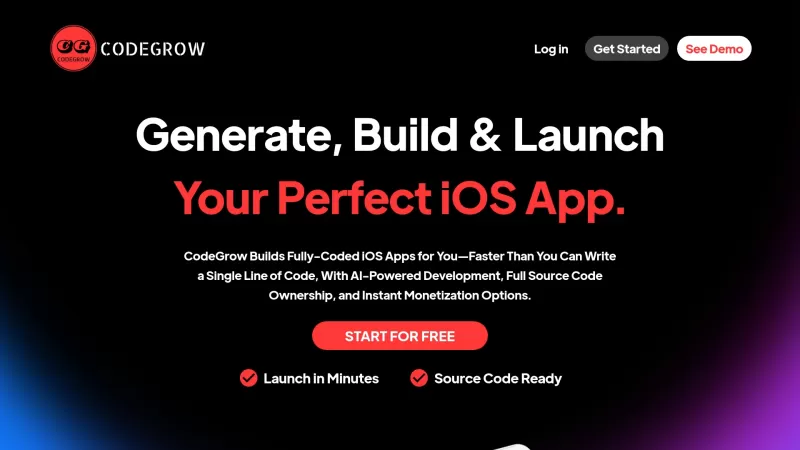
CodeGrow is an innovative AI-driven platform that's changing the game for iOS app developers. It's all about making the process of building, launching, and scaling your apps easier and faster. With features like pre-built templates, smart coding assistanc
EmailCanvas Ai Product Information
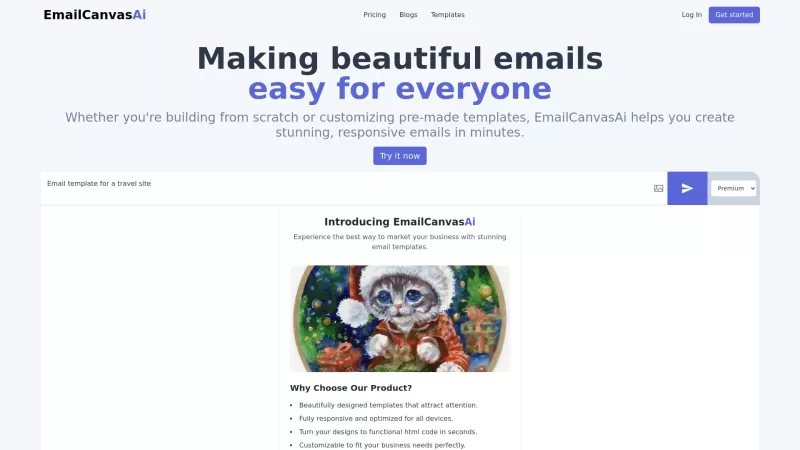
EmailCanvas Ai is a game-changer for anyone diving into the world of email marketing. It's an AI-powered tool that makes creating stunning, responsive emails a breeze, even if you're not a coding wizard. With its drag-and-drop editor, you can craft emails that not only look good but also work seamlessly across all devices. It's like having a personal designer at your fingertips, minus the hefty price tag.
How to Use EmailCanvas Ai?
Getting started with EmailCanvas Ai is as easy as pie. Just pick a template that catches your eye, or if you're feeling creative, start from scratch. Then, dive into the drag-and-drop editor and let your imagination run wild. Once you're happy with your masterpiece, hit export, and voila! You've got your HTML email code ready to roll out to your audience.
EmailCanvas Ai's Core Features
AI-generated HTML email templates
Ever wished you could snap your fingers and have a perfect email template appear? EmailCanvas Ai's AI does just that, generating templates that are not only beautiful but also optimized for performance.
Drag-and-drop editor
No coding? No problem. The drag-and-drop editor is your best friend, allowing you to tweak and perfect your email designs with ease.
Flexible design options
From colors to fonts, EmailCanvas Ai gives you the freedom to make your emails truly yours. It's like having a palette of endless possibilities.
Code editor for advanced users
For those who love to get their hands dirty with code, there's a dedicated editor to fine-tune your emails to perfection.
Import custom code
Already have some code you're fond of? No worries, you can import it and blend it seamlessly with EmailCanvas Ai's features.
Instant export of HTML
Once you're done, exporting your HTML is just a click away. It's quick, it's easy, and it's ready to go live.
Support for MJML and HTML
Whether you're a fan of MJML or stick to traditional HTML, EmailCanvas Ai has got you covered.
Image to template generation
Got an image you love? Turn it into a stunning email template with just a few clicks. It's like magic, but better.
EmailCanvas Ai's Use Cases
Create customized email marketing campaigns
Whether you're launching a new product or running a sale, EmailCanvas Ai helps you craft emails that grab attention and drive results.
Generate responsive newsletters
Keep your audience engaged with newsletters that look great on any device. It's all about staying connected, no matter where they are.
Design personalized email templates for events
From webinars to conferences, EmailCanvas Ai lets you create event emails that not only inform but also excite your attendees.
FAQ from EmailCanvas Ai
- Do I need coding skills to use EmailCanvas Ai?
- No, you don't need coding skills. The drag-and-drop editor makes it easy for anyone to create beautiful emails.
- Can I import my existing email templates into EmailCanvas Ai?
- Yes, you can import your existing templates and customize them further with EmailCanvas Ai's tools.
- What formats does EmailCanvas Ai support?
- EmailCanvas Ai supports both MJML and HTML formats, giving you flexibility in your email design.
- EmailCanvas Ai Support Email & Customer service contact & Refund contact etc.
-------------------------------------------------------------------------------------
Here is the EmailCanvas Ai support email for customer service:[\[email protected\]](/cdn-cgi/l/email-protection#91f5f4e7fbe4fcfed1f6fcf0f8fdbff2fefc) . More Contact, visit [the contact us page(mailto:\[email protected\])](/cdn-cgi/l/email-protection#375352415d425a5877505a565e5b1954585a)- EmailCanvas Ai Company
----------------------
EmailCanvas Ai Company name: Devjumo Ltd. .- EmailCanvas Ai Login
--------------------
EmailCanvas Ai Login Link: - EmailCanvas Ai Sign up
----------------------
EmailCanvas Ai Sign up Link: - EmailCanvas Ai Pricing
----------------------
EmailCanvas Ai Pricing Link: - EmailCanvas Ai Twitter
----------------------
EmailCanvas Ai Twitter Link: EmailCanvas Ai Screenshot

2026 Latest Top-Rated All-in-One AI Website Builders. Discover the best curated platforms that handle design, coding, and deployment. Our weekly updated rankings and real-world tests compare free vs paid options. Find your perfect game-changing tool to launch sites faster. Explore the definitive list on XIX.AI.
 10 tools
 xix.ai
Discover the 2026 latest top-rated AI frontend development tools for web designers. XIX.AI's curated selection features powerful, game-changing solutions for efficient coding, responsive design, and accelerated project delivery. Compare free vs paid options with weekly updated rankings. Unlock your AI edge and build better websites faster. Explore now!
10 tools
xix.ai


EmailCanvas Ai é incrível! Fácil de usar mesmo sem saber programar. O editor de arrastar e soltar é super divertido. Só queria mais templates! 😁
EmailCanvas Ai 정말 대박이야! 코드를 몰라도 쉽게 멋진 이메일을 만들 수 있어. 다만 템플릿이 좀 더 많았으면 좋겠어! 😊
¡EmailCanvas Ai es una maravilla! Es tan fácil de usar, incluso sin saber de programación. Me encanta el editor de arrastrar y soltar. ¡Ojalá tuviera más plantillas! 😄
EmailCanvas Ai is a lifesaver! It's so easy to use, even for someone like me who's not tech-savvy. The drag-and-drop feature makes designing emails fun and quick. Only wish it had more templates! 🤞
EmailCanvas Aiを使ってみたけど、めっちゃ便利!コードを書かなくても簡単に美しいメールが作れるよ。ただ、もっとテンプレートが欲しいな〜😅


