


 Home
HomeDocsPedia
PDF Chat for Instant Insights



Helps TikTok sellers, brands, MCNs, and TAPs discover winning products and find creators.

HelpLook is an AI-powered all-in-one knowledge base tool that helps businesses quickly build knowledge bases, help centers, and...

Your AI Workspace

302.AI is an enterprise-grade AI resource platform with pay-as-you-go pricing, API access to a full range of AI models, and ready-to-use online applications.

剧火AI — AI Screenwriter + Director, a One-Person Short Drama Studio In one sentence, what is it?
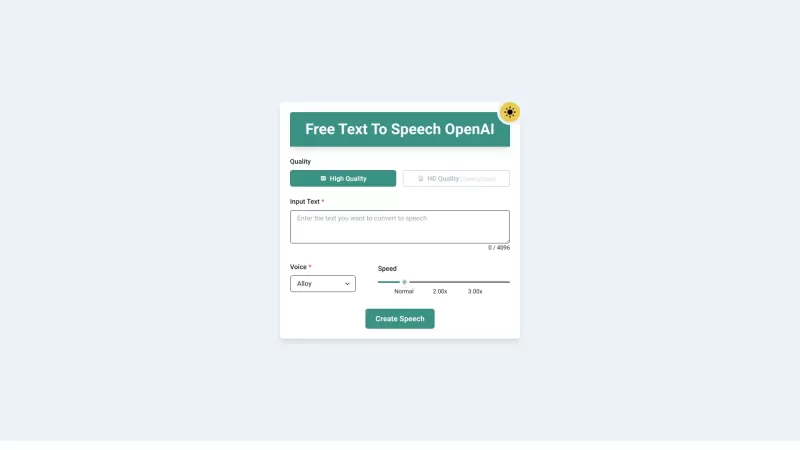
Ever wished you could transform your PDFs and eBooks into something you could listen to while on the go? Well, that's exactly what PDF to Audiobook does—it turns your static text into dynamic audiobooks or MP3 files. Imagine being able to listen to your f
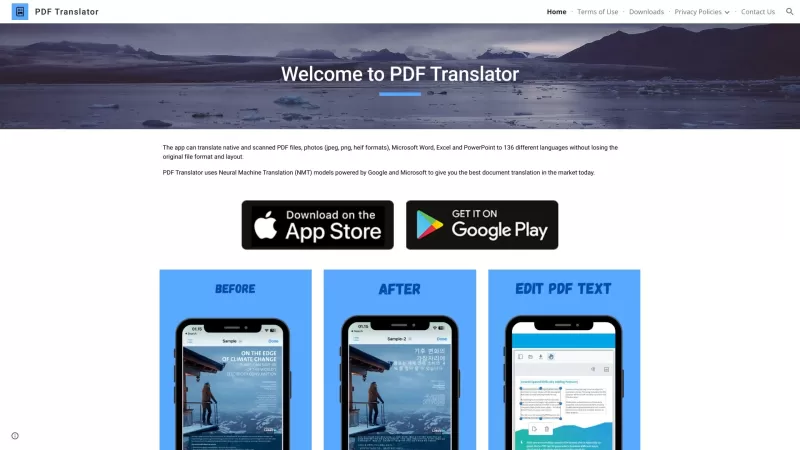
Ever found yourself staring at a PDF document, wishing you could read it in your native language? Well, let me introduce you to the PDF Translator—a nifty online tool that's like a linguistic superhero for your documents. It doesn't just translate; it tra
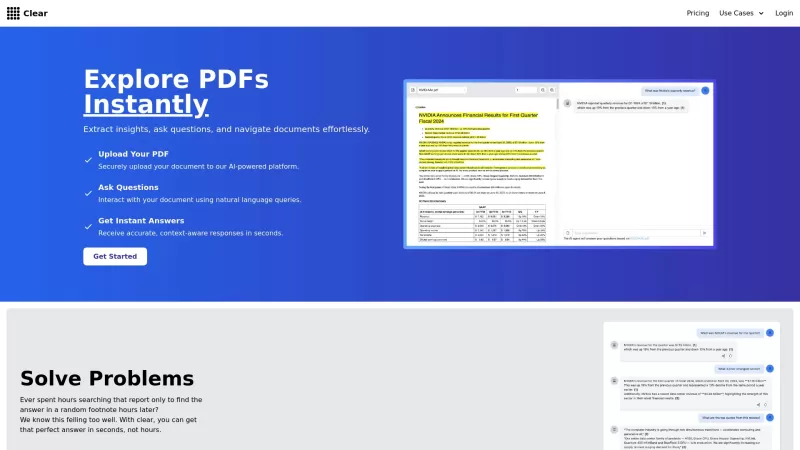
Ever found yourself lost in a sea of documents, hunting for that one elusive piece of information? That's where Clear comes in, acting like your personal detective for all your document needs. Imagine you're knee-deep in a report, and that crucial detail
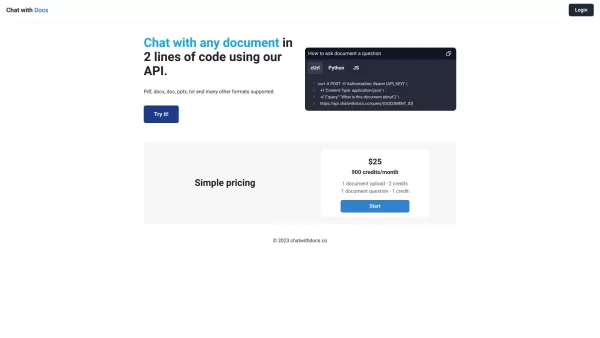
Ever found yourself buried under a mountain of documents, wishing you could just have a conversation with them? Well, with Chat with Docs, that dream becomes reality. This innovative platform lets you interact with your documents as if they were old frien
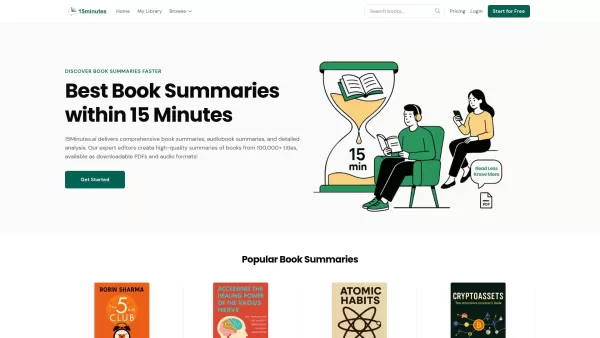
What is 15Minutes.ai? 15Minutes.ai delivers complete book summaries, audio summaries, and in-depth analysis. Skilled editors craft high-quality overviews from more than 10,000 titles. You can download these summaries as PDFs, EPUBs, or audio files. D
DocsPedia Product Information
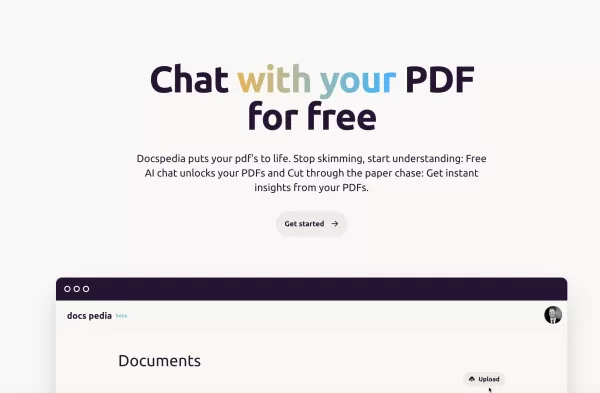
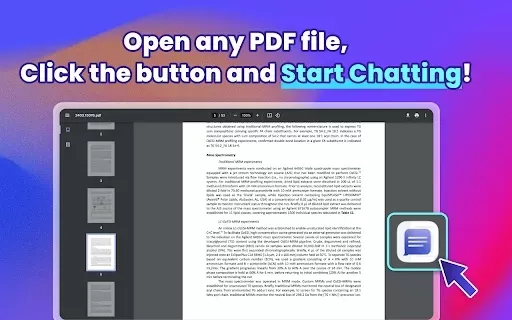
Ever found yourself buried under a mountain of PDF documents, wishing there was an easier way to sift through them all? Enter DocsPedia, your new best friend in the world of digital documents. It's not just another tool; it's an AI-powered platform that lets you chat directly with your PDFs. Imagine that—having a conversation with your documents to get the insights you need, fast!
How to Get Started with DocsPedia?
Getting started with DocsPedia is a breeze. Here’s how you can dive right in:
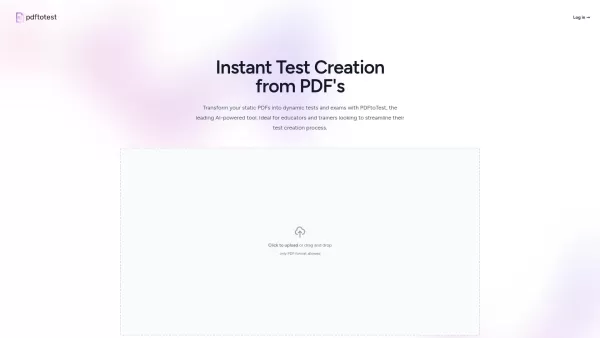
- Upload Your PDFs: Go ahead and upload as many PDFs as you need. There's no cap on the number of documents you can throw at DocsPedia.
- Choose Your Document: Once your PDFs are uploaded, pick the one you want to have a chat with. It's like selecting a friend to talk to, but this friend knows everything about the document!
- Start Chatting: With unlimited chat credits at your disposal, you can ask away until your heart's content. No holding back here!
What Makes DocsPedia Stand Out?
DocsPedia isn't just another document management tool. Here's what sets it apart:
- AI-Powered Chat: Engage in real-time conversations with your PDFs. It's like having a knowledgeable assistant at your fingertips.
- Unlimited Uploads: No more worrying about running out of space. Upload as many PDFs as you need.
- Instant Insights: Get straight to the point with instant insights pulled directly from your documents. No more endless scrolling!
Ways to Use DocsPedia
DocsPedia is versatile, and here are some ways you can put it to work:
- Deep Dive into Documents: Whether it's a complex report or a detailed manual, DocsPedia helps you understand it better.
- Cut Through the Clutter: Say goodbye to the paper chase. DocsPedia makes it easy to find what you're looking for.
- Quick Insights: Need a quick answer from a PDF? DocsPedia delivers it in a snap.
Frequently Asked Questions About DocsPedia
- What is DocsPedia?
- DocsPedia is an AI-powered platform designed to let you chat with your PDF documents, making it easier to extract information and gain insights.
- How do I use DocsPedia?
- Just upload your PDFs, select the one you want to chat with, and start asking questions. It's that simple!
- Can I upload multiple PDFs?
- Absolutely! DocsPedia allows you to upload an unlimited number of PDFs.
- Is chat usage unlimited?
- Yes, you can chat as much as you want with your PDFs without worrying about running out of credits.
- What are the core features of DocsPedia?
- The core features include AI-powered chat, unlimited PDF uploads, and instant insights from your documents.
DocsPedia Screenshot

2026 Latest Top-rated AI Illustration Tools: Our curated list features the best powerfully designed tools for creating stunning editorial scenes and eye-catching cover art quickly. Each option has gone through rigorous real-world tests, offering a free vs paid comparison to help you find the perfect match for your workflow. Try these must-try solutions today to unlock your AI edge and boost your creative productivity. Explore now at XIX.AI.
 10 tools
 xix.ai

2026 Latest Top-Rated Best AI Tutors for Exam Prep are here on XIX.AI! Our curated list features powerful game-changing tools that offer free vs paid comparison, real-world tests, and weekly updated rankings. They help boost your writing efficiency, simplify complex topic learning, and unlock your academic potential. Explore now to Discover your perfect exam prep tool and Start creating today to Unlock your AI edge!
10 tools
xix.ai

2026 Latest Best Top-Rated AI Budget Planning Tools for Personal Money Management are here on XIX.AI! This curated collection features powerful, game-changing solutions that help you conduct real-world tests, understand spending habits, and create personalized plans to boost productivity. Enjoy a free vs paid comparison along with detailed rankings. Must-try tools designed to simplify money management and unlock your AI edge. Explore now!
11 tools
xix.ai

2026 Latest Best Top-Rated AI Sleep Tracking Assistants curated for ultimate recovery. This fully updated weekly guide features powerful tools that deliver real-world tests, free vs paid comparison, and detailed rankings to help you find the must-try solution that boosts sleep quality and supports better bedtime habits. Explore now at XIX.AI to Unlock your AI edge.
10 tools
xix.ai

2026 Latest Best Top-Rated AI SQL Copilots for Product and Revenue Analytics! XIX.AI has curated a powerful, game-changing collection of must-try tools that undergo real-world tests through weekly updated rankings. These tools help users boost productivity significantly by accelerating data analysis, streamlining complex queries, and generating accurate insights to drive smarter business decisions. Explore now to Discover your perfect tool for unlocking your AI edge!
14 tools
xix.ai

2026 Latest Best Top-Rated AI Homework Helpers That Teach Core Concepts Not Just Answers Powerful Tools for Students Must-Try Curated List Weekly Updated Free vs Paid Comparison Real-World Tests Accurate Rankings to Help You Unlock Your Full Learning Potential Explore now to Discover your perfect tool for smarter studying.
10 tools
xix.ai


