


 Home
HomeDebuggr.net
AI Debugger: Finds and Fixes Code Bugs



Helps TikTok sellers, brands, MCNs, and TAPs discover winning products and find creators.

HelpLook is an AI-powered all-in-one knowledge base tool that helps businesses quickly build knowledge bases, help centers, and...

Your AI Workspace

302.AI is an enterprise-grade AI resource platform with pay-as-you-go pricing, API access to a full range of AI models, and ready-to-use online applications.

剧火AI — AI Screenwriter + Director, a One-Person Short Drama Studio In one sentence, what is it?
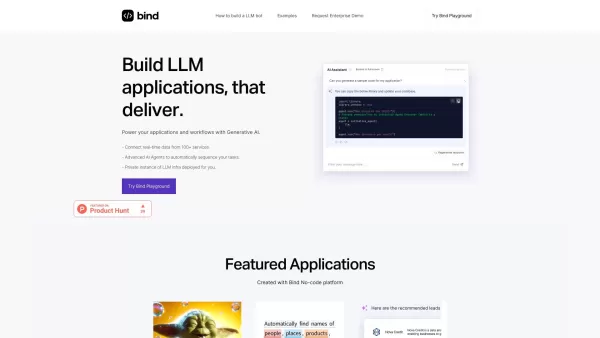
Bind is an innovative platform designed to simplify the development of GenAI applications, enabling you to craft AI Assistants tailored for marketing, sales, and support roles. It's a one-stop shop that integrates various data sources and equips you with powerful tools to deploy AI Assistants capabl
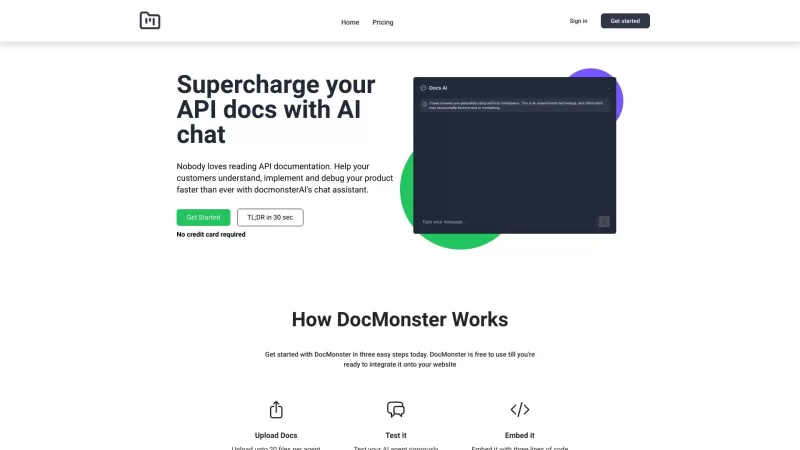
Ever wondered how you could make your API documentation not just a bunch of dry text but an interactive experience? Enter DocMonster.ai, the AI chatbot that transforms your API docs into a conversational tool, designed to boost understanding, implementati

If you're diving into the world of documentation and knowledge bases, you've got to check out Docsie. It's this nifty web tool that makes creating and managing product documentation and knowledge bases a breeze. Whether you're a tech writer spinning out c
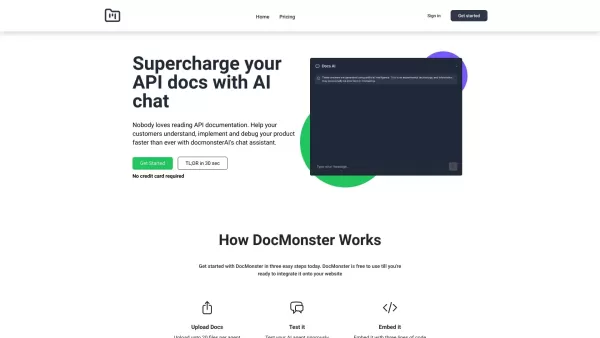
What is DocMonster?DocMonster is an AI-driven tool that transforms API documentation with an intelligent chatbot. This chatbot learns from your API documentation, helping developers understand, implement, and debug your product more efficiently. User
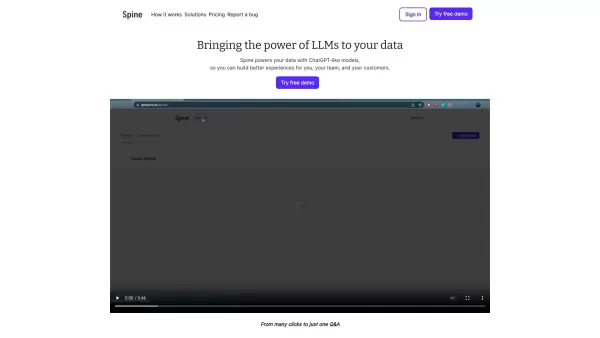
What is Spine?Spine AI is a managed service that enables you to deploy a sophisticated conversational interface powered by your existing APIs. It eliminates the need for a dedicated AI team, making it a perfect solution for businesses aiming to rapid
Debuggr.net Product Information
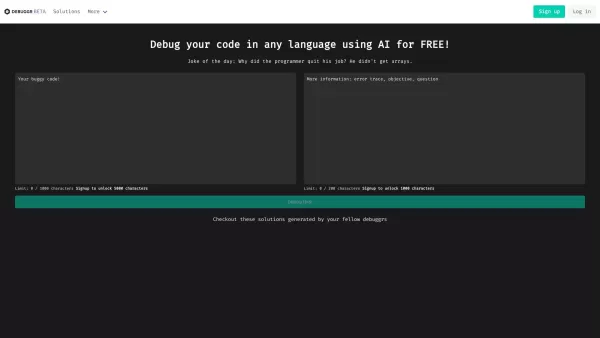
Ever found yourself staring at a screen full of code, scratching your head over a pesky bug that just won't go away? Enter Debuggr.net, your new best friend in the world of coding. This isn't just any debugging tool; it's a free AI-powered debugger that's here to make your life easier. It dives deep into your code, no matter the language, and uses the magic of artificial intelligence to sniff out those errors and suggest fixes. It's like having a super-smart coding buddy right at your fingertips!
How to Get Started with Debuggr.net
Getting started with Debuggr.net is a breeze. First, you'll need to sign up or log in if you already have an account. Once you're in, you can upload your code—yep, any programming language you're working with. Then, sit back and let the AI do its thing. It'll analyze your code and come up with solutions to squash those bugs. It's that simple!
What Makes Debuggr.net Stand Out?
AI-Powered Bug Hunting
Debuggr.net uses AI to find bugs in your code. It's like having a detective on your team, but one that's really good with computers.
Universal Language Support
Whether you're coding in Python, Java, or something more obscure, Debuggr.net has got you covered. No language left behind!
Community-Driven Solutions
One of the coolest features? Solutions generated by fellow debuggers. It's like a global think tank for coding problems.
A Little Humor Goes a Long Way
Ever heard of a "Joke of the Day" in a debugging tool? Debuggr.net throws in a bit of humor to lighten the mood. Because who said debugging can't be fun?
Seamless Integration
With API documentation available, integrating Debuggr.net into your workflow is as smooth as butter.
Track Your Progress
Keep an eye on your debugging journey with stats that track your progress. It's motivating to see how far you've come!
Feedback and Support
Got an issue or some feedback? The contact section is there for you to report any problems or share your thoughts.
When to Use Debuggr.net
- Debugging Software Applications: Whether it's a small script or a full-blown application, Debuggr.net can help you iron out the kinks.
- Fixing Coding Errors: From syntax errors to logic issues, this tool is your go-to for fixing those pesky coding problems.
- Improving Code Quality: Use the insights and solutions provided to enhance your code's efficiency and overall quality.
- Learning from the Community: The solutions generated by other users can be a goldmine for learning new techniques and approaches.
Frequently Asked Questions
- What programming languages does Debuggr.net support?
- Debuggr.net supports all programming languages, so you can debug code in any language you're working with.
- Can I use Debuggr.net to debug my software applications?
- Absolutely! Debuggr.net is designed to help you debug software applications of any size and complexity.
- Is Debuggr.net a free service?
- Yes, Debuggr.net is completely free to use. No hidden fees, just pure debugging power at your fingertips.
- Can I report issues or provide feedback?
- Of course! There's a dedicated contact section where you can report any issues or share your feedback with the Debuggr.net team.
Debuggr.net Screenshot



2026 Latest: Discover our top-rated, curated list of the best AI tools for Python error detection and bug fixing automation. Find must-try solutions for instant debugging, automated code fixes, and more efficient development. All tested and ranked by AI experts at XIX.AI. Explore now to find your perfect tool.
 10 tools
 xix.ai

Discover the 2026 latest top-rated AI coding assistants for mobile apps. Our curated list at XIX.AI features powerful, game-changing tools to accelerate development, debug faster, and write cleaner code. Compare free vs paid options with real-world insights. Find your perfect developer ally now!
10 tools
xix.ai


Debuggr.net使ってみたけど、AIがバグ特定してくれるのすごく便利!今まで何時間も悩んでた問題が一瞬で解決できた😭 無料なのにここまで出来るなんて…開発チームに感謝!ただ日本語のコードコメント対応がもう少し改善されるともっと嬉しいかも


