


 Home
HomeCorrecto - Herramienta de escritura
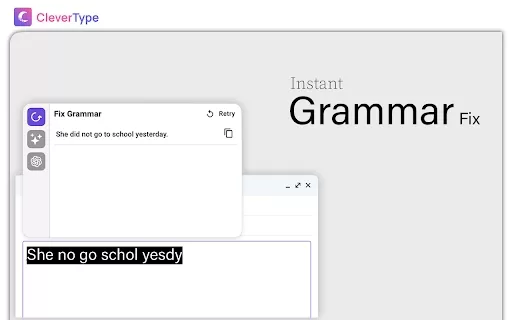
Correcto: Fix Spelling & Grammar Errors



Helps TikTok sellers, brands, MCNs, and TAPs discover winning products and find creators.

HelpLook is an AI-powered all-in-one knowledge base tool that helps businesses quickly build knowledge bases, help centers, and...

Your AI Workspace

302.AI is an enterprise-grade AI resource platform with pay-as-you-go pricing, API access to a full range of AI models, and ready-to-use online applications.

剧火AI — AI Screenwriter + Director, a One-Person Short Drama Studio In one sentence, what is it?
Ever wondered how to get a leg up in *Call of Duty: Mobile*? Well, redeem codes are your golden ticket to a whole bunch of in-game goodies. These codes can give you a sweet boost to your Weapon XP or Battle Pass XP, making it a breeze to level up your arsenal and unlock those coveted new weapons, at
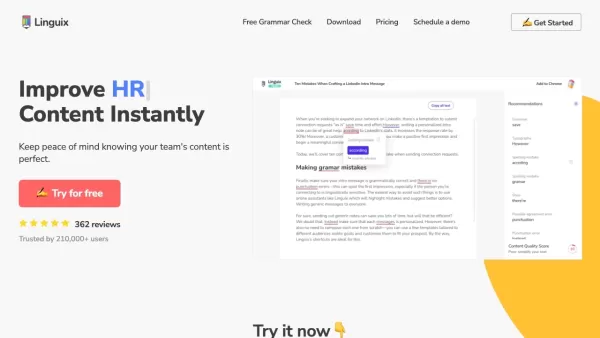
Ever find yourself staring at a blank screen, trying to craft the perfect email or nail that final paper? Enter Linguix, your new best friend in the world of writing. This free writing assistant isn't just another tool; it's like having a personal ed

What is Garson.io? Garson.io offers a secure AI writing assistant specifically crafted for professionals who prioritize data privacy. This intelligent tool enhances your writing quality while maintaining strict confidentiality over sensitive informat

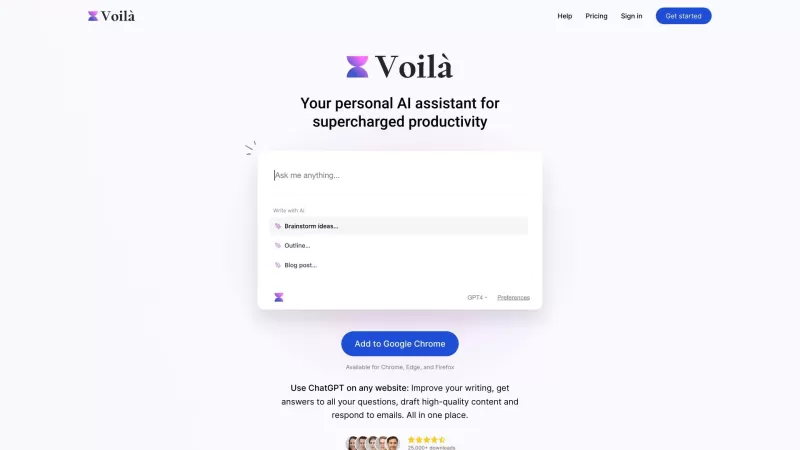
Riki AI is a game-changing tool designed to bring the power of ChatGPT directly into your workflow, no matter where you are or what you’re doing. Imagine having a personal assistant that helps you write, edit, summarize, translate, and even debug—all at t
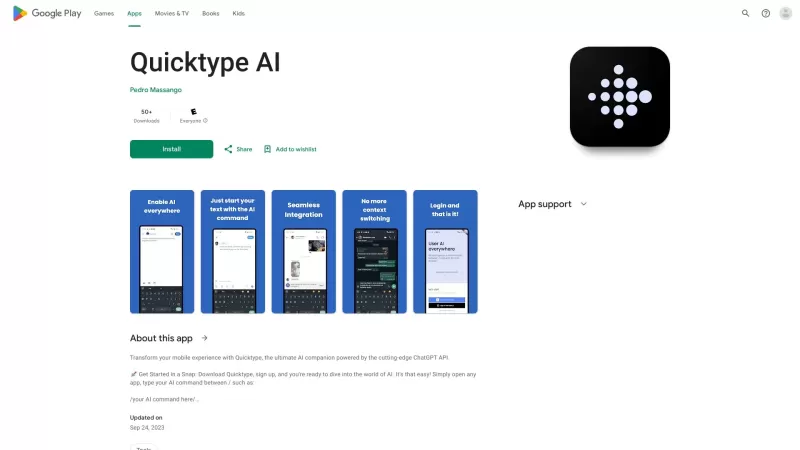
Ever found yourself juggling between different apps and tabs while trying to type something out? It's a real hassle, right? Well, let me introduce you to Elevate—an AI-powered tool designed to revolutionize your typing experience by cutting down on that annoying context switching. Imagine a world wh
Correcto - Herramienta de escritura Product Information
What is Correcto - Herramienta de escritura?
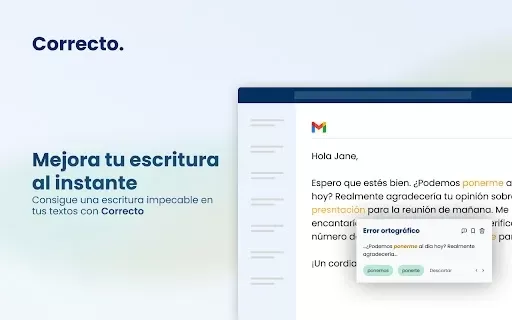
Correcto is an innovative writing assistant crafted to improve the clarity and precision of your text. Using advanced technology, it fixes spelling and grammar mistakes while also recommending optimal expressions to communicate your ideas powerfully. Whether you're composing an email, crafting a report, or simply sharing thoughts, Correcto helps ensure your message is both clear and compelling. This tool is essential for students, professionals, and anyone looking to enhance their writing quality.
Who will use Correcto - Herramienta de escritura?
- Students
- Teachers
- Professionals
- Writers
- Non-native Spanish speakers
How to use the Correcto - Herramienta de escritura?
- Step1: Install the Correcto extension from the Chrome Web Store.
- Step2: Open your preferred writing platform (email, document editor, etc.).
- Step3: Start typing and receive real-time suggestions from Correcto.
- Step4: Click on highlighted errors to see correction options.
- Step5: Select the best suggestion to apply to your text.
Platform
- web
- chrome
Correcto - Herramienta de escritura's Core Features & Benefits
The Core Features
- Real-time error correction
- Word and expression suggestions
- User-friendly interface
The Benefits
- Improves writing clarity
- Saves time on proofreading
- Boosts confidence in language skills
Correcto - Herramienta de escritura's Main Use Cases & Applications
- Polishing academic papers
- Editing professional emails
- Refining social media posts
FAQs of Correcto - Herramienta de escritura
What types of errors does Correcto correct?
Correcto corrects spelling and grammatical errors.
Does Correcto offer suggestions for better word choices?
Yes, it provides alternative words and expressions.
Can I use Correcto in multiple languages?
Correcto primarily focuses on Spanish, with potential multi-language support.
How do I install Correcto?
Install it directly from the Chrome Web Store.
Is there a cost associated with using Correcto?
Basic features are free; premium options may be available.
Do I need internet access to use Correcto?
Yes, an internet connection is required for real-time suggestions.
Can I disable Correcto at any time?
Yes, you can disable the extension in your browser settings.
Is my data safe when using Correcto?
Correcto prioritizes user privacy and does not store personal data.
How does Correcto improve my writing skills?
By offering corrections and suggestions, it helps you learn and avoid repeating mistakes.
Is Correcto compatible with all writing platforms?
Yes, it works with most online text fields, including emails and documents.
Correcto - Herramienta de escritura Company Information
Website:
https://5-letter-words.comCompany Name:
NASupport Email:
NAFacebook:
NAX(Twitter):
NAYouTube:
NAInstagram:
NATiktok:
NALinkedIn:
NA
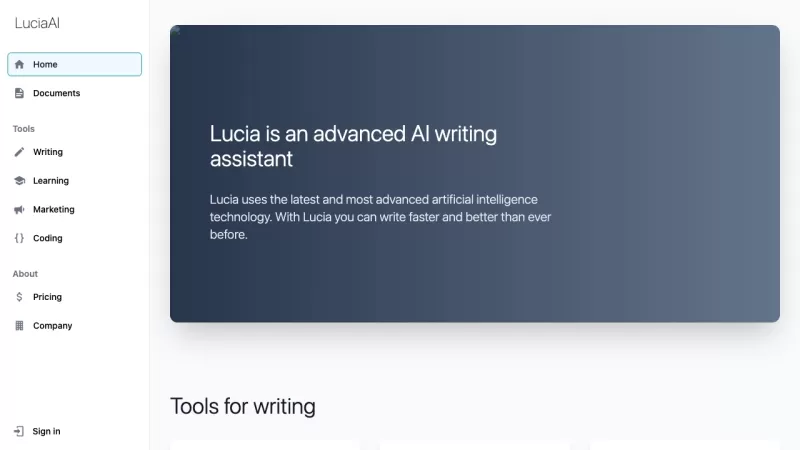
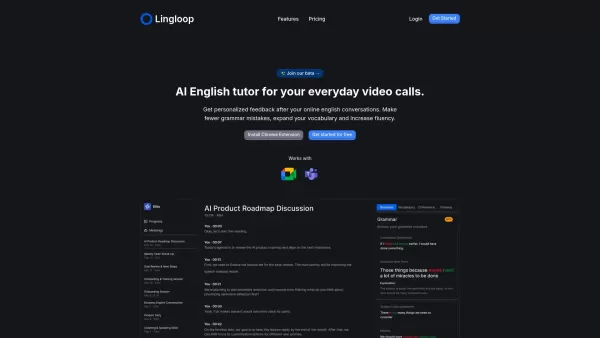
Correcto - Herramienta de escritura Screenshot

2026 Latest: Explore our top-rated AI script editing tools for screenwriters at XIX.AI. Discover powerful solutions to polish dialogue, refine structure, and elevate your screenplays. Get weekly updated rankings with free vs paid comparisons and real-world tests. Find your perfect writing assistant today
 10 tools
 xix.ai


このCorrectoって結構使えるね!スペルチェックが正確で、文法の微妙な間違いまで指摘してくれる。でもたまに提案がちょっと機械的すぎる気がする😂 スペイン語ツールなのに英語の説明なのも面白い。無料版の制限が気になるけど、とりあえず試してみる価値ありそう!


