


 Home
HomeCognify Studio
Cognify AI Studio: Generative AI Photo Design



Helps TikTok sellers, brands, MCNs, and TAPs discover winning products and find creators.

HelpLook is an AI-powered all-in-one knowledge base tool that helps businesses quickly build knowledge bases, help centers, and...

Your AI Workspace

302.AI is an enterprise-grade AI resource platform with pay-as-you-go pricing, API access to a full range of AI models, and ready-to-use online applications.

剧火AI — AI Screenwriter + Director, a One-Person Short Drama Studio In one sentence, what is it?

Ever wondered what the buzz about Gemini is all about? Let me break it down for you. Gemini is this cool generative AI chatbot, crafted by the brains at Google DeepMind. It's like having a super-smart friend who's been around the internet block, soaking u
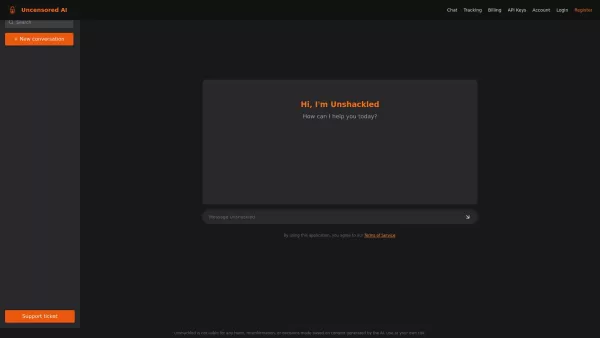
What is Unshackled AI? Unshackled Chat is an AI-driven chatbot enabling free, uncensored conversations. It offers a platform for unrestricted AI interaction, prioritizing open expression. Available mo
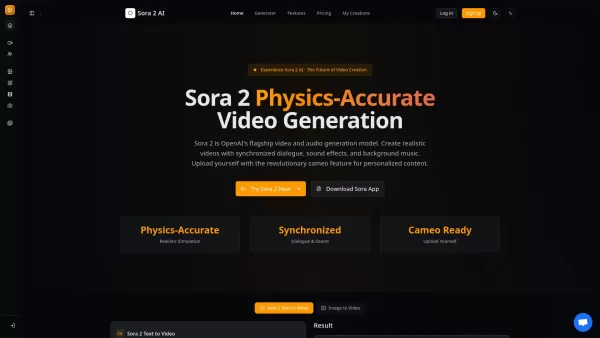
What is Sora 2? Sora 2 is OpenAI's premier AI model for generating video and audio, marking a milestone for video creation comparable to the impact of GPT-3.5. It stands as the most sophisticated AI video generation platform available, featuring prec
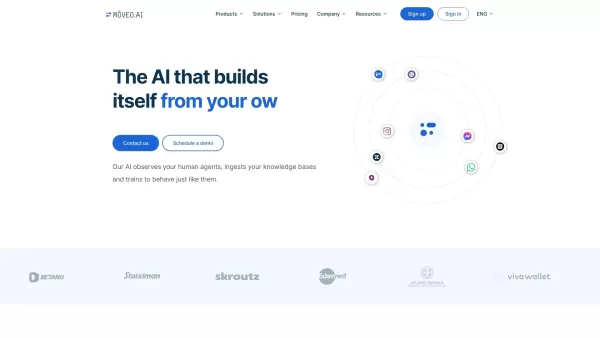
Ever wondered how you could streamline your customer support and make it feel like you've got a team of super-efficient agents working around the clock? Enter Mοveo AI, the game-changer in customer service automation. This isn't just any AI; it's a p
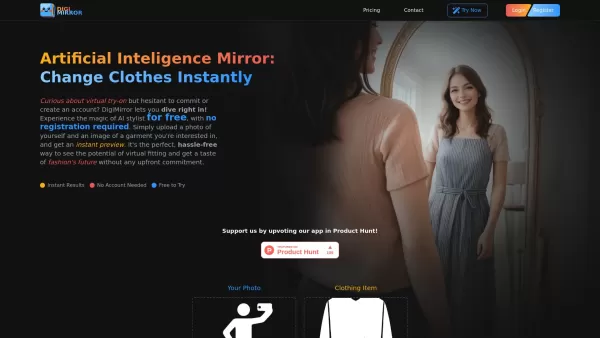
What is DigiMirror? DigiMirror is an AI-driven virtual try-on tool that lets users see how clothes fit them instantly. Upload your photo and a clothing item, and advanced AI creates a lifelike image.
Cognify Studio Product Information
What is Cognify Studio?
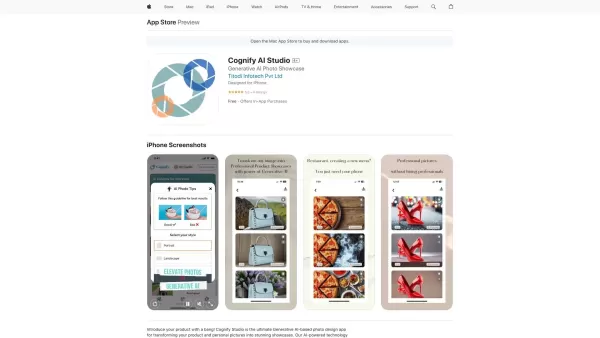
Cognify AI Studio is a powerful photo design app that uses generative AI technology to turn your images into beautiful, professional designs. Ideal for marketing campaigns, personal projects, or creative artwork, it offers a wide selection of prebuilt styles and intuitive tools. With just a few taps, you can apply high-quality filters, adjust lighting, and add custom backgrounds—no expensive equipment or advanced editing knowledge required. Whether you're crafting social media visuals or promoting products, Cognify AI Studio adapts to all your photo design goals.
Who is Cognify Studio for?
- Marketers
- Content Creators
- Photographers
- Designers
- Social Media Managers
- Hobbyists
- Students
How to Use Cognify Studio
- Step 1: Download and install Cognify AI Studio from the App Store.
- Step 2: Launch the app and sign up or log in to your account.
- Step 3: Upload a photo you’d like to improve or pick one from your gallery.
- Step 4: Browse and pick from a range of prebuilt styles and filters.
- Step 5: Personalize your design using AI-powered lighting, backgrounds, and more.
- Step 6: Preview your edited photo and refine it as desired.
- Step 7: Save the final design to your device or share it instantly on social media.
Platform
- iOS
Cognify Studio’s Core Features & Benefits
The Core Features
- Generative AI photo enhancement
- Broad collection of prebuilt styles and filters
- Customizable lighting and background settings
- Intuitive, user-friendly interface
- Direct sharing to social media
The Benefits
- Create professional photo designs in minutes
- No costly hardware or complex software required
- Simple enough for everyone, regardless of experience
- Versatile for marketing, personal, and creative projects
- Boosts visual appeal to improve audience engagement
Cognify Studio’s Main Use Cases & Applications
- Designing engaging social media posts
- Producing marketing and ad content
- Enhancing e-commerce product images
- Turning everyday pictures into artistic creations
- Elevating blog and website visuals
FAQs about Cognify Studio
What is Cognify AI Studio?
Cognify AI Studio is a generative AI-powered photo design application that converts your images into high-quality designs.
Is Cognify AI Studio free?
The app includes free features alongside optional in-app purchases for premium tools.
What platforms support Cognify AI Studio?
It is currently available on iOS devices. Future availability on Android or other platforms has not been announced.
Do I need photo editing experience to use Cognify AI Studio?
No, the app is built for ease of use and is accessible to users of all skill levels.
Can I use Cognify AI Studio for commercial projects?
Yes, it works well for creating promotional materials, product photos, and other commercial applications.
How can I share my edited photos?
Save finished images to your camera roll or post them directly to social media from within the app.
Which file formats are compatible with Cognify AI Studio?
It works with standard image formats like JPEG and PNG.
Can I edit my own photos in Cognify AI Studio?
Absolutely—you can upload personal photos directly into the app to enhance and design them.
Is customer support offered?
Yes, you can reach the support team by emailing [email protected].
Are there tutorials available for Cognify AI Studio?
Yes, the app includes step-by-step guides and in-app tutorials to help you begin.
Cognify Studio Company Information
- Cognify
- https://cognifystudio.com
- https://twitter.com/cognifystudio
- https://www.instagram.com/cognifystudio/
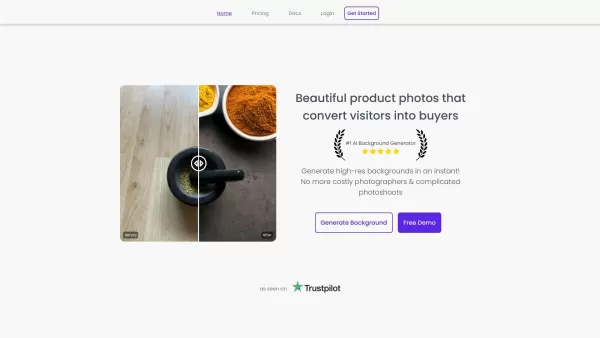
Cognify Studio Screenshot

Discover 2026's top-rated AI collaboration tools for music producers and artists. XIX.AI's curated list features powerful, game-changing platforms that enhance creative workflow and streamline music production. Compare free vs paid options with weekly updated rankings. Unlock your collaborative potential today
 10 tools
 xix.ai


