


 Home
HomeCinema8 - Screen Recording & Video Engagement
"Screen Recorder Cinema8: Capture & Embed CTAs for Leads" (49字符)



Helps TikTok sellers, brands, MCNs, and TAPs discover winning products and find creators.

HelpLook is an AI-powered all-in-one knowledge base tool that helps businesses quickly build knowledge bases, help centers, and...

Your AI Workspace

302.AI is an enterprise-grade AI resource platform with pay-as-you-go pricing, API access to a full range of AI models, and ready-to-use online applications.

剧火AI — AI Screenwriter + Director, a One-Person Short Drama Studio In one sentence, what is it?
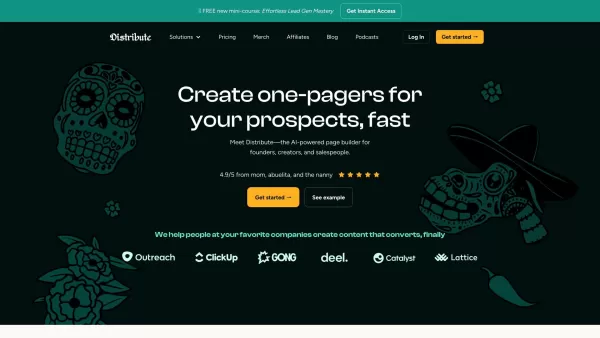
So, what’s this whole Distribute | Death To Whitepapers thing about? Think of it as your secret weapon for creating killer content—fast. In under 10 minutes, you can whip up something truly valuable, whether it’s a sleek one-pager, a micro-website, or eve

AI Chatbot Hub is your go-to no-code platform for crafting and deploying AI chatbots that streamline customer interactions and boost internal operations. No need to be a coding whiz—just dive in and start creating chatbots that can capture leads, schedule
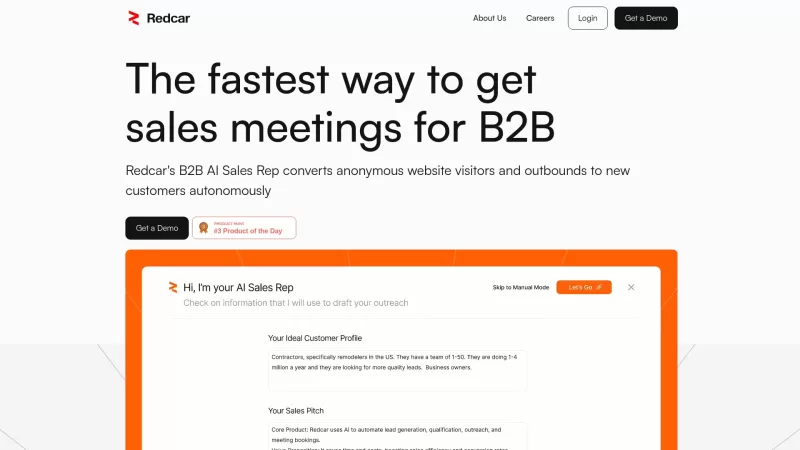
Redcar isn't just another tool; it's like having an AI-powered sales wizard at your fingertips, designed to turbocharge your B2B sales process. It's all about automating the grunt work of lead generation and outreach, so you can focus on what you do best—
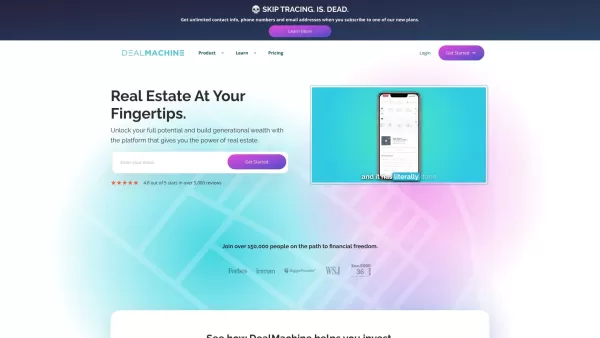
Imagine you're on a quest to conquer the real estate world. Now, picture having a trusty sidekick by your side, guiding you through the maze of lead generation, skip tracing, and direct mail marketing. That sidekick is DealMachine, an all-in-one platform
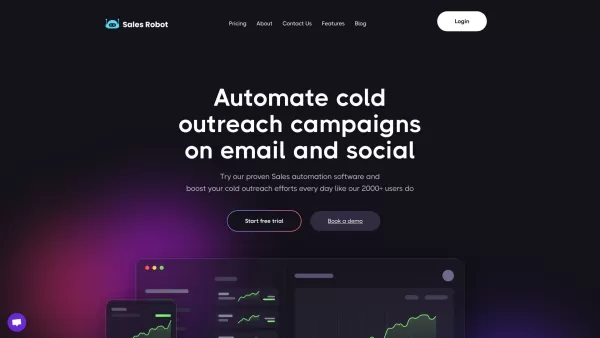
SalesRobot isn't just another tool in your sales arsenal—it's your new best friend in the world of automated outreach. This cloud-based gem lets you juggle multiple cold outreach campaigns on LinkedIn and through email, all while sipping your morning
Cinema8 - Screen Recording & Video Engagement Product Information
What is Cinema8 - Screen Recording & Video Engagement?
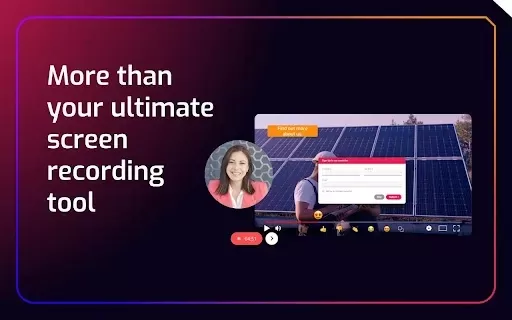
Cinema8 is an advanced screen recording tool that revolutionizes video content creation and sharing. This intuitive extension lets you effortlessly capture your screen and webcam while embedding interactive features like call-to-action buttons and forms to boost engagement and capture leads. Equipped with AI automation, detailed analytics, and easy sharing capabilities, Cinema8 empowers sales teams, remote managers, and consultants to elevate their video communications.
Who uses Cinema8 - Screen Recording & Video Engagement?
- Sales teams
- Remote work coordinators
- Business consultants
- Marketing agencies
How to use Cinema8 - Screen Recording & Video Engagement
- Step 1: Install the Cinema8 extension from Chrome Web Store
- Step 2: Launch recording by clicking the extension icon
- Step 3: Select screen, camera, or dual recording mode
- Step 4: Enhance videos with interactive CTAs and forms
- Step 5: Distribute recordings through multiple channels
- Step 6: Track viewer engagement with built-in analytics
Platform
- Web browser
- Chrome extension
Cinema8 - Screen Recording & Video Engagement's Core Features & Benefits
Key Features
- Instant recording setup
- Effortless content distribution
- Lead conversion tools
- Advanced performance metrics
- Smart automation features
- Engagement-boosting elements
Key Advantages
- Increases audience interaction
- Saves time and resources
- Delivers comprehensive insights
- Streamlines prospect capture
- Reduces manual workloads
- Creates dynamic viewer experiences
Cinema8 - Screen Recording & Video Engagement's Primary Applications
- Sales presentations
- Software walkthroughs
- Distance learning
- Business proposals
- Team collaborations
- SEO video content
FAQs of Cinema8 - Screen Recording & Video Engagement
How do I install Cinema8?
Install Cinema8 directly from Chrome Web Store by searching for "Cinema8 Screen Recording" and selecting "Add to Chrome."
Can I record both my screen and webcam?
Cinem8 supports simultaneous screen and webcam recording for comprehensive videos.
How do I add calls to action (CTAs) to my videos?
Insert CTAs and forms during the editing process using Cinema8's built-in tools.
Is Cinema8 free to use?
Cinem8 provides a free trial version, with premium features available through subscription plans.
What analytics does Cinema8 provide?
Cinem8 delivers detailed metrics including viewer behavior, A/B test results, statistical reports, and engagement heatmaps.
Can I share my recordings on social media?
Cinem8 recordings can be distributed via direct links, email, or major social platforms.
Does Cinema8 offer subtitle generation?
Cinem8 includes AI-powered multilingual subtitle generation supporting 100+ languages.
Are interactive elements like in-video comments available?
Cinem8 supports various interactive features including comment sections and clickable CTAs.
What platforms is Cinema8 supported on?
Cinem8 operates as a web-based Chrome extension.
How can I contact Cinema8 support?
Reach Cinema8's support team at [email protected] or through their official support portal.
Cinema8 - Screen Recording & Video Engagement Company Information
Cinema8 - Screen Recording & Video Engagement Screenshot



2026 Latest Best Top-rated AI Style Transfer Tools for Creative Experiments! XIX.AI has curated a powerful, game-changing collection of must-try tools that deliver exceptional results through real-world tests and rigorous rankings. These top solutions help creatives boost productivity significantly by accelerating content creation and unlocking endless creative possibilities. Explore now to discover your perfect tool and start creating today!
 9 tools
 xix.ai

2026 Latest Best Top-Rated AI Dialogue Bubble Tools for Visual Storytelling are here on XIX.AI! This curated collection features powerful, game-changing tools that help creators boost productivity and overcome creative bottlenecks. Get a free vs paid comparison, see real-world tests, and check the latest rankings to find the must-try solutions perfect for crafting engaging visual narratives. Explore now to discover your ideal tool!
10 tools
xix.ai

2026 Latest Top-Rated Best AI Meeting Summary Tools for Clear Decision Tracking and Effortless Follow-Ups. This curated list showcases powerful, game-changing solutions that boost productivity dramatically by automating meeting notes, identifying key action items, and streamlining team coordination across all projects. Get a free vs paid comparison along with real-world tests and weekly updated rankings to help you find the perfect tool. Explore now to unlock your AI edge!
9 tools
xix.ai

2026 Latest Best Top-rated AI Data Cleaning Tools for quick fixing of missing values and duplicates. This curated list showcases powerful, game-changing solutions that boost productivity significantly. Each option has undergone rigorous real-world tests to ensure reliability. Get a free vs paid comparison and discover the must-try tool that fits your needs best. Explore now at XIX.AI to Unlock your AI edge.
11 tools
xix.ai

2026 Latest Best Top-Rated AI Creative Ideation Tools for Artists are curated by XIX.AI to help creators break through visual blocks and boost creativity instantly. These powerful game-changing tools offer real-world tests, detailed free vs paid comparison, and weekly updated rankings. Discover your perfect tool to accelerate content creation and unlock your AI edge today. Explore now!
14 tools
xix.ai

2026 Latest Best AI Beat Makers for TikTok Background Tracks, Reels Audio, and Creator Promo Music! XIX.AI has curated a top-rated list of powerful game-changing tools that go through real-world tests to deliver flawless music for every content need. You’ll find detailed free vs paid comparison data, weekly updated rankings, and must-try options to help you boost creativity and productivity. Explore now to discover your perfect tool!
11 tools
xix.ai


Love this tool! 🎥 The screen recording + webcam overlay is super smooth, and the engagement features are perfect for tutorials. Only wish the free tier had longer recording limits. Keep it up! 👍


