


 Home
HomeChatotron
Chatotron: User-Friendly ChatGPT Interface



Helps TikTok sellers, brands, MCNs, and TAPs discover winning products and find creators.

HelpLook is an AI-powered all-in-one knowledge base tool that helps businesses quickly build knowledge bases, help centers, and...

Your AI Workspace

302.AI is an enterprise-grade AI resource platform with pay-as-you-go pricing, API access to a full range of AI models, and ready-to-use online applications.

剧火AI — AI Screenwriter + Director, a One-Person Short Drama Studio In one sentence, what is it?
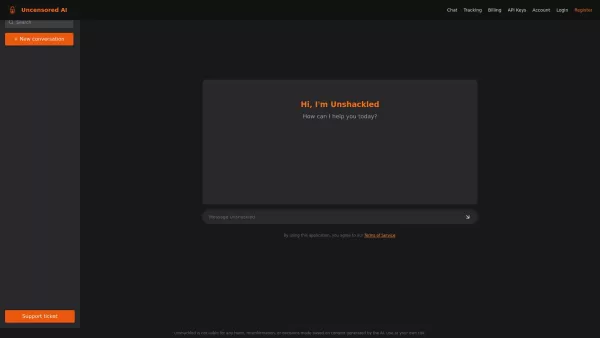
What is Unshackled AI? Unshackled Chat is an AI-driven chatbot enabling free, uncensored conversations. It offers a platform for unrestricted AI interaction, prioritizing open expression. Available mo
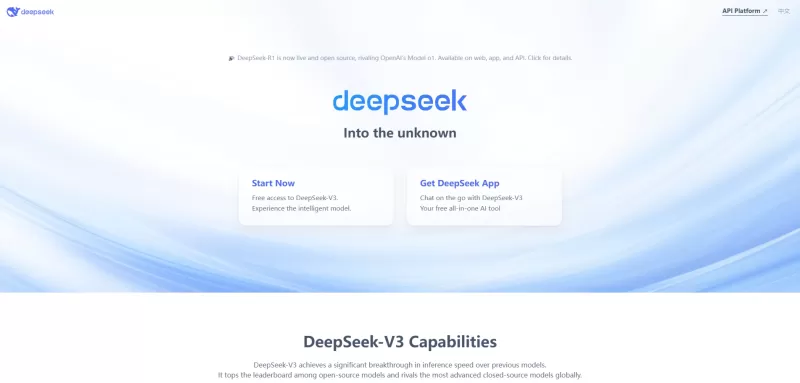
Ever wondered what DeepSeek is all about? Let me break it down for you. DeepSeek is not just another AI platform; it's a powerhouse of tools designed to make your life easier, whether you're coding, chatting, or just looking for answers. With offerings li
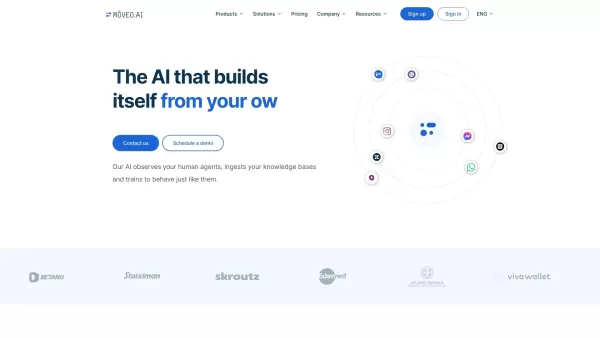
Ever wondered how you could streamline your customer support and make it feel like you've got a team of super-efficient agents working around the clock? Enter Mοveo AI, the game-changer in customer service automation. This isn't just any AI; it's a p

Ever wished for a trusty sidekick to help you navigate the digital world with ease? Enter Sider, your personal AI companion designed to seamlessly blend into your daily routine. Starting off as a handy Chrome/Edge extension, Sider transforms your browsing
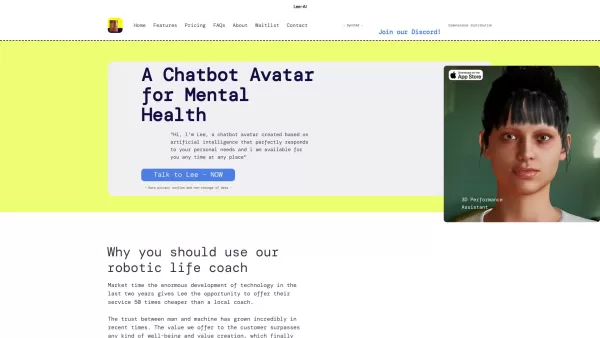
Ever wondered what Lee-AI is all about? Let me tell you, it's not just another chatbot. Lee-AI is your personal AI avatar, designed to cater to your unique needs with responses that feel like they're made just for you. And the best part? It's always there
Chatotron Product Information
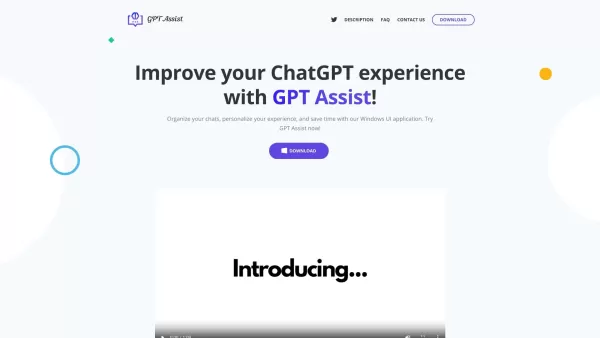
Chatotron is more than just an app; it's your gateway to a seamless chat experience with ChatGPT on your Windows machine. This user-friendly UI doesn't just let you chat; it transforms your interaction into something personal and efficient. Whether you're looking to ask questions or dive deep into conversations, Chatotron has got you covered.
Getting Started with Chatotron
Ready to jump into the world of Chatotron? Here's how you can get started:
- Head over to the Windows app store and download Chatotron. It's a breeze to install, so you'll be up and running in no time.
- Next, you'll need an OpenAI API key. Pop over to the OpenAI website, generate your key, and then paste it into the Chatotron configuration window. It's like unlocking a new level of chat power!
- Once you've got everything set up, launch the app. Use the customizable hotkeys to bring up the chat window whenever you need it. It's like having a personal assistant at your fingertips.
- Now, the fun part—organize your chats into groups, tailor your conversations with different personalities, and even embed documents and URLs to make your chats more interactive. It's like customizing your own chat universe!
Exploring Chatotron's Core Features
Multi-language Support
Chatotron isn't just for English speakers. It supports multiple languages, making it a global chat companion.
Customizable Hotkeys
Want to access your chat window with a single keystroke? Chatotron's customizable hotkeys let you do just that, making your chat experience smoother and more efficient.
Chat Group Organization
Keep your conversations tidy and organized with Chatotron's chat group feature. It's like having folders for your chats, so you never lose track of important discussions.
Personalized Chat Experience
With Chatotron, you can tailor your chat experience to match your mood or the task at hand. Different personalities for different chats? Yes, please!
Embedded Document and URL Interaction
Ever wanted to chat about a specific document or webpage? Chatotron lets you embed these into your conversations, making your chats more relevant and interactive.
Real-World Applications of Chatotron
- Efficient and Personalized Chats: Whether you're chatting for fun or work, Chatotron makes every conversation feel personal and efficient.
- Improved Workflow and Productivity: With quick access to chats and the ability to organize them, Chatotron can boost your productivity like never before.
- Organized and Streamlined Conversations: Say goodbye to messy chat histories. Chatotron keeps everything neat and easy to find.
- Interactive Chats Based on Specific Documents or URLs: Dive into discussions about specific content with ease, making your chats more engaging and informative.
Frequently Asked Questions About Chatotron
- What is Chatotron and how does it work?
- Chatotron is a Windows UI application that enhances your interaction with ChatGPT, offering a personalized and efficient chat experience.
- How can I download and install Chatotron on my computer?
- Download Chatotron from the Windows app store, install it, and follow the setup instructions to get started.
- What are the main features of Chatotron?
- Key features include multi-language support, customizable hotkeys, chat group organization, personalized chat experiences, and embedded document and URL interaction.
- How can I create chat groups with Chatotron?
- Within the Chatotron interface, you can easily create and manage chat groups to keep your conversations organized.
- How can I use shortcut keys in Chatotron?
- Customize your hotkeys in the settings to quickly access the chat window and enhance your chat experience.
- How can I contact the Chatotron technical support team?
- Reach out to the Chatotron support team via email at [email protected] or visit the contact page on their website.
- Is Chatotron compatible with other chatbots besides ChatGPT?
- Currently, Chatotron is designed specifically for use with ChatGPT, but future updates may expand compatibility.
- How can I keep my personal information secure when using Chatotron?
- Chatotron takes security seriously. Use strong passwords, keep your API key private, and follow best practices for online security.
- How do embeddings work in Chatotron?
- Embeddings allow you to include documents and URLs in your chats, making discussions more relevant and interactive.
- How can I change the language of the Chatotron interface?
- Change the language settings within the Chatotron app to suit your preferred language.
For more information or to get in touch with the Chatotron team, check out their contact page. And don't forget to follow them on Twitter for the latest updates and tips!
Chatotron Screenshot
2026 Latest Best AI UI Design Tools for Web and Mobile Projects are here on XIX.AI! This curated list features top-rated, powerful tools that go through rigorous real-world tests to deliver game-changing results for boosting creativity and productivity. You’ll also find a free vs paid comparison, weekly updated rankings, and detailed insights. Must-try options help you overcome design bottlenecks and create high-quality interfaces faster. Explore now to discover your perfect tool!
 8 tools
 xix.ai

2026 Latest Best Top-Rated AI UI Design Tools for Web and Mobile Apps! XIX.AI has curated a powerful, game-changing collection of must-try tools that go through rigorous real-world tests to deliver precise results. You’ll find detailed free vs paid comparison data, updated weekly rankings, and insights into how these tools boost productivity across all design projects. Explore now to discover your perfect tool and unlock your AI edge in UI creation!
10 tools
xix.ai

2026 Latest Best Top-rated AI UI Design Tools curated by XIX.AI offer powerful game-changing solutions for creating flawless wireframes, custom layouts, and optimized UX copy. These must-try tools undergo real-world tests through weekly updated rankings to ensure top performance. Get a free vs paid comparison to find the perfect fit for boosting your design productivity. Explore now to Unlock your AI edge.
8 tools
xix.ai


