


 Home
HomeChatGPT context companion - Chrome Extension
AI Prompt Browser Extension



Helps TikTok sellers, brands, MCNs, and TAPs discover winning products and find creators.

HelpLook is an AI-powered all-in-one knowledge base tool that helps businesses quickly build knowledge bases, help centers, and...

Your AI Workspace

302.AI is an enterprise-grade AI resource platform with pay-as-you-go pricing, API access to a full range of AI models, and ready-to-use online applications.

剧火AI — AI Screenwriter + Director, a One-Person Short Drama Studio In one sentence, what is it?
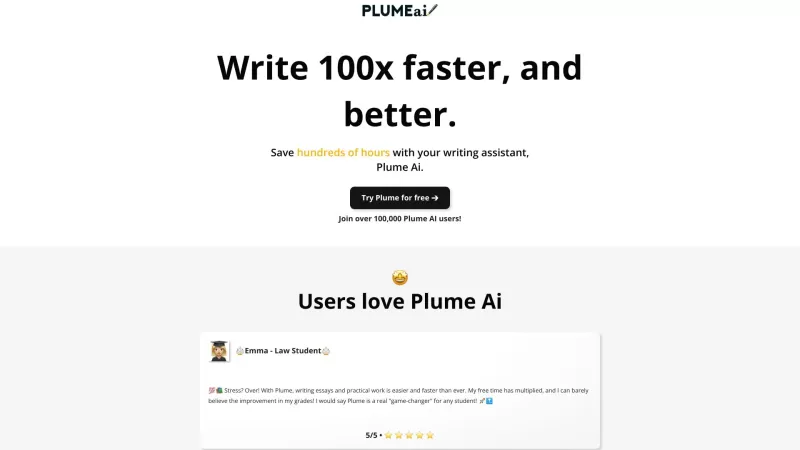
Discover Plume AI: Your Ultimate Academic Writing AssistantAre you tired of struggling with your academic writing? Well, say hello to Plume AI, the innovative AI assistant that's here to revolutionize the way you write! Designed with students in mind, Plume AI harnesses the power of cutting-edge art
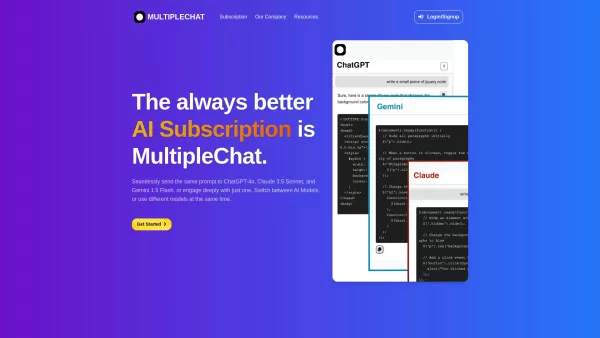
Ever found yourself juggling different AI models to get the perfect response? Enter MultipleChat, a game-changer in the world of AI interaction. This platform lets you chat with big names like ChatGPT, Claude, and Gemini all at once, right from one s
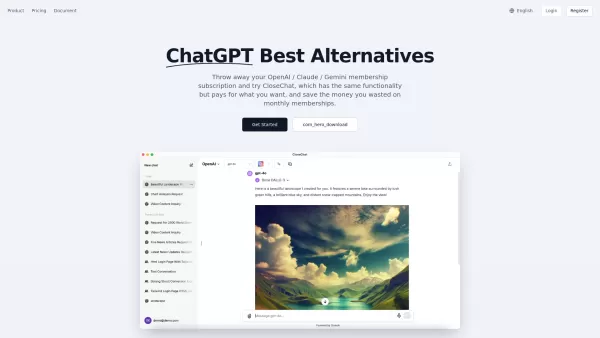
Introducing CloseChat: The Pay-As-You-Go AI Chat PlatformCloseChat is here, and it’s making waves as an AI-driven chat platform that feels like a hybrid between ChatGPT and Claude Pro—but with a twist. Instead of locking you into a monthly subscripti
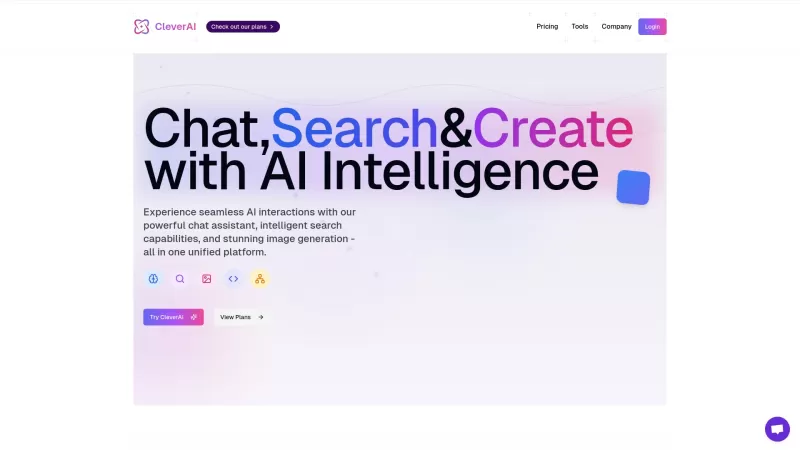
Ever heard of CleverAI? It's not just another AI tool; it's like a Swiss Army knife for all your digital needs. Whether you're into creating content, whipping up stunning graphics, or even need a helping hand with coding, CleverAI has got your back. It's
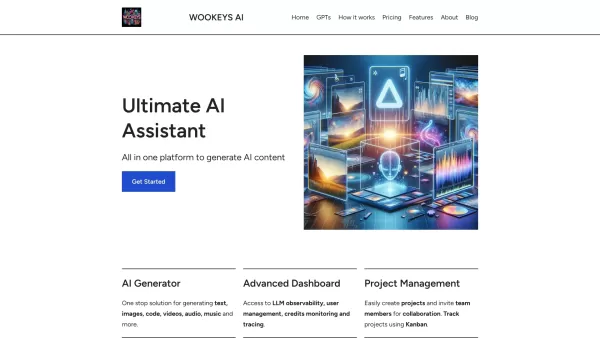
Ever wondered what the buzz around Ultimate AI Assistant is all about? Well, let me introduce you to WooKeys AI, a powerhouse platform designed to revolutionize your content creation game. It's not just another tool; it's your new best friend in the
ChatGPT context companion - Chrome Extension Product Information
What is the ChatGPT Context Companion Chrome Extension?
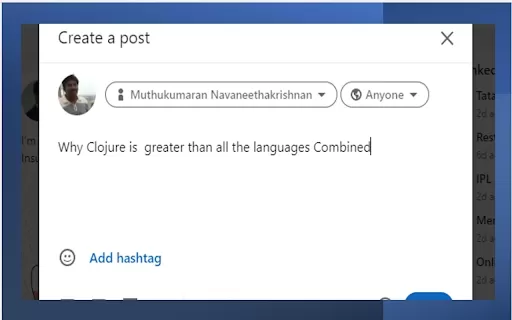
The ChatGPT Context Companion is a browser extension that enhances your browsing experience by delivering AI-generated responses to user-defined prompts. Simply highlight text on any webpage, select a customizable prompt from the context menu, and instantly view the AI-generated answer in a popup window. You can also create and manage your own custom prompts for personalized support and insights.
How to Use the ChatGPT Context Companion Chrome Extension
To use it, highlight text on a webpage, pick a prompt from the context menu, and instantly view the AI-generated answer in a popup. Custom prompts can be configured on the extension’s options page.
ChatGPT Context Companion Chrome Extension Core Features
AI-generated responses to selected text
Customizable prompts via context menu
Configurable prompts via the options page
OpenAI API Streams
Faster responses with partial updates
ChatGPT Context Companion Chrome Extension Use Cases
Instantly summarize selected text
Translate selected text into various languages
Understand complex concepts with simplified explanations
Create creative content inspired by selected text
Frequently Asked Questions
What is the ChatGPT Context Companion?
How do I use the ChatGPT Context Companion?
Can I customize the prompts?
ChatGPT context companion - Chrome Extension Screenshot


2026 Latest Best Top-rated AI Prompt Libraries for Daily Workflows! XIX.AI has curated a powerful, game-changing collection of must-try tools that significantly boost productivity by streamlining tasks and helping you create high-quality content faster. Each option goes through rigorous real-world tests, featuring free vs paid comparison and updated weekly rankings. Explore now to discover your perfect tool and unlock your AI edge!
 22 tools
 xix.ai


