


 Home
HomeBuzz Cut



Helps TikTok sellers, brands, MCNs, and TAPs discover winning products and find creators.

HelpLook is an AI-powered all-in-one knowledge base tool that helps businesses quickly build knowledge bases, help centers, and...

Your AI Workspace

302.AI is an enterprise-grade AI resource platform with pay-as-you-go pricing, API access to a full range of AI models, and ready-to-use online applications.

剧火AI — AI Screenwriter + Director, a One-Person Short Drama Studio In one sentence, what is it?
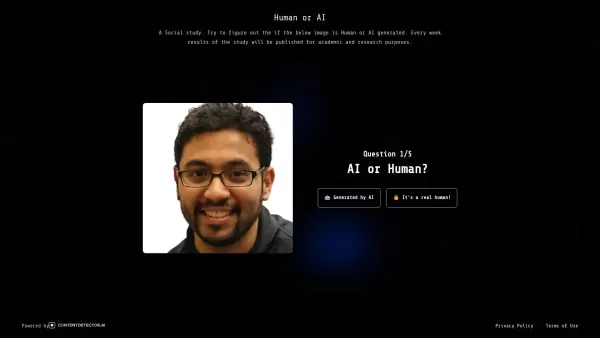
What is HumanOrAI?HumanOrAI is a web-based application that puts your observational skills to the test by challenging you to differentiate between authentic human faces and those generated by artificial intelligence. The platform leverages curated da
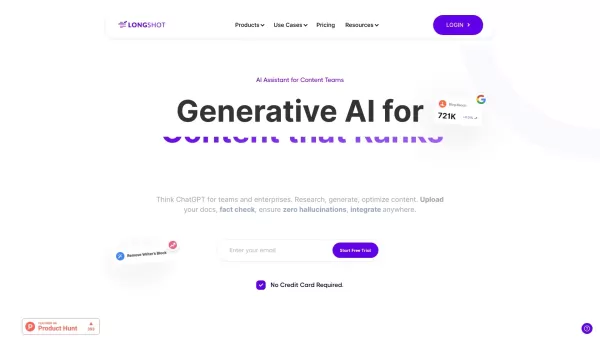
What is LongShot AI — 2.0?LongShot AI is a full-featured, AI-powered platform that streamlines the entire process of researching, creating, and optimizing long-form content. It empowers users with built-in fact-checking, plagiarism detection, and aut
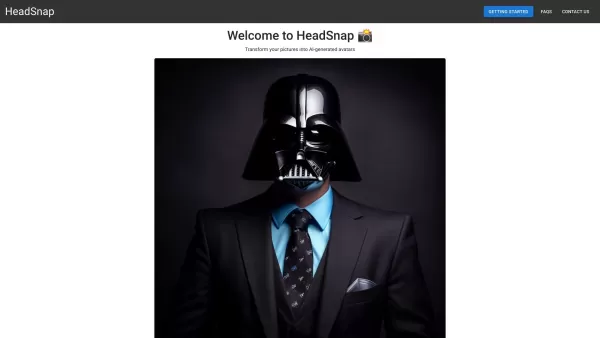
What is Headsnap? Headsnap is an AI headshot generator that creates professional-grade headshots from your uploaded photos. It offers a variety of styles, including professional, Victorian, and anime, perfect for LinkedIn profiles, resumes, social me
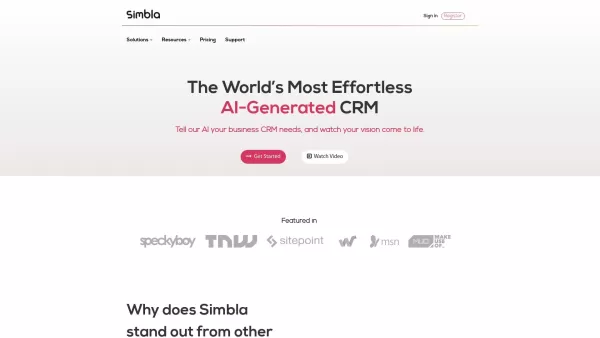
What is Simbla?Simbla is a cloud-based no-code platform that allows users of any skill level to build professional websites and applications. Its intuitive drag-and-drop interface and responsive templates enable the creation of visually appealing, fu
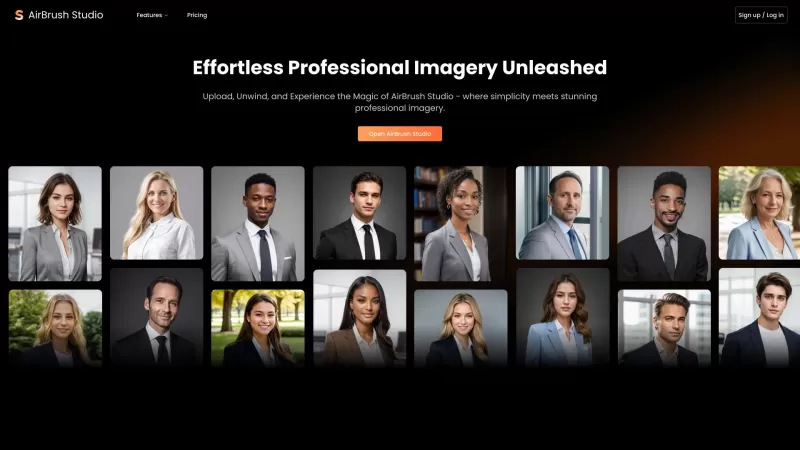
Ever wondered how to get those slick, professional headshots without stepping into a studio? Enter AirBrush Studio, your go-to virtual photo studio that harnesses the power of AI to transform your selfies into top-notch professional photos. It's like havi
Buzz Cut Product Information
What is Buzz Cut?
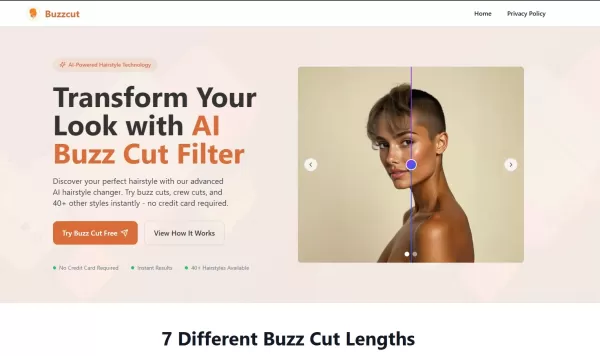
BuzzCut AI is an AI-powered virtual hairstyle try-on tool. Users can upload a photo to instantly preview various buzz cut styles. Explore 7 different guard lengths and other options to find the perfect look for your face shape, all risk-free. This tool boosts confidence, reduces haircut regret, and offers a free, accessible virtual salon experience.
Who will use Buzz Cut?
- Anyone considering a buzz cut hairstyle
- People uncertain about how short haircuts would suit them
- Barbers and hairstylists looking for client visualization tools
- Individuals curious about a style change without the commitment
How to use the Buzz Cut?
- Step 1: Upload a clear, front-facing photo or take a new one.
- Step 2: Choose your preferred buzz cut style and click 'Generate'.
- Step 3: Review the realistic, AI-generated hairstyle preview.
- Step 4: Download or share the image for reference or to help make your decision.
Platform
- Web
Buzz Cut's Core Features & Benefits
The Core Features
- AI-powered, realistic buzz cut previews
- 40+ buzz cut styles, including 7 distinct guard lengths
- Instant photo upload and hairstyle simulation
- Face shape analysis for personalized recommendations
- Free to use with optional premium features
The Benefits
- Helps users avoid haircut regret
- Saves time and effort visiting physical salons
- Builds confidence in your hairstyle choice
- Accessible to anyone with a device and internet connection
- Privacy-focused photo handling with automatic deletion
Buzz Cut's Main Use Cases & Applications
- Personal hairstyle experimentation
- Pre-salon consultation for style decisions
- Visual guides for barber clients
- Creating hairstyle content for social media
Buzz Cut's Pros & Cons
The Pros
Highly accurate AI hairstyle previews
Free and easy-to-use online tool
Wide range of buzz cut length options
Fast processing in seconds
No software installation needed
The Cons
Limited to buzz cuts and short hairstyles
No dedicated mobile applications
Advanced customization may require payment
Only available as a web platform
Results depend on the quality of the uploaded photo
Buzz Cut's Pricing
Has free plan | YES |
|---|---|
Free trial details | |
Pricing model | |
Is credit card required | No |
Paid from | |
Has lifetime plan | No |
Billing frequency |
FAQs of Buzz Cut
Is the AI Buzz Cut Filter really free?
Yes! The core AI buzz cut filter is completely free, with optional premium features available.
How accurate are the AI-generated buzz cut previews?
The AI achieves 99.2% accuracy using advanced facial recognition and style mapping technology.
What photo quality do I need for best results?
For optimal results, use a clear, front-facing photo with good lighting and visible hair.
Can I try different buzz cut lengths?
Yes, you can try styles ranging from #1 to #16 guard lengths for a variety of buzz cuts.
Is my photo data secure and private?
Yes, all photos are processed securely and automatically deleted after 24 hours.
Can I save and share my buzz cut previews?
Yes, you can download and share high-quality preview images at any time.
Does the filter work on all face shapes?
Yes, it works with all face shapes by intelligently adjusting the preview for each.
How long does it take to generate a preview?
Most previews are generated within 3 to 5 seconds after uploading your photo.
Are there mobile apps for BuzzCut AI?
Currently, BuzzCut AI is only available as a web application.
Can I use BuzzCut AI for commercial purposes?
Yes, businesses can integrate AI hairstyle try-on solutions by contacting the provider.
Buzz Cut Company Information
Buzz Cut Screenshot
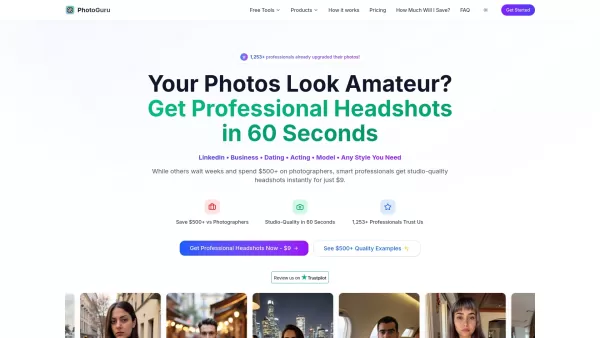

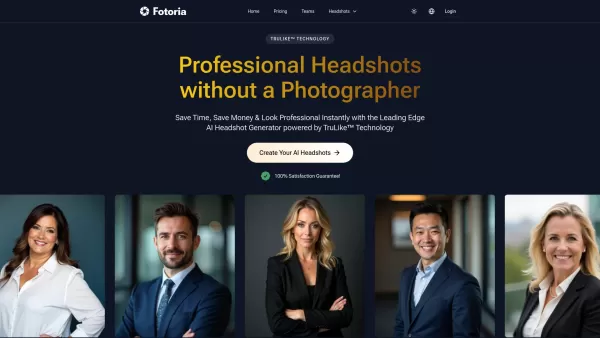
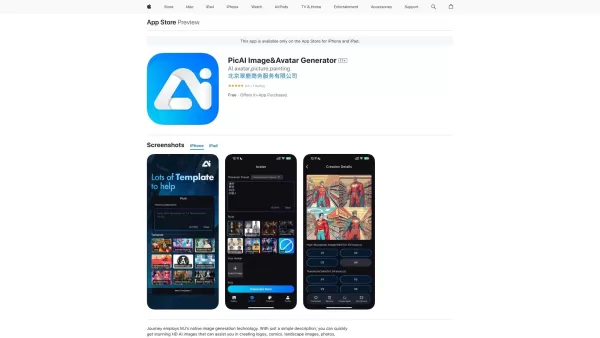

2026 Latest Best Top-rated AI Portrait Enhancers curated for ultimate image quality. These powerful tools deliver game-changing results by boosting lighting, skin tone, and sharpness effortlessly, perfect for creators needing to enhance photos quickly. XIX.AI provides a free vs paid comparison along with real-world tests and weekly updated rankings. Discover your perfect tool to unlock your AI edge today. Explore now!
 7 tools
 xix.ai
2026 Latest Best Top-rated AI Technical Documentation Tools for API Guides Release Notes and Onboarding Docs. This curated list features powerful game-changing solutions that streamline content creation boost writing efficiency and save time across all project phases. XIX.AI provides weekly updated rankings along with free vs paid comparison results from real-world tests. Explore now to Discover your perfect tool and Unlock your AI edge.
10 tools
xix.ai

2026 Latest Best AI Dashboard Wireframing Tools for B2B Product Teams! XIX.AI has curated a top-rated list of powerful, game-changing tools that go through rigorous real-world tests to deliver exceptional results. You’ll find detailed free vs paid comparison insights and updated weekly rankings showing which options offer the most value for streamlining product design workflows and boosting overall productivity. Must-try choices are clearly highlighted to help you unlock your AI edge. Explore now!
11 tools
xix.ai
2026 Latest Best AI Proposal Writing Assistants for Agencies: XIX.AI curates a top-rated list of powerful tools that go through rigorous real-world tests to deliver game-changing results. These must-try solutions help agencies craft highly persuasive client pitches faster, boosting productivity significantly. Get a free vs paid comparison and see the rankings for yourself before exploring now to find your perfect tool.
8 tools
xix.ai
2026 Latest Best AI TikTok Hook Generators for Short-Form Creators! XIX.AI has curated a top-rated list of powerful, game-changing tools that go through real-world tests to deliver must-try hooks every week. You’ll find easy free vs paid comparison options along with detailed rankings to help you find the perfect solution for boosting your content creation efficiency. Explore now to Unlock your AI edge!
16 tools
xix.ai
2026 Latest Best Top-Rated AI Email Triage Tools for Team Productivity! XIX.AI curates a powerful, game-changing collection of must-try tools that help teams quickly sort through massive email volumes, boost writing efficiency, and save countless hours each week. Our rigorous real-world tests and updated rankings ensure you find the perfect fit for your workflow. Explore now to unlock your AI edge!
10 tools
xix.ai


