


 Home
HomeBriefly: AI meeting summary & email follow up
Briefly AI: Meeting Summaries & Action Items



Helps TikTok sellers, brands, MCNs, and TAPs discover winning products and find creators.

HelpLook is an AI-powered all-in-one knowledge base tool that helps businesses quickly build knowledge bases, help centers, and...

Your AI Workspace

302.AI is an enterprise-grade AI resource platform with pay-as-you-go pricing, API access to a full range of AI models, and ready-to-use online applications.

剧火AI — AI Screenwriter + Director, a One-Person Short Drama Studio In one sentence, what is it?
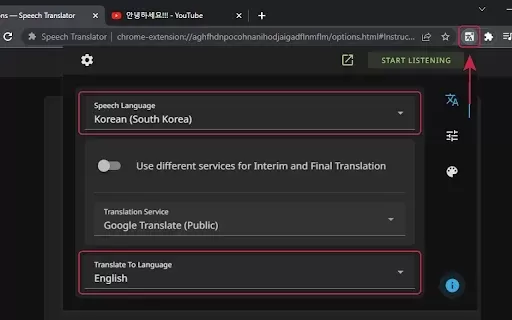
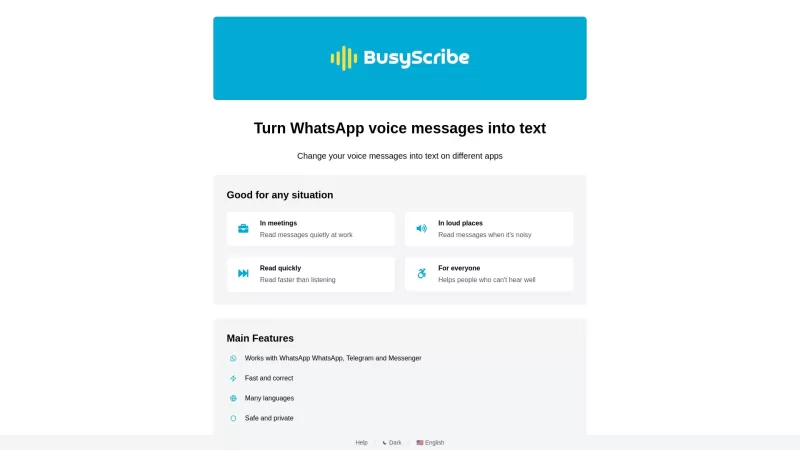
What is Speech Translator?Speech Translator leverages Google's advanced speech recognition to deliver real-time translation for videos, audio, and live streams. This tool bridges language gaps, enabling seamless conversations and fostering clearer un
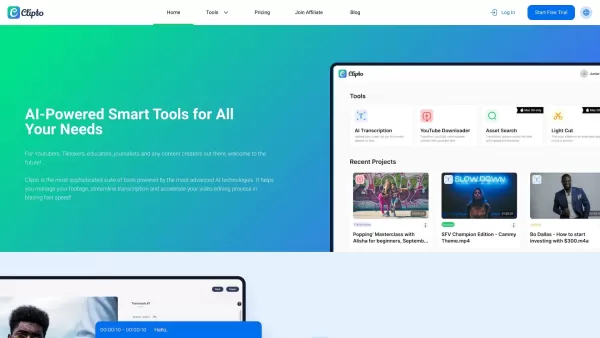
Ever wondered how to effortlessly turn your audio and video files into text? Enter Clipto, the powerhouse of AI transcription on the web. Imagine harnessing the same cutting-edge tech that fuels ChatGPT to convert your Zoom meetings, interviews, and
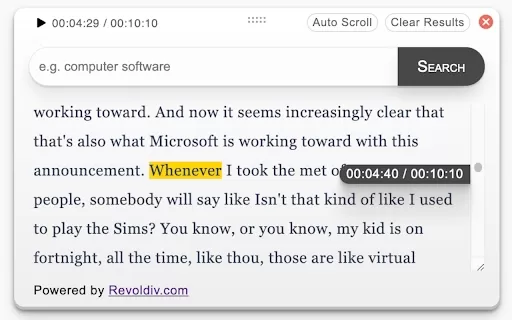
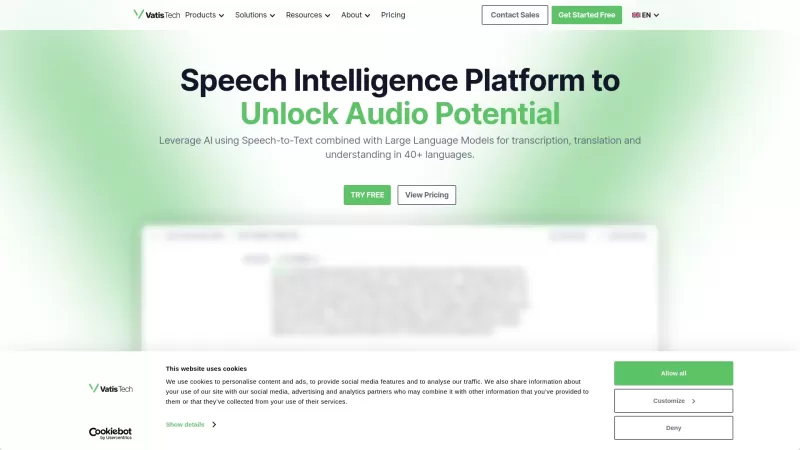
What is Revoldiv AI Chrome Extension? Revoldiv is a Chrome browser extension that instantly transcribes audio and video directly in your browser. It lets users follow along by reading live transcriptions and search for specific spoken words within po
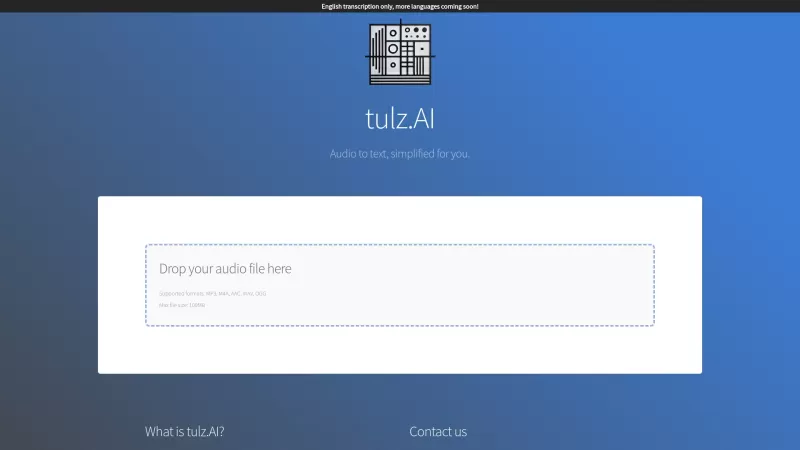
Ever found yourself needing to turn spoken words into written text? Well, let me introduce you to tulz.AI—an AI-powered service that's all about making audio transcription a breeze. Whether it's a podcast, a business meeting, or any other spoken content,
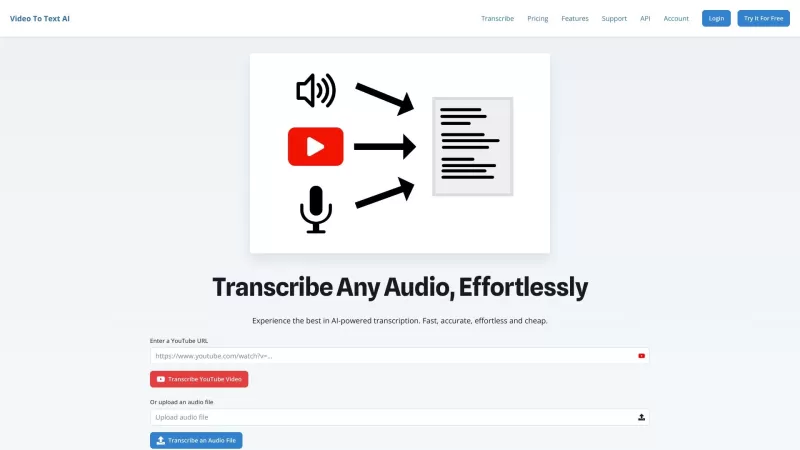
Ever found yourself in need of a quick and accurate transcription of a video or audio file? That's where Video To Text AI comes into play. It's a slick AI-powered tool designed to effortlessly convert your media into text. Whether you're juggling YouTube
Briefly: AI meeting summary & email follow up Product Information
What is Briefly: AI meeting summary & email follow-up?
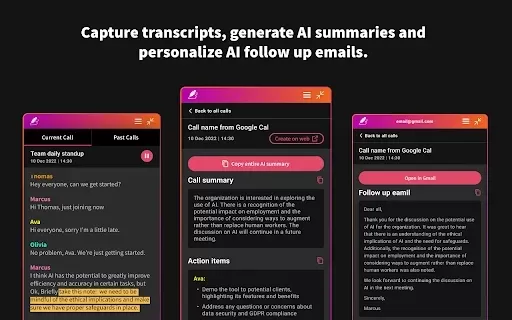
Briefly AI transforms your meeting management by automating note-taking, summarizing conversations, and organizing actionable follow-up tasks. This AI-powered solution captures all critical points so you can stay focused without taking notes manually. Post-meeting, Briefly delivers a detailed summary and neatly arranges key insights to support effective follow-up. Its intuitive design and seamless integration with leading meeting tools guarantee you always capture important details, boosting productivity and allowing you to engage more fully in discussions.
Who uses Briefly: AI meeting summary & email follow-up?
- Business professionals
- Team leaders
- Project managers
- Remote employees
- Anyone who participates in meetings
How do I use Briefly: AI meeting summary & email follow-up?
- Step 1: Add the Briefly AI browser extension to your preferred browser.
- Step 2: Begin your meeting on a Briefly-supported platform.
- Step 3: Click the Briefly icon during the meeting to start automated note-taking.
- Step 4: After the meeting, view your summary in the Briefly dashboard.
- Step 5: Review and distribute the summary and action items to your team.
Platform
- Web
- Chrome
Briefly: AI meeting summary & email follow-up's Core Features & Benefits
The Core Features
- Meeting transcription
- Automated summary creation
- Action item tracking
- Email follow-up support
The Benefits
- Boosted productivity
- Better focus in meetings
- Streamlined follow-ups
- Less time taking notes by hand
Briefly: AI meeting summary & email follow-up's Main Use Cases & Applications
- Business meetings
- Team collaborations
- Remote work sessions
- Project planning discussions
FAQs of Briefly: AI meeting summary & email follow-up
How does Briefly AI generate meeting summaries?
Briefly AI records audio and creates summaries from the conversation content.
Does Briefly AI integrate with Zoom?
Yes, Briefly AI integrates smoothly with Zoom and other meeting platforms.
Is there a free trial available for Briefly AI?
Yes, a free trial is available to test out its capabilities.
What are Briefly AI’s system requirements?
You need a compatible browser and a reliable internet connection.
Can I modify the summaries generated by Briefly AI?
Yes, summaries are fully editable after they are created.
Is Briefly AI compatible with mobile devices?
Currently, it is designed for web use via browser extensions.
How secure is my data with Briefly AI?
Briefly AI is committed to user privacy and data security.
Which languages does Briefly AI support?
It mainly supports English, with potential support for more languages in the future.
Can I share summaries with my team members?
Yes, you can share summaries by email or through collaboration tools.
How does Briefly AI help with follow-up actions?
It creates clear follow-up items that can be emailed directly to participants.
Briefly: AI meeting summary & email follow-up Company Information
Website:
https://www.brieflyai.comCompany Name:
Briefly AISupport Email:
Facebook:
https://www.facebook.com/BrieflyAIX(Twitter):
https://twitter.com/briefly_aiYouTube:
https://www.youtube.com/channel/UCu7o6g3s3eDdkgoe2Eqr-uAInstagram:
NATiktok:
https://www.tiktok.com/@brieflyaiLinkedIn:
https://www.linkedin.com/company/brieflyai
Briefly: AI meeting summary & email follow up Screenshot
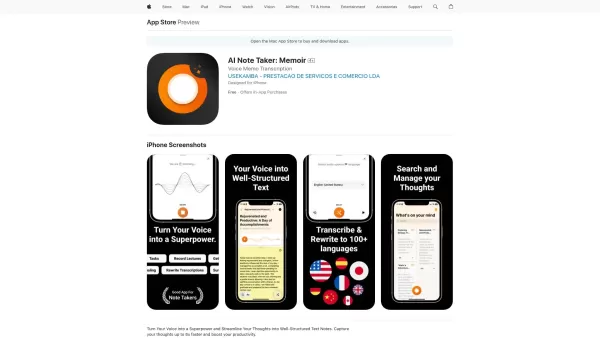

2026 Latest Top-Rated Best AI Meeting Summary Tools for Clear Decision Tracking and Effortless Follow-Ups. This curated list showcases powerful, game-changing solutions that boost productivity dramatically by automating meeting notes, identifying key action items, and streamlining team coordination across all projects. Get a free vs paid comparison along with real-world tests and weekly updated rankings to help you find the perfect tool. Explore now to unlock your AI edge!
 9 tools
 xix.ai
2026 Latest Best AI Action Item Trackers for leadership meetings, stakeholders, and weekly follow-through. This top-rated curated list offers powerful game-changing solutions that streamline task management, boost productivity, and ensure all priorities stay on track through real-world tests. XIX.AI provides a free vs paid comparison to help you find the perfect tool. Explore now to unlock your AI edge.
9 tools
xix.ai

2026 Latest Best AI Action Item Trackers for Weekly Leadership Meetings! XIX.AI has curated a top-rated list of powerful tools that help teams stay organized, streamline decision-making, and boost productivity through real-world tests. You’ll find a free vs paid comparison along with detailed rankings to help you choose the must-try solution that fits your workflow perfectly. Explore now to Unlock your AI edge!
12 tools
xix.ai
2026 Latest Best Google Meet AI Summary Tools Ranked Top-Rated! This curated collection features powerful game-changing solutions that automatically extract key action items, follow-ups, and clear shared recaps from every meeting. We conduct real-world tests to ensure reliability, offering a free vs paid comparison across all options. XIX.AI stands out as a must-try choice for boosting productivity. Explore now to discover your perfect tool and unlock your AI edge!
12 tools
xix.ai

Discover the 2026 best AI notetakers for remote teams on XIX.AI. Our curated list features top-rated, game-changing tools with real-time syncing and structured summaries. Compare free vs paid options based on real-world tests to boost team productivity and collaboration. Explore the rankings now!
10 tools
xix.ai
Discover the 2026 latest top-rated AI tools for executive boardrooms. XIX.AI's curated list features powerful, game-changing solutions to capture compliance-ready formal meeting records. Compare free vs paid options with real-world tests. Unlock your AI edge and streamline governance today.
10 tools
xix.ai


J'utilise Briefly AI depuis quelques semaines pour mes réunions quotidiennes et c'est un vrai game-changer ! Plus besoin de prendre des notes frénétiquement, l'IA capture même les nuances importantes. Par contre, j'ai une petite inquiétude sur la confidentialité des discussions stratégiques. 😅 L'export automatique vers email est top pour l'équipe !


