


 Home
HomeAutomata - Chrome Extension
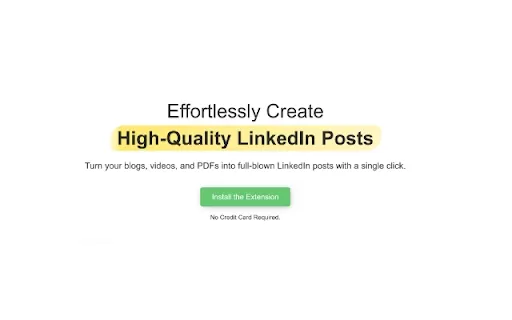
Convert blog content into LinkedIn posts easily



Helps TikTok sellers, brands, MCNs, and TAPs discover winning products and find creators.

HelpLook is an AI-powered all-in-one knowledge base tool that helps businesses quickly build knowledge bases, help centers, and...

Your AI Workspace

302.AI is an enterprise-grade AI resource platform with pay-as-you-go pricing, API access to a full range of AI models, and ready-to-use online applications.

剧火AI — AI Screenwriter + Director, a One-Person Short Drama Studio In one sentence, what is it?

Ever wondered how to bring your 2D images to life in three dimensions? Enter Alpha3D, the AI-powered platform that's changing the game by turning your flat images into stunning 3D assets at scale. It's like magic, but better because it's real tech! How to
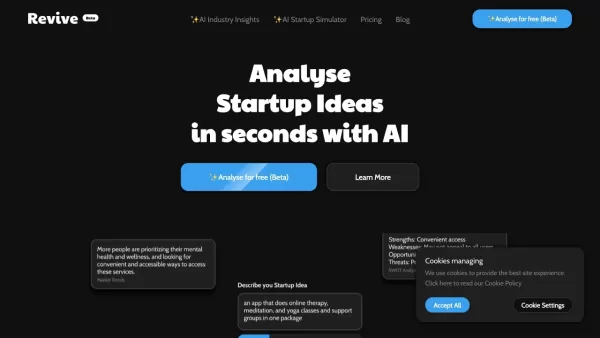
Ever wondered how you can tap into the wisdom of industry gurus without leaving your desk? Enter Revive, an AI-driven platform that's changing the game for learners and experts alike. With Revive, you're not just learning; you're diving into a dynami
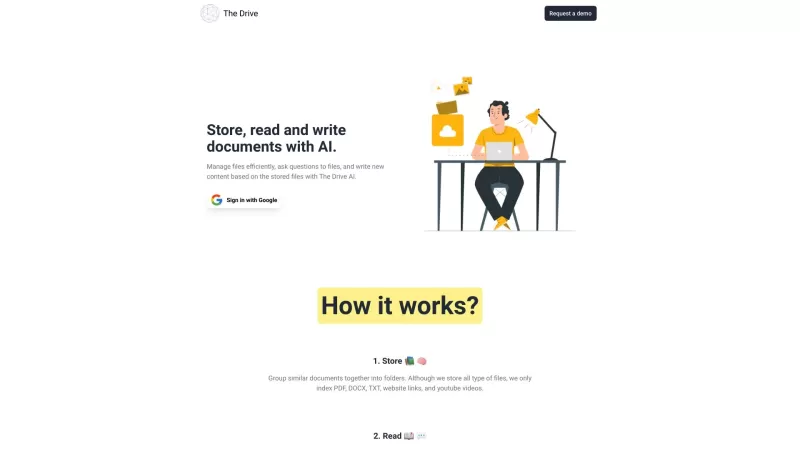
The Drive AI isn't just another tool—it's like having a super-smart assistant that transforms your files into a dynamic knowledge base. Imagine having a platform that not only organizes your documents but also harnesses the power of AI to streamline your
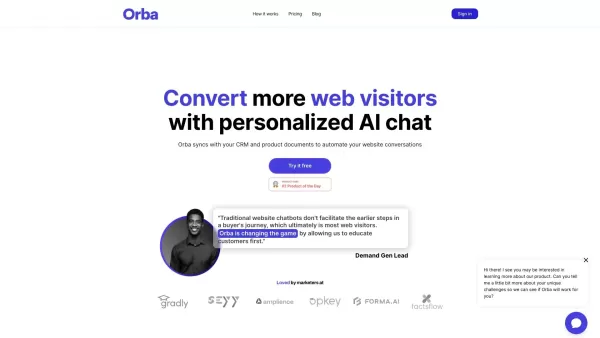
What is Orba?Orba is an AI-powered platform that personalizes interactions with your website visitors to enhance engagement and drive more conversions. It provides automated SDR outbound services, featuring an AI-driven website chatbot and personaliz

Darrow is an innovative AI-powered Justice Intelligence platform designed to revolutionize the legal industry. It bridges the gap between top litigators and high-value, meritorious cases by offering smart tools and insights that empower smarter decision-m
Automata - Chrome Extension Product Information
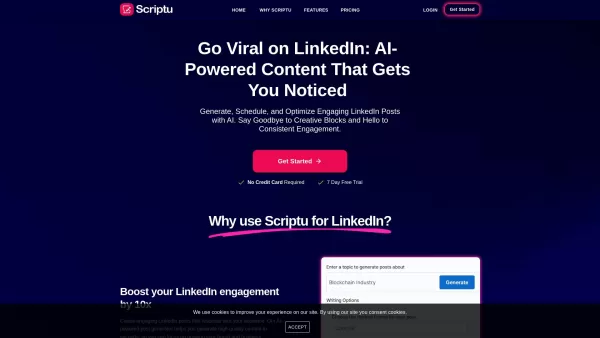
The Automata AI Chrome extension is a tool designed to streamline the process of converting blog content into engaging LinkedIn posts. It leverages AI technology to analyze, synthesize, and reformat content specifically for LinkedIn publishing.
How to Use Automata AI Chrome Extension
To use the Automata AI Chrome extension, simply install it from the Chrome Web Store. Once installed, navigate to the blog content you wish to convert. Click on the Automata extension icon in your browser toolbar, and with one click, the AI will analyze the content, extract the main points, and reformat it into a LinkedIn-ready post. You can then publish this directly to your LinkedIn profile or save it for later use.
Core Features of Automata AI Chrome Extension
AI-Powered Content Analysis
Automata uses advanced AI algorithms to understand and analyze the content of blog posts, ensuring that the most relevant information is captured.
Main Points Synthesis
The extension synthesizes the key points from the blog content, making it easier to create concise and impactful LinkedIn posts.
Content Reformatting for LinkedIn Publishing
Automata reformats the synthesized content into a format optimized for LinkedIn, enhancing readability and engagement on the platform.
Use Cases for Automata AI Chrome Extension
Transforming Blog Articles into Engaging LinkedIn Posts
This tool is particularly useful for content creators and marketers looking to repurpose their blog articles into engaging LinkedIn posts, saving time and increasing their reach on the professional networking site.
FAQ from Automata
Can Automata convert YouTube videos into LinkedIn posts?
Currently, Automata AI Chrome extension is designed specifically for converting blog content into LinkedIn posts. It does not support the conversion of YouTube videos into LinkedIn posts.
Automata - Chrome Extension Screenshot

Discover the 2026 best AI SEO content generators for long-form blog posts. Get our top-rated, curated list with free vs paid comparisons and real-world tests. Find your perfect tool to write rank-ready content in one click and unlock your AI edge at XIX.AI.
 10 tools
 xix.ai


Just tried Automata for my weekly blog roundup - literally cut my LinkedIn posting time in half! The AI suggestions are surprisingly on-point, though I wish it had more tone customization. Still, a total game-changer for content creators! 🚀
Automata has been a lifesaver for turning my blog posts into LinkedIn content. It's super easy to use and saves me so much time. The only thing is, sometimes the tone feels a bit off for my brand, but overall, it's a solid tool. Give it a try!
Automata 덕분에 블로그 포스트를 LinkedIn 게시물로 변환하는 일이 훨씬 쉬워졌어요. 사용법도 간단하고 시간도 절약됩니다. 다만, 가끔 브랜드 톤이 맞지 않을 때가 있지만, 전체적으로 괜찮은 도구입니다. 한번 써보세요!
O Automata facilitou muito transformar meus posts de blog em conteúdo para o LinkedIn. É super fácil de usar e economiza muito tempo. A única coisa é que às vezes o tom não combina com a minha marca, mas no geral, é uma ferramenta sólida. Experimente!
Automata ha sido un salvavidas para convertir mis entradas de blog en contenido para LinkedIn. Es súper fácil de usar y me ahorra mucho tiempo. Lo único es que a veces el tono no encaja con mi marca, pero en general, es una herramienta sólida. ¡Pruébalo!


