


 Home
Homeaudioshake.ai



Helps TikTok sellers, brands, MCNs, and TAPs discover winning products and find creators.

HelpLook is an AI-powered all-in-one knowledge base tool that helps businesses quickly build knowledge bases, help centers, and...

Your AI Workspace

302.AI is an enterprise-grade AI resource platform with pay-as-you-go pricing, API access to a full range of AI models, and ready-to-use online applications.

剧火AI — AI Screenwriter + Director, a One-Person Short Drama Studio In one sentence, what is it?
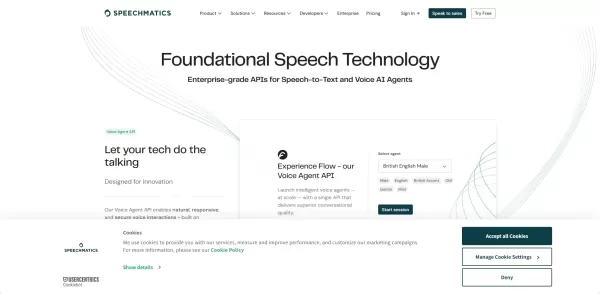
What is Speechmatics?Speechmatics is an automated speech recognition (ASR) technology that converts spoken language into accurate text. Powered by advanced machine learning, it delivers reliable performance even in difficult audio environments. The p
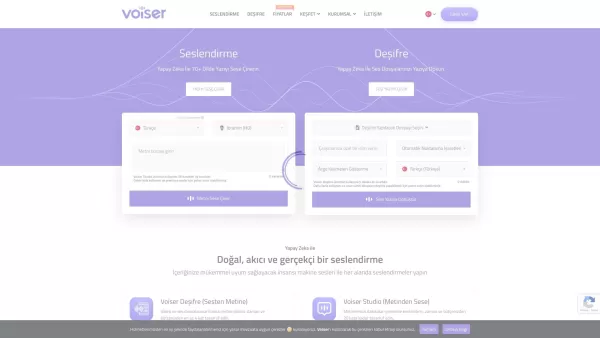
What is Voiser? Voiser is an advanced AI-powered tool that transforms written text into lifelike speech and converts audio files into accurate text. With over 550 voice options across 75+ languages, i
Bara isn't just another AI tool; it's a game-changer in the world of audio transcription. Imagine being able to transform any audio file into meticulously organized notes that capture every nuance, all while understanding the context in over 30 languages.
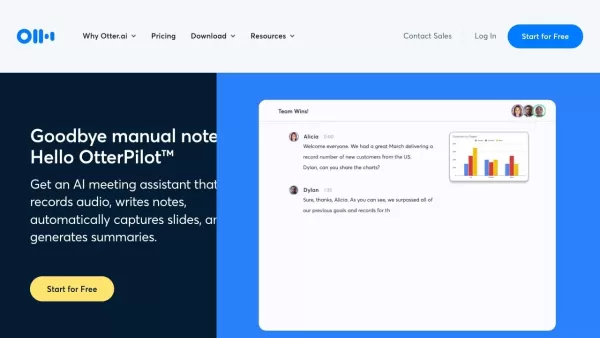
What is Otter AI?Otter.ai is an AI-powered tool that automatically transcribes spoken conversations into written text with high precision. It helps business professionals, journalists, students, and others by providing real-time transcription, slide
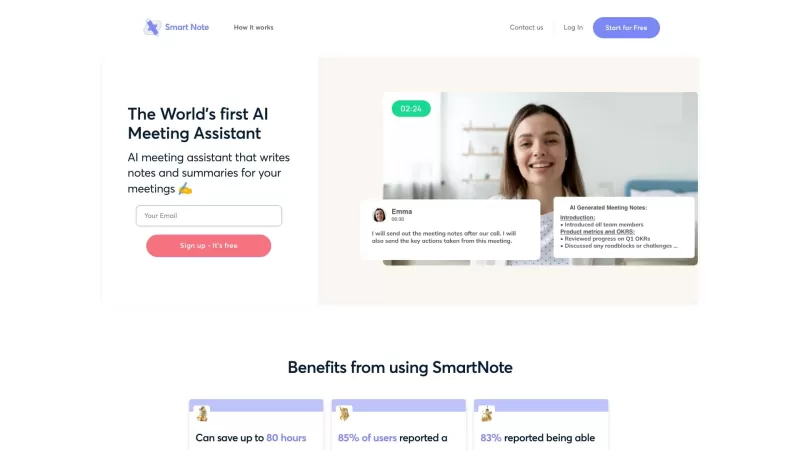
Smart Note AI isn't just another app; it's like having a personal assistant at your meetings, taking notes, and making sense of everything said. Imagine walking into a meeting, letting Smart Note AI do its magic, and walking out with a neatly organized su
audioshake.ai Product Information
What Is AudioShake.ai?
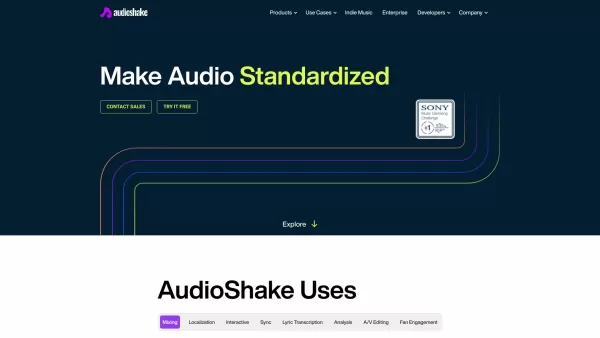
AudioShake is an advanced AI-powered platform for audio separation and analysis. It splits songs or recordings into individual stems, allowing users to isolate vocals, drums, bass, and other instruments. This makes it ideal for music mixing, mastering, creating immersive audio experiences, transcription, and synchronization tasks. The platform supports multiple audio formats and delivers high-quality outputs, making it a versatile tool for artists, producers, and content creators.
Who Will Use AudioShake.ai?
- Musicians
- Audio Engineers
- Content Creators
- Music Producers
- Film and TV Editors
- Interactive Media Developers
- Localization and Captioning Specialists
How to Use AudioShake.ai?
- Step 1: Sign up for an account on the AudioShake website.
- Step 2: Upload your audio file in a supported format (e.g., mp3, wav, flac).
- Step 3: Select the type of stems you want to create (e.g., vocals, drums, bass).
- Step 4: Wait for the AI to process and separate the stems.
- Step 5: Download the separated stems for further use in your projects.
Platform
- Web
AudioShake.ai's Core Features & Benefits
Core Features
- Stem Audio Separation
- Multiple Audio Format Support
- High-Quality Output
- Real-Time Insights
- Automated Tracking
- Intuitive Interface
Benefits
- Enhanced Audio Editing
- Improved Mixing and Mastering
- Customizable Audio Content
- Streamlined Synchronization Tasks
- Accurate Lyric Transcription
- Interactive Media Engagement
AudioShake.ai's Main Use Cases & Applications
- Music Mixing and Mastering
- Localization and Captioning
- Interactive Media Creation
- Sync Licensing
- Lyric Transcription
- Audio Analysis
- Fan Engagement
AudioShake.ai's Pros & Cons
Pros
Leverages advanced AI-driven sound separation technology for precise results.
Delivers high-quality isolation of individual audio elements.
Offers a user-friendly interface suitable for musicians and producers.
Enables creative remixing and streamlined music production workflows.
Cons
No open-source code is available.
Pricing and full feature access details are limited without registration.
Designed for specialized use cases, it may not suit general audio editing needs.
AudioShake.ai's Pricing
Free Plan | No |
|---|---|
Free Trial Details | |
Pricing Model | |
Credit Card Required | No |
Paid From | |
Lifetime Plan | No |
Billing Frequency |
For the latest prices, please visit: https://audioshake.ai
FAQs of AudioShake.ai
What is AudioShake?
AudioShake is an AI-powered platform for audio separation and analysis, enabling users to split audio recordings into individual stems.
Who can use AudioShake?
AudioShake is suitable for musicians, audio engineers, content creators, music producers, film and TV editors, interactive media developers, localization and captioning specialists.
What audio formats are supported?
AudioShake supports multiple formats including mp3, wav, flac, aiff, aif, mp4a, and m4a.
How do I create an account?
You can sign up for an account directly on AudioShake's website.
How long does it take to process a file?
Processing time varies depending on the length and complexity of the audio file.
Can AudioShake handle live recordings?
Yes, AudioShake can process both studio recordings and live recordings.
Is there a free trial available?
Visit AudioShake's website for information on available trials or demos.
Can I use the separated stems for commercial purposes?
Review AudioShake's terms of service or contact support for commercial usage queries.
Does AudioShake offer customer support?
Yes, AudioShake provides customer support through their website.
What is the cost of using AudioShake?
Pricing details can be found on AudioShake's website.
AudioShake.ai Company Information
Website:
https://www.audioshake.aiCompany Name:
AudioShakeSupport Email:
Facebook:
https://www.facebook.com/audioshakeX (Twitter):
https://twitter.com/audioshakeYouTube:
https://www.youtube.com/channel/UCYszXLcBLcZDRk45dGexmpwInstagram:
https://www.instagram.com/audioshake.aiTikTok:
N/ALinkedIn:
https://www.linkedin.com/company/audioshake
audioshake.ai Screenshot
2026 Latest Best Top-Rated AI DevOps Tools for Deployment Monitoring are featured here in our carefully curated list. These powerful tools help teams boost productivity significantly through real-world tests and rigorous rankings. Get a free vs paid comparison to find the perfect option that suits your needs. Explore now to unlock your AI edge!
 11 tools
 xix.ai
2026 Latest Best Top-rated AI Data Analysis Tools for Excel and SQL are here on XIX.AI! Our curated list includes powerful, game-changing solutions that help you speed up data processing, boost productivity, and overcome analysis challenges. We’ve conducted real-world tests to deliver accurate rankings based on performance, ease of use, and value. Explore now to find the must-try tool that fits your needs perfectly and Unlock your AI edge in data work.
10 tools
xix.ai
2026 Latest Best Top-rated AI Podcast Voice Cloning Tools for Long-form Episodes Host Ads and Audio Courses are curated here. These powerful game-changing solutions undergo real-world tests to ensure reliability. You can find a free vs paid comparison along with detailed rankings. XIX.AI offers a must-try selection that boosts productivity significantly. Explore now to discover your perfect tool and unlock your AI edge.
9 tools
xix.ai

2026 Latest Best AI Visual Style Reference Tools for Character Sheets, Moodboards, and Pitch Decks are here on XIX.AI! This curated top-rated list features powerful game-changing tools that go through rigorous real-world tests. You’ll find a free vs paid comparison, detailed rankings, and must-try options to help you boost creativity and streamline your workflow. Explore now to discover your perfect tool for boosting productivity!
11 tools
xix.ai

2026 Latest Best Top-rated AI SERP Analysis Tools for Search Strategy are curated by XIX.AI through rigorous real-world tests and weekly updated rankings. These powerful tools help you unlock hidden optimization opportunities, boost content performance, and gain a competitive edge in search. Discover your perfect tool to elevate your search strategy today. Explore now!
13 tools
xix.ai

2026 Latest Best Top-rated AI Anomaly Detection Tools for KPI Monitoring in SaaS and Ecommerce teams! XIX.AI has curated a powerful, game-changing collection based on rigorous real-world tests and weekly updated rankings. You’ll find detailed free vs paid comparison insights to help you identify the must-try solution that boosts productivity and unlocks your AI edge. Explore now!
10 tools
xix.ai


