


 Home
HomeAtomica: Simplify Color Workflow



Helps TikTok sellers, brands, MCNs, and TAPs discover winning products and find creators.

HelpLook is an AI-powered all-in-one knowledge base tool that helps businesses quickly build knowledge bases, help centers, and...

Your AI Workspace

302.AI is an enterprise-grade AI resource platform with pay-as-you-go pricing, API access to a full range of AI models, and ready-to-use online applications.

剧火AI — AI Screenwriter + Director, a One-Person Short Drama Studio In one sentence, what is it?
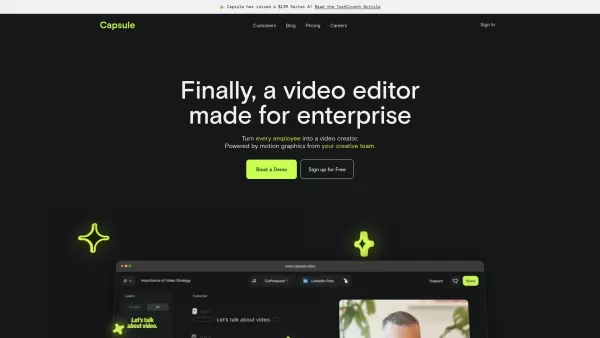
Capsule is an innovative tool designed to revolutionize video editing for content and marketing teams. It harnesses the power of AI to streamline the video creation process, ensuring not only speed but also fostering collaboration and maintaining brand co
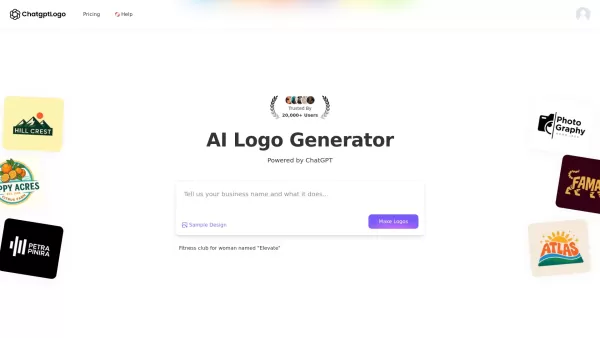
What is ChatGPT Logo?ChatGPT LOGO revolutionizes brand identity creation as an AI-powered logo generator. This innovative tool doesn't just create logos - it crafts complete visual identities by generating custom fonts, color schemes, and complementa
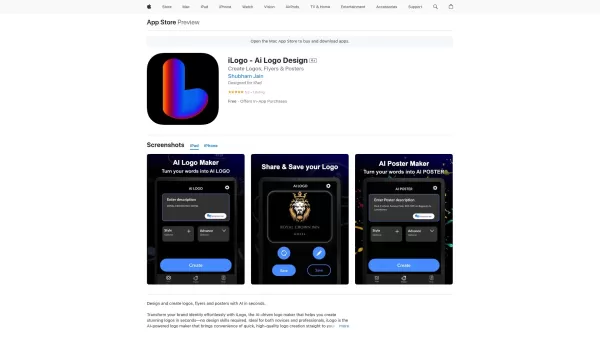
If you're on the hunt for a tool to whip up a logo, flyer, or poster without diving deep into the world of design, iLogo might just be your new best friend. This AI-powered logo maker is designed to get you from idea to finished product in no time, e
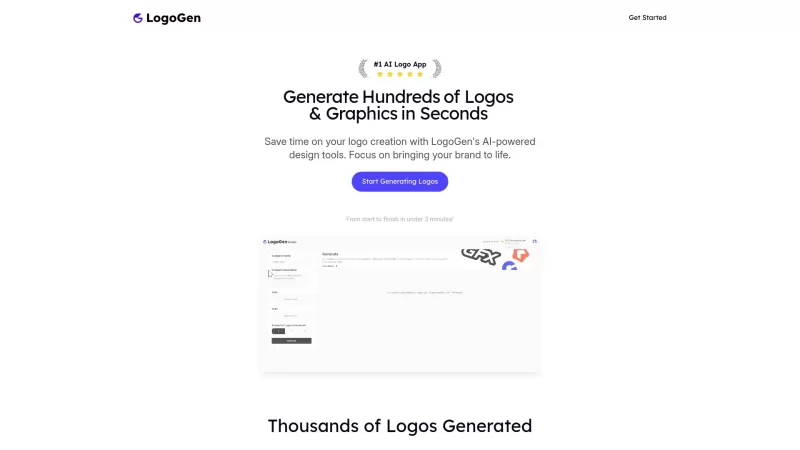
Ever found yourself in need of a logo but dreading the cost and time it takes to get one designed? Enter LogoGen, the AI-powered logo generator that's changing the game. With LogoGen, you can whip up a high-quality, custom logo in mere seconds, and at a f

What is SocialPulse? Transform Your Social Media with Advanced AI-Driven Content PlanningHow to use SocialPulse? Sign up for the SocialPulse waitlist to pioneer next-level content scheduling. Boost yo
Atomica: Simplify Color Workflow Product Information
What Is Atomica: Simplify Color Workflow?
Atomica revolutionizes how teams handle color systems, from initial concept to final implementation. As an AI-powered color companion, it simplifies the creation, organization, and export of color systems. Users can generate custom palettes with AI, manage collections with custom names and ranges, and export styles and JSON files for seamless collaboration with design and development teams. Atomica is designed to boost productivity and focus on creativity, making color system management easier than ever.
Who Will Use Atomica: Simplify Color Workflow?
- Designers
- Developers
- Creative Teams
- Project Managers
How to Use Atomica: Simplify Color Workflow?
- Step 1: Begin with AI or build your own custom color palette to generate tints and shades.
- Step 2: Group colors into collections with custom names and ranges tailored to your projects.
- Step 3: Export styles, variables, and JSON files effortlessly for a seamless handoff to design and development teams.
Platform
- Web
Atomica: Simplify Color Workflow's Core Features and Benefits
Core Features
- AI-Powered Palette Creation
- Unlimited Generated Colors
- Collection Management
- Design-Ready Exports
- Color Previews in Figma
Benefits
- Streamlined Workflow
- Focus on Creativity
- Effortless Handoff
- Organized Color Management
- Time-Saving Features
Atomica: Simplify Color Workflow's Main Use Cases and Applications
- Creating Color Palettes
- Managing Color Collections
- Exporting Design Assets
- Generating Color Previews in Figma
Atomica: Simplify Color Workflow's Pros and Cons
Pros
AI-powered automatic palette generation streamlines the creative process.
Integrates directly with Figma, streamlining the design workflow.
Allows unlimited color generation and custom organization of palettes.
Export features support easy handoff to development teams.
Cons
Currently in beta, which may imply that features are limited or unstable.
No explicit information on pricing tiers or paid features.
Lack of open-source availability limits customization and community contributions.
No direct links to app stores or community platforms found.
Atomica: Simplify Color Workflow's Pricing
Has Free Plan | No |
|---|---|
Free Trial Details | |
Pricing Model | |
Is Credit Card Required? | No |
Paid From | |
Has Lifetime Plan? | No |
Billing Frequency |
For the latest pricing, visit: https://www.atomica.design
FAQs of Atomica: Simplify Color Workflow
What Is Atomica?
Atomica is an AI-powered color system generator that helps you create, manage, and document color systems in Figma.
What Features Are Available in the Beta Version?
The beta version includes AI-powered palette creation, unlimited color generation, collection management, design-ready exports, and color previews in Figma.
Is Atomica Free?
The beta version of Atomica is currently free to use.
What Happens After the Beta Phase?
Details about availability and pricing after the beta phase will be announced later.
How Can I Provide Feedback?
You can provide feedback by contacting the support team at [email protected].
How Does the AI-Powered Palette Creation Work?
The AI generates custom color palettes based on your inputs and preferences, producing unique tints and shades.
Can I Customize the Names and Ranges of My Colors?
Yes, you can customize the names, ranges, and documentation previews of your color collections.
How Do I Export My Color Systems?
You can export styles, variables, and JSON files effortlessly for a seamless handoff to design and development teams.
What Design Tools Is Atomica Compatible With?
Atomica is designed to work seamlessly within Figma.
Does Atomica Offer Support for Team Collaboration?
Yes, Atomica makes it easy to manage and share color systems across design and development teams.
Atomica: Simplify Color Workflow Company Information
- Atomica Studio
- https://www.atomica.design
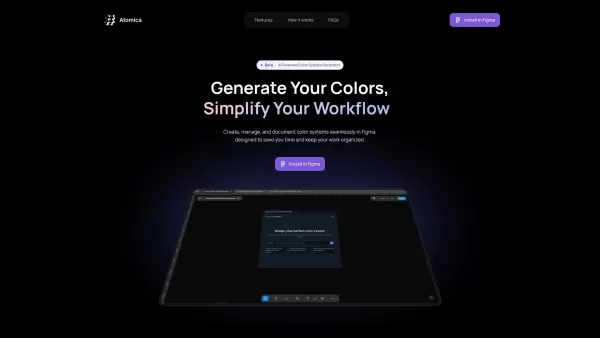
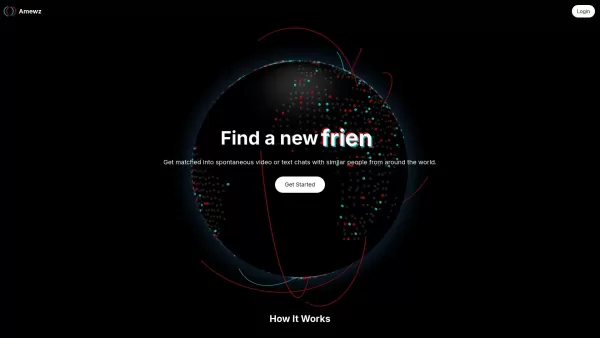
Atomica: Simplify Color Workflow Screenshot

2026 Latest Best AI UI Design Tools for Web and Mobile Projects are here on XIX.AI! This curated list features top-rated, powerful tools that go through rigorous real-world tests to deliver game-changing results for boosting creativity and productivity. You’ll also find a free vs paid comparison, weekly updated rankings, and detailed insights. Must-try options help you overcome design bottlenecks and create high-quality interfaces faster. Explore now to discover your perfect tool!
 8 tools
 xix.ai
2026 Latest Top-rated Best Prompt Engineering Tools for Teams are featured here on XIX.AI. This curated collection includes powerful game-changing options that go through rigorous real-world tests. You’ll find a free vs paid comparison, detailed rankings, and easy tools to test, version track, and refine team prompts to boost productivity significantly. Explore now to Discover your perfect tool!
9 tools
xix.ai

2026 Latest Best AI Prompt Libraries for Work: XIX.AI curates a top-rated collection of powerful, game-changing prompt sets designed to help you reuse proven templates across countless tasks and boost your productivity significantly. Enjoy free vs paid comparison, detailed real-world tests, and updated rankings weekly. Explore now to discover your perfect tool and unlock your AI edge!
11 tools
xix.ai
2026 Latest Best Top-rated AI Narration Tools for Audiobook Production! This curated collection features powerful, game-changing solutions that greatly boost writing efficiency and help creators overcome content creation bottlenecks. XIX.AI offers a free vs paid comparison along with detailed real-world tests and updated weekly rankings to help you find the perfect tool. Explore now to unlock your AI edge in audiobook production!
17 tools
xix.ai
2026 Latest Best Top-rated AI Prompt Optimizers for Marketing and Support! XIX.AI curates a powerful game-changing collection of must-try tools, regularly updated weekly. These tools help you boost writing efficiency, create high-quality content faster, and streamline marketing campaigns as well as customer support tasks. Get a free vs paid comparison along with real-world tests and detailed rankings. Explore now to Discover your perfect tool for boosting productivity!
9 tools
xix.ai
2026 Latest Best Top-rated AI YouTube Voiceover Generators for Tutorials, Shorts, and Faceless Channels are here on XIX.AI. Our curated list includes powerful game-changing tools that deliver professional-quality voiceovers quickly, helping creators boost productivity and save time. Enjoy a free vs paid comparison along with real-world tests and weekly updated rankings. Discover your perfect tool to unlock your AI edge today. Explore now!
16 tools
xix.ai


