


 Home
Homeanytalk.ai



Helps TikTok sellers, brands, MCNs, and TAPs discover winning products and find creators.

HelpLook is an AI-powered all-in-one knowledge base tool that helps businesses quickly build knowledge bases, help centers, and...

Your AI Workspace

302.AI is an enterprise-grade AI resource platform with pay-as-you-go pricing, API access to a full range of AI models, and ready-to-use online applications.

剧火AI — AI Screenwriter + Director, a One-Person Short Drama Studio In one sentence, what is it?

What is Speech Translator?Speech Translator leverages Google's advanced speech recognition to deliver real-time translation for videos, audio, and live streams. This tool bridges language gaps, enabling seamless conversations and fostering clearer un
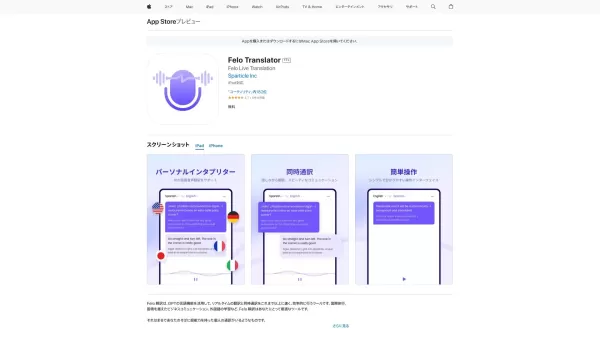
Ever found yourself in a situation where language barriers felt like towering walls? Enter Global Translator, your go-to platform that's tearing down those walls and building bridges across cultures. With its real-time translation, you can connect wi
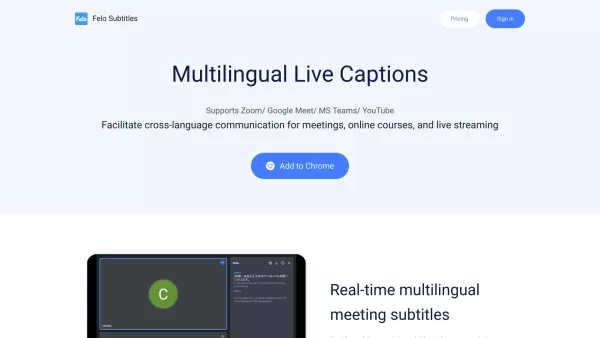
What is Felo Subtitles? Felo Subtitles is a real-time translation tool that fosters effortless multilingual communication.How to use Felo Subtitles? To use Felo Subtitles, install the Chrome extension
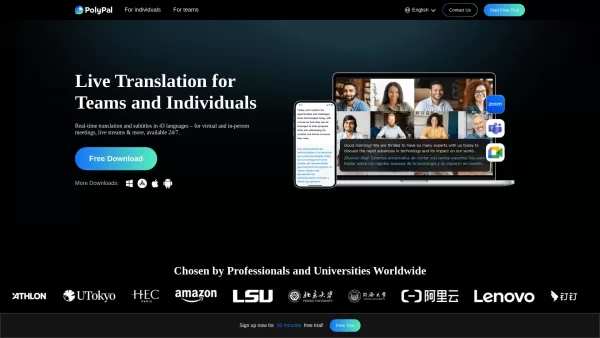
Ever found yourself in a meeting or a conference where language barriers feel like an insurmountable wall? Enter PolyPal, your new best friend for breaking down those communication barriers. It's not just any translation tool; it's a live translation
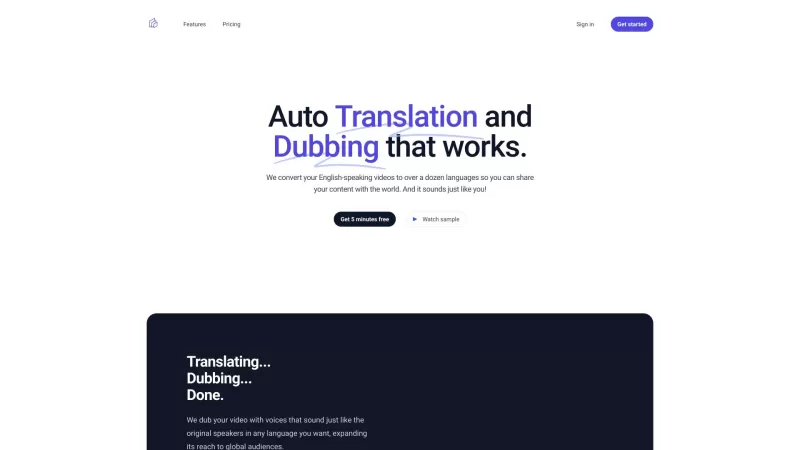
Ever wondered how to make your English-speaking videos resonate with audiences worldwide? That's where Auto Translation and Dubbing comes in—transforming your content into over a dozen languages, making it sound like it's coming straight from you!How to U
anytalk.ai Product Information
What is anytalk.ai?
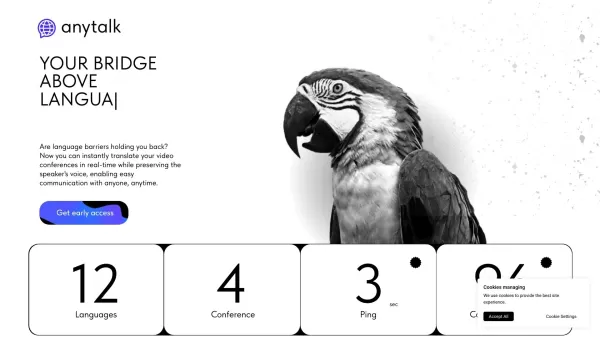
Anytalk is a real-time translation application that converts both audio and video across multiple languages. It delivers seamless, instant translations through a convenient browser extension, designed for accessibility and ease of use. Its core purpose is to eliminate language barriers, enabling users to comprehend and interact with global content for business, education, or personal needs.
Who uses anytalk.ai?
- Business professionals
- Students and educators
- Travelers
- Content creators
- Multilingual families
How to use anytalk.ai
- Step 1: Download the Anytalk app from the App Store or Google Play.
- Step 2: Launch the app and create an account or log in.
- Step 3: Grant the necessary permissions for microphone and camera access.
- Step 4: Select your source and target languages for translation.
- Step 5: Begin speaking or playing the audio/video content you want translated.
- Step 6: The app will display translated text in real time and can provide voiceover.
Platform
- Web
- iOS
- Android
anytalk.ai's Core Features & Benefits
Core Features
- Real-time translation
- Audio and video translation
- Browser extension
- Voiceover capabilities
Key Benefits
- Breaks down language barriers
- Enhances global communication
- Boosts productivity in multilingual settings
- Delivers accurate, instant translations
Main Use Cases & Applications
- International business meetings
- Online education
- Travel assistance
- Content localization
- Multilingual family communication
anytalk.ai's Pros & Cons
Pros
Provides real-time AI translation for audio and video
Supports multiple browsers with an easy-to-install extension
Maintains the speaker's original voice for natural conversation
Free to use with optional paid subscriptions for extra translation minutes
Plans to expand features, including voice cloning and meeting notes
Cons
Currently has about a 4-second delay in translations
Platform availability is limited (currently browser extension only)
No open-source code available
No native mobile application released yet
FAQs about anytalk.ai
What is Anytalk?
Anytalk is a real-time translation app that handles both audio and video content.
Is Anytalk free to use?
Anytalk offers a free version with core features and premium plans for advanced functionality.
Which languages does Anytalk support?
Anytalk supports a wide variety of languages for audio and video translation.
Is an internet connection required to use Anytalk?
Yes, Anytalk requires an active internet connection for real-time translation.
How accurate is Anytalk's translation?
Anytalk offers highly accurate translations, though precision can vary with language complexity.
Can I use Anytalk for business meetings?
Yes, Anytalk is excellent for translating conversations during business meetings.
Does Anytalk offer customer support?
Yes, Anytalk provides customer support via its website and email.
Can I translate pre-recorded videos with Anytalk?
Yes, Anytalk can translate both live and pre-recorded audio and video.
Does Anytalk have a mobile app?
Yes, Anytalk has mobile apps available for Android and iOS devices.
How do I set up voiceover in Anytalk?
Voiceover setup is straightforward; simply choose your preferred voice option in the app settings.
anytalk.ai Company Information
- Anytalk Inc.
- https://anytalk.ai
- https://www.facebook.com/AnyyTalk/
- https://twitter.com/anytalk_ai
- https://www.youtube.com/channel/UCToka7SMH8AaIEVarTJmY-Q
- https://www.instagram.com/anytalk.ai/
- https://www.tiktok.com/@anytalk1
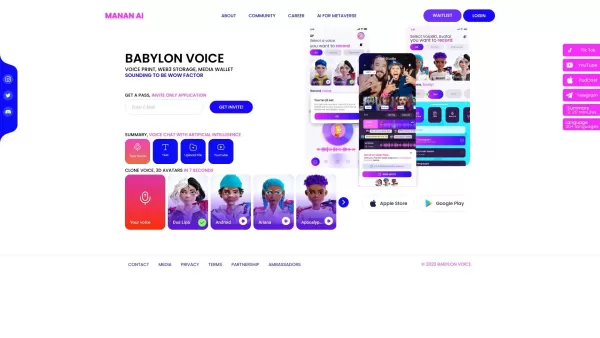
anytalk.ai Screenshot
2026 Latest Top-Rated Best AI Songwriting Assistants are here on XIX.AI! This curated list features powerfully efficient tools that go through real-world tests to deliver high-quality lyrics, chords, and melodies effortlessly. Get a free vs paid comparison to find the perfect fit for your creative needs. Explore now to unlock your AI edge in music creation!
 12 tools
 xix.ai

2026 Latest Top-Rated Best AI Agent Builders for Creating Multi-Step Business Automations. This curated list features powerful, game-changing tools that go through rigorous real-world tests. You’ll find detailed free vs paid comparisons, comprehensive rankings, and weekly updated insights to help you choose the perfect solution that boosts your productivity significantly. Explore now at XIX.AI to unlock your AI edge!
11 tools
xix.ai

2026 Latest Best Top-rated AI Task Planning Tools for Busy Professionals! XIX.AI has curated a powerful, game-changing collection of highly efficient tools that help users streamline workflows, boost productivity, and overcome daily scheduling challenges. Each option goes through rigorous real-world tests to ensure reliability. Get a free vs paid comparison and discover the perfect tool to unlock your AI edge. Explore now!
15 tools
xix.ai

2026 Latest Top-rated AI Customer Chatbots featured on this curated list are the best solutions for answering customer FAQs instantly and qualifying leads around the clock. XIX.AI has conducted rigorous real-world tests to deliver a detailed free vs paid comparison along with up-to-date rankings, helping you find a powerful game-changing tool that boosts productivity significantly. Explore now to Discover your perfect AI chatbot solution!
9 tools
xix.ai
2026 Latest Best AI Storyboard Generators for Ad Creative Teams! XIX.AI has curated a top-rated list of powerful, game-changing tools that help teams create stunning visual content faster through real-world tests and rigorous weekly updated rankings. Enjoy a free vs paid comparison to find the perfect fit for your workflow. Explore now to unlock your AI edge in ad creation!
8 tools
xix.ai
2026 Latest Best Top-rated AI Knowledge Chatbot Tools for Internal Documentation are here on XIX.AI! This curated list features powerful game-changing solutions that significantly boost productivity by helping teams quickly generate high-quality content, streamline documentation creation, and overcome common writing challenges. We conduct rigorous real-world tests and provide a weekly updated free vs paid comparison along with detailed rankings to help you find the must-try option that fits your needs best. Explore now to Discover your perfect tool!
12 tools
xix.ai


