


 Home
HomeAlchemy for ChatGPT
Alchemy for ChatGPT: AI Prompt Library



Helps TikTok sellers, brands, MCNs, and TAPs discover winning products and find creators.

HelpLook is an AI-powered all-in-one knowledge base tool that helps businesses quickly build knowledge bases, help centers, and...

Your AI Workspace

302.AI is an enterprise-grade AI resource platform with pay-as-you-go pricing, API access to a full range of AI models, and ready-to-use online applications.

剧火AI — AI Screenwriter + Director, a One-Person Short Drama Studio In one sentence, what is it?
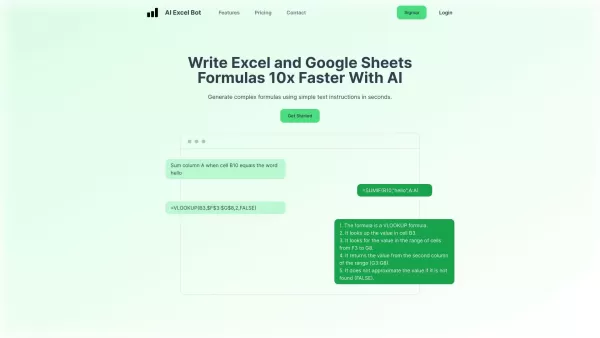
What is AI Excel Bot?AI Excel Bot uses advanced AI algorithms to help you build complex Excel and Google Sheets formulas in seconds. By leveraging natural language processing, it makes writing, editing, and understanding formulas much easier. Whether
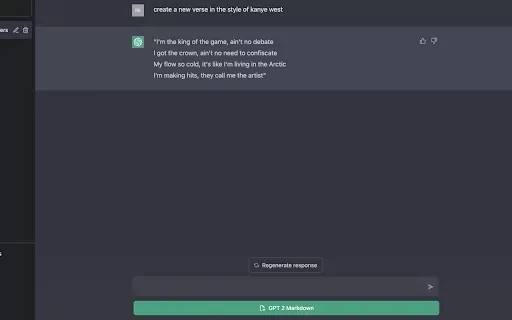
What is GPT2Markdown?GPT2Markdown is a Chrome extension that streamlines the process of exporting your ChatGPT conversations into Markdown format. With a single click, it allows you to download your chat history as a Markdown (.md) file directly to y
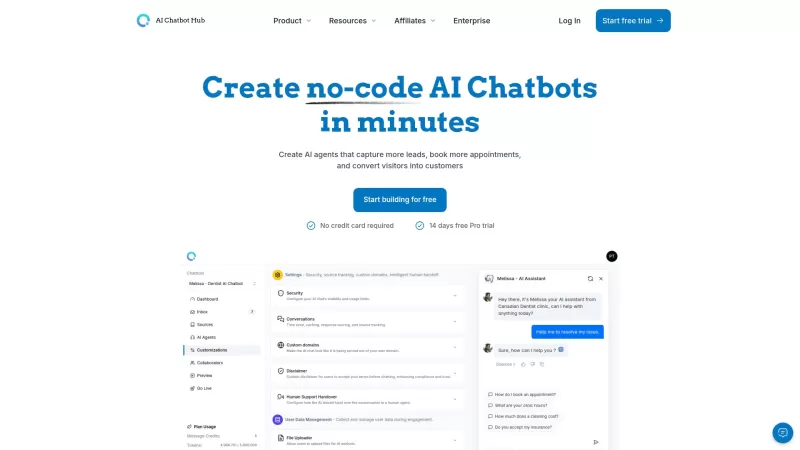
AI Chatbot Hub is your go-to no-code platform for crafting and deploying AI chatbots that streamline customer interactions and boost internal operations. No need to be a coding whiz—just dive in and start creating chatbots that can capture leads, schedule
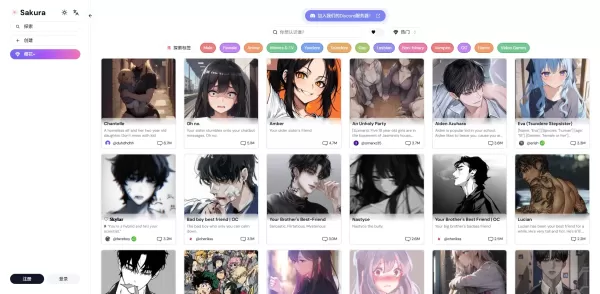
What is Sakura AI?Sakura AI harnesses cutting-edge artificial intelligence to provide a conversational interface that helps with a wide range of tasks, from managing schedules to answering questions. It uses advanced voice recognition and understandi
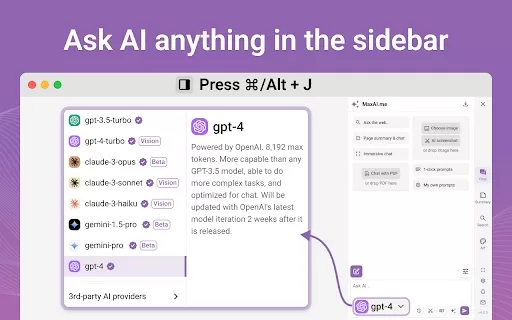
Ever wished for a trusty sidekick to boost your productivity while you surf the web? Well, say hello to the MaxAI AI Chrome extension! This little gem is your go-to for real-time suggestions and a whole suite of AI tools that can transform your online exp
Alchemy for ChatGPT Product Information
What is Alchemy for ChatGPT?
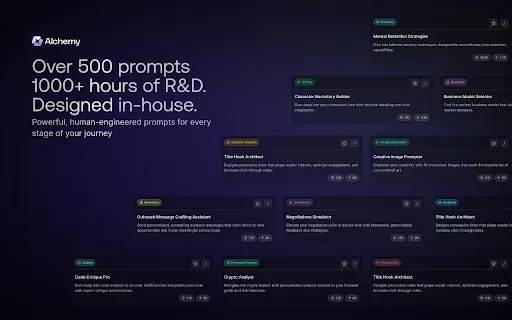
Alchemy for ChatGPT is a powerful tool that revolutionizes your engagement with ChatGPT. It offers a rich library of carefully designed prompts for productivity, creativity, and learning. By providing quick access to these prompts, users can enhance communication with AI and optimize their interaction experience. This extension is suitable for both beginners and seasoned users aiming to get the most out of their ChatGPT conversations.
Who uses Alchemy for ChatGPT?
- Students
- Educators
- Professionals
- Content creators
- Researchers
How to use Alchemy for ChatGPT
- Step1: Install the Alchemy for ChatGPT extension from the Chrome Web Store.
- Step2: Open ChatGPT and click the Alchemy icon to view the prompt library.
- Step3: Browse categories and choose a prompt.
- Step4: Copy the prompt and paste it into ChatGPT.
- Step5: Press Enter and start interacting with AI using the prompt.
Platform
- chrome
Alchemy for ChatGPT's Key Features & Advantages
The Core Features
- 500+ Prompts Library
- Quick Access to Tailored Prompts
- Optimized Interaction with ChatGPT
The Benefits
- Boosts communication efficiency
- Saves time on prompt crafting
- Improves engagement quality
Alchemy for ChatGPT's Top Use Cases & Applications
- Creative Writing
- Teaching Assistance
- Content Ideation
- Research Support
Frequently Asked Questions: Alchemy for ChatGPT
What is Alchemy for ChatGPT?
It's a Chrome extension that improves ChatGPT interactions with a ready-made prompt library.
How many prompts are included?
It includes over 500 expertly written prompts.
Who can benefit from this tool?
It's ideal for students, educators, professionals, and content creators.
Is it free to download?
Yes, Alchemy for ChatGPT is free to install from the Chrome Web Store.
Can I customize the prompts?
The prompts are pre-designed, but you can select those matching your needs.
How do I access the prompts?
After installation, click the Alchemy icon to browse the prompt catalog.
What kinds of prompts are available?
Prompts cover multiple areas like creativity, education, and productivity.
Does it work on other browsers?
It is currently optimized for Chrome only.
How can I provide feedback?
Users can share reviews via the Chrome Web Store.
Is there a tutorial or guide?
Yes, tutorials and resources are available to support effective use.
Alchemy for ChatGPT Company Details
Website:
https://www.alchemy.comCompany Name:
AlchemySupport Email:
Facebook:
NAX(Twitter):
NAYouTube:
NAInstagram:
NATiktok:
NALinkedIn:
NA
Alchemy for ChatGPT Screenshot
2026 Latest Best Top-Rated AI Prompt Libraries for optimizing all types of ChatGPT workflows. XIX.AI has curated a powerful, game-changing collection that goes through rigorous real-world tests to ensure top performance. You can find detailed free vs paid comparisons and expert rankings to help you choose the must-try tools that boost your productivity and unlock your AI edge. Explore now!
 11 tools
 xix.ai
2026 Latest Best ChatGPT Prompt Libraries for Marketing, Support, and Internal Knowledge Teams! XIX.AI has curated a top-rated list of powerful game-changing tools that help teams boost writing efficiency, generate high-quality content fast, and streamline workflows. Each option goes through real-world tests to ensure reliability, with a free vs paid comparison included. Explore now to Discover your perfect tool and Unlock your AI edge.
14 tools
xix.ai


