


 Home
HomeAI-powered real-time call assistant - Chrome Extension
AI Call Assistant: Transcribe, Summarize, Extract



Helps TikTok sellers, brands, MCNs, and TAPs discover winning products and find creators.

HelpLook is an AI-powered all-in-one knowledge base tool that helps businesses quickly build knowledge bases, help centers, and...

Your AI Workspace

302.AI is an enterprise-grade AI resource platform with pay-as-you-go pricing, API access to a full range of AI models, and ready-to-use online applications.

剧火AI — AI Screenwriter + Director, a One-Person Short Drama Studio In one sentence, what is it?
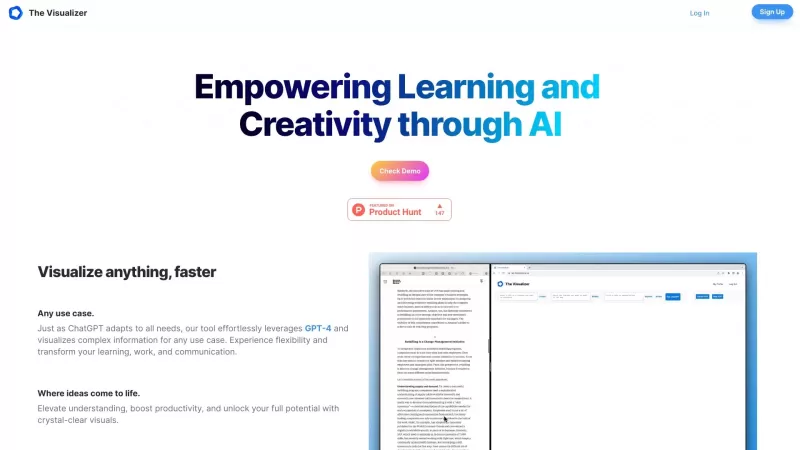
Ever wondered how to turn your jumbled thoughts and complex queries into something you can actually grasp? Enter The Visualizer, your new best friend in the world of learning and creativity. This nifty tool takes your written queries, URLs, and even PDFs,
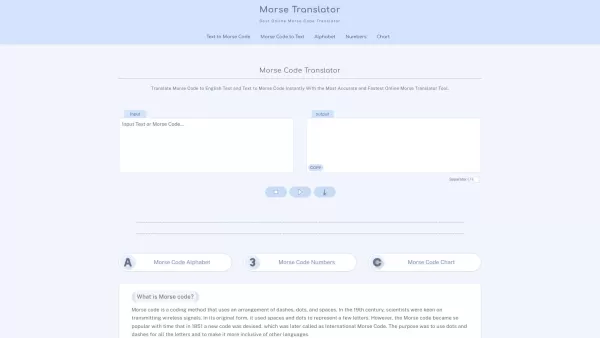
Morse code, that fascinating system of communication, uses a clever combination of dashes, dots, and spaces to represent letters, numbers, and symbols. It's been a staple in telegraphy, allowing messages to zip across wires with a rhythmic tap, tap, tap.
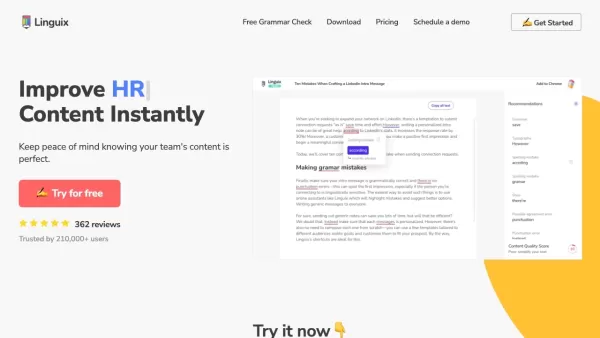
Ever find yourself staring at a blank screen, trying to craft the perfect email or nail that final paper? Enter Linguix, your new best friend in the world of writing. This free writing assistant isn't just another tool; it's like having a personal ed
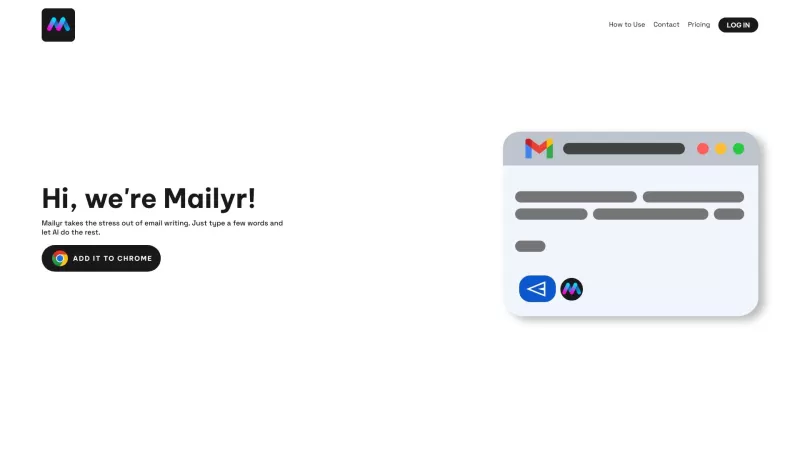
Discover Mailyr: Your AI-Powered Email AssistantEver found yourself staring at a blank email, wondering how to start? Well, Mailyr's got your back! This nifty tool harnesses the power of AI to help you craft emails with barely any effort on your part.How to Get Started with Mailyr?Getting started wi
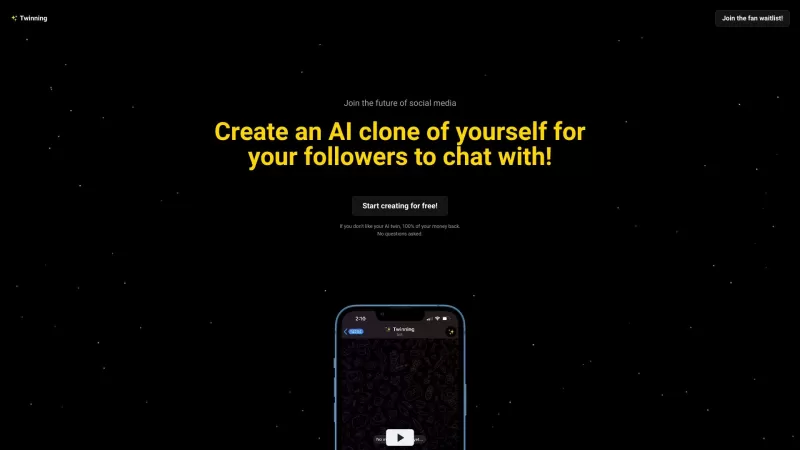
Ever wondered what it would be like to have a digital clone of yourself, chatting away with your fans while you kick back and relax? Well, Twinning is here to turn that dream into reality! It's a nifty platform designed for influencers who want to create
AI-powered real-time call assistant - Chrome Extension Product Information
What is an AI-Powered Real-Time Call Assistant Chrome Extension?
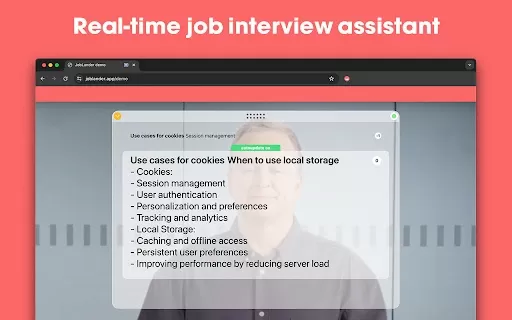
This AI real-time call assistant boosts communication on Google Meet, Zoom, and Microsoft Teams calls. It delivers live transcription, summarization, and action item extraction to help users stay focused and efficient. The tool also offers instant feedback on your speaking style and clarity, promoting more effective conversations.
How to Use the AI-Powered Real-Time Call Assistant Chrome Extension
The AI assistant works directly within Google Meet, Zoom, and Microsoft Teams. After installation, it automatically joins calls and starts transcribing and analyzing the discussion. Users can view summaries, action items, and speaking feedback live during the meeting or access them afterward.
Core Features of the AI Real-Time Call Assistant Chrome Extension
Real-time transcription
Real-time summarization
Action item extraction
Speaking style analysis and feedback
Use Cases for the AI Real-Time Call Assistant Chrome Extension
Automatically create meeting summaries and action items to share with attendees.
Enhance communication clarity and impact with real-time speaking style coaching.
Rapidly catch up on key discussion points and decisions from lengthy meetings.
AI Real-Time Call Assistant FAQ
Which meeting platforms does this AI assistant support?
How accurate is the real-time transcription?
AI-powered real-time call assistant - Chrome Extension Screenshot

2026 Latest Best Top-rated AI Style Transfer Tools for Creative Experiments! XIX.AI has curated a powerful, game-changing collection of must-try tools that deliver exceptional results through real-world tests and rigorous rankings. These top solutions help creatives boost productivity significantly by accelerating content creation and unlocking endless creative possibilities. Explore now to discover your perfect tool and start creating today!
 9 tools
 xix.ai

2026 Latest Best Top-Rated AI Dialogue Bubble Tools for Visual Storytelling are here on XIX.AI! This curated collection features powerful, game-changing tools that help creators boost productivity and overcome creative bottlenecks. Get a free vs paid comparison, see real-world tests, and check the latest rankings to find the must-try solutions perfect for crafting engaging visual narratives. Explore now to discover your ideal tool!
10 tools
xix.ai

2026 Latest Top-Rated Best AI Meeting Summary Tools for Clear Decision Tracking and Effortless Follow-Ups. This curated list showcases powerful, game-changing solutions that boost productivity dramatically by automating meeting notes, identifying key action items, and streamlining team coordination across all projects. Get a free vs paid comparison along with real-world tests and weekly updated rankings to help you find the perfect tool. Explore now to unlock your AI edge!
9 tools
xix.ai

2026 Latest Best Top-rated AI Data Cleaning Tools for quick fixing of missing values and duplicates. This curated list showcases powerful, game-changing solutions that boost productivity significantly. Each option has undergone rigorous real-world tests to ensure reliability. Get a free vs paid comparison and discover the must-try tool that fits your needs best. Explore now at XIX.AI to Unlock your AI edge.
11 tools
xix.ai

2026 Latest Best Top-Rated AI Creative Ideation Tools for Artists are curated by XIX.AI to help creators break through visual blocks and boost creativity instantly. These powerful game-changing tools offer real-world tests, detailed free vs paid comparison, and weekly updated rankings. Discover your perfect tool to accelerate content creation and unlock your AI edge today. Explore now!
14 tools
xix.ai

2026 Latest Best AI Beat Makers for TikTok Background Tracks, Reels Audio, and Creator Promo Music! XIX.AI has curated a top-rated list of powerful game-changing tools that go through real-world tests to deliver flawless music for every content need. You’ll find detailed free vs paid comparison data, weekly updated rankings, and must-try options to help you boost creativity and productivity. Explore now to discover your perfect tool!
11 tools
xix.ai


Just tried this extension on a Zoom call and wow, the live transcription is scarily accurate! It caught all the technical jargon. The summary at the end saved me so much time. A bit worried about privacy though—hope the data stays local. Overall, a game-changer for my weekly team syncs! 🚀


