


 Home
HomeAI智能筆記助手 - Chrome Extension
An AI-powered note-taking assistant for Chrome.



Helps TikTok sellers, brands, MCNs, and TAPs discover winning products and find creators.

HelpLook is an AI-powered all-in-one knowledge base tool that helps businesses quickly build knowledge bases, help centers, and...

Your AI Workspace

302.AI is an enterprise-grade AI resource platform with pay-as-you-go pricing, API access to a full range of AI models, and ready-to-use online applications.

剧火AI — AI Screenwriter + Director, a One-Person Short Drama Studio In one sentence, what is it?
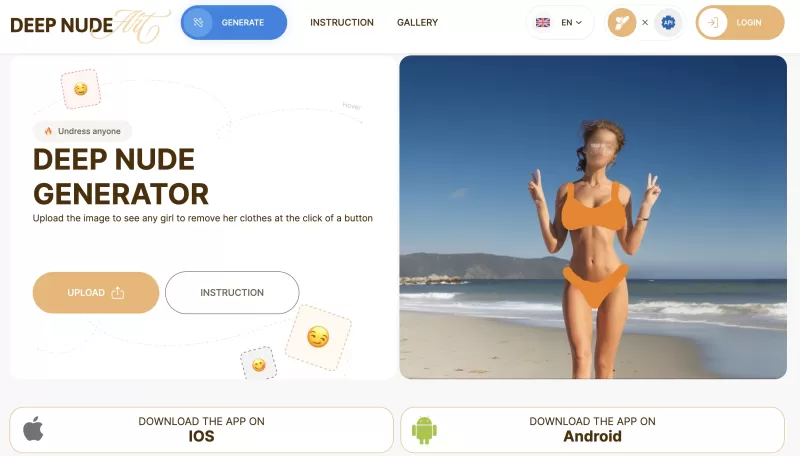
Ever stumbled upon the intriguing world of AI-powered image manipulation? If so, you might have heard about the DeepNude generator. This tool lets you upload a photo and, with just a few clicks, it can create a realistic nude image from it. It's like magi
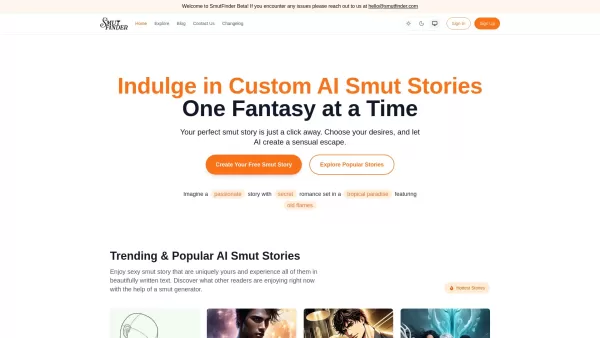
Ever wondered about diving into a world tailored just for your fantasies? Well, let me introduce you to Smutfinder—a platform where your wildest dreams come to life through the magic of AI. It's like having a personal storyteller who knows exactly wh
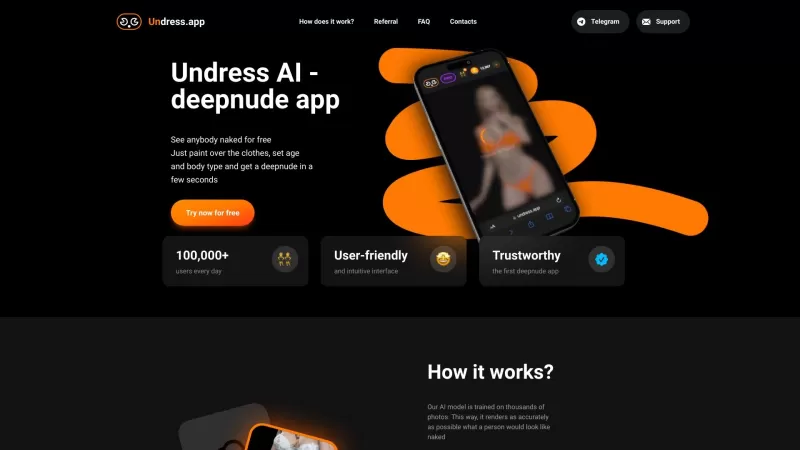
Ever wondered what lies beneath the fabric? Well, Undress AI promises to give you a peek with its deepnude technology. It's like having a digital artist at your fingertips, ready to create those "what if" scenarios without any of the hassle. This tool isn
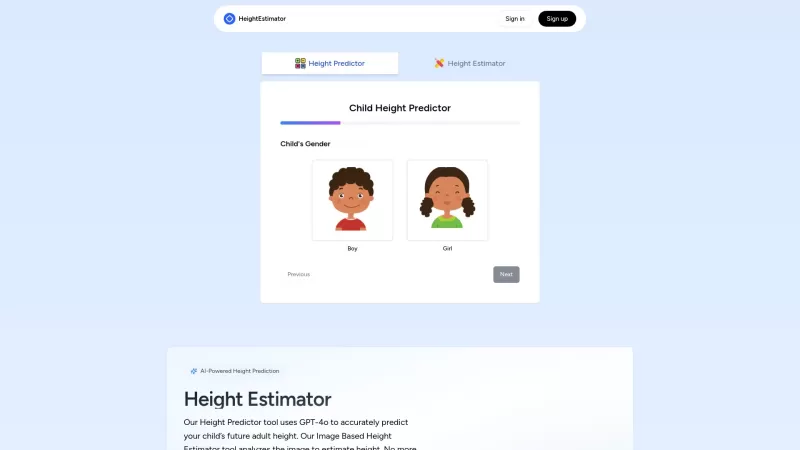
Ever wondered how tall your little one might grow up to be? Or maybe you're curious about your own height potential? Enter the Height Estimator, a nifty AI tool that's here to help you out. It's not just any tool; it uses the cutting-edge GPT-4 Vision API
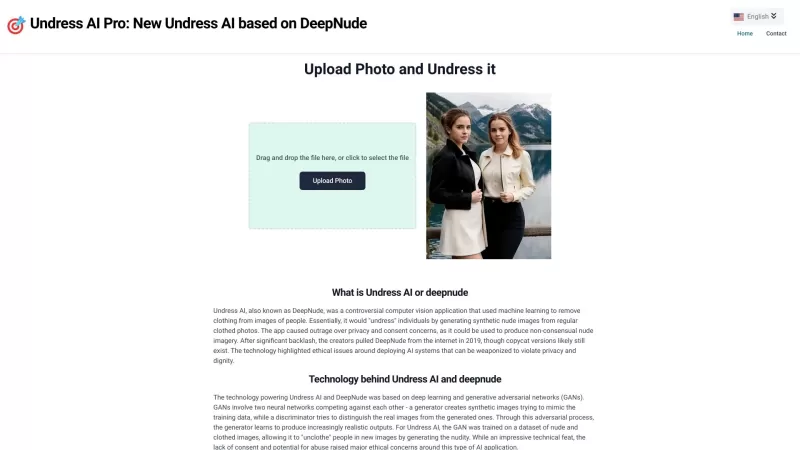
Undress AI Pro, often referred to as DeepNude, is a highly controversial tool that has stirred up quite the debate. It uses sophisticated machine learning algorithms to digitally remove clothing from images of people. It's a wild concept, isn't it? But le
AI智能筆記助手 - Chrome Extension Product Information
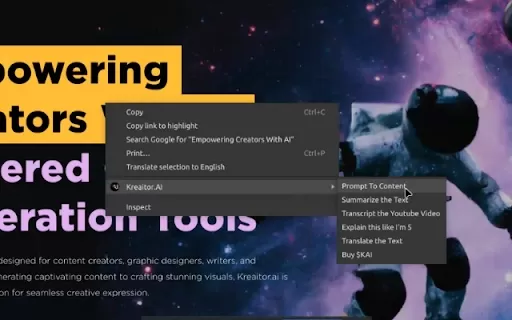
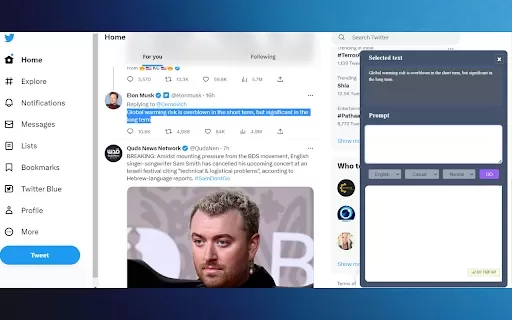
Ever wished you had a smart sidekick to help you take notes and manage your data more efficiently? Enter the AI智能筆記助手, a Chrome extension that's like having a personal AI assistant right in your browser. This nifty tool uses cutting-edge AI tech to predict what you're writing and offer instant suggestions, making your notes not only more efficient but also smoother and higher quality. And that's not all—it can even automatically capture screenshots from web pages and extract content, turning your notes into a rich tapestry of information.
How to Use AI智能筆記助手 Chrome Extension?
So, you're ready to boost your note-taking game? Here's how to get started with the AI智能筆記助手:First, install the Chrome extension. Once it's in place, fire it up and follow the prompts to start jotting down your notes. Interact with it as you would with a friend—naturally, and soon you'll find yourself getting suggestions and sparks of inspiration that you never knew you needed.
Core Features of AI智能筆記助手 Chrome Extension
AI Writing Suggestions
Imagine typing away and suddenly, the AI chimes in with a suggestion that perfectly captures what you were trying to say. That's the kind of magic the AI智能筆記助手 brings to your writing, making it a breeze to craft those perfect notes.
Automatic Web Page Screenshots
No more fumbling around trying to capture that important piece of information from a webpage. The AI智能筆記助手 does it for you, automatically, ensuring your notes are as visual as they are informative.
Content Extraction and Integration
Ever found yourself buried under a sea of information? This extension helps you pull out the key bits and weave them seamlessly into your notes, making your data management a whole lot easier.
Use Cases for AI智能筆記助手 Chrome Extension
Boosting Writing Efficiency
Say goodbye to writer's block and hello to a flow of ideas. The AI智能筆記助手 is like having a brainstorming partner, helping you get your thoughts down quickly and effectively.
Smart Note Organization
Tired of your notes being a chaotic mess? This extension helps you organize them smartly, so you can find what you need when you need it.
Quick Web Data Capture
Need to save information from the web fast? The AI智能筆記助手 makes it a snap, ensuring you never miss out on important data.
FAQ from AI智能筆記助手
- Which browsers does AI智能筆記助手 support?
- Right now, AI智能筆記助手 is exclusively designed for Chrome. But who knows? Maybe it'll expand to other browsers in the future!
- Do I need to register to use AI智能筆記助手?
- Nope, no registration needed! Just install the extension and dive right into enhancing your note-taking experience.
AI智能筆記助手 - Chrome Extension Screenshot


2026 Latest Best Top-rated AI Roleplay Chat Apps for Language Practice, Interview Prep, and Daily Fluency! XIX.AI curates a powerful game-changing collection that offers free vs paid comparison, real-world tests, and updated rankings weekly. These must-try tools help you boost writing skills, overcome fluency challenges, and improve communication efficiency across all daily scenarios. Explore now to discover your perfect tool for language growth!
 10 tools
 xix.ai

2026 Latest Best Top-rated AI Stem Separation Tools Curated for Remix Production, Sampling Prep, and Karaoke Masters. These powerful game-changing tools offer real-world tests to deliver precise audio isolation, boosting productivity significantly. XIX.AI provides a weekly updated free vs paid comparison guide to help you find the must-try solution that suits your needs. Explore now to unlock your AI edge.
8 tools
xix.ai

2026 Latest Best AI SQL Copilots Ranked Top-Rated! XIX.AI curates a powerful game-changing collection for weekly updated real-world tests. These must-try tools help you generate accurate revenue dashboards, analyze sales funnels, and track product metrics swiftly, boosting productivity massively. Explore now to Discover your perfect tool for data-driven decision making! 238 characters
9 tools
xix.ai

2026 Latest Best Top-Rated AI Melody Writing Tools for Song Drafts! XIX.AI has curated a highly powerful game-changing collection that goes through rigorous real-world tests to deliver the best writing experience. You can find detailed free vs paid comparisons, accurate rankings, and must-try options designed to help you create stunning song drafts effortlessly and boost your creative productivity significantly. Explore now to discover your perfect tool!
8 tools
xix.ai

2026 Latest Best Top-rated AI Conversation Trainer Tools for Interview Practice are here on XIX.AI! This curated collection features powerful, game-changing tools that go through rigorous real-world tests to deliver accurate feedback. You’ll find a free vs paid comparison and detailed rankings to help you choose the must-try option that boosts your confidence and skills. Explore now to Discover your perfect tool for interview success!
12 tools
xix.ai

2026 Latest Best Top-rated AI Style Transfer Tools for Creative Experiments! XIX.AI has curated a powerful, game-changing collection of must-try tools that deliver exceptional results through real-world tests and rigorous rankings. These top solutions help creatives boost productivity significantly by accelerating content creation and unlocking endless creative possibilities. Explore now to discover your perfect tool and start creating today!
9 tools
xix.ai


I've been using this Chrome extension for weeks now, and it's honestly a game-changer for my studying sessions! It can summarize long articles in seconds and organize my notes super neatly. The voice input feature is super convenient too, especially when I'm driving. Only wish it could export notes in more formats like PDF.
Love this extension! It predicts what I need to write before I even type it. Saves me so much time during research sessions 😍
This AI Note Assistant is a game-changer! 🚀 It organizes my messy notes like magic and predicts what I need before I do. Super easy to use, but sometimes it feels too smart, like it knows me better than I know myself. 😅 Only downside? I wish it had more customization options for note formats.


