


 Home
HomeAI Video Editor
AI Video Editor | Automated Online Video Creation



Helps TikTok sellers, brands, MCNs, and TAPs discover winning products and find creators.

HelpLook is an AI-powered all-in-one knowledge base tool that helps businesses quickly build knowledge bases, help centers, and...

Your AI Workspace

302.AI is an enterprise-grade AI resource platform with pay-as-you-go pricing, API access to a full range of AI models, and ready-to-use online applications.

剧火AI — AI Screenwriter + Director, a One-Person Short Drama Studio In one sentence, what is it?

What is Makefilm?Makefilm revolutionizes video creation as a comprehensive AI-powered platform that streamlines professional-quality video production. This innovative solution combines multiple smart tools into one seamless workflow - transforming te
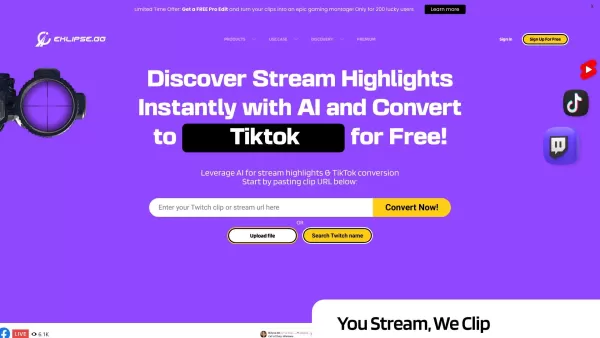
What is Eklipse? Eklipse is an AI-driven gaming highlight clipper that automatically identifies and captures the most exciting moments from your live streams and videos. It seamlessly converts content from Twitch, YouTube, Facebook, and Kick into rea
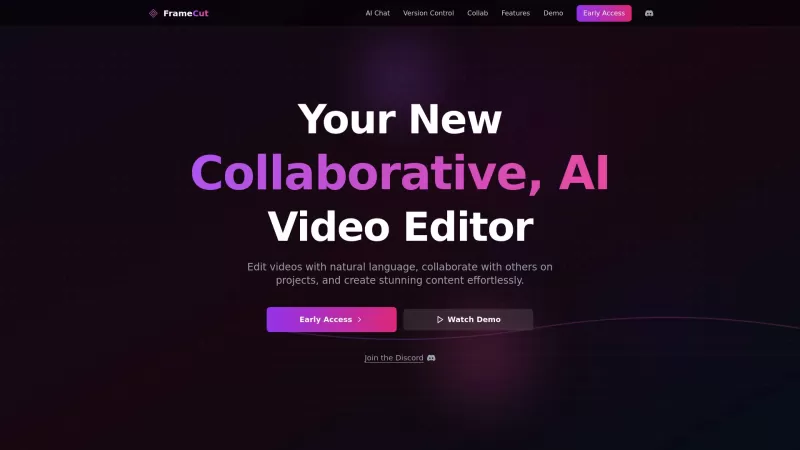
Ever wondered what Frame AI is all about? Well, buckle up because it's not your average video editor. Frame AI is like having a super-smart assistant that lets you edit videos in a way that feels almost magical. Imagine being able to collaborate on video
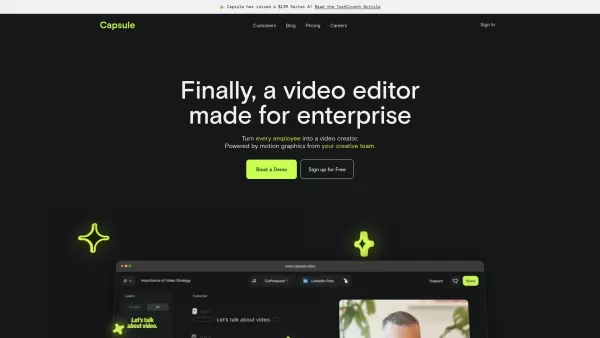
Capsule is an innovative tool designed to revolutionize video editing for content and marketing teams. It harnesses the power of AI to streamline the video creation process, ensuring not only speed but also fostering collaboration and maintaining brand co
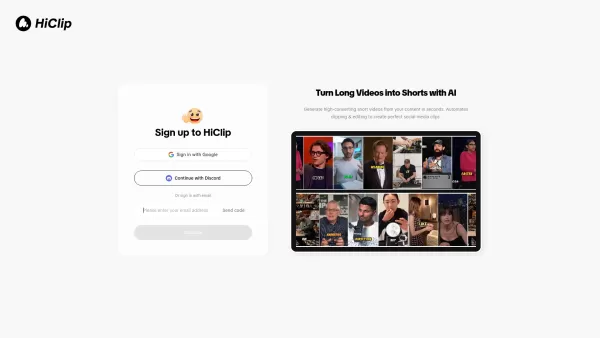
What is HiClip? HiClip is an AI-powered video clipping tool that instantly converts long videos into popular short-form content such as Shorts, Reels, and TikToks. It uses artificial intelligence to pinpoint high-engagement moments, automatically add
AI Video Editor Product Information
What is AI Video Editor?
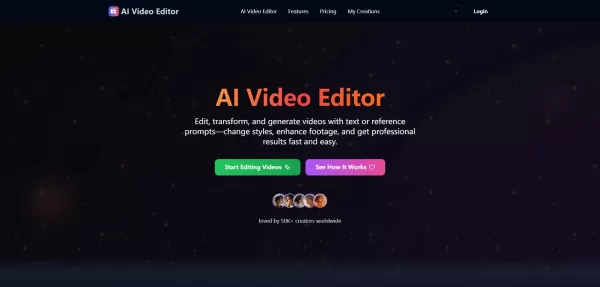
The AI Video Editor is an advanced platform that harnesses artificial intelligence to streamline and speed up video creation. Simply upload your videos or images, then provide text descriptions or sample visuals to guide the AI. It can transform styles, swap objects or characters, alter camera perspectives, and change backgrounds. The technology handles complex tasks like improving lighting and enhancing motion clarity, allowing content creators, marketers, and filmmakers to produce professional-grade videos quickly and economically.
Who is the AI Video Editor for?
- Content Creators & Influencers
- Marketing Professionals
- Independent & Professional Filmmakers
- Social Media Managers
- Video Editors seeking AI-powered efficiency
- Beginners and experts wanting an easier editing workflow
How to use the AI Video Editor
- Step 1: Upload or import your video file in a supported format such as MP4, MOV, or AVI (maximum size 16 MB).
- Step 2: Provide a text prompt or upload a reference image to instruct the AI on the desired edits.
- Step 3: Apply AI-powered modifications including style changes, object/character replacements, camera angle adjustments, and background transformations.
- Step 4: Preview the edited video, make any final tweaks, and export your finished video in high quality.
Platform
- Web Browser
AI Video Editor's Core Features & Benefits
Core Features
- AI-powered style transformation and visual filters
- Object and character editing within video footage
- Dynamic camera angle simulation and adjustments
- Environment and background modification
- Automatic lighting and visual quality enhancements
- Text-to-video AI generation
Key Benefits
- Simplifies complex editing procedures
- Reduces the time and cost of professional video production
- Accessible to users with no technical background
- Boosts creativity with AI-generated content ideas
- Enhances overall video quality and cinematic feel
Main Applications & Use Cases
- Marketing and promotional video production
- Documentary editing and post-production
- Fashion and beauty promo videos
- Entertainment and social media content creation
- Film & video post-processing
- Social media video quality enhancement
AI Video Editor's Pros & Cons
Advantages
Intuitive, AI-driven editing interface
Supports a wide range of video and image formats
Enables advanced edits without requiring expertise
Cloud-based platform, eliminating the need for high-end hardware
Limitations
Maximum video upload size is limited to 16MB
Requires an internet connection; no offline use
Some advanced features are locked behind a paid subscription
AI Video Editor's Pricing
Free plan available | YES |
|---|---|
Free trial details | 7-day full-feature trial, credit card required |
Pricing model | Freemium |
Credit card required | YES |
Starting price | 9.99 USD |
Lifetime plan available | No |
Billing cycle | Monthly |
Pricing Plans Breakdown
Free
0 USD per month
- 5 video exports per month
- Videos include a watermark
- Maximum resolution: 720p
Basic
9.99 USD per month
- Unlimited video exports
- No watermark on videos
- Full HD 1080p resolution
- Standard email support
Pro
19.99 USD per month
- Unlimited video exports
- No watermark
- 4K Ultra HD resolution
- Priority support
- Team collaboration tools
Agency
49.99 USD per month
- Includes all Pro features
- Supports up to 5 team members
- Dedicated account manager
Special Offer:
Use promo code LAUNCH20 to receive 20% off your first three months.
For the most current pricing, please visit: https://aivideoeditor.art/pricing
Frequently Asked Questions
What is an AI Video Editor?
An AI Video Editor is a software platform that uses artificial intelligence to automatically edit and generate videos based on user-provided text prompts or reference visuals.
How does AI video editing work?
The system analyzes your uploaded footage and intelligently applies edits—such as restyling, object replacement, and virtual camera angle changes—based on your instructions.
Can I replace objects or people in a video?
Yes. The editor allows you to seamlessly add, remove, or replace objects and characters while maintaining natural motion and perspective.
Does the AI Video Editor change camera angles?
Yes. It can simulate smooth camera movements and adjust viewing angles to create dynamic, cinematic effects.
Can I modify backgrounds and environments?
Yes. Backgrounds and environments can be replaced or enhanced smoothly to align with your creative concept.
Is AI video editing suitable for beginners?
Yes, it is designed with a user-friendly interface that makes professional editing accessible to everyone, regardless of skill level.
What are the main features of AI Video Editor?
Key features include AI style transformation, object and character editing, camera angle adjustments, background modification, lighting enhancement, and AI-powered content generation.
Do I need powerful hardware to use it?
No. The platform is cloud-based, so all processing happens online, requiring no specialized hardware on your end.
Can I use the generated videos commercially?
Yes, videos created with the platform are typically cleared for commercial use, making them suitable for marketing, advertising, and professional projects.
Is AI video editing free to use?
The platform offers a free tier, but access to high-resolution exports and advanced features generally requires a paid subscription plan.
Company Details
AI Video Editor Screenshot
2026 Latest Best Top-Rated AI Voice-to-Minutes Assistants Guide! XIX.AI has curated a highly powerful, game-changing collection of tools designed to transform every team conversation into flawless, organized notes instantly. Our weekly updated rankings cover free vs paid options, along with real-world tests showing their effectiveness for boosting productivity across all work scenarios. Must-try for anyone looking to unlock their AI edge. Explore now!
 9 tools
 xix.ai
2026 Latest Best Top-Rated AI Lip-Sync Generators for Dialogue Scenes are here on XIX.AI! This curated collection features powerful, game-changing tools that deliver flawless synchronized lip movements for any script, boosting your video editing efficiency significantly. Enjoy a free vs paid comparison along with real-world tests and weekly updated rankings to help you find the must-try perfect fit. Explore now to unlock your AI edge!
8 tools
xix.ai
2026 Latest Best Top-Rated AI Prompt Optimizers Curated for Maximum Output Quality! XIX.AI delivers powerful game-changing solutions that help you refine instructions effortlessly, boost writing efficiency, and unlock higher-quality results every time. Get a free vs paid comparison along with real-world tests and weekly updated rankings. Explore now to Discover your perfect tool and Unlock your AI edge!
16 tools
xix.ai
2026 Latest Best Runway AI Motion Tools Top-rated curated powerful game-changing options for creating ad storyboards character scenes and visual prototypes through real-world tests Weekly updated free vs paid comparison rankings Help you boost productivity significantly Explore now
9 tools
xix.ai
2026 Latest Best Top-Rated AI Dataset Discovery Tools for Academic Projects! XIX.AI has curated a powerful, game-changing collection of highly reliable options, all going through strict real-world tests and updated weekly. You can find detailed free vs paid comparison info to help you pick the perfect tool that boosts your research efficiency and delivers top-quality results. Explore now to unlock your AI edge!
16 tools
xix.ai
2026 Latest Best AI Caption Generators page! XIX.AI curated a top-rated list of must-try powerful tools for writing platform-specific social posts quickly. These tools go through rigorous real-world tests, offering free vs paid comparison and clear rankings to help you find the best option that boosts your productivity and unlocks your AI edge. Explore now!
11 tools
xix.ai


