


 Home
HomeAI Scheduler



Helps TikTok sellers, brands, MCNs, and TAPs discover winning products and find creators.

HelpLook is an AI-powered all-in-one knowledge base tool that helps businesses quickly build knowledge bases, help centers, and...

Your AI Workspace

302.AI is an enterprise-grade AI resource platform with pay-as-you-go pricing, API access to a full range of AI models, and ready-to-use online applications.

剧火AI — AI Screenwriter + Director, a One-Person Short Drama Studio In one sentence, what is it?
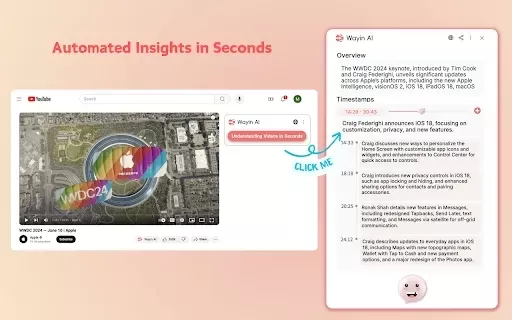
What is Wayin AI?Wayin AI is a robust tool that helps you understand videos quickly and effectively. Using advanced AI, it generates summaries of YouTube content so you can grasp the key points without watching the full video. This solution is ideal
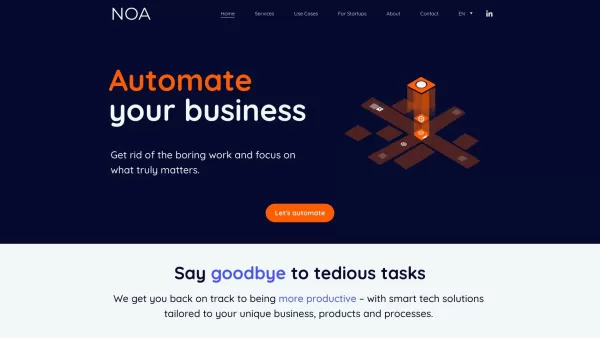
What is NOA?NOA Tech provides innovative technology solutions to enhance your business productivity. Utilizing advanced AI tools and custom automation, we identify operational bottlenecks, implement automation strategies, and empower your team to con
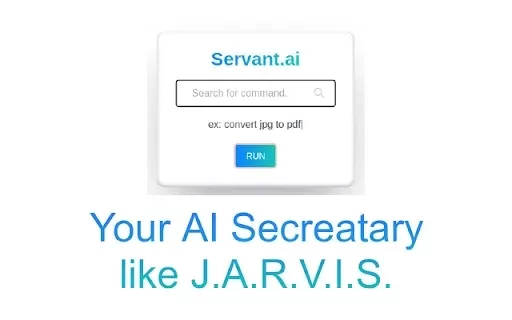
What is Servant AI?Servant AI functions as your intelligent virtual assistant, integrating a wide array of tools and resources to simplify your daily tasks. Whether you're looking to erase backgrounds from photos, craft polished email signatures, or

What is Dosu?Dosu is an intelligent AI assistant that uses machine learning to simplify and automate user workflows. It handles repetitive activities, organizes emails, schedules appointments, and delivers tailored support. By utilizing natural langu

What is US Visa Slots Auto Check and Reschedule?This Chrome extension automatically monitors the availability of US visa appointments and can reschedule your appointment to an earlier date when slots become available. It provides real-time updates an
AI Scheduler Product Information
What Is AI Scheduler?
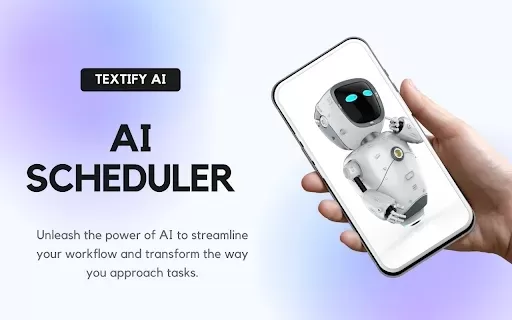
AI Scheduler is a powerful Chrome extension that simplifies scheduling tasks and managing meetings. It leverages advanced AI to automate and optimize your calendar, helping you save time and eliminate the hassle of manual scheduling. This tool analyzes your availability and recommends the best meeting times based on your preferences, enabling effortless collaboration with colleagues and clients.
Who Can Use AI Scheduler?
- Working Professionals
- Project Leads
- Business Founders
- Remote Employees
- Learners
How to Use AI Scheduler?
- Step1: Get the AI Scheduler extension from the Chrome Web Store.
- Step2: Launch the extension and link it to your calendar.
- Step3: Browse the interface to configure your preferences.
- Step4: Utilize the AI feature to propose ideal meeting times or handle tasks.
- Step5: Review and schedule your meetings or tasks with a single click.
Platform Compatibility
- Google Chrome
Key Features and Benefits of AI Scheduler
Core Features
- AI-Driven Scheduling
- Task Management
- Calendar Sync
- Availability Recommendations
- Intuitive Interface
Benefits
- Time Savings on Scheduling
- Meeting Conflict Reduction
- Productivity Boost
- Task Organization Simplified
- Team Collaboration Enhancement
Primary Use Cases and Applications of AI Scheduler
- Client Meeting Scheduling
- Team Project Management
- Personal Task Organization
- Group Activity Coordination
- Daily Workflow Optimization
Frequently Asked Questions about AI Scheduler
How Can I Uninstall the Extension?
You can remove it from the Chrome extensions page.
How Does AI Scheduler Function?
AI Scheduler scans your calendar and recommends the most suitable meeting times.
Is the Extension Free to Use?
Yes, AI Scheduler is completely free in the Chrome Web Store.
Can It Integrate with Other Tools?
AI Scheduler integrates smoothly with Google Calendar.
Does It Work Without an Internet Connection?
No, an internet connection is needed to use AI Scheduler.
Can I Customize My Availability Times?
Yes, you can define your preferred availability windows.
Does It Support Team Scheduling?
Yes, it works for both personal and team scheduling needs.
How Secure Is My Data?
Your data is protected with encryption and robust privacy practices.
Which Browsers Are Supported?
AI Scheduler is built exclusively for the Chrome browser.
Is There a Limit on the Number of Tasks?
No, you can schedule as many tasks as you need.
Company Information
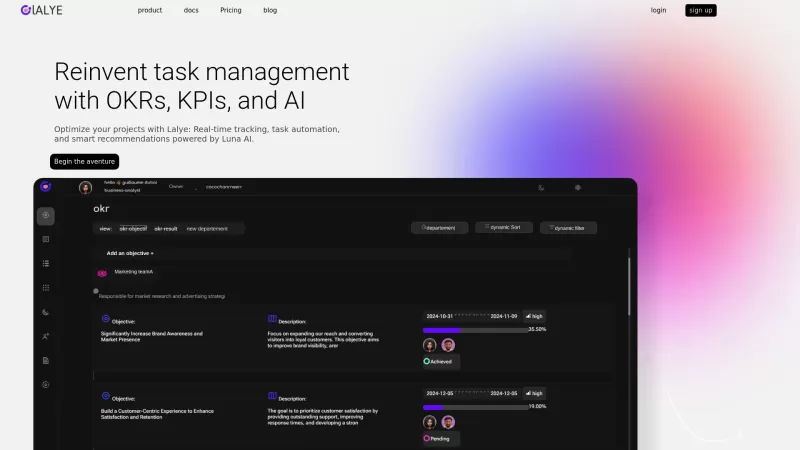
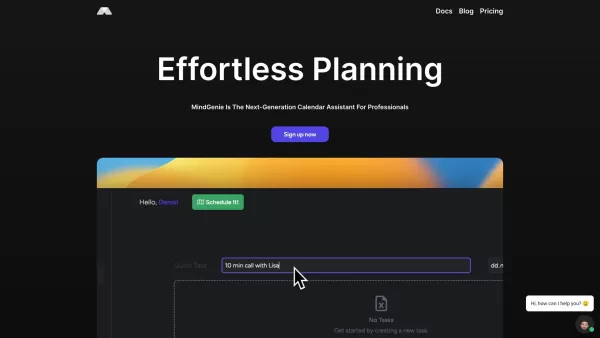
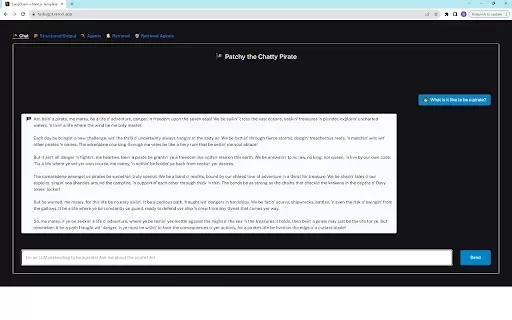
AI Scheduler Screenshot


2026 Latest Top-rated AI Illustration Tools: Our curated list features the best powerfully designed tools for creating stunning editorial scenes and eye-catching cover art quickly. Each option has gone through rigorous real-world tests, offering a free vs paid comparison to help you find the perfect match for your workflow. Try these must-try solutions today to unlock your AI edge and boost your creative productivity. Explore now at XIX.AI.
 10 tools
 xix.ai

2026 Latest Top-Rated Best AI Tutors for Exam Prep are here on XIX.AI! Our curated list features powerful game-changing tools that offer free vs paid comparison, real-world tests, and weekly updated rankings. They help boost your writing efficiency, simplify complex topic learning, and unlock your academic potential. Explore now to Discover your perfect exam prep tool and Start creating today to Unlock your AI edge!
10 tools
xix.ai

2026 Latest Best Top-Rated AI Budget Planning Tools for Personal Money Management are here on XIX.AI! This curated collection features powerful, game-changing solutions that help you conduct real-world tests, understand spending habits, and create personalized plans to boost productivity. Enjoy a free vs paid comparison along with detailed rankings. Must-try tools designed to simplify money management and unlock your AI edge. Explore now!
11 tools
xix.ai

2026 Latest Best Top-Rated AI Sleep Tracking Assistants curated for ultimate recovery. This fully updated weekly guide features powerful tools that deliver real-world tests, free vs paid comparison, and detailed rankings to help you find the must-try solution that boosts sleep quality and supports better bedtime habits. Explore now at XIX.AI to Unlock your AI edge.
10 tools
xix.ai

2026 Latest Best Top-Rated AI SQL Copilots for Product and Revenue Analytics! XIX.AI has curated a powerful, game-changing collection of must-try tools that undergo real-world tests through weekly updated rankings. These tools help users boost productivity significantly by accelerating data analysis, streamlining complex queries, and generating accurate insights to drive smarter business decisions. Explore now to Discover your perfect tool for unlocking your AI edge!
14 tools
xix.ai

2026 Latest Best Top-Rated AI Homework Helpers That Teach Core Concepts Not Just Answers Powerful Tools for Students Must-Try Curated List Weekly Updated Free vs Paid Comparison Real-World Tests Accurate Rankings to Help You Unlock Your Full Learning Potential Explore now to Discover your perfect tool for smarter studying.
10 tools
xix.ai


