


 Home
HomeAI Notebook App



Helps TikTok sellers, brands, MCNs, and TAPs discover winning products and find creators.

HelpLook is an AI-powered all-in-one knowledge base tool that helps businesses quickly build knowledge bases, help centers, and...

Your AI Workspace

302.AI is an enterprise-grade AI resource platform with pay-as-you-go pricing, API access to a full range of AI models, and ready-to-use online applications.

剧火AI — AI Screenwriter + Director, a One-Person Short Drama Studio In one sentence, what is it?
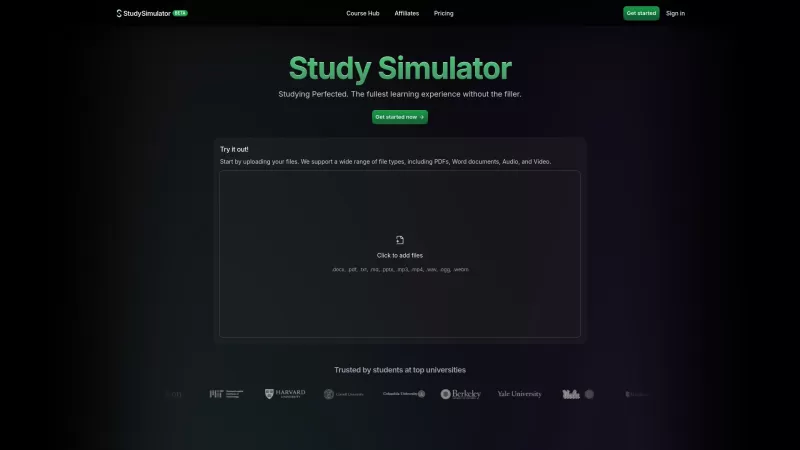
StudySim is a cutting-edge AI-powered learning platform designed to revolutionize your study sessions. It takes your study materials and transforms them into personalized flashcards, study guides, and quizzes that match your unique learning style. Whether

What is Cheatoz?Cheatoz revolutionizes how you access information by integrating an advanced AI question solver directly into your Chrome browser. Simply highlight a query on any webpage, and Cheatoz instantly delivers an accurate answer in a conveni
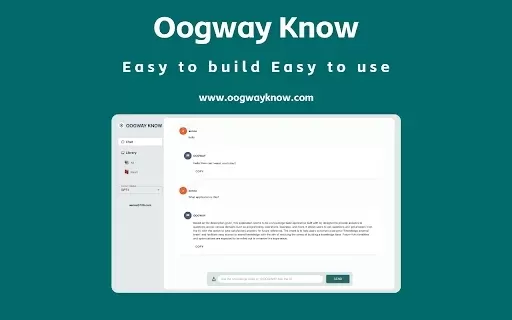
What is Oogway Know?Oogway Know is an innovative Chrome extension designed to enhance knowledge sharing and interaction. Users can build and manage knowledge documents that an AI can instantly reference in conversation. This streamlines accessing and
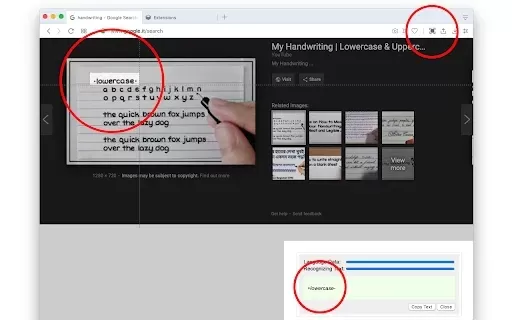
What is OCR - Image Reader?The OCR - Image Reader extension brings Optical Character Recognition directly to your Chrome browser. It allows you to effortlessly convert images, screenshots, or specific screen areas into editable text. Leveraging advan
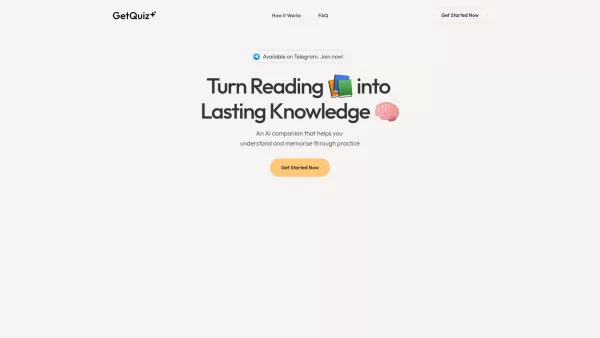
GetQuiz is your personal AI tutor, designed to help you master what you learn by turning it into actionable insights through customized quizzes. Whether you're diving deep into textbooks, notes, or other documents, GetQuiz analyzes your content and crafts
AI Notebook App Product Information
What Is an AI Notebook App?
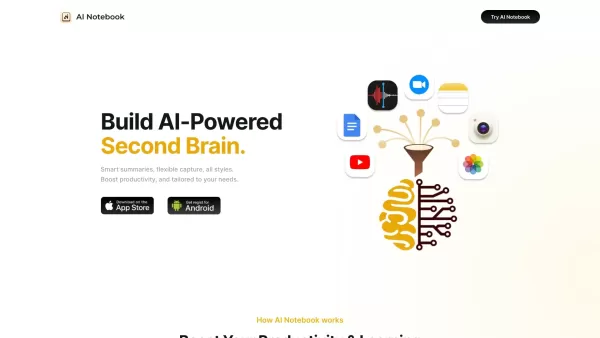
AI Notebook is a cutting-edge application that transforms your note-taking experience with advanced artificial intelligence. It captures text, images, and audio, offering real-time transcriptions and AI-generated summaries to help you efficiently organize and understand your notes. Ideal for students, professionals, and anyone seeking well-structured and easily accessible information, AI Notebook boosts productivity by saving time and effort in managing notes.
Who Will Use the AI Notebook App?
- Students
- Professionals
- Researchers
- Journalists
- Content Creators
- Project Managers
- Meeting Facilitators
- Writers
How to Use the AI Notebook App
- Step 1: Download and install the AI Notebook app from the App Store or Google Play Store.
- Step 2: Open the app and create an account or log in.
- Step 3: Start a new note by clicking the 'New Note' button.
- Step 4: Input information through text, images, or audio recordings.
- Step 5: Use live transcriptions to convert audio notes into text.
- Step 6: Use AI-generated summaries to condense and understand lengthy notes.
- Step 7: Organize your notes into folders or categories for easy access.
- Step 8: Share notes with others if needed.
- Step 9: Access your notes anytime through the app.
Platform
- Web
- iOS
- Android
AI Notebook App's Core Features & Benefits
The Core Features
- AI-powered summaries
- Live transcriptions of audio
- Multi-format note capture (text, image, audio)
- Seamless organization
- Data sharing capabilities
The Benefits
- Enhanced productivity
- Better comprehension of notes
- Time-saving transcriptions and summaries
- Organized and easily accessible information
- Versatile note-taking options
AI Notebook App's Main Use Cases & Applications
- Recording and transcribing lectures for students.
- Capturing meeting notes and generating summaries for professionals.
- Organizing research materials for researchers.
- Creating and managing story ideas for writers.
- Day-to-day personal note-keeping for anyone.
AI Notebook App's Pros & Cons
The Pros
Automatic transcription and summarization of meetings and various content types
Supports multiple languages (58 languages)
Integrates well with platforms like Zoom, Google Meet, and YouTube
Provides smart search and organization for notes across devices
Customizable templates and AI-powered task recognition
Highly rated with positive user feedback across different user groups
The Cons
Not open source, limiting customization and transparency
Some user reviews mention that transcription accuracy depends on input quality
Pricing might be considered high by some users
No explicit mention of offline capabilities
AI Notebook App's Pricing
Has free plan | Yes |
|---|---|
Free trial details | 3-Day Free Trial for Premium and Premium Plus plans |
Pricing model | Freemium |
Is credit card required | No |
Paid from | $6.66 USD |
Has lifetime plan | No |
Billing frequency | Monthly |
Details of Pricing Plan
Free
$0 USD
- Access to all features for a limited time
- Create notes from YouTube videos, text, images, web page URLs, audio, and PDFs
- Organize, categorize, and search notes
- Sync notes across devices (desktop and mobile)
- Chrome extension
Premium
$6.66 USD
- Unlimited audio recording and transcription
- Unlimited summaries
- Unlimited AI chats
- Unlimited file uploads
- Unlimited video uploads
- Live audio recording and transcription (up to 60 minutes)
- 10 audio overviews per month
- Notes translation
- Access to 20+ templates
- Unlimited private storage
Premium Plus
$10.83 USD
- Live audio recording and transcription (up to 120 minutes)
- 100 audio overviews per month
- Unlimited real-time audio transcription
- Real-time speaker identification and translation
- Access to 50+ templates
Teams
$10 USD
- Unlimited audio overviews
- Access to all templates
- Admin controls
- Priority support
Discount:
45% off on annual plan
For the latest prices, please visit: https://ainotebook.app/pricing
FAQs of AI Notebook App
What is AI Notebook?
AI Notebook is a note-taking app that uses AI to help organize and make sense of your notes with live transcriptions and summaries.
How does AI Notebook improve productivity?
It organizes notes in multiple formats, provides live transcriptions, and generates AI summaries to save time and boost productivity.
On which platforms is AI Notebook available?
AI Notebook is available on the web, Android, and iOS platforms.
Can AI Notebook transcribe audio recordings?
Yes, AI Notebook provides live transcriptions for audio recordings.
Is AI Notebook suitable for students?
Yes, AI Notebook is ideal for students to record and transcribe lectures and organize study materials.
Does AI Notebook support multi-format notes?
Yes, it supports text, image, and audio notes.
Can I share my notes with others using AI Notebook?
Yes, AI Notebook allows you to share notes easily with others.
Does AI Notebook provide AI-generated summaries?
Yes, it generates summaries of lengthy notes to aid understanding.
Is there a free version of AI Notebook?
For specific information about plans and pricing, please visit the official website.
What kind of users can benefit from AI Notebook?
Students, professionals, researchers, journalists, writers, and anyone needing organized note-taking can benefit.
AI Notebook App Company Information
Website:
https://ainotebook.appCompany Name:
AI NotebookSupport Email:
Facebook:
N/AX (Twitter):
https://x.com/ai_notebook_appYouTube:
N/AInstagram:
https://www.instagram.com/ainotebook.app/TikTok:
N/ALinkedIn:
N/A
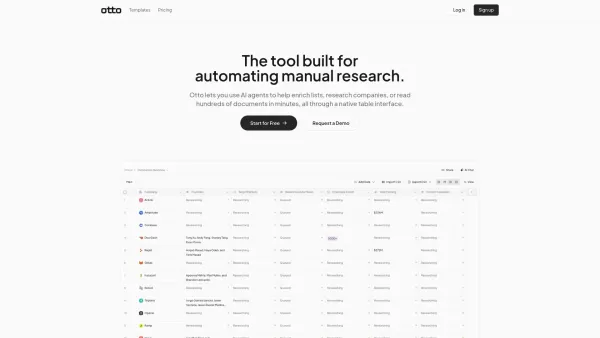
AI Notebook App Screenshot
2026 Latest Best AI Lip-Sync Generators for Dialogue-Driven Character Animation and Motion Scenes! XIX.AI has curated a top-rated list of powerful, game-changing tools that deliver flawless synchronized lip movements for animated characters. Each option undergoes rigorous real-world tests to ensure reliability, and our weekly updated rankings help you find the must-try solution that boosts your animation workflow efficiency. Explore now to discover your perfect tool!
 9 tools
 xix.ai

2026 Latest Best Top-rated AI Social Reply Assistants for Brand Community Management! XIX.AI has curated a powerful game-changing collection of must-try tools, all going through rigorous real-world tests to deliver consistent top-quality results. You can find detailed free vs paid comparison insights and up-to-date weekly updated rankings here. Explore now to unlock your AI edge in efficient community management!
12 tools
xix.ai

2026 Latest Top-Rated AI Daily Planner Apps make creating realistic deep work schedules effortless. This curated list features powerful, game-changing tools that go through real-world tests to ensure accuracy and effectiveness. You’ll find a free vs paid comparison along with detailed rankings based on usability and results. XIX.AI is part of this trusted collection. Explore now to discover your perfect tool and unlock your AI edge for staying focused and productive every day.
11 tools
xix.ai

2026 Latest Best Top-rated AI Chart Builder Tools for Fast Reporting are here on XIX.AI! This curated list features powerful game-changing tools that deliver accurate professional charts with just a few clicks, helping you boost writing efficiency and streamline content creation. Get a free vs paid comparison along with real-world tests and detailed rankings to find the must-try solution for your needs. Explore now to unlock your AI edge!
9 tools
xix.ai

2026 Latest Best Top-rated AI Live Chat Routing Tools for Ecommerce Queues, VIP Buyers, and Return Requests. This curated list features powerful game-changing solutions that boost productivity dramatically through real-world tests. It includes a free vs paid comparison along with detailed rankings to help you find the perfect fit. XIX.AI stands out as a trusted provider in this space. Explore now to Unlock your AI edge!
9 tools
xix.ai

2026 Latest Best Top-Rated AI Editing Tools for ESL Writers are here on XIX.AI! This curated list features powerful game-changing tools that go through real-world tests to ensure accuracy. You can find a free vs paid comparison alongside detailed rankings to help you pick the must-try solution that boosts your writing tone, grammar, and flow perfectly. Explore now to Unlock your AI edge!
9 tools
xix.ai


