


 Home
HomeAI Cover Letter Generation Integrated into LinkedIn
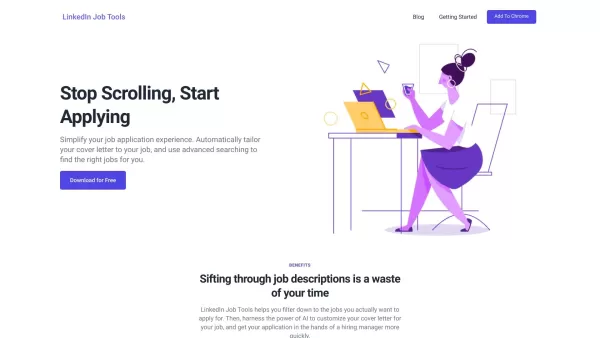
Customize your LinkedIn cover letter effortlessly and find the right jobs with advanced searching.



Helps TikTok sellers, brands, MCNs, and TAPs discover winning products and find creators.

HelpLook is an AI-powered all-in-one knowledge base tool that helps businesses quickly build knowledge bases, help centers, and...

Your AI Workspace

302.AI is an enterprise-grade AI resource platform with pay-as-you-go pricing, API access to a full range of AI models, and ready-to-use online applications.

剧火AI — AI Screenwriter + Director, a One-Person Short Drama Studio In one sentence, what is it?

Ever wished for a trusty sidekick to help you navigate the digital world with ease? Enter Sider, your personal AI companion designed to seamlessly blend into your daily routine. Starting off as a handy Chrome/Edge extension, Sider transforms your browsing
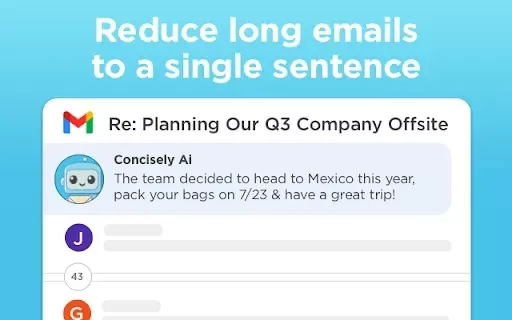
What is Concisely?Concisely is a cutting-edge Chrome extension that redefines email reading by using advanced AI to deliver one-sentence summaries of entire email threads. It allows busy professionals to capture the main idea instantly, eliminating t
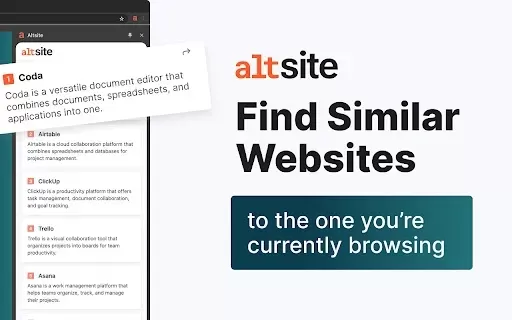
What is Altsite?Altsite is a browser extension that helps users find websites similar to the one they're currently visiting. Using advanced AI technology, it analyzes website content and instantly generates a list of related sites. This tool is ideal
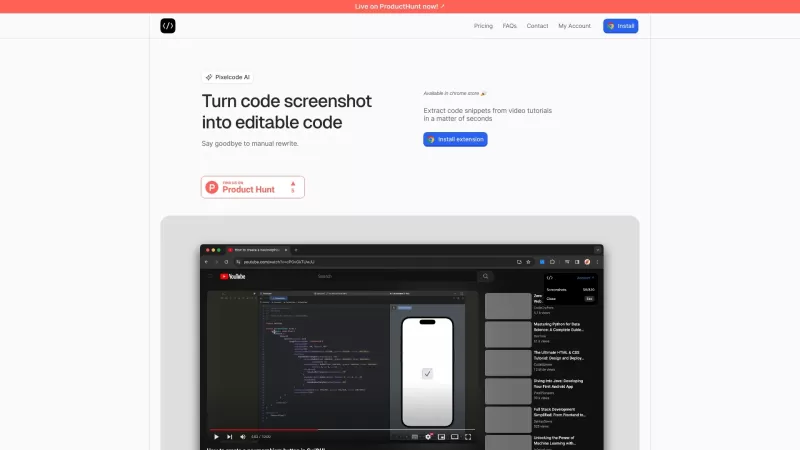
Pixelcode is a revolutionary tool that transforms screenshots of code into editable text, saving you from the tedious task of typing out code manually. Imagine snapping a picture of a code snippet and instantly having it ready to edit in your preferred co
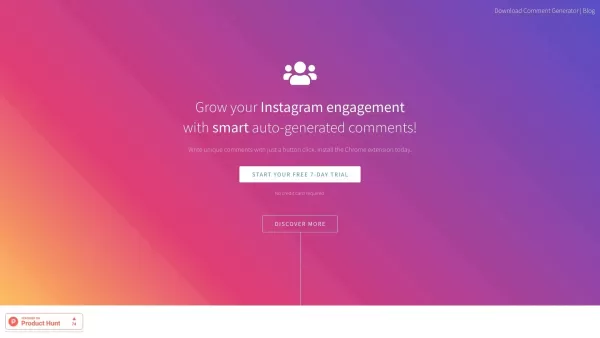
What is Comment Generator?Comment Generator is an innovative AI tool that crafts authentic and compelling comments for Instagram and Threads. This Chrome extension uses sophisticated algorithms to automate comment writing, saving you time while prese
AI Cover Letter Generation Integrated into LinkedIn Product Information
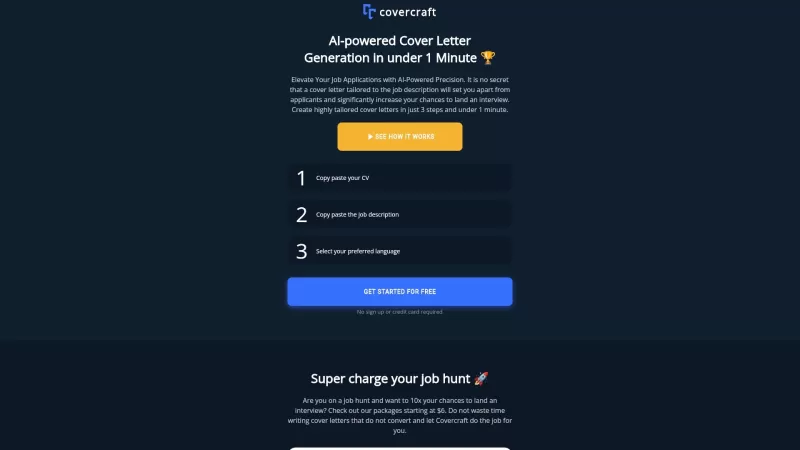
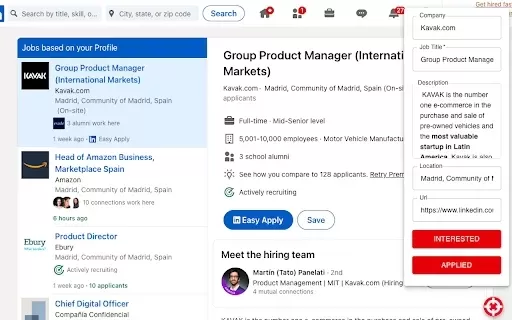
Imagine crafting the perfect cover letter for your dream job on LinkedIn with just a few clicks. That's what AI Cover Letter Generation Integrated into LinkedIn brings to the table. This nifty tool allows you to tailor your cover letter to the job you've just viewed, or it can whip up an entirely new one from scratch. Simply upload your resume, and the AI gets to work, customizing your cover letter based on the job description, your resume, and even a template you might provide. It's like having a personal career assistant right in your browser!
How to Use AI Cover Letter Generation Integrated into LinkedIn?
Getting started is as easy as pie. Just download the LinkedIn Job Tools extension for Chrome. Once you've got it installed, you're ready to roll. You can tweak your cover letter to perfectly match the job you're eyeing on LinkedIn or start fresh with a new one. And if you're on the hunt for the right job, the tool's advanced search features can help you narrow down your options with ease.
AI Cover Letter Generation Integrated into LinkedIn's Core Features
Customize Cover Letters for LinkedIn Job Postings
Ever wished you could make your cover letter pop for that specific job posting? This feature lets you do just that, ensuring your application stands out from the crowd.
Automatically Tailor Cover Letters Based on Job Descriptions, Resumes, and Templates
No more staring at a blank page wondering where to start. The AI does the heavy lifting, creating a cover letter that's uniquely yours, tailored to fit the job like a glove.
Advanced Job Searching Filters
Finding the right job can feel like searching for a needle in a haystack. With these advanced filters, you can sift through LinkedIn's vast job listings more efficiently, zeroing in on the opportunities that truly match your skills and aspirations.
FAQ from AI Cover Letter Generation Integrated into LinkedIn
- What is LinkedIn Job Tools?
- LinkedIn Job Tools is a Chrome extension designed to enhance your job search and application process on LinkedIn, featuring AI-driven cover letter generation.
- Why does Google say: 'This extension is not trusted by Enhanced Safe Browsing'?
- Google's Enhanced Safe Browsing might flag new or less-known extensions as untrusted. It's a safety measure, but you can still use the extension if you're comfortable with it.
- What is the pricing for LinkedIn Job Tools?
- LinkedIn Job Tools offers a free version with basic features. Premium features might require a subscription, but prices can vary, so check the latest details on their site.
- How do I get started?
- Download the LinkedIn Job Tools extension from the Chrome Web Store, install it, and start customizing your cover letters or searching for jobs right away.
- Where do I find the LinkedIn Job Tools icon?
- After installation, the LinkedIn Job Tools icon typically appears in the Chrome toolbar. Click it to access the tool's features.
- How do the added filters interact with the regular LinkedIn filters?
- The advanced filters provided by LinkedIn Job Tools work in tandem with LinkedIn's own filters, allowing you to refine your search even further within LinkedIn's ecosystem.
AI Cover Letter Generation Integrated into LinkedIn Screenshot

2026 Latest Best Top-rated AI Style Transfer Tools for Creative Experiments! XIX.AI has curated a powerful, game-changing collection of must-try tools that deliver exceptional results through real-world tests and rigorous rankings. These top solutions help creatives boost productivity significantly by accelerating content creation and unlocking endless creative possibilities. Explore now to discover your perfect tool and start creating today!
 9 tools
 xix.ai

2026 Latest Best Top-Rated AI Dialogue Bubble Tools for Visual Storytelling are here on XIX.AI! This curated collection features powerful, game-changing tools that help creators boost productivity and overcome creative bottlenecks. Get a free vs paid comparison, see real-world tests, and check the latest rankings to find the must-try solutions perfect for crafting engaging visual narratives. Explore now to discover your ideal tool!
10 tools
xix.ai

2026 Latest Top-Rated Best AI Meeting Summary Tools for Clear Decision Tracking and Effortless Follow-Ups. This curated list showcases powerful, game-changing solutions that boost productivity dramatically by automating meeting notes, identifying key action items, and streamlining team coordination across all projects. Get a free vs paid comparison along with real-world tests and weekly updated rankings to help you find the perfect tool. Explore now to unlock your AI edge!
9 tools
xix.ai

2026 Latest Best Top-rated AI Data Cleaning Tools for quick fixing of missing values and duplicates. This curated list showcases powerful, game-changing solutions that boost productivity significantly. Each option has undergone rigorous real-world tests to ensure reliability. Get a free vs paid comparison and discover the must-try tool that fits your needs best. Explore now at XIX.AI to Unlock your AI edge.
11 tools
xix.ai

2026 Latest Best Top-Rated AI Creative Ideation Tools for Artists are curated by XIX.AI to help creators break through visual blocks and boost creativity instantly. These powerful game-changing tools offer real-world tests, detailed free vs paid comparison, and weekly updated rankings. Discover your perfect tool to accelerate content creation and unlock your AI edge today. Explore now!
14 tools
xix.ai

2026 Latest Best AI Beat Makers for TikTok Background Tracks, Reels Audio, and Creator Promo Music! XIX.AI has curated a top-rated list of powerful game-changing tools that go through real-world tests to deliver flawless music for every content need. You’ll find detailed free vs paid comparison data, weekly updated rankings, and must-try options to help you boost creativity and productivity. Explore now to discover your perfect tool!
11 tools
xix.ai


Just tried this AI cover letter tool on LinkedIn – super handy! 😄 It saved me a bunch of time tailoring my application, though I hope future updates let me adjust the tone a bit more. Still, a real game-changer for job hunting on the platform!


