


 Home
HomeAdoptSequence Video Capture
Screen & Web Recorder | One-Click Capture



Helps TikTok sellers, brands, MCNs, and TAPs discover winning products and find creators.

HelpLook is an AI-powered all-in-one knowledge base tool that helps businesses quickly build knowledge bases, help centers, and...

Your AI Workspace

302.AI is an enterprise-grade AI resource platform with pay-as-you-go pricing, API access to a full range of AI models, and ready-to-use online applications.

剧火AI — AI Screenwriter + Director, a One-Person Short Drama Studio In one sentence, what is it?
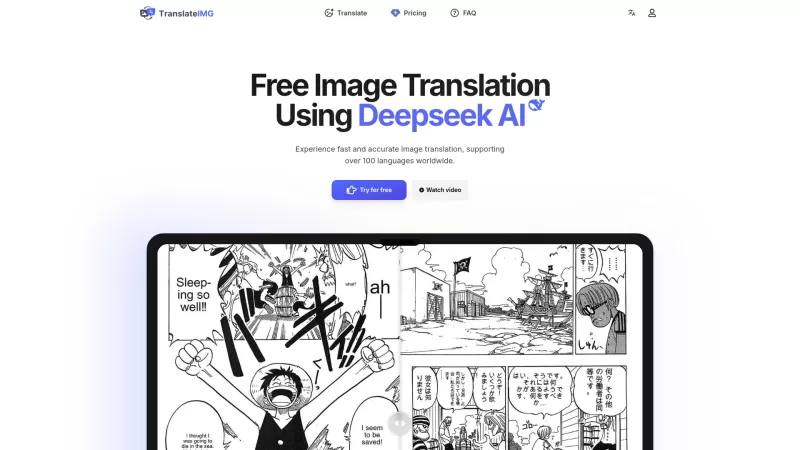
Ever stumbled upon an image with text in a language you can't understand? That's where Deepseek R1 comes in, a nifty online tool that transforms text within images into over 100 different languages. Whether it's a manga page, an e-commerce product descrip
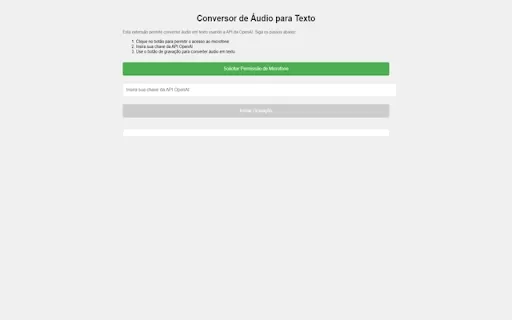
Ever wished you could magically transform your audio recordings into neatly typed text? Well, the Conversor de Áudio para Texto AI Chrome extension is here to make that wish come true! This nifty tool harnesses the power of OpenAI's advanced API to turn y
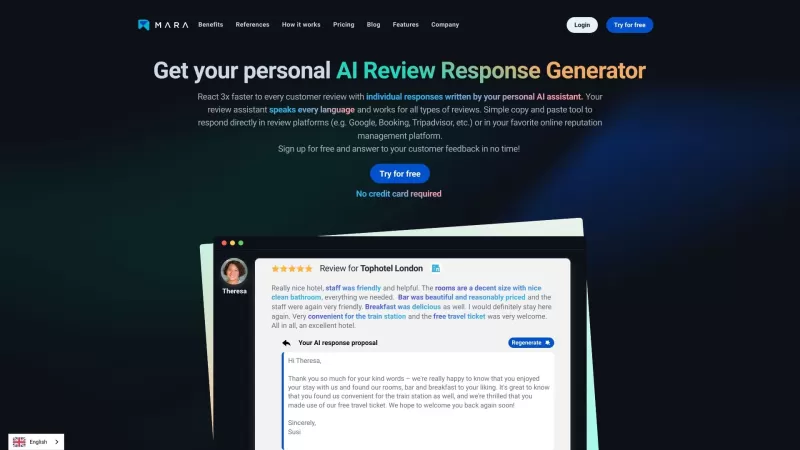
Ever found yourself staring blankly at customer reviews, wondering how to respond in a way that feels genuine and personal? That's where the AI Review Response Generator comes in—a nifty tool designed to take the hassle out of crafting those responses. Cr
Ever wondered how to breathe life into your scripts without spending hours in a recording booth? Meet Cugent, your new best friend in the world of AI voiceovers. This nifty tool takes your scripts—whether they're in PDF, Docs, or just plain text—and transforms them into professional, high-quality vo
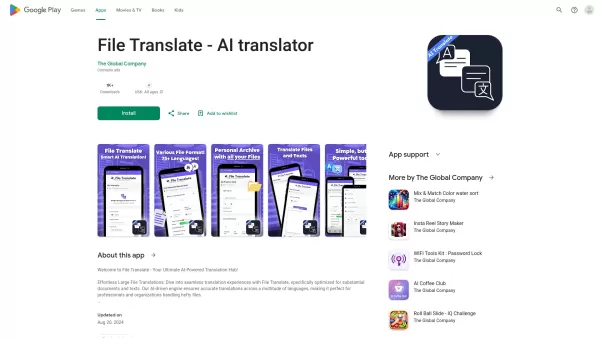
Ever found yourself staring at a mountain of documents, wishing you could magically translate them into another language? Well, that's where File Translator AI comes in—your new best friend for tackling those translation woes. This isn't just any translat
AdoptSequence Video Capture Product Information
What is AdoptSequence Video Capture?
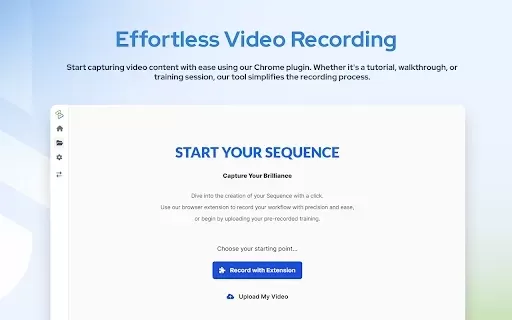
AdoptSequence Video Capture is an AI-powered tool that records and translates your screen activity. It enables full-screen, window, and tab recording in up to 4K quality, improves audio clarity, and translates content into more than 25 languages. The tool keeps translated audio in perfect sync with on-screen actions and simplifies sharing through unique Sequence links. It's ideal for developers, product managers, customer success teams, and marketers who want to streamline global communication.
Who can benefit from AdoptSequence Video Capture?
- Developers
- Product Managers
- Customer Success Teams
- Marketers
How to get started with AdoptSequence Video Capture
- Step 1: Download and install the AdoptSequence Video Capture extension from the Chrome Web Store.
- Step 2: Launch the extension and choose your preferred recording mode (full screen, window, or tab).
- Step 3: Click the record button to begin capturing your screen.
- Step 4: Record audio from various sources and enhance it with the smart audio tool.
- Step 5: After recording, use the AI translation feature to convert your video into the language you need.
- Step 6: Use the AI sync feature to align the translated audio precisely with on-screen actions.
- Step 7: Share your video through unique Sequence links or integrate it directly with Slack.
Platform
- web
- chrome
AdoptSequence Video Capture's Core Features & Benefits
The Core Features
- One-Click Screen Capture
- High-Quality Recording up to 4K
- Smart Audio Enhancement
- AI-Powered Translation
- Perfect Sync
- Easy Sharing
The Benefits
- Break down language barriers
- Save time on video editing and localization
- Maintain consistent video quality
- Enhance global collaboration
- Deliver multilingual support with ease
AdoptSequence Video Capture's Main Use Cases & Applications
- Recording developer code walkthroughs
- Updating global teams on new product features
- Creating multilingual content for customer support
- Streamlining localized marketing campaigns
FAQs of AdoptSequence Video Capture
What is AdoptSequence Video Capture?
AdoptSequence Video Capture is a screen recording and translation tool designed to support seamless global teamwork.
How do I install the AdoptSequence extension?
Find and install it from the Chrome Web Store by searching for 'AdoptSequence Video Capture'.
What recording modes are supported?
You can record in full-screen, window, or tab mode.
Can I enhance the audio quality in my recordings?
Yes, the smart audio enhancement feature reduces background noise and removes filler words.
How many languages are supported for translation?
Translations are available in more than 25 languages.
Is there an option to customize branding elements?
Yes, you can customize overlays, intros, outros, and include your branding.
How can I share my recordings?
Share videos using unique Sequence links or by integrating with Slack.
What are some use cases for this tool?
It's commonly used for code demos, feature rollouts, support videos, and marketing content.
Does the extension offer high-quality recording?
Yes, it supports recording resolutions up to 4K.
Can I sync translated audio with on-screen actions?
Yes, the AI sync feature ensures translated audio matches on-screen movements perfectly.
AdoptSequence Video Capture Company Information
- Training Layers Inc.
- https://adoptsequence.com
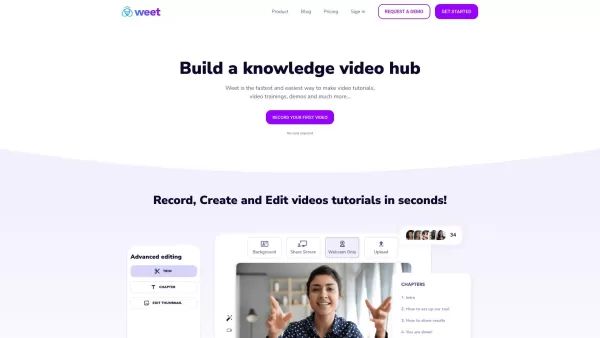
AdoptSequence Video Capture Screenshot


2026 Latest Top-rated AI Illustration Tools: Our curated list features the best powerfully designed tools for creating stunning editorial scenes and eye-catching cover art quickly. Each option has gone through rigorous real-world tests, offering a free vs paid comparison to help you find the perfect match for your workflow. Try these must-try solutions today to unlock your AI edge and boost your creative productivity. Explore now at XIX.AI.
 10 tools
 xix.ai

2026 Latest Top-Rated Best AI Tutors for Exam Prep are here on XIX.AI! Our curated list features powerful game-changing tools that offer free vs paid comparison, real-world tests, and weekly updated rankings. They help boost your writing efficiency, simplify complex topic learning, and unlock your academic potential. Explore now to Discover your perfect exam prep tool and Start creating today to Unlock your AI edge!
10 tools
xix.ai

2026 Latest Best Top-Rated AI Budget Planning Tools for Personal Money Management are here on XIX.AI! This curated collection features powerful, game-changing solutions that help you conduct real-world tests, understand spending habits, and create personalized plans to boost productivity. Enjoy a free vs paid comparison along with detailed rankings. Must-try tools designed to simplify money management and unlock your AI edge. Explore now!
11 tools
xix.ai

2026 Latest Best Top-Rated AI Sleep Tracking Assistants curated for ultimate recovery. This fully updated weekly guide features powerful tools that deliver real-world tests, free vs paid comparison, and detailed rankings to help you find the must-try solution that boosts sleep quality and supports better bedtime habits. Explore now at XIX.AI to Unlock your AI edge.
10 tools
xix.ai

2026 Latest Best Top-Rated AI SQL Copilots for Product and Revenue Analytics! XIX.AI has curated a powerful, game-changing collection of must-try tools that undergo real-world tests through weekly updated rankings. These tools help users boost productivity significantly by accelerating data analysis, streamlining complex queries, and generating accurate insights to drive smarter business decisions. Explore now to Discover your perfect tool for unlocking your AI edge!
14 tools
xix.ai

2026 Latest Best Top-Rated AI Homework Helpers That Teach Core Concepts Not Just Answers Powerful Tools for Students Must-Try Curated List Weekly Updated Free vs Paid Comparison Real-World Tests Accurate Rankings to Help You Unlock Your Full Learning Potential Explore now to Discover your perfect tool for smarter studying.
10 tools
xix.ai


This tool is amazing! I used it to record a tutorial and the translation feature worked perfectly. The 4K quality is crisp, though I wish the audio cleanup was a bit more aggressive. Still, a solid pick for content creators. 😄


